Want to quickly switch a tab or content to a new Incognito window in Google Chrome? Try the easy solutions listed here.
By Alexandra Arici – Feb 10, 2025
Looking for secure storage to keep important personal files? Try OneDrive Personal Vault in Windows. This guide shows you how to set it up.
By Meenatchi Nagasubramanian – Dec 5, 2022
Where is your data the safest?
By Laura Tucker – Aug 26, 2022
Keeping your phone number safe can impact your entire life. This post will show you how to block your phone number to make private calls!
By Tom Rankin – Apr 28, 2021
Retroshare is a filesharing network that takes the idea of P2P network and extends it to a friend-to-friend (F2F) network. Here it can help you privately connect with friends and family.
By Himanshu Arora – Nov 22, 2015
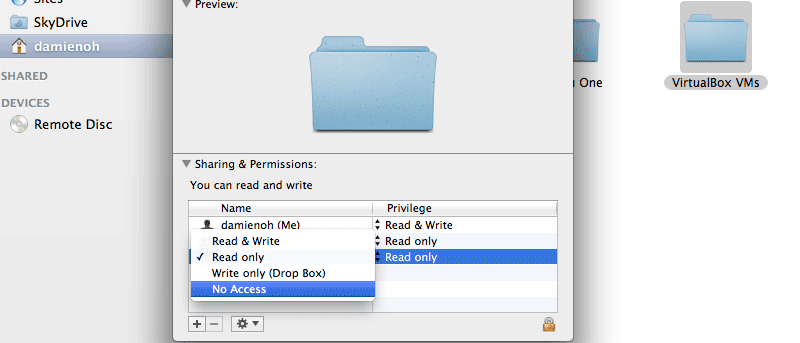
If there are multiple users on your Mac, you can easily make a folder private in Mac OS X with this simple trick.
By Damien Oh – Jul 24, 2013
Affiliate Disclosure: Make Tech Easier may earn commission on products purchased through our links, which supports the work we do for our readers.