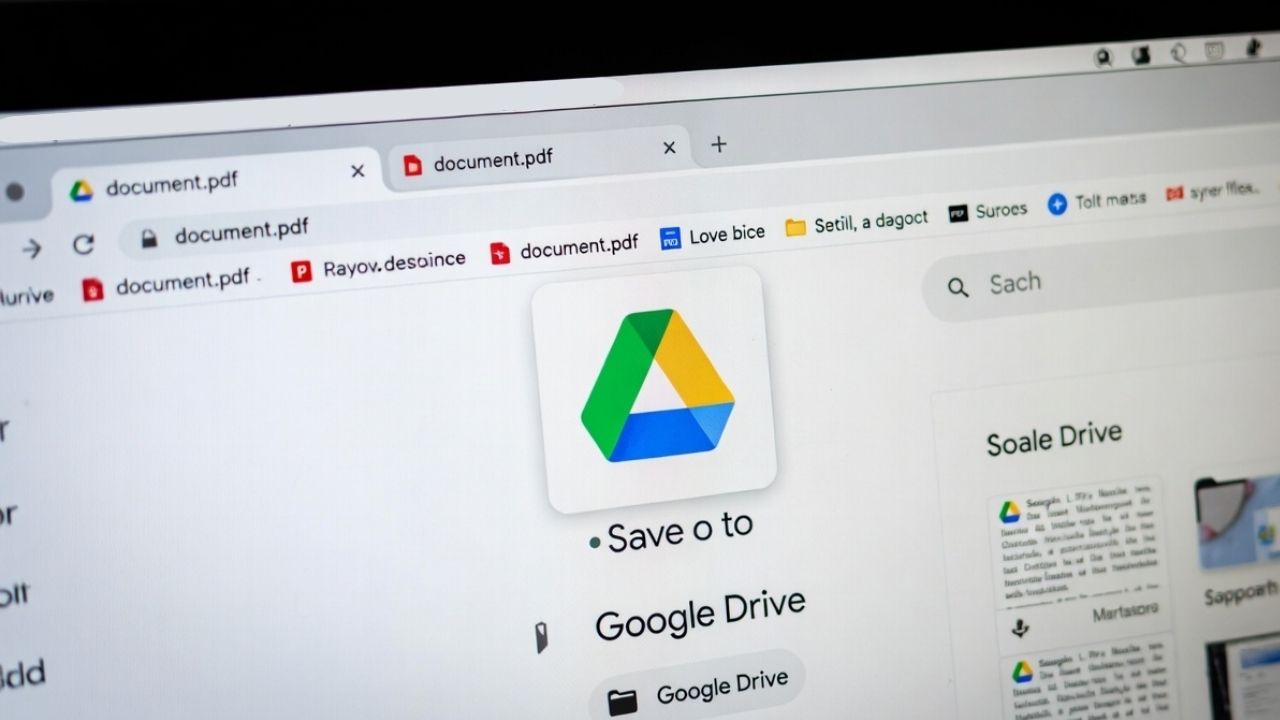
If you are using Chrome, you can now save PDF to Google Drive instantly using the new built-in button.
By Henderson Jayden Harper – Nov 19, 2025
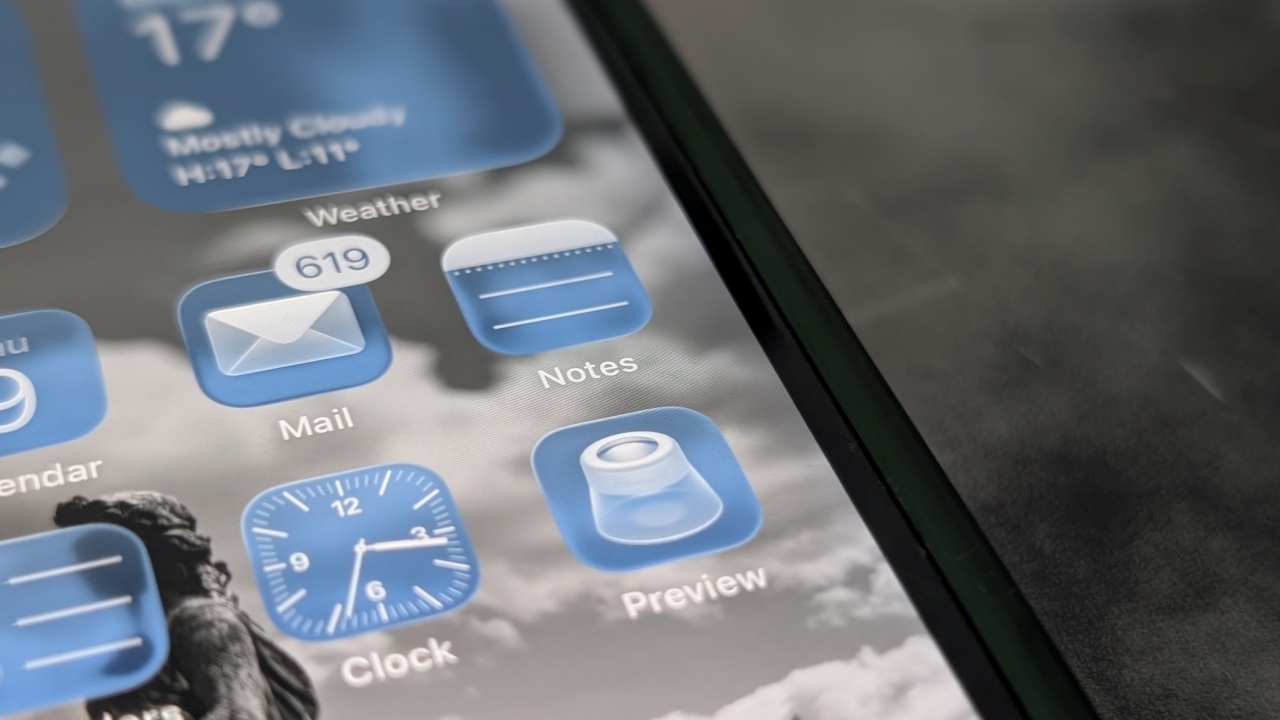
Find out what the Preview app for iOS can do and how it can improve your workflow.
By Alexandra Arici – Oct 9, 2025
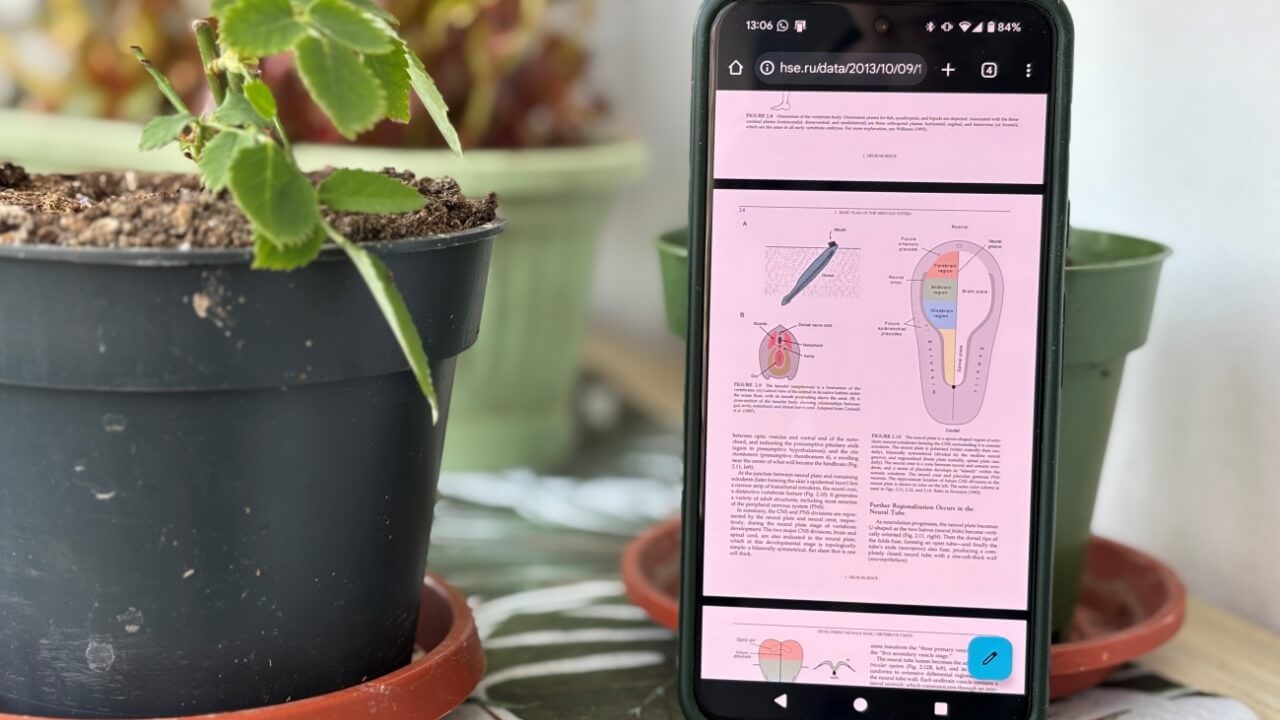
You don’t need an additional app to view that PDF file on your Android phone anymore.
By Alexandra Arici – Apr 26, 2025

Learn how to convert PDF to Google Docs with detailed methods via Google Drive, Microsoft Word, and third-party tools.
By Yash Patel – Sep 4, 2024
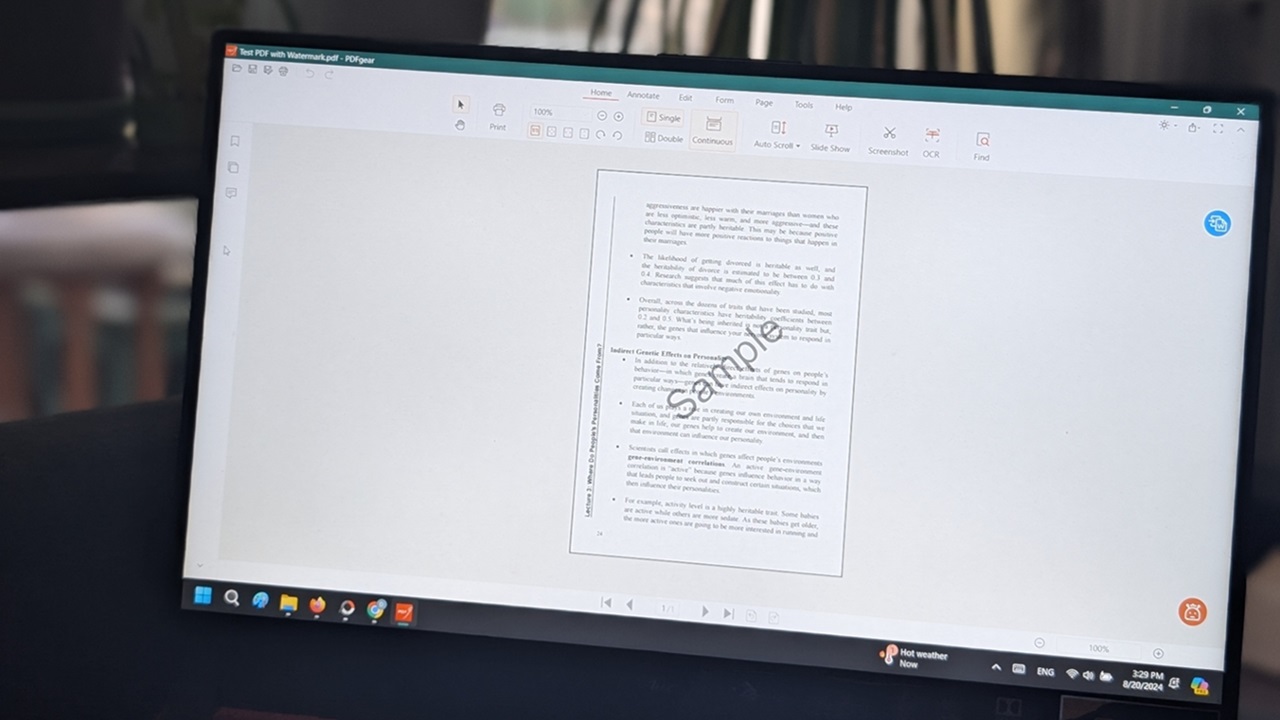
If you ever need to remove a watermark from PDF, there are free ways to do it. Learn how to remove watermark from your PDF files for free.
By Alexandra Arici – Aug 27, 2024
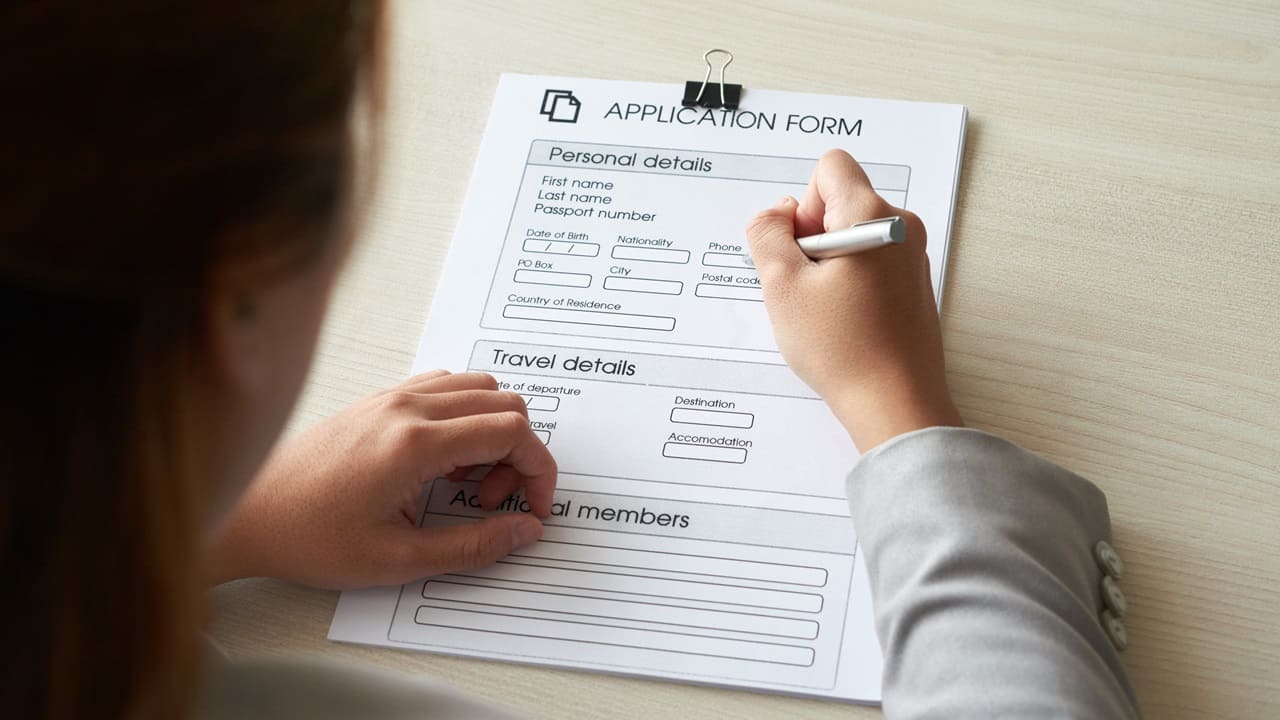
If you need to create a PDF with a fillable form, you can turn to LibreOffice for support. You can use Writer to create one from scratch.
By Alexandra Arici – Aug 26, 2024

Create a fillable form from a PDF with ease, with no subscriptions needed. Follow our guide to convert your static PDF into an interactive form.
By Alexandra Arici – Aug 24, 2024

Learn how to easily remove a password from a PDF file on your Mac using Adobe Acrobat, Preview, web browsers, and third-party apps.
By David Morelo – Apr 10, 2024
If you need to turn a Word document into a PDF, you’re in luck. This tutorial demonstrates how to export Word to PDF using various tools.
By Alexandra Arici – Apr 8, 2024
If you need a PDF converter on your Windows machine, there are plenty of options. This list includes a collection of free PDF converters.
By Alexandra Arici – Mar 29, 2024
Don’t like to rely on Adobe Acrobat anymore for your PDF needs? Check out this list of worthy free PDF readers for Windows.
By Alexandra Arici – Mar 28, 2024

Does your PDF need cleaning up? This guide includes various methods that allow you to delete pages from a PDF file to trim it down.
By Alexandra Arici – Mar 24, 2024
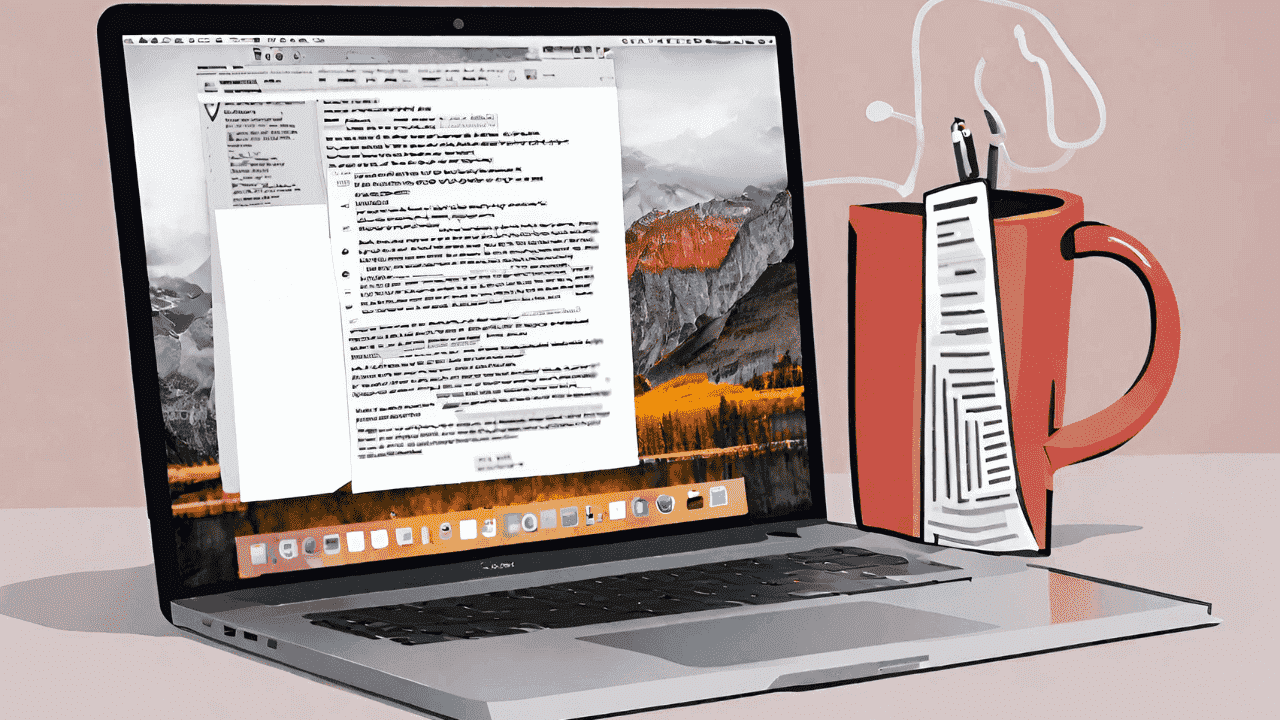
There are many Apple Notes tips when it comes to managing PDF files. This rundown includes the best tips to make you more productive.
By Mark O’Neill – Feb 2, 2024
Learn how to turn a picture into a PDF on iPhone with ease using a quick, built-in method and with the help of third-party apps.
By David Morelo – Jan 9, 2024
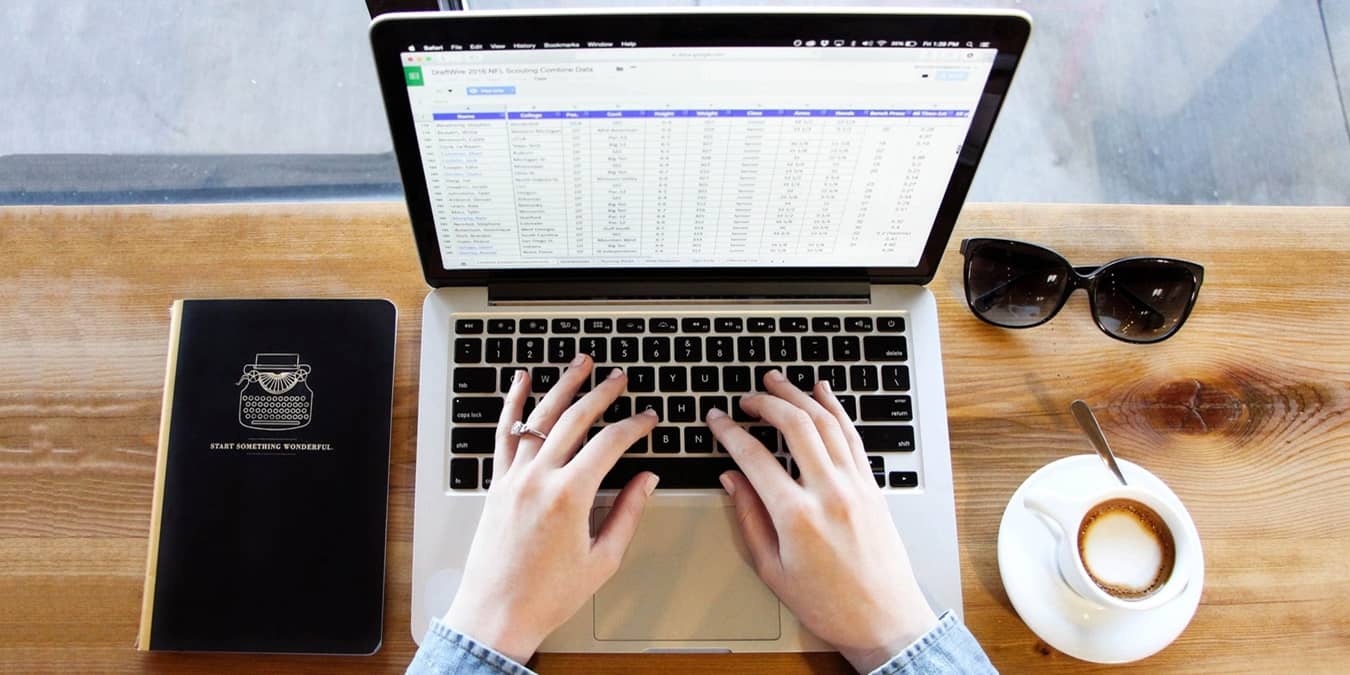
Need a PDF in a editable spreadsheet? Learn how to convert a PDF to a Microsoft Excel spreadsheet through several methods.
By Crystal Crowder – Nov 13, 2023
Dealing with a PDF not opening in Chrome? Discover simple and effective solutions to handle it when you can’t get PDFs to open.
By Khizer Kaleem – Oct 21, 2023

Whether you want to find a word in a PDF online or on your computer, we have you covered. Learn various ways to search a PDF document.
By Sandy Writtenhouse – Sep 20, 2023
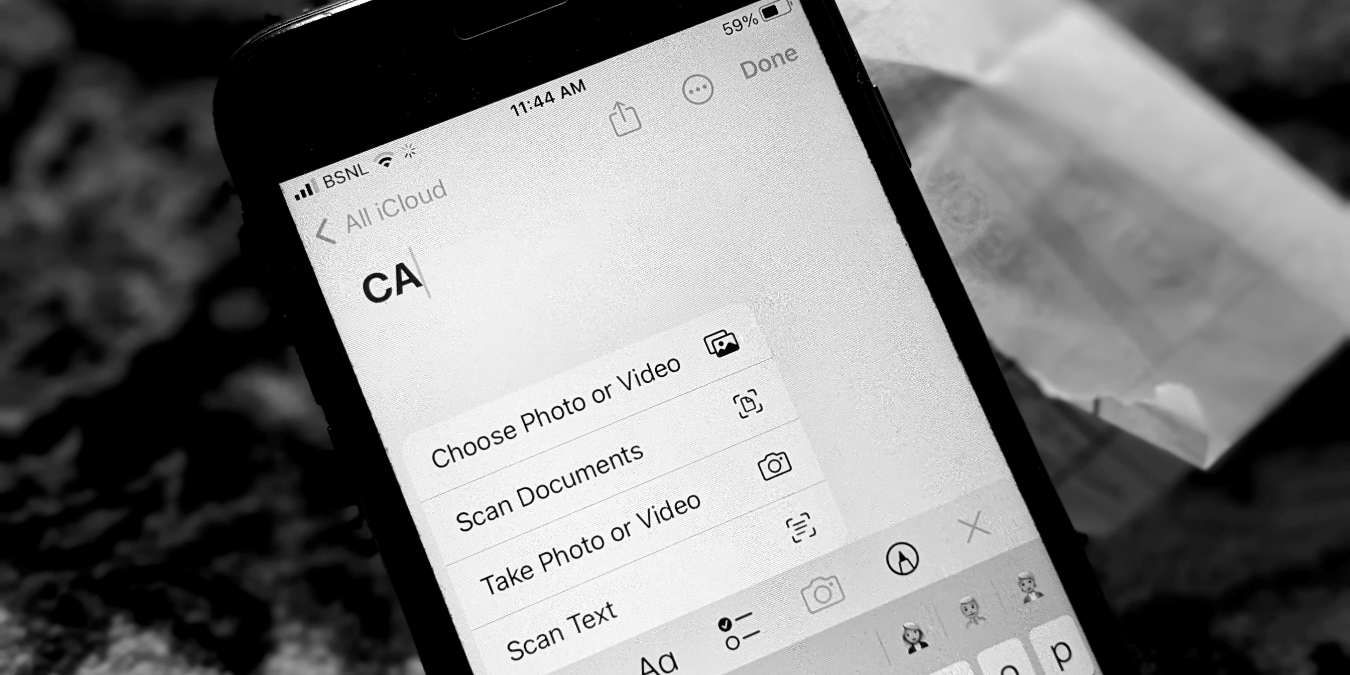
Discover how to scan documents, QR codes, and text from just about anything around you with the iPhone’s built-in scanning tool!
By Mehvish Mushtaq – Jul 12, 2023
Scribd is fine, but it isn’t the only option to host PDF files. Try out these Scribd alternatives to find one that may work better for you.
By Terenz Jomar Dela Cruz – Mar 23, 2023
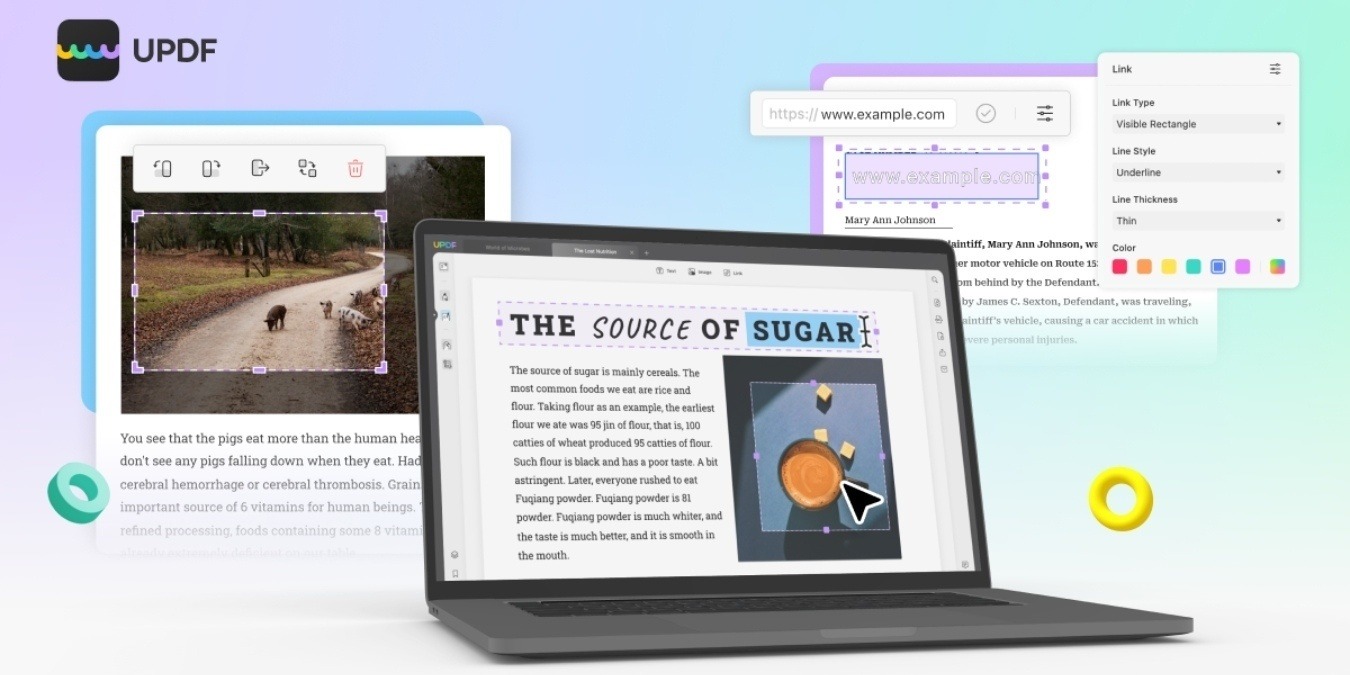
Looking for an easy-to-use PDF app to supercharge your workflow? UPDF features a diverse set of editing features and reading modes.
By Brahm Shank – Mar 9, 2023
Affiliate Disclosure: Make Tech Easier may earn commission on products purchased through our links, which supports the work we do for our readers.





