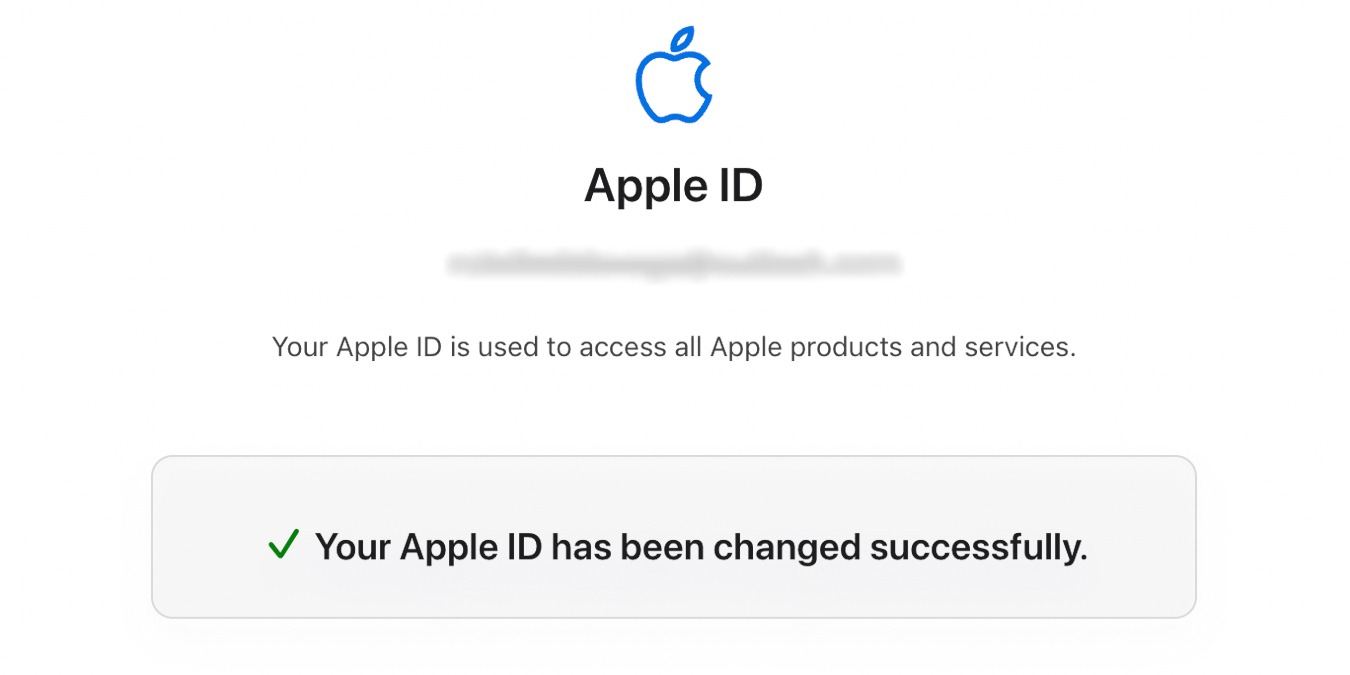
Is your Apple ID tied to an email address that you don’t really use anymore? Is it getting harder to remember it when you want to sign into your iTunes, or your other Mac services? If, like a growing number of users, you signed up for your Apple ID using a student mailbox from your now Alma Matter, and you are now more than ready to move it over to another inbox, then you have come to the right place because today we are going to look at how you can change your Apple ID. Don’t worry, this is really easy to do and you can do it from any computer with web access, unlike some changes to iTunes that can only be made from an authorized machine.
[Read more...]
How to Change Your Apple ID and Password
4 Best Practices To Secure Your Hotmail Account
Even though we discussed a lot about Gmail, Hotmail is still the leading email service in term of users. Gmail has introduced many security functions to secure the accounts of the people. Microsoft has also been doing great with Hotmail security but the features have largely been untold and silently integrated with Hotmail. Here, we will talk about the security options that Hotmail provides for security Hotmail accounts.
[Read more...]
How to Password Protect Your Files And Folders In Windows
Depending on your work, there will be times that you need to secure some confidential files/folders in your computer. Previously, we have shown you how to protect sensitive documents in Windows, without installing any software. In this article, let’s take a look at several software that can password protect your files and folders.
[Read more...]
How To Protect Your Sensitive Documents In Windows 7
Do you ever have a confidential document that you don’t want others to see? How do you protect it from creeping eyes? While there are many tools in the market, both free and paid, that allow you to encrypt your files and folders, we are not going to discuss about them today. Instead, we will talk about the built-in encryption function in Windows (available since Windows 2000). The tool that we are referring to is EFS (Encrypting File System).
[Read more...]
How To Change Your TweetDeck Password [Quick Tips]
On the first read, you may be wondering “how difficult can it be to change a password? Can’t I just go to my account and change the password?”
Well, that may be the case for any other account, but when it comes to TweetDeck, you are out of luck. If you are a TweetDeck user (with a registered account) and wanted to change your password, you will discover that there is no “change password” link anywhere in your account dashboard. Nor is it available in the web app or any of the mobile version. Until now, I still cannot figure out why such a useful software doesn’t come with the basic change password functionality.
[Read more...]
How to Reset Login Password in Windows 7
Sometimes you just forgot your Windows 7 user login password and find that is impossible to start the system. Abishek has covered the way to remove or change administrator password In Windows XP, but this method don’t work in Windows 7.
To reset login password in Windows 7, we are going to use the Offline NT Password & Registry Editor by Pogostick. This program can also be used to edit your registry from a boot CD. This can be very useful if you are dealing with a faulty driver.
[Read more...]
How to Import KeePassX Password to LastPass (And Vice-versa)
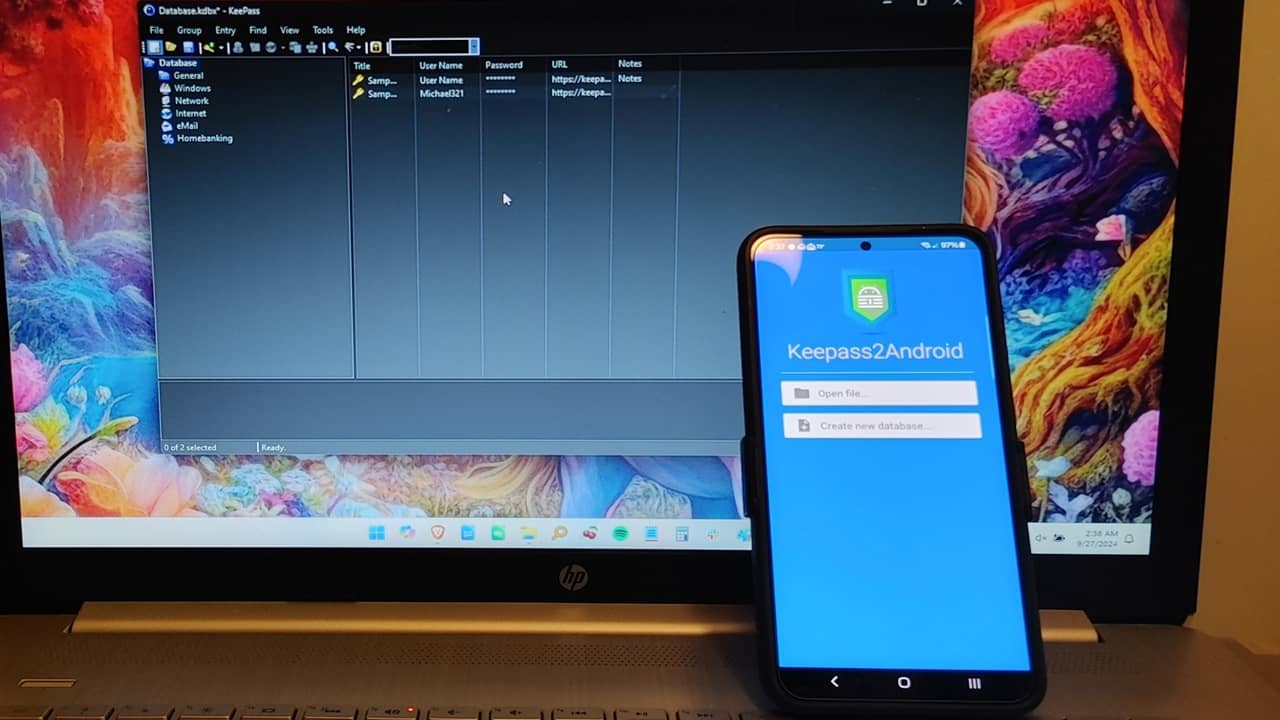
KeePass (KeepassX for Linux) has always been my favorite password manager. It works in all platforms, including portable USB drive and can generate secure passwords and store them securely. One thing that it doesn’t support is a browser plugin that can detect the site you are visiting and auto-fill the login field for you. For that matter, I used LastPass. LastPass is an online password manager that works in (almost) all browsers. You just have to visit the site and it will auto-login for you.
Now, if you are like me, already have a huge database of password stored in your KeePass (or KeePassX), you won’t want to enter individually to LastPass. Similarly, if you are using LastPass and intend to switch to KeePassX (because LastPass don’t support desktop app password), you will be looking for ways to import/export your password database from one to another.
[Read more...]
How to Keep Your Digital Life Synchronized – Automatically!
This is a guest post from Anders Vinther (Easy-Email.net)
These days, most people use a variety of electronic devices every day – computers, smartphones, iPads – you name it. I think the only person left who only uses one computer is my mum.
We all know how difficult it is to keep your information up to date and readily available when we need it. If you’re anything like me, you don’t want to have to remember to update your USB key before you leave the office or email yourself from your work email address to your personal email address… most often you don’t even know what you will need.
Wouldn’t it be great if you could have all your files, bookmarks, emails, passwords, contacts and calendar up to date, no matter where you are or which computer or device you are using? Here is the complete guide to synchronizing your digital life. Set it up once and then forget about it, it’s all automatic! It will take a bit of time to get it organised up front, but it will save you so much time from then on.
[Read more...]
How to Get a Single Sign On Code For Your Windows Live Account
If you are using a public or a shared computer to check your Windows live account, there is always a big risk of getting hacked. Someone may install a keylogger program or any other malicious script which can be used to detect keystrokes and whatever you are typing, whether it be on a text-box or in any document. When you type the username and password of your email account from the public computer, the keystrokes are recorded and may be saved as a text document on a remote FTP server.
When you leave the public computer after checking your email, the hacker may gain access to your Windows live account by retrieving the username and password recorded by the keylogger program.
This goes out not only to a Windows live account but is applicable to other email services as well. This is where the concept of single sign on code comes in, which needs a little introduction.
[Read more...]
How To Individually Protect your iPhone Apps with a Password
There are times when someone would borrow your iPhone for a reason. But since it is a personal gadget, there are things that you don’t want others to see when using it. Thus, it would be better that you can protect certain notes, photos or apps with a password; by doing so, you will be the only one to be able to open them up whenever you need to.
Password-protecting some or all of your iPhone apps is yet another security measure to take. Although, there are downsides to it, try to look at the bright side; no one would be able to use any of your iPhone apps unless they know what your password is. The good thing is, you don’t need to be a technical person to do this. What you need is an app you can use to set a password for other individual apps in your iPhone.
Now, if you are ready to take an extra step to secure your iPhone, follow these steps to individually protect your iPhone applications with a password.
[Read more...]