A hacking group has released a new malware set to attack those using Windows with Internet Explorer once they open an Office file. Here’s what you can do to protect yourself.
You probably don’t use Internet Explorer 11 in your computer. You cannot uninstall it, but you can turn off Internet Explorer in Windows 10. Find out how.
GIFs can be fun, but they can also affect your browsing experience and cause web pages to load slower. Here’s how to stop GIFs from automatically playing in all browsers.
One of the most essential apps in all of our arsenals, whether we do our computing on a mobile device, laptop, or desktop, is the browser. Are you loyal to one browser or are you constantly switching?
When it comes to browser security, Internet Explorer is far from the best or safest browser. As as matter of fact, it’s getting more dangerous! See how in this article.
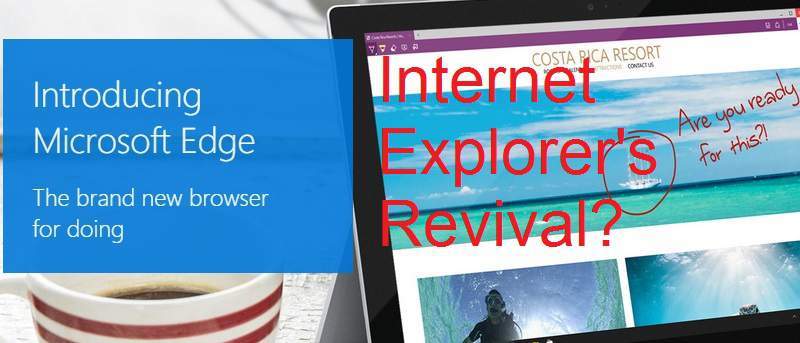
Edge is a brand new browser built to give you a better web experience with web notes, reading mode & more. Is it enough to put Microsoft back in the game?
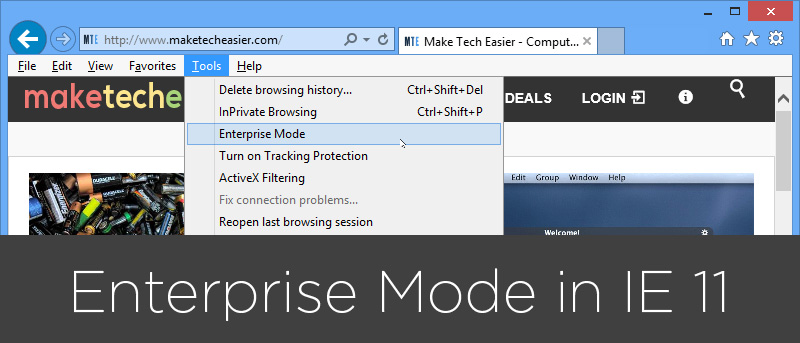
Internet Explorer 11 has a feature called “Enterprise Mode” which enables you to access websites designed for an older version of IE. Here’s how you can enable it.
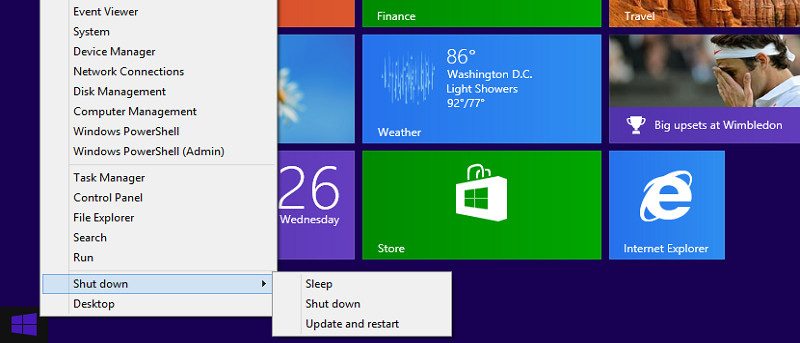
Microsoft has released the Windows 8.1 Pro Preview. It’s available as an upgrade to all Windows 8 users. In the meantime, users can make the choice if they want to take advantage of Microsoft’s beta test of the first Service Pack for Windows 8.