Here are the fastest ways to check your storage usage.
By Alexandra Arici – Jan 6, 2026
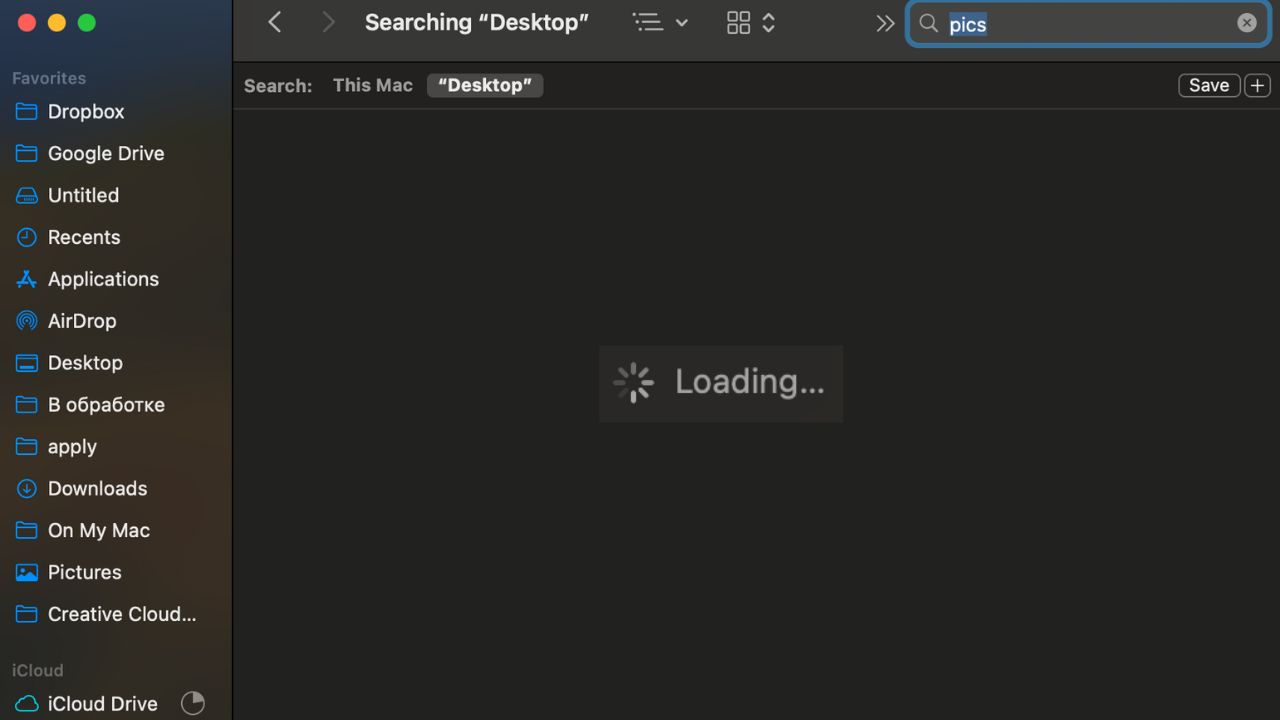
Troubleshoot and fix Finder search not working on your Mac with this step-by-step guide. Quickly locate your files and get back to work.
By Anya Zhukova – May 30, 2024
Looking for a way to batch rename files on your Mac? Discover how to quickly rename multiple files using built-in or third-party apps.
By Ojash Yadav – Mar 28, 2023
We show you in this guide how you can create Finder Quick Actions using the Shortcuts app on Mac to get things done with a simple click.
By Sandy Writtenhouse – Feb 7, 2023
Try these third-party apps to increase the functionality of the shortcut menu or right-click menu on your Mac.
By Rahul Saigal – Nov 30, 2022
Creating a desktop shortcut on macOS is easy, but the option to do so is not obvious. Here are the steps to create desktop shortcuts in macOS.
By Tom Rankin – Jun 29, 2021
Getting a full path of a file is something you may need from time to time. This post will show you how to reveal a file path on Mac!
By Tom Rankin – Jun 25, 2021
There are three ways to bookmark any folder in Finder on your Mac and make it accessible. Here’s how to achieve just that.
By Isaac Norman – Apr 29, 2021
This review takes a look at HoudahSpot 6, a powerful, versatile, and highly custoomizable Mac search tool. It’s a search tool like none other.
By John Perkins – Jan 25, 2021
While it’s never ideal to force close an application, sometimes the app leaves you no choice! We cover 4 ways to force quit your macOS apps.
By Jessica Thornsby – Oct 9, 2020
The Finder in Mac is where you find all your documents. Here are some Finder preferences you probably don’t know about that can take you to the next level
By David Joz – Jul 16, 2020
One of the things you can do on your Mac is to customize the file, folder and hard drive icons with custom icons. Here’s how to do it.
By Jessica Thornsby – Jun 7, 2020
While deleting a file is easy, locating a duplicate file is not. Learn how you can locate and delete duplicate files in macOS.
By Shujaa Imran – May 29, 2019
If you are working with a file in macOS, there are times when you will get the error code 43 message. Here is how you can fix Mac’s error code 43 issue.
By Kris Wouk – May 2, 2019
If you are frustrated by Finder’s limitations, Commander One can provide more functionality than Finder, catering to the needs of specific classes of users.
By Alexander Fox – Jan 14, 2019
Searching on your Mac can be a lot easier and faster with these useful search techniques.
By Alexander Fox – Jul 2, 2018
The Quicklook feature in Mac’s Finder only supports .mov and MPEG-related formats for video. QLVideo adds support for extra video types to Quicklook.
By John Parsons – Jan 4, 2017
For your everyday file management on your Mac, Finder is the way to go. But if you want to do some heaving lifting, you can find some Finder alternatives that will help make your day-to-day data shuffling a little snappier.
By Alexander Fox – Aug 30, 2016
By default, the Finder app on Mac does not show the full path in its title bar. If you want to change that, here’s how to show the current path in Finder.
By Mahesh Makvana – Oct 12, 2015
Do you frequently use the Favorites sidebar in the Finder app on your Mac? If so, you may want to edit it whenever you’d like. Here’s how to do that.
By Shujaa Imran – Sep 5, 2015
Next >
Affiliate Disclosure: Make Tech Easier may earn commission on products purchased through our links, which supports the work we do for our readers.