















5 Ways to Un-Minimize Finder Windows in OS X

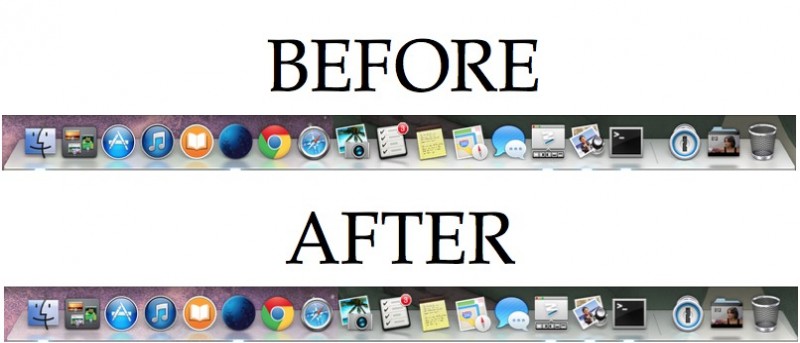
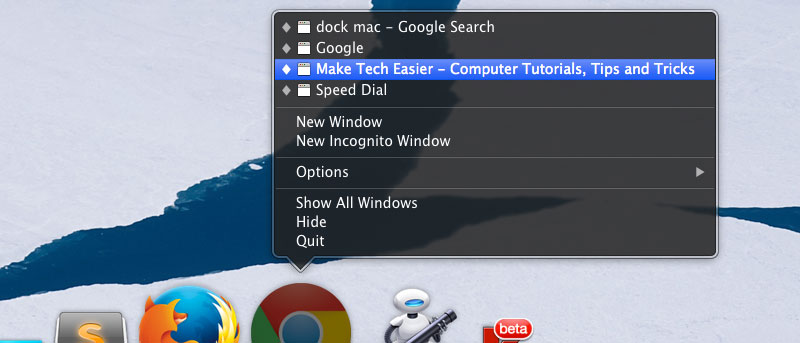
Selecting a window from the Dock is a sure-fire way to get the window you want.Command + M minimizes any given window in OS X’s Finder, but getting the window back from the dock is a different story. Unfortunately, Finder’s poor management of “un-minimizing” a window is maddeningly inconsistent and seemingly an obvious omission given the importance of such a feature. Here are five ways to un-minimize windows in OS X.

Gnome-Do Docky: A New Dock On The Block

dockyFor those long time fans/users of Gnome-Do, you are now in for a good treat. The latest release of Gnome-Do now includes an interactive dock that you can place on your desktop and access the frequently used applications quickly and easily like any other docks.

One thing is different though, Gnome-Do Docky is intuitive and can automatically add items to your dock based on your search pattern.

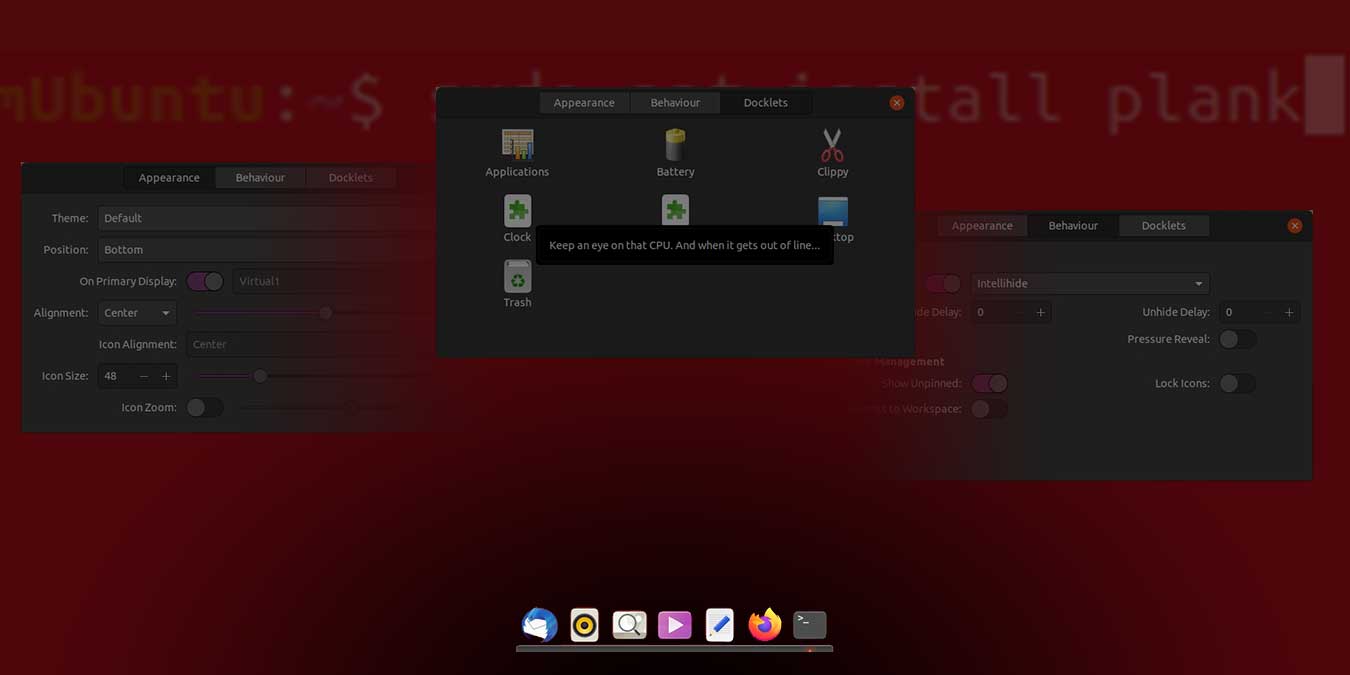
How To Install And Configure Cairo Dock In Ubuntu Intrepid

Cairo dock is a Mac OSX dock-like application that you can install in your Linux machine. One of the advantage that it has over other docks is that it does not require any compositing window manager to work. Even on a low-end PC, it will still work fine. This is not possible for docks like Avant Window Navigator which depends on compositing manager (such as Compiz) to function.

If you are using a PC that does not support any compositing manager, or you wanted to try out alternative dock for your Ubuntu machine, follow this tutorial to install and configure Cairo Dock on your Ubuntu Intrepid.

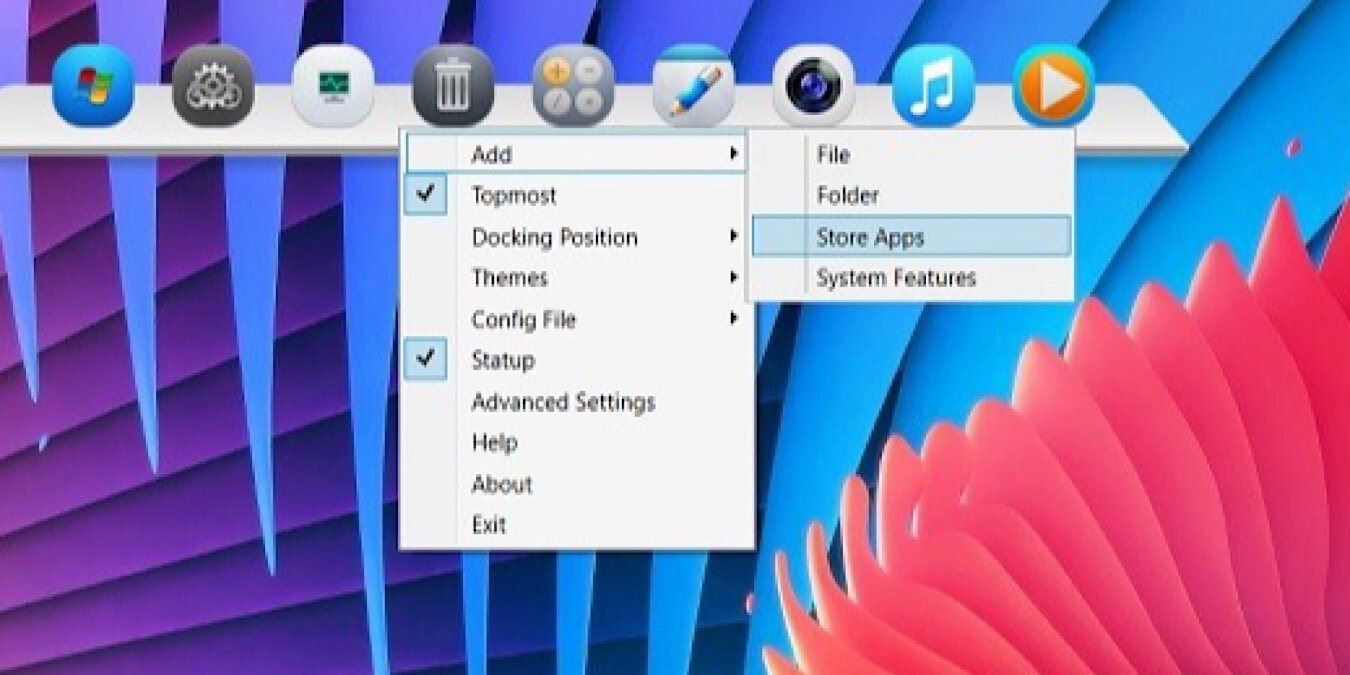
8 Great Tools to Enhance Your Dock

Without a doubt, the dock is the most used application in Mac. It is the first thing you see when you login to your Mac, and also the first place you head to when you want to launch an application. Despite that, there are very few options for you to customize the dock to your liking in the System Preferences. If you are looking for ways to enhance and customize your dock, here are 8 great applications that you can use.

1