







Advanced KDE Administration

System Settings iconFor general use, it is sufficient to configure KDE using the options provided in System Settings and in individual application settings. Nevertheless, to unlock the full power of KDE, you should learn some of the system administration tools that it provides.

Command Line Options

Every KDE applications has its own unique command line options. Additionally, each application has access to general KDE options and general Qt options. To see only the application options, open a terminal window (such as Konsole), and type the application name followed by “--help
[Read more...]

How to Easily Customize NotifyOSD in Ubuntu Lucid

notifyosd-bubbleThe NotifyOSD was introduced since Ubuntu Jaunty. It acts like the Growl in Mac and present an (supposedly) unobstructive notification to the user. Some people like it, but plenty of others found it disruptive. For those who hate it, one of the major complaint is that there is no (easy) way to configure the settings, such as the shape, size, text, position etc and sometime it takes too time to stay on the screen. Not anymore. With NotifyOSD Configuration, you can now easily customize the NotifyOSD bubble to your liking, without any coding, compiling or hacking involved.

NotifyOSD Configuration is a GUI for you to customize your NotifyOSD. It is built on top of the patched NotifyOSD (post is in Russian) that allows you to customize your notification bubble via a simple text file.
[Read more...]

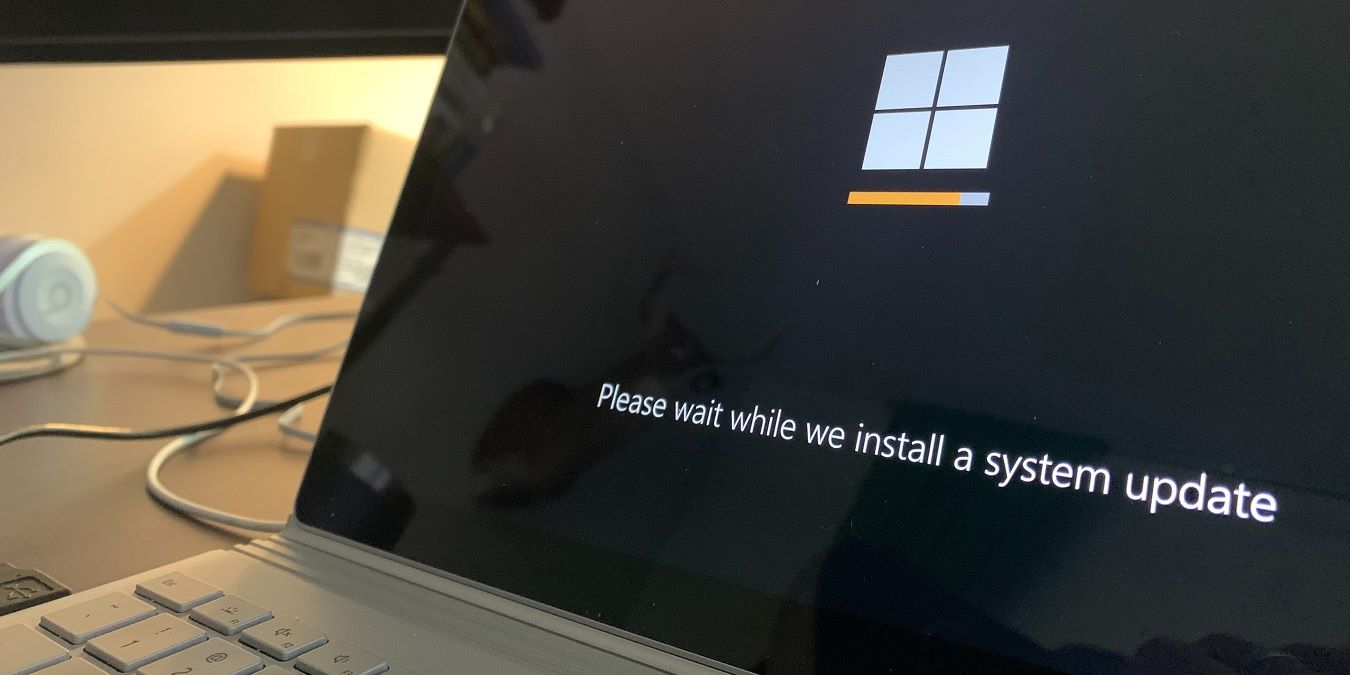
How to Prevent Windows From Restarting After An Automatic Update

win-update-logoThere is no doubt that Windows 7 is a much better operating system than Windows XP and Vista, but one thing never seems to change: You have to restart your computer every time it performs an update. Perhaps I am just too used to the way that Linux system can update itself without restarting, and also that I have too many important works opened on my Windows desktop that I can’t afford to restart the computer most of the time. For those who are facing such problems as well, here are the fixes to prevent your Windows from auto-restarting after an update.
[Read more...]

Unlock Hidden Mac OS X Settings With Secrets

Secrets logoMac OS X is a wonderful operating system with one of the best and easiest to use graphical interface among mainstream operating systems. It is amazing to see how much thought the designers of the OS have put into each element of the interface striving all the while to make it easier for the user to use the computer without bringing in any complexity, and retaining the ability to configure the computer as the user wishes.

But, there is still so much more that OS X is capable of and it is not always possible to harness all that power from the Graphical interface, and that is where our application of the day, Secrets, comes in handy.

[Read more...]