If you are a Chrome user, it’s now easier than ever to access and even create new tunes right from your browser.
By Alexandra Arici – Oct 6, 2025
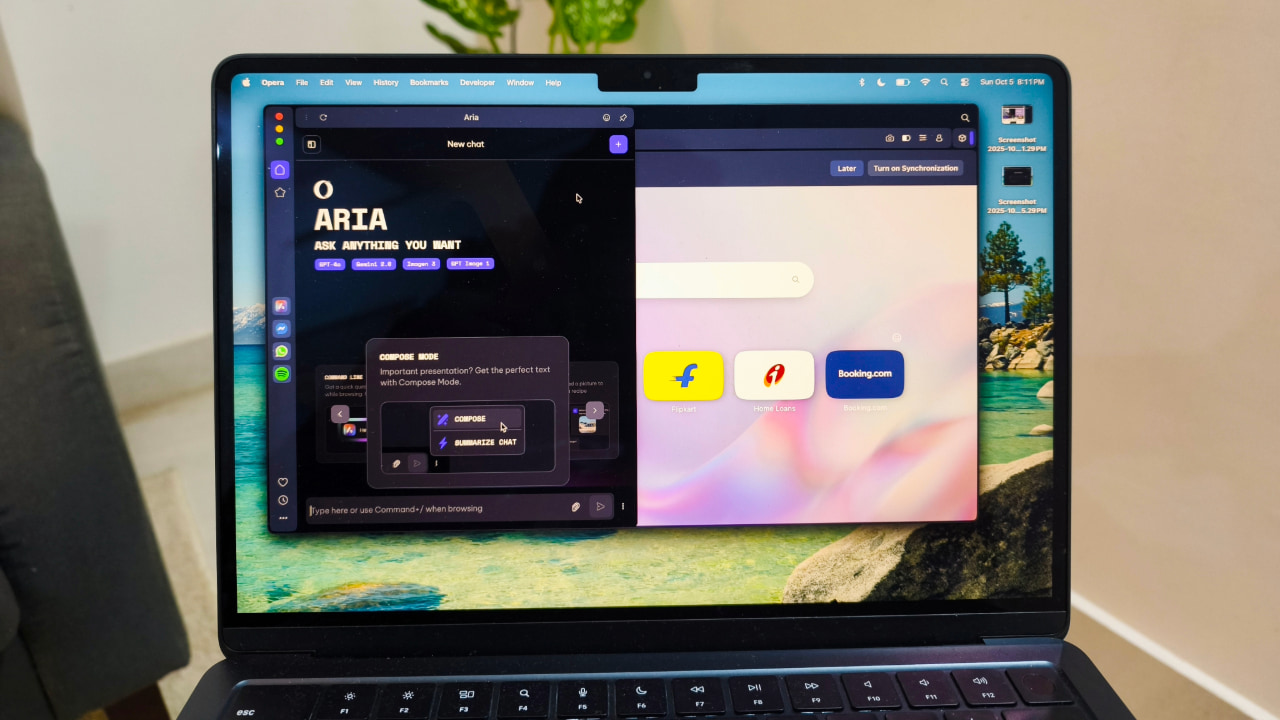
Discover the best AI browsers that go beyond just loading websites, helping you automate tasks and browse smarter.
By Anurag – Oct 6, 2025
See how Ask Brave lets you search Brave and chat further without compromising privacy.
By Crystal Crowder – Sep 30, 2025
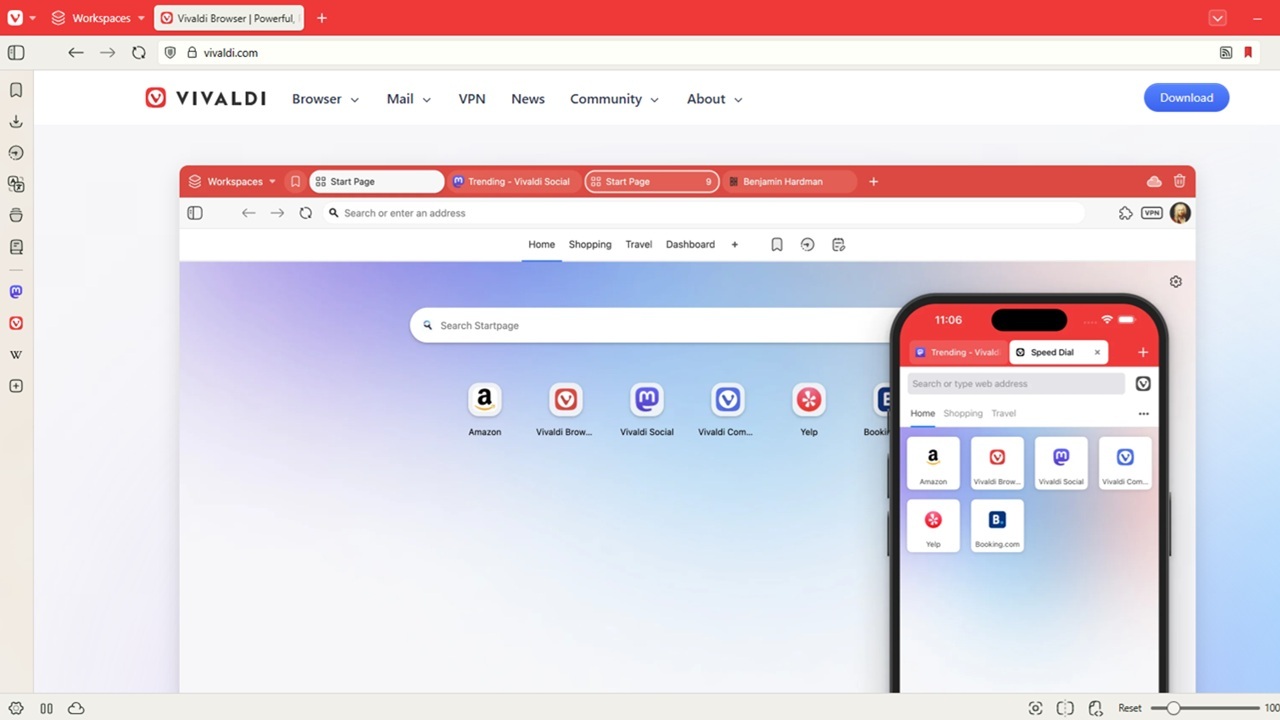
Want a browser that lets you customize nearly everything? See all the ways you can customize Vivaldi to be your dream browser.
By Crystal Crowder – Sep 21, 2025
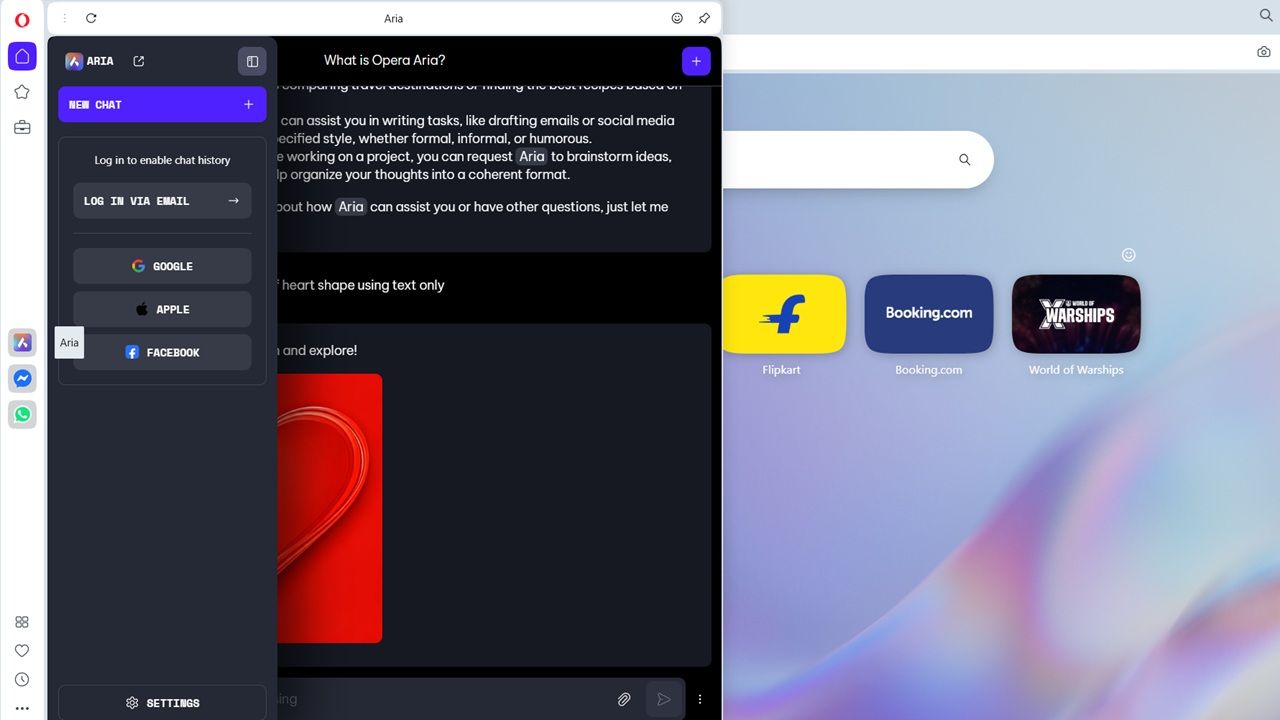
If you’re a Windows user seeking an AI-powered browser, Opera with Aria is one of the best alternatives to Chrome or Edge.
By Sayak Boral – Sep 19, 2025
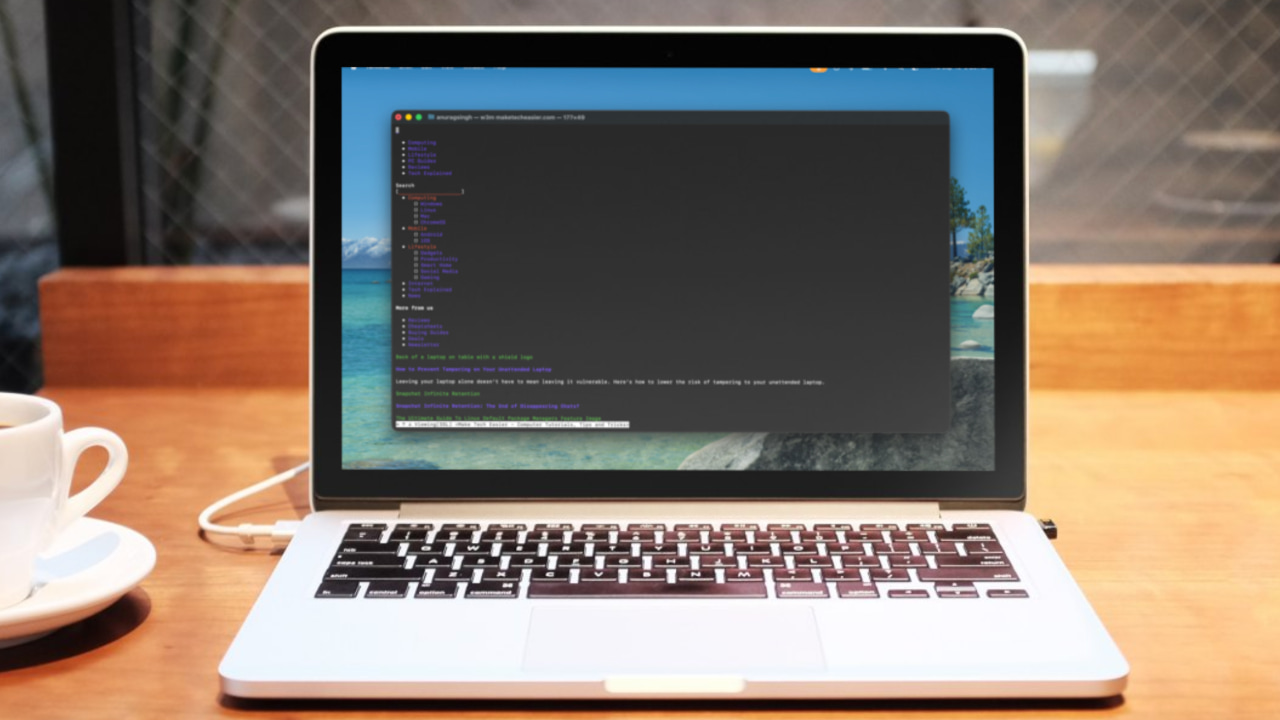
w3m is a terminal-based browser that works well for distraction-free reading but falls short as a modern browser replacement.
By Anurag – Sep 19, 2025
Having trouble with Microsoft Edge? Follow this practical guide to reset Microsoft Edge properly and refresh your browsing experience.
By Karrar Haider – Sep 11, 2025
Firefox finally comes with PWAs support in the form of Taskbar Tabs. Here’s how to use it.
By Karrar Haider – Aug 26, 2025

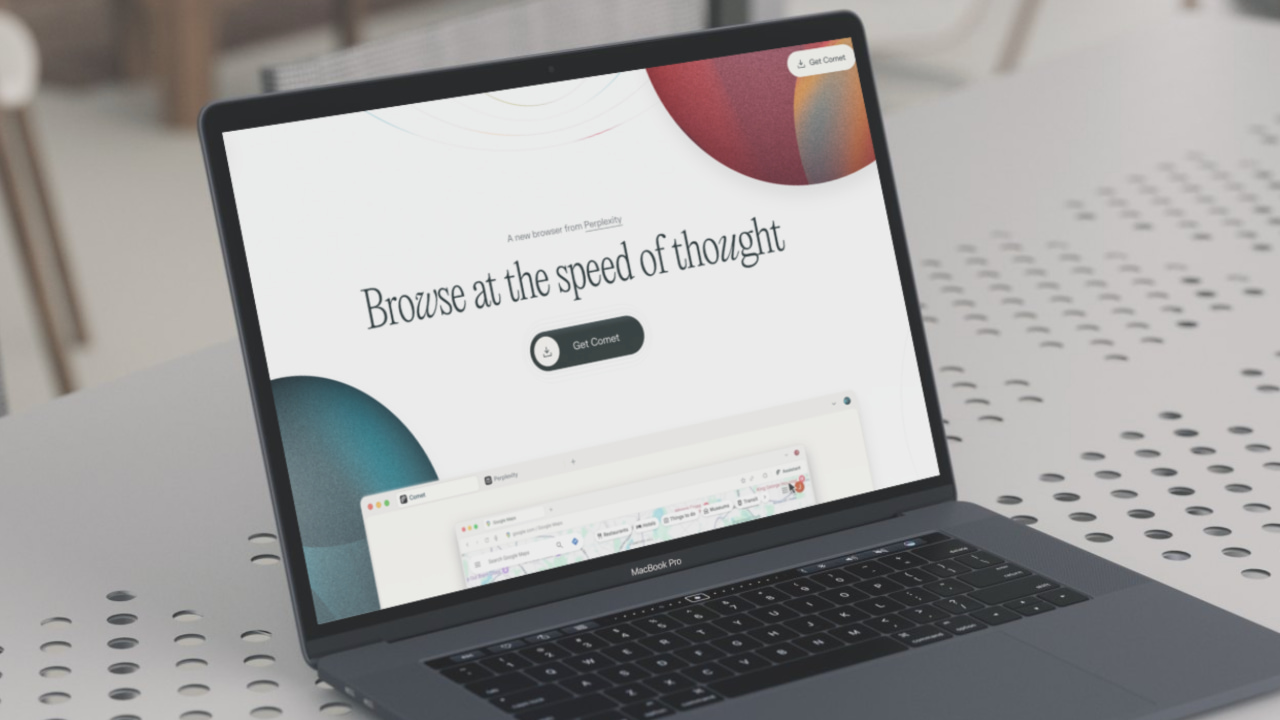
I tried the Comet browser, and I can say with certainty that it is not quite there yet. I am better off sticking with Brave.
By Anurag – Aug 13, 2025
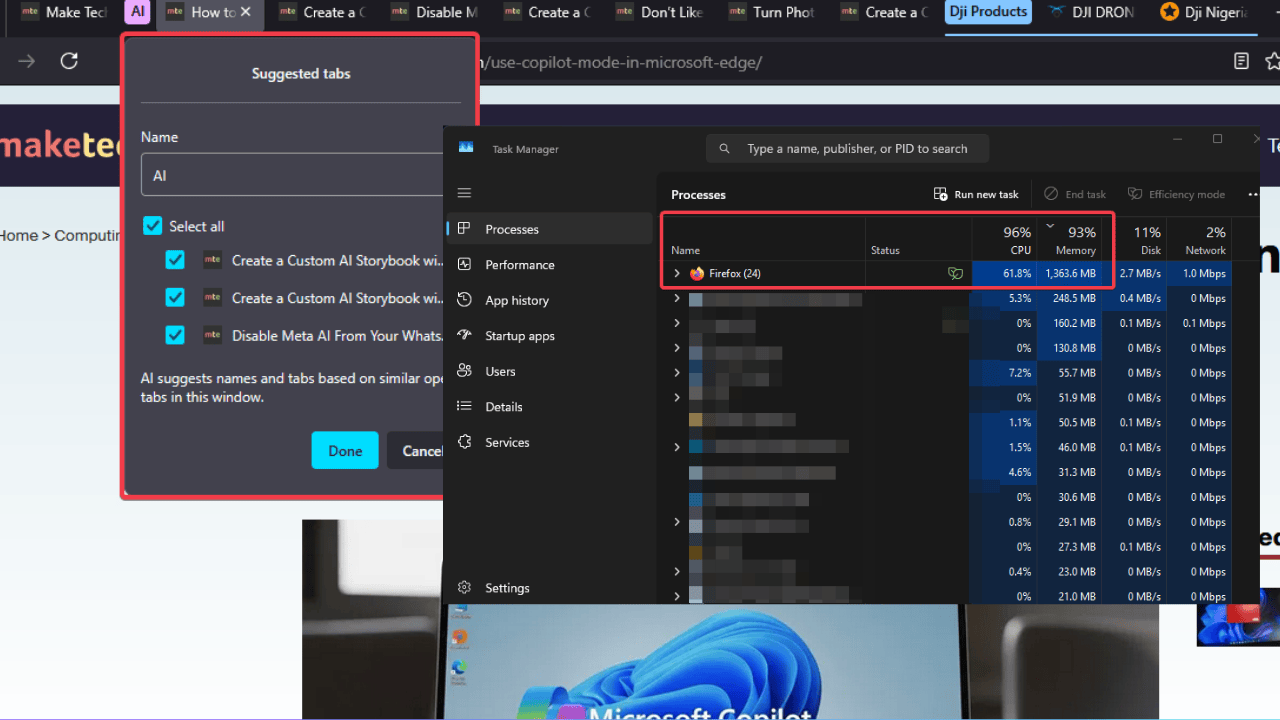
The latest Firefox 141 update shoehorned in an AI tab groupings feature, and causes CPU spikes that slow down browsing and drain the battery.
By Henderson Jayden Harper – Aug 12, 2025
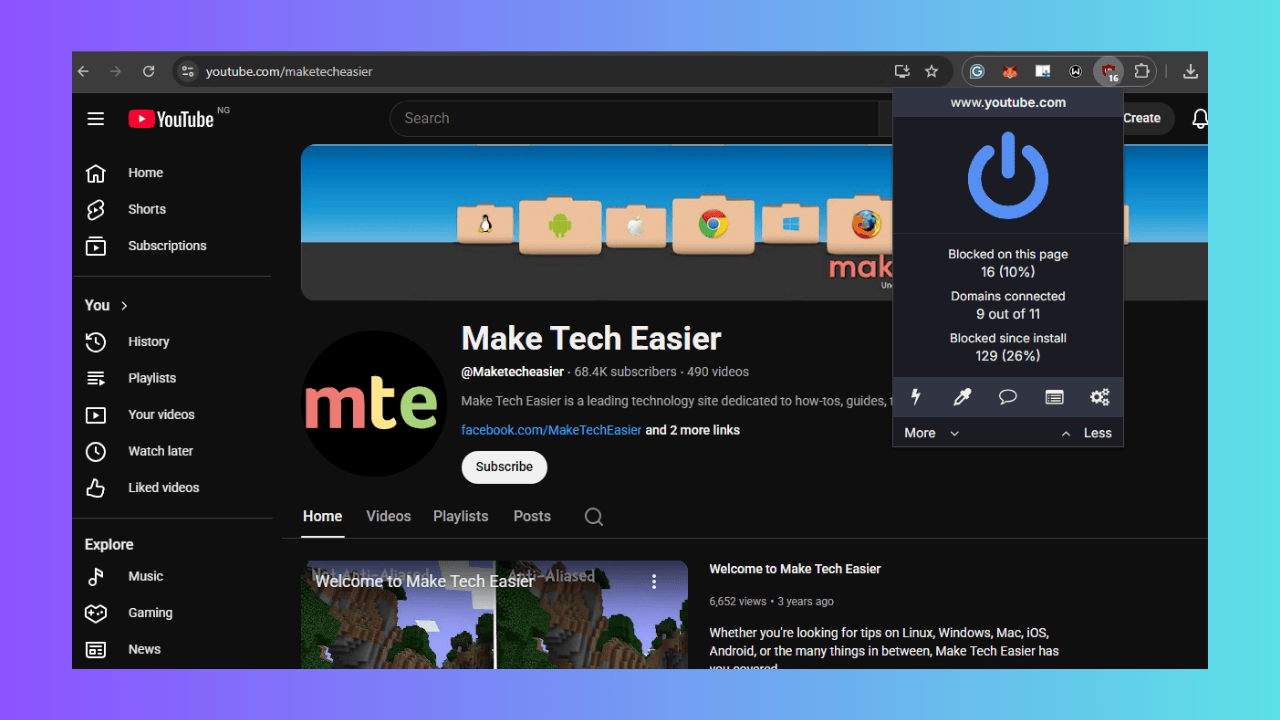
Use this workaround to restore full uBlock Origin functionality on Chrome.
By Henderson Jayden Harper – Aug 10, 2025
If you are ready to browse smarter, learn how to enable and use Copilot Mode in Microsoft Edge.
By Karrar Haider – Aug 7, 2025
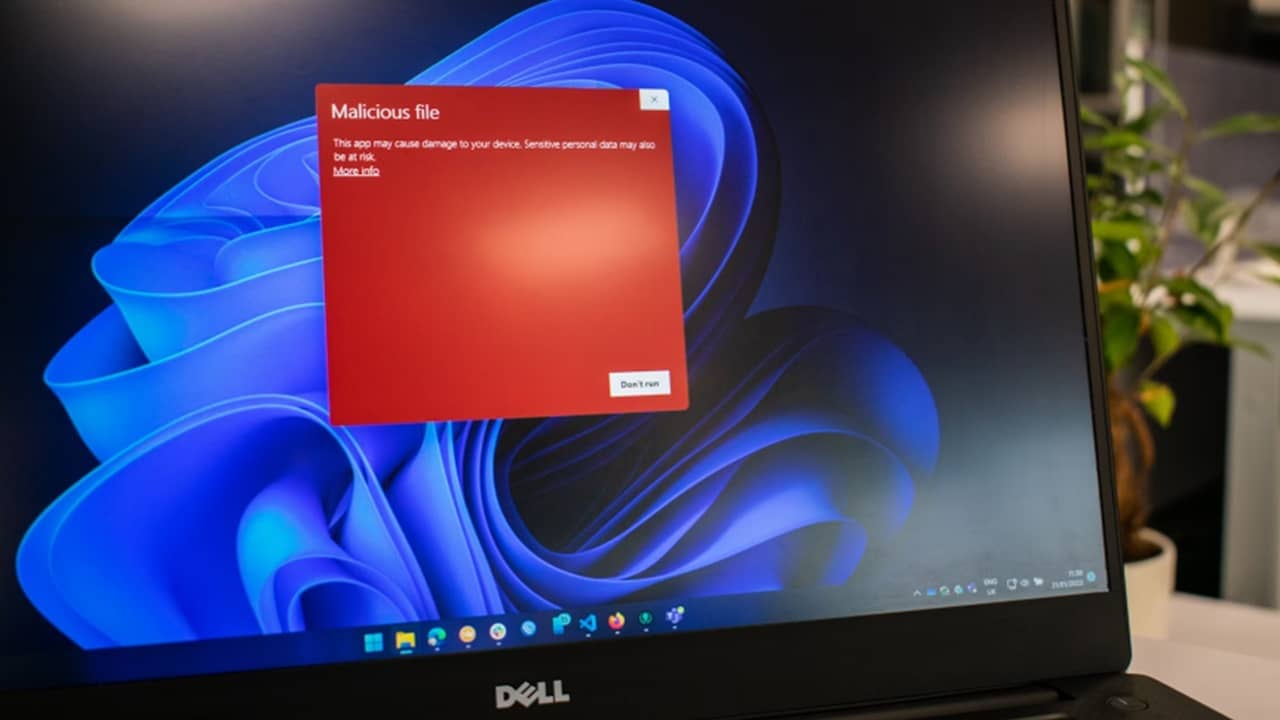
Having autofill turned on in your browser isn’t just convenient for you. It’s a goldmine for hackers too
By Crystal Crowder – Aug 5, 2025
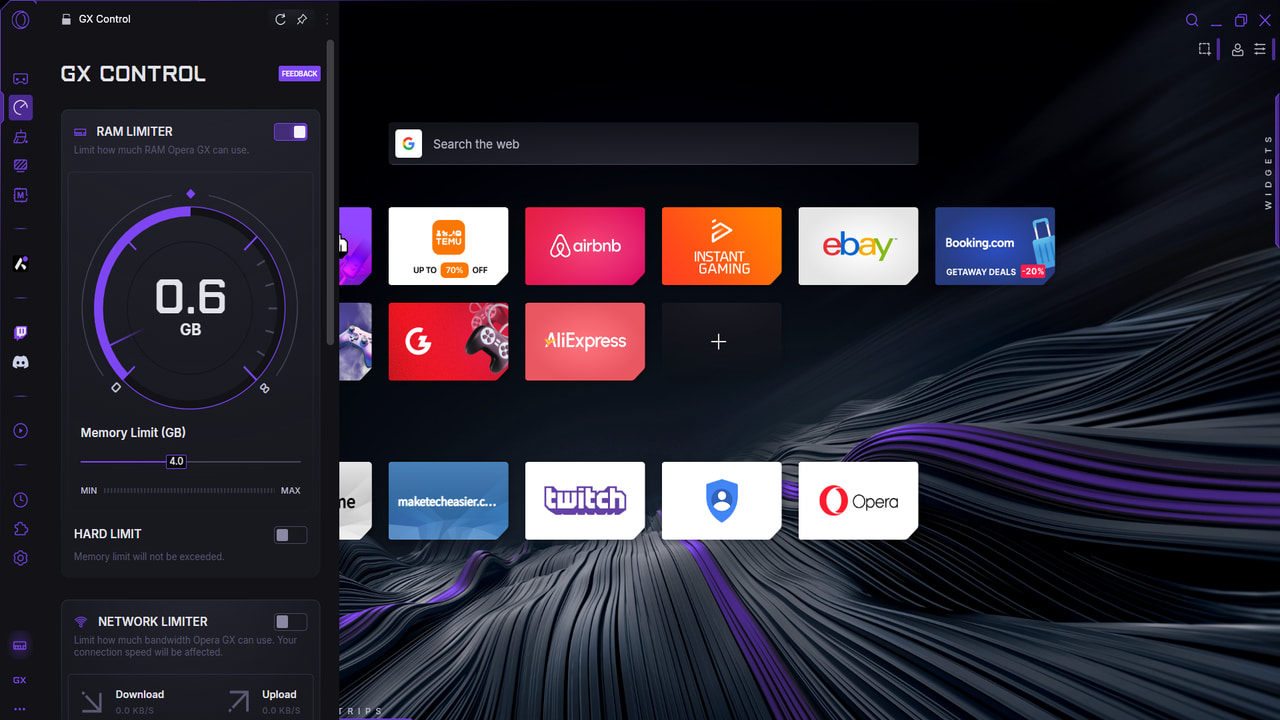
You can limit the browser’s resource usage, so you can browse and game at the same time.
By Karrar Haider – Jul 25, 2025

Hundreds of browser extensions have adopted a new monetization tactic: tapping into your PC’s resources to scrape the web.
By Karrar Haider – Jul 16, 2025
The Firefox address bar just got some major upgrades to transform the way you search and use the browser.
By Crystal Crowder – Jul 12, 2025
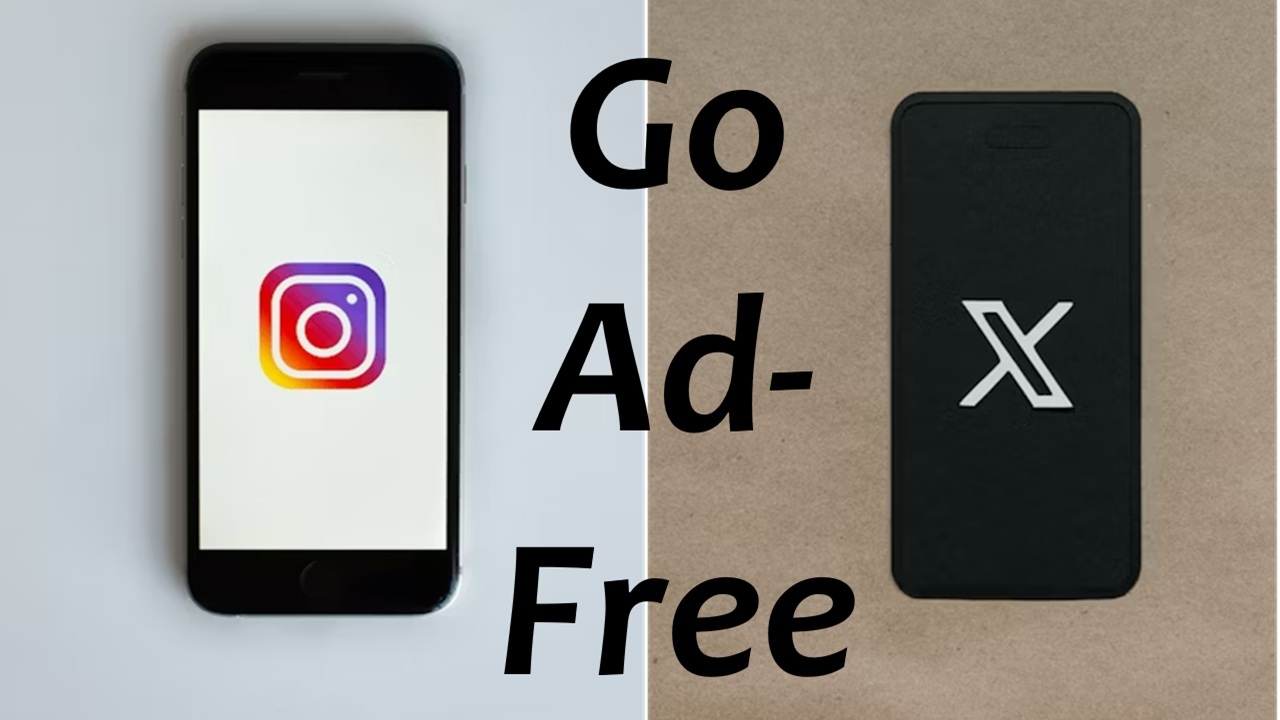
With this handy trick, you can remove ads on Instagram and X for free, albeit with a few cons.
By Crystal Crowder – Jul 7, 2025

No matter which browser you use, you’re bound to stumble upon the problem of having too many tabs open.
By Alexandra Arici – Jul 2, 2025

You can set up a code-server on your homelab server and access it securely from any device.
By Anees Asghar – Jul 1, 2025
Affiliate Disclosure: Make Tech Easier may earn commission on products purchased through our links, which supports the work we do for our readers.





