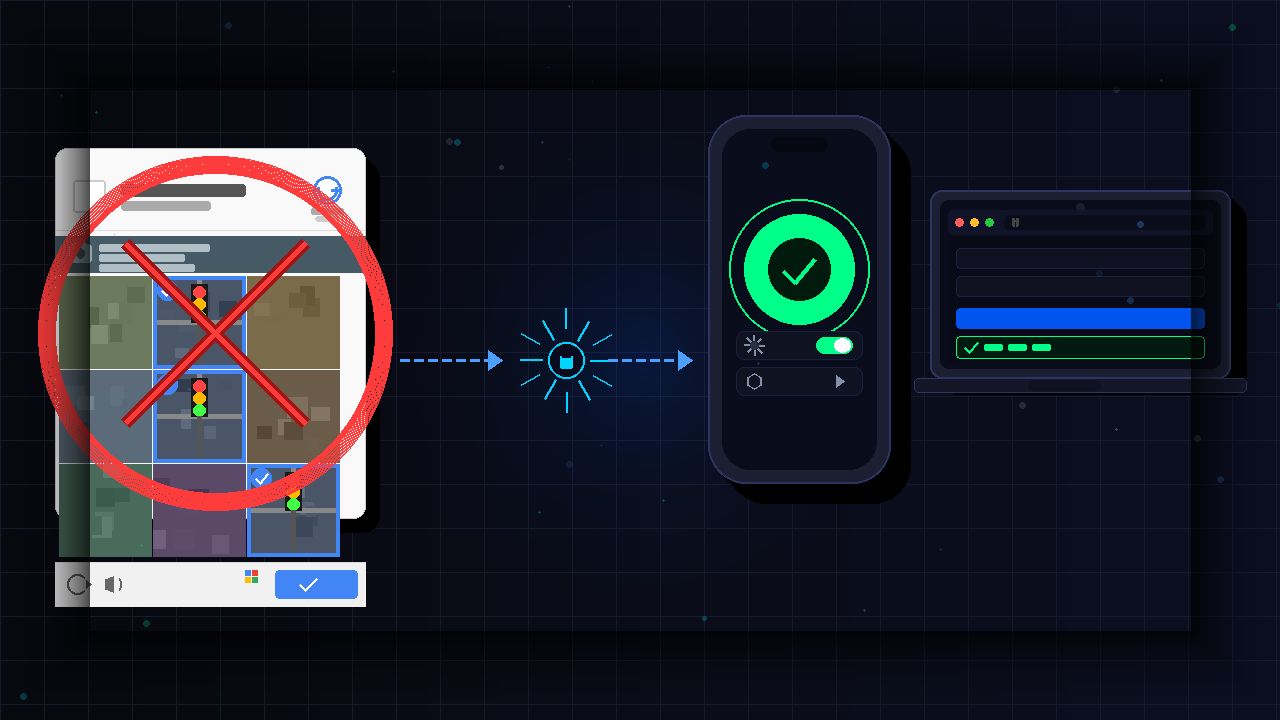
Apple’s devices come with an Automatic Verification feature that allows you to automatically skip Captchas on the web.
By Henderson Jayden Harper – Feb 21, 2026
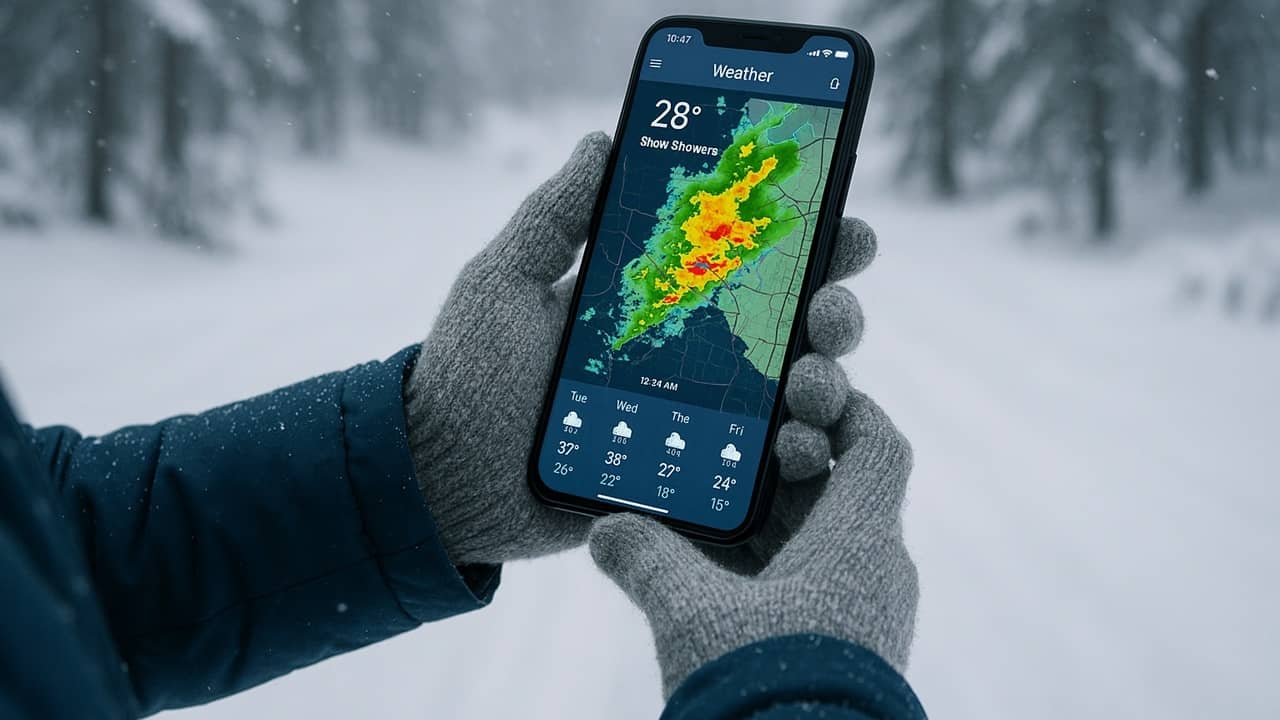
Think you can trust Apple Weather for your forecasts? Find out why you shouldn’t and why Apple Weather problems keep occurring.
By Crystal Crowder – Feb 5, 2026

Apple products are usually security fortresses, but a new macOS security flaw could leave you exposed to hackers.
By Crystal Crowder – Jan 9, 2026
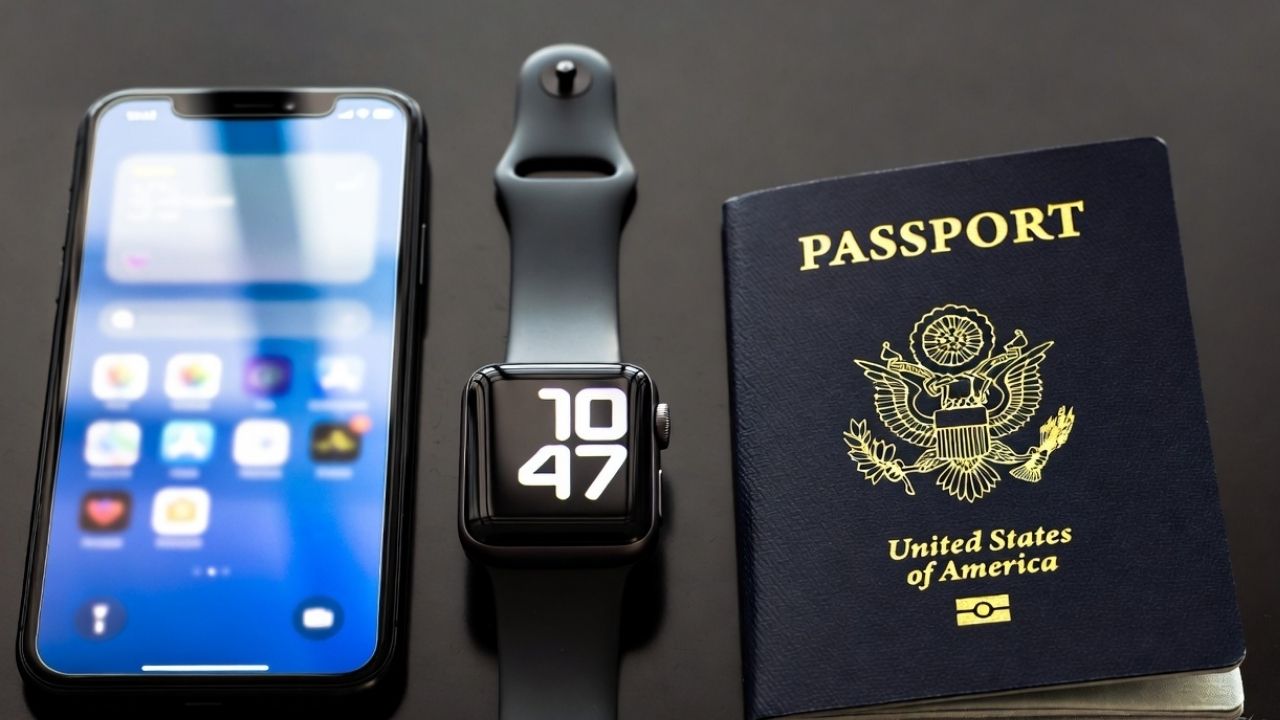
Apple’s new Digital ID allows US passport holders to add their passport details to Apple Wallet for easier identity verification at TSA checkpoints.
By Henderson Jayden Harper – Nov 14, 2025
With the sudden Apple TV Plus hike, you still have several ways to avoid the increase without giving up your subscription.
By Crystal Crowder – Aug 26, 2025
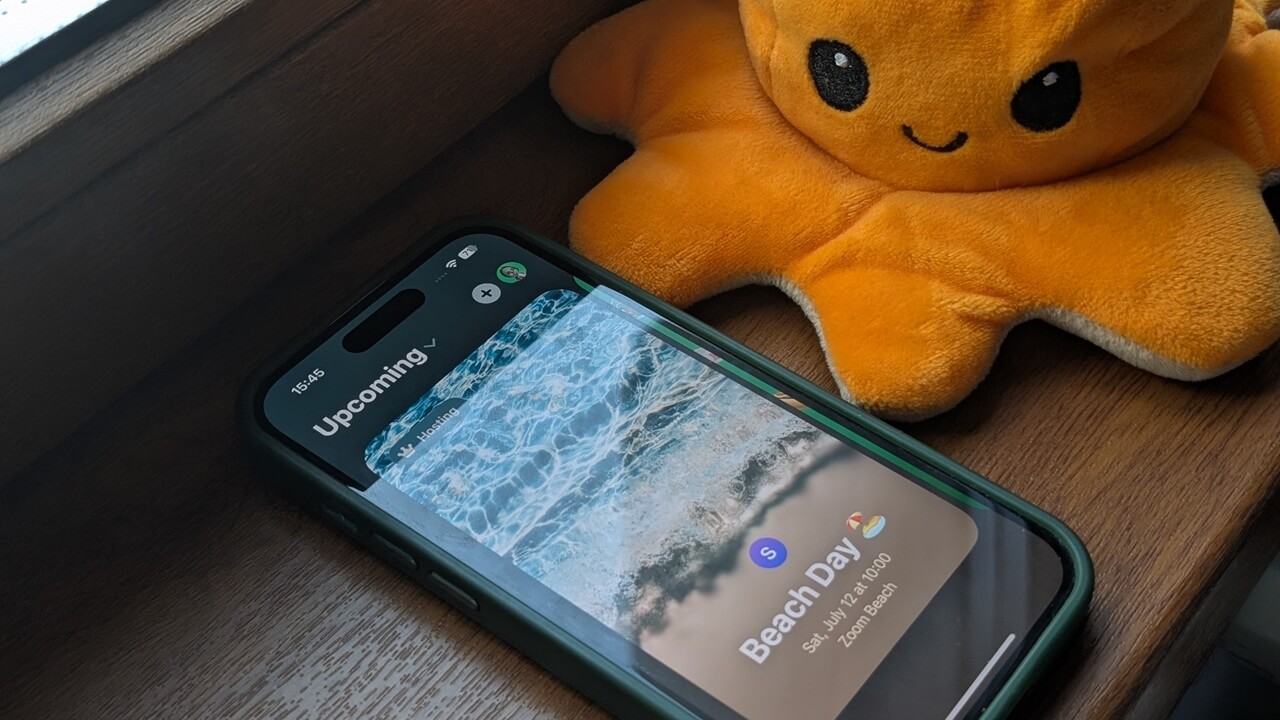
If you’re using an iPhone, Apple has a handy app that makes creating beautiful invites a breeze.
By Alexandra Arici – Jul 1, 2025
HomePod will soon become yesterday’s news, but there are still many things you can do with it.
By Laura Tucker – Jun 6, 2025
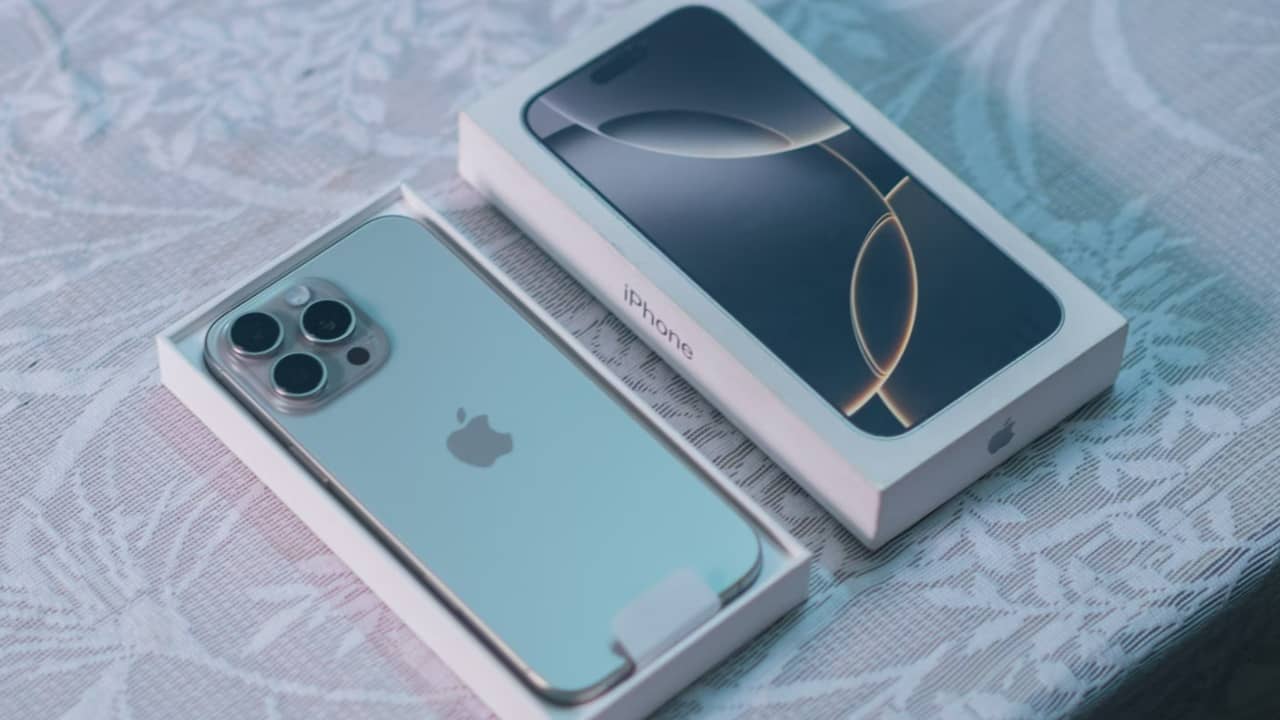
The Ambient Music mode is worth the update
By Crystal Crowder – Apr 1, 2025

Learn how to set your alias as a primary email in iCloud Mail. You’ll find walkthroughs for Mac and iPhone.
By Danny Maiorca – Mar 8, 2025
Apple’s investing more in the U.S. to avoid tariffs. See how the latest Apple investments boost jobs and innovation.
By Crystal Crowder – Feb 25, 2025
Do you subscribe to Apple TV+, but use an Android phone? Now, you can watch through the official Apple TV app on the Google Play Store.
By Crystal Crowder – Feb 13, 2025
Be careful when downloading new apps on the Apple App Store. New malware could be stealing your screenshots.
By Crystal Crowder – Feb 6, 2025
Learn how to make full use of Google Find My Devices and Apple Find My to recover your lost phone.
By Alexandra Arici – Jan 10, 2025

If you’re primarily a Windows and Android user, and are considering switching to Apple products, find out the top reasons to avoid Apple products.
By Sayak Boral – Nov 27, 2024
Shazam (Music Recognition in iOS 18.2) will do more than identify a song – it can now tell you when and where you identified a song.
By Laura Tucker – Nov 14, 2024

If you feel nauseated when you use your phone in cars or trains, this nifty little motion sickness iPhone setting could be a game-changer.
By Samarveer Singh – Nov 14, 2024

After the effect Donald Trump had eight years ago, what effect can we expect on the world of consumer tech throughout the next four years?
By Laura Tucker – Nov 6, 2024
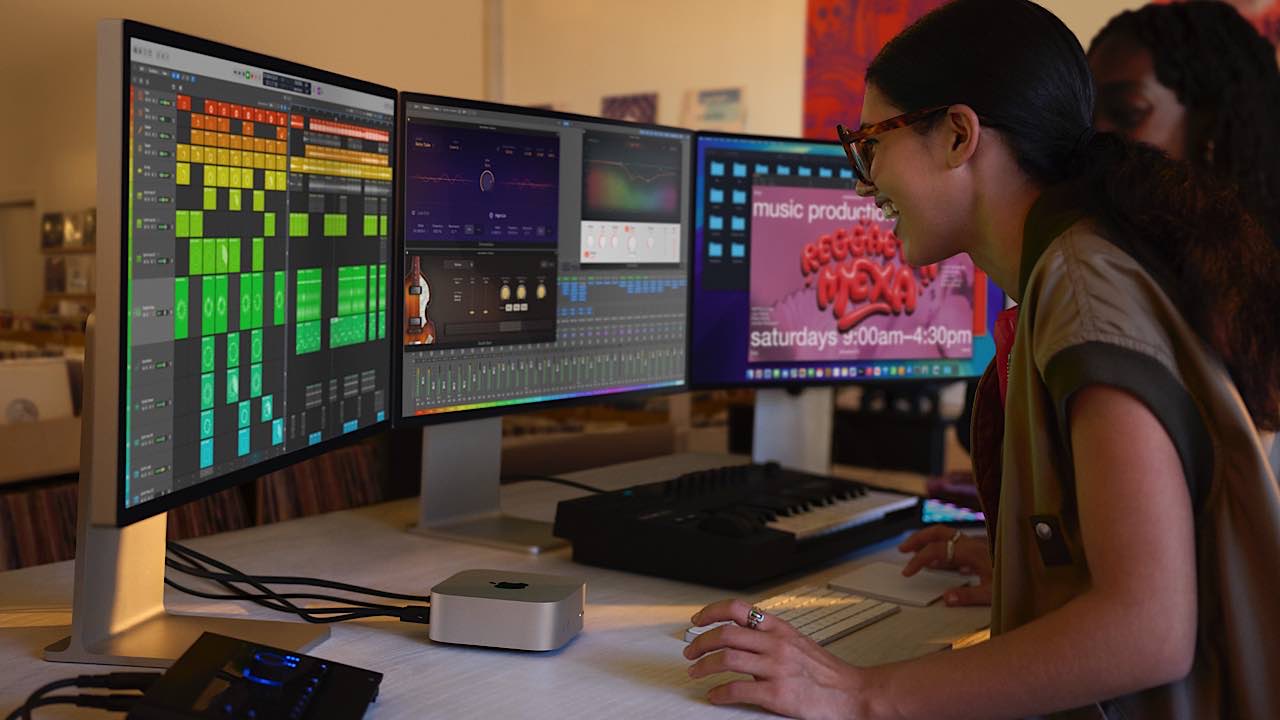
While the base Mac mini with M4 is certainly fast, the Mac Mini with M4 Pro will now be the fastest desktop Mac in Apple’s lineup.
By Laura Tucker – Nov 1, 2024
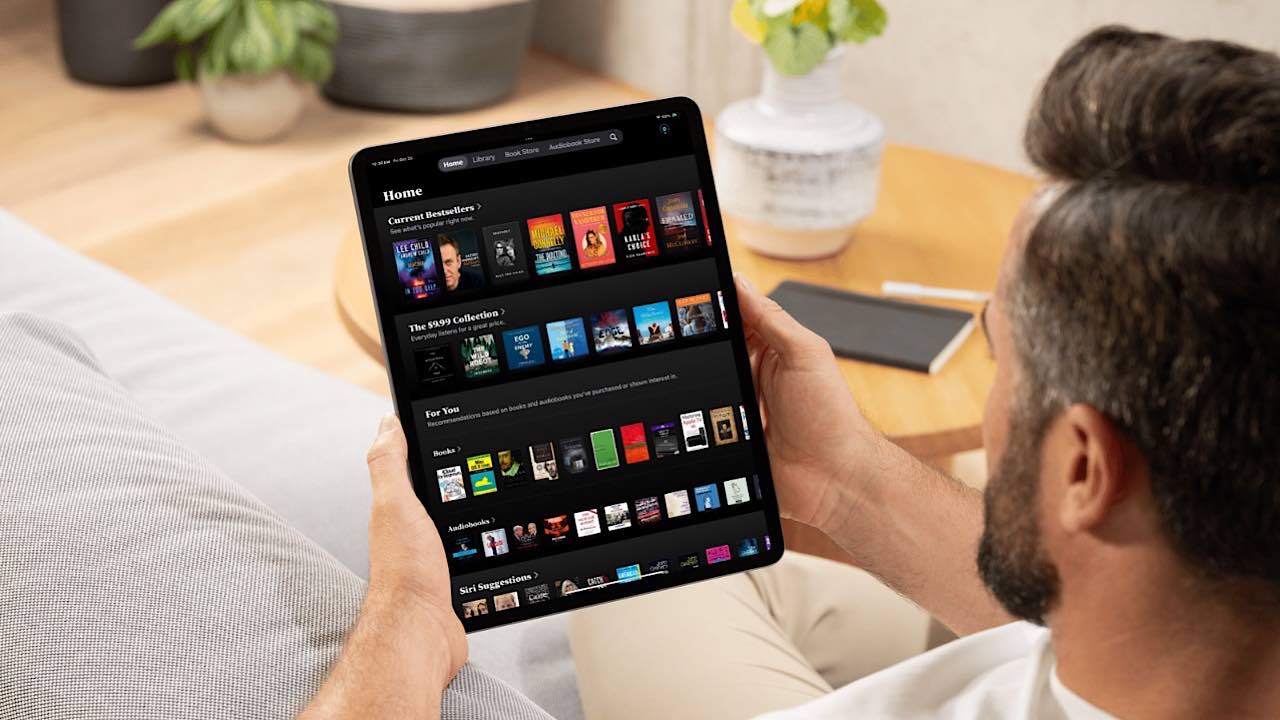
Apple Books is the best iOS app to read books for free. This article highlights the many reasons I believe it’s the best mobile reader.
By Danny Maiorca – Oct 26, 2024
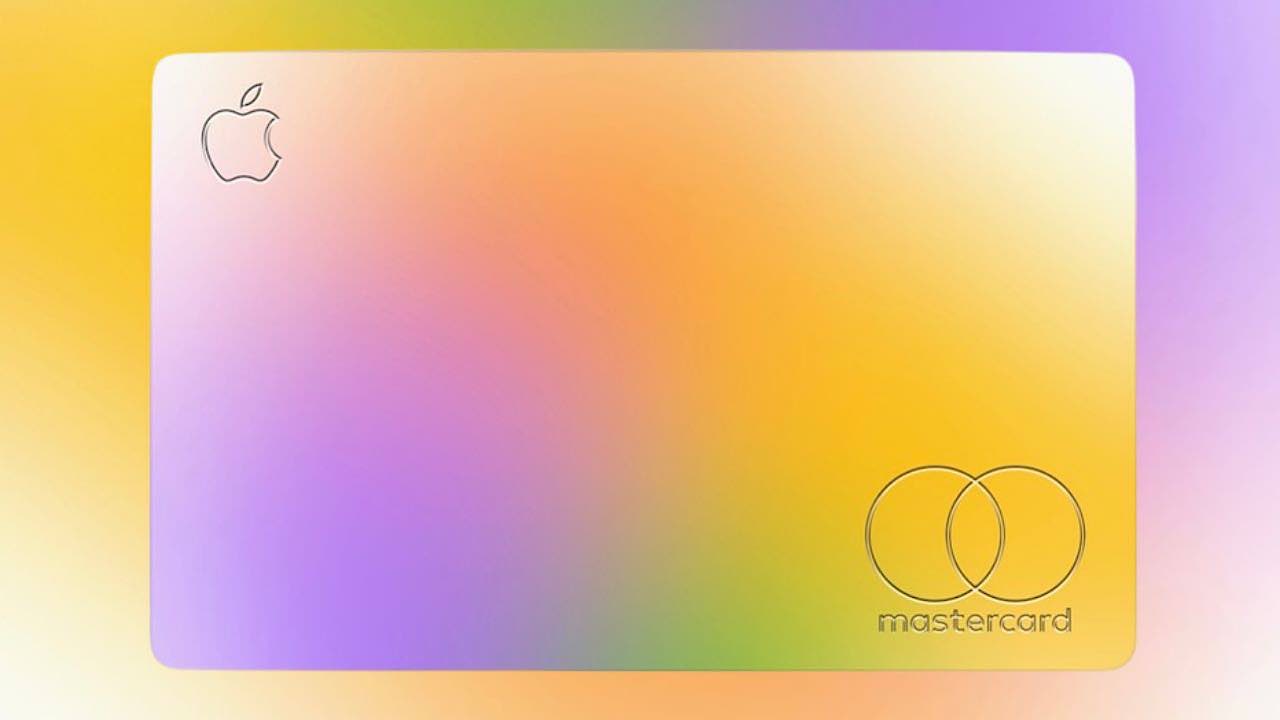
The (CFPB) has stepped in and ordered both Apple and Goldman Sachs to pay nearly $90 million in penalties over the Apple Card.
By Laura Tucker – Oct 23, 2024
Affiliate Disclosure: Make Tech Easier may earn commission on products purchased through our links, which supports the work we do for our readers.





