Putting all your stuffs and confidential data on the cloud may seems like a good idea as it allows you to access to them anytime, anywhere. However, it can become a totally bad decision when the security of the cloud server is compromised or the third party providers wind up their services and all your data gone down with them. When such things happen, you might wonder why you have not heard of Tonido earlier.
Tonido is a free software that turns your desktop into a personal server and allows you to access and share your files, media, calendar and apps from everywhere. Be it Windows, Mac or Linux, you simply install the software and have your own personal cloud server up and running in no time. Forget all the complicated stuffs you have heard about creating your own server. There are no technical skills required to set up and run Tonido. The best thing is – all the data resides in your own computer and there is no need to worry about security or even data loss (unless your own computer crashes).
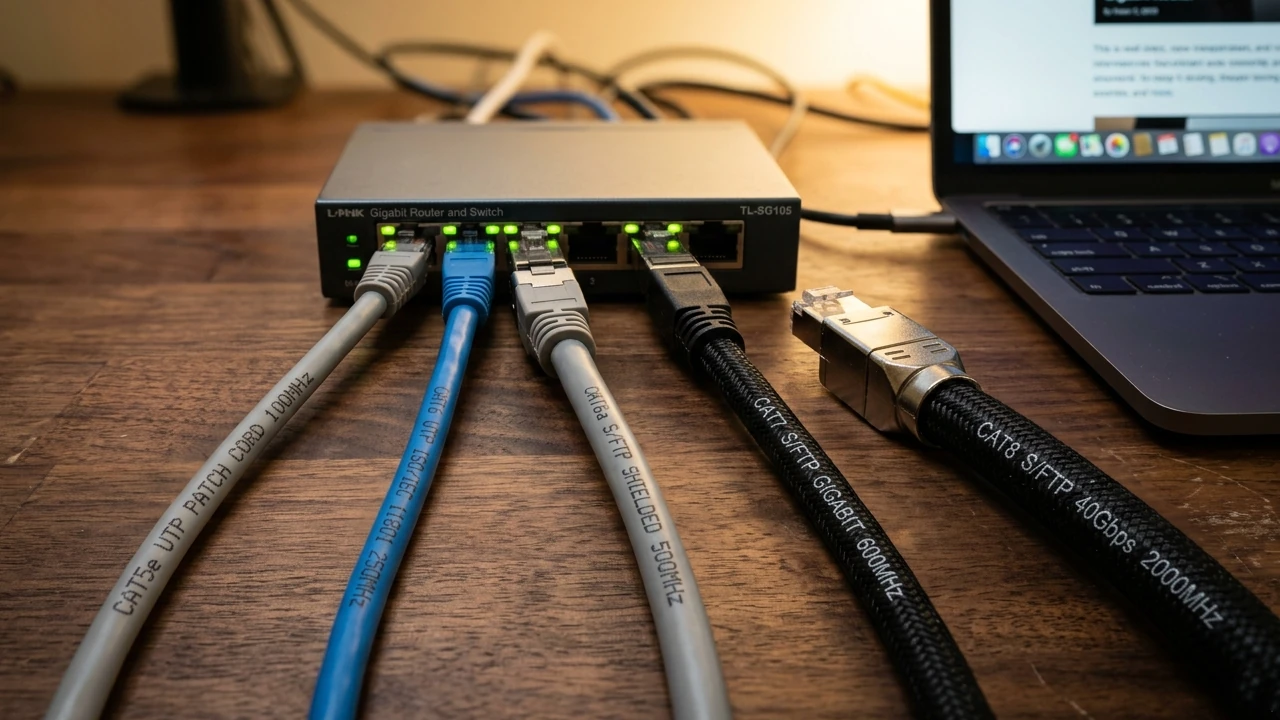
These days, broadband internet is just about everywhere. Hospitals, restaurants, hotels, and of course homes are all connected with these nice, fast pipes. The problem is that your internet provider likely just gives you a single connection with a single address, no matter how many people or devices plan to use that internet connection. Here, we enter the world of home networking.
I recently wrote about a great software utility that opened up a world of information about your motherboard, CPU, and RAM. Well, I have another great utility to tell you about, only this time it’s all about your graphics card.
Though manufactured by different companies, GPU-Z from TechPowerUp does look a lot like the aforementioned CPU-Z. The interface is eerily similar and the name is a perfect match. On the positive side, these two Windows applications bring incredible value at a price that can’t be beat – free! The pair complement each other as incredible tools to have on your belt.
Let me take you on a tour of this powerful graphics card information utility.
If knowledge is power, then CPU-Z from CPUID will make you feel like a superhero. This handy little tool was featured in the MakeTechEasier 101 best free computer software downloads list. CPU-Z is a Windows only tool that gathers information on some of the main hardware components of your computer.
The information that it collects is quite detailed and is focused around you CPU, mainboard, memory and general system info about Windows and DirectX.
Throughout the rest of the post, I’m going to walk you through getting CPU-Z and harnessing it’s awesome power on your own PC.
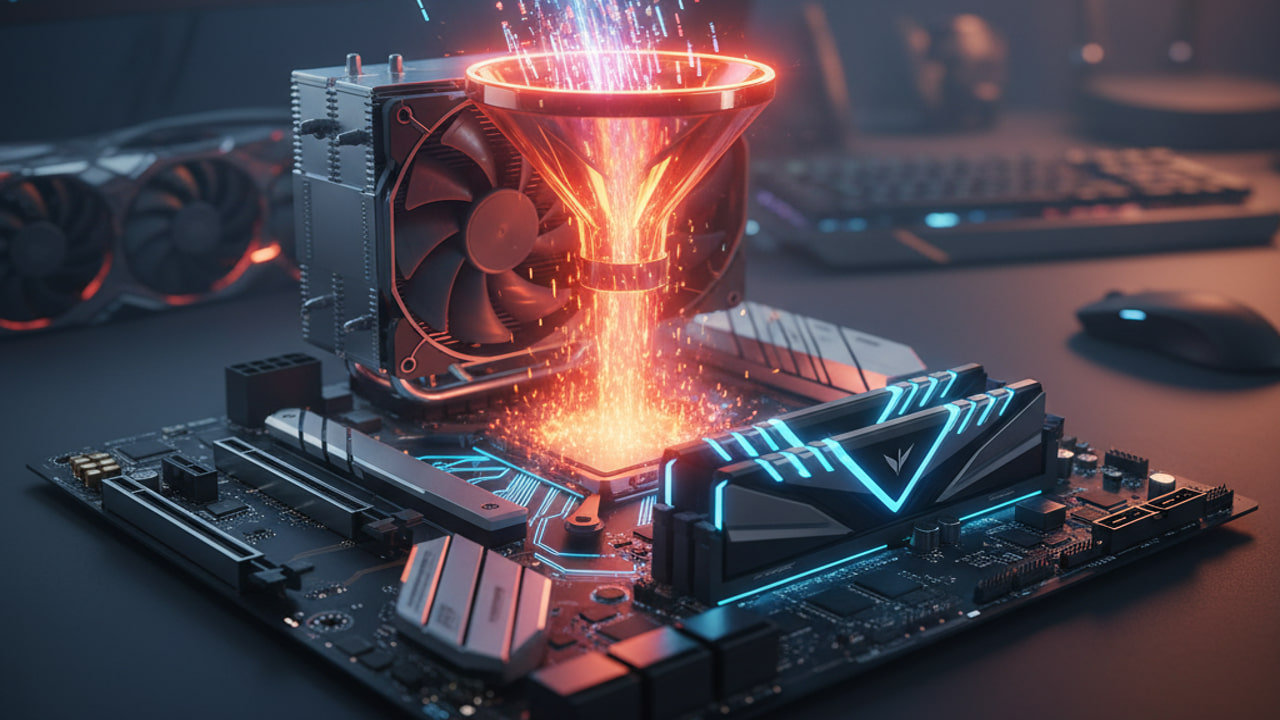
You have heard that your CPU must be fitted with a cooler fan. Do you have any idea what it becomes without the cooler fan? Basically you can fry an egg on it. Check out the video below.
It is very tempting to get the quad-core CPU for your computer, since it is the latest technology and you get the chance to boost to your friend about how powerful quad-core is.
If for gaming purpose, I would strongly advise not to get the quad-core. The reason being:
You can get to enjoy higher clock speed at a much cheaper price. A 3.0 GHz dual core CPU priced at $279.99 can only get you a 2.4 GHz quad-core CPU whereas a 3.0 GHz quad-core can buy you 4 dual-core CPUs. Do your math and you will know which one is better.
The current games in the market are better optimized for dual core. Though some of the latest games are optimized to quad-core, you don’t really see much improvement in performance.
It just doesn’t make sense to me to spend a great deal of money to get the latest technology and not utilize it fully. Until the time when quad-core CPU becomes more affordable with most games optimized to utilize it, there is really no compelling reason for me to upgrade.