Many companies are replacing SMS-based 2FA with prompt-based (push) 2FA because it’s generally safer and often easier to use. That said, it’s not foolproof: attackers can still bypass prompt-based 2FA. This guide explains the most common attack methods and how to stay protected.
1. MFA Fatigue Attack
This is one of the most common attacking methods as it’s easy to execute on a large scale. As the name suggests, in the MFA Fatigue Attack, the attacker constantly sends push notifications to an account with a compromised password. The intention is to fatigue/annoy the user so they approve the request to get rid of it.
The hackers try to leverage user confusion, annoyance, and curiosity to succeed in this attack. To counter this, some online accounts use a number choice revealed only on the login page so the user doesn’t accidentally approve a request. It’s not completely safe, though, as users can still pick the correct number out of 3 choices.
The best way to stay safe is to never accept an unsolicited approval request and immediately change your password. Such requests always mean your password has been compromised, and you need to change it. You should also create strong passwords and be resilient to password crackers that lead to this attack.
2. Social Engineering Push Prompts
Hackers can also convince victims to approve a login prompt using social engineering. Usually, it’s done on a call, but it can be done via messaging mediums. The hackers pose as company representatives and request that you approve the prompt for user verification. They usually already have your password and will start a login session after you confirm the prompt.
This is a common trap by hackers that can be easily avoided as official representatives will never ask you to share passwords, TOTP, or approve requests. This information should never be shared with anyone, no matter who’s asking. Also, carefully read the prompt you receive, as hackers can say it’s a safe request unrelated to your account.
3. SMS-Fallback Exploit
Some online accounts offer prompt-based 2FA for convenience, but also offer SMS 2FA as a fallback authentication method. This completely defeats the security of prompt-based 2FA, as a hacker can switch to SMS-2FA, which is susceptible to attacks like phone number recycling or SIM swapping.
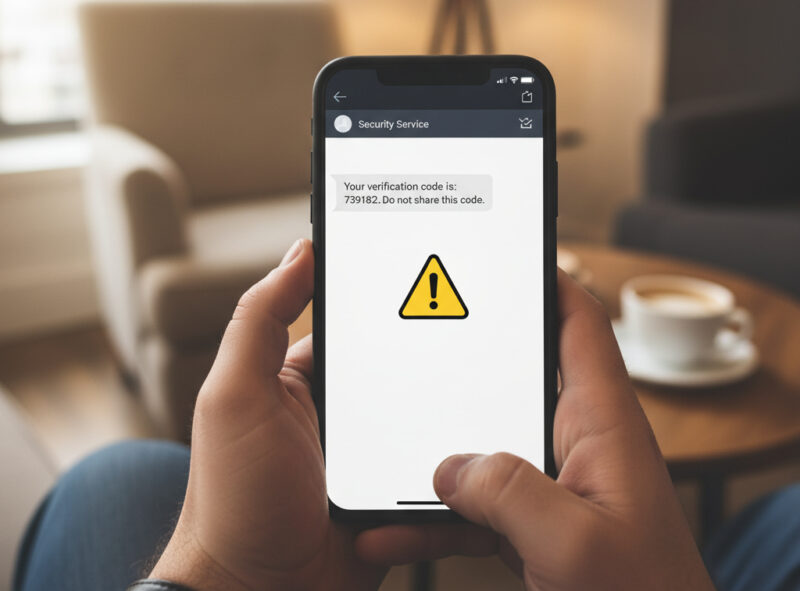
While rare, some accounts may allow you to disable SMS as a 2FA method in the account settings. If not, you can remove your phone number (if not mandatory) from the account to prevent hackers from using it for 2FA.
4. Automatic Approval From Infected Device
If your device is infected with malware with access to sensitive permissions like device admin or accessibility, hackers can approve prompt-based logins automatically. They can both view screen contents and simulate taps to interact, so they can start a login session and approve it.
Due to this, some companies now add biometric verification as added security, so physical interaction is necessary to approve a request. However, users can be tricked into providing biometrics by creating back-to-back requests (MFA Fatigue Attack).
Your best bet is to have utmost security on your 2FA approval device and have biometric verification enabled when possible. Avoid sideloading apps and manage app permissions to ensure no untrustworthy app has sensitive permissions.
5. Fake Overlay Attack
This is another sophisticated attack that depends on device infection. Malware can show fake overlays to convince you to approve a login request, like the RatOn malware attack. The malware will show a fake request for approval related to something harmless, but it will be covering a login prompt. When you approve, it will instead approve the account login.
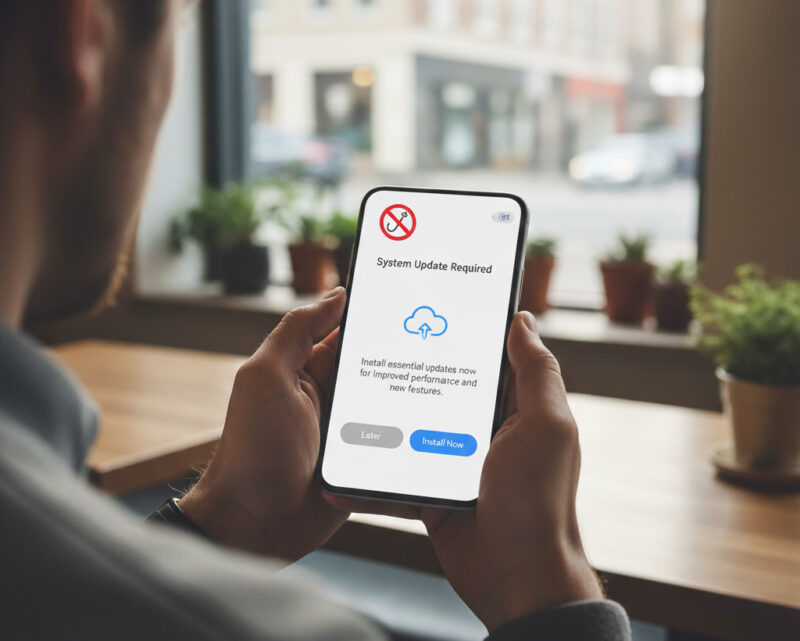
This attack is much more convincing and harder to detect. Many users won’t think twice about a harmless prompt related to their phone functions, such as enabling battery optimization. Therefore, securing your device from malware is the best way to avoid this. If you think your device is infected, immediately take the steps to remove the malware.
Prompt-based 2FA delivers real convenience while avoiding many of the weaknesses of SMS and email-based second factors. Just make sure you are careful about these common attack methods. You can also consider stronger authentication options such as passkeys or hardware security keys.








