As we focus all our attention to post great content, we tend to make some mistakes on WordPress that can be fatal. Here are top 5 mistakes that every WordPress user should avoid making.
WordPress released the beta version of WordPress 4.0 that includes some new and improved features to improve back-end user experience. Let’s check out what’s new in this WordPress 4.0 Beta 1 Release.
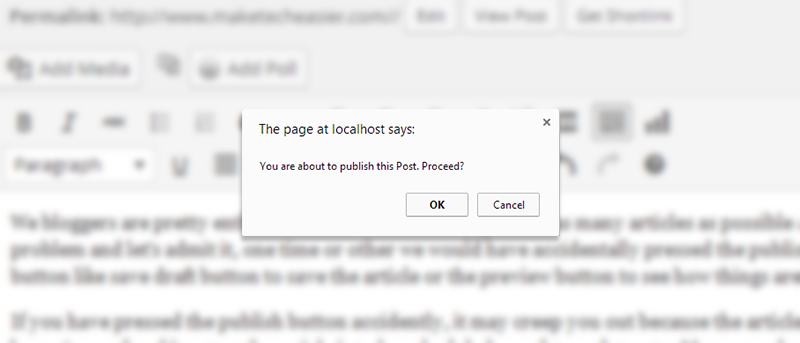
When you click the Publish button in WordPress, it turns the article live without prompting. To overcome this, you can get it to show a confirmation message before publishing.
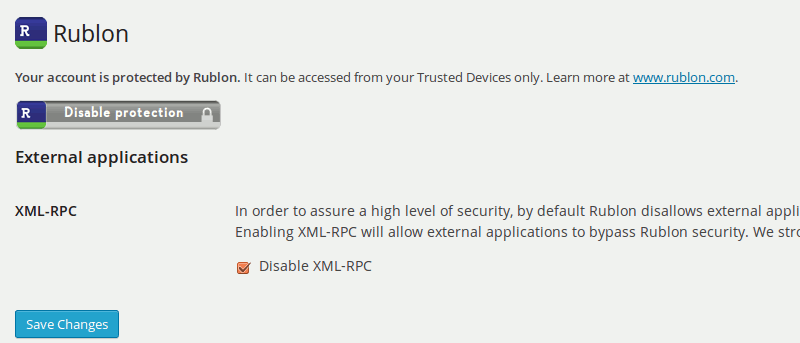
Rublon is a plugin that implements two factor authentication in WordPress, without you having to do the additional authentication step. Let see how it works.
Tired of typing your username and password everytime you want to login to a site? Clef is a password replacement app that allows you to login without password.
The APT system in Ubuntu may be useful for installing applications, but it is not deploy a service/program. The Juju system aims to make access to server-based programs as simple as those for the desktop. Here’s how to use it.
One of the way to protect your images online is to add watermark to your images. Here are some of the best plugins that you can use in WordPress to automatically add watermarks to the images you uploaded.
WordPress, like any other database driven application, is very prone to having the corrupted database issue. This article shows you how to recover from the issue and get your site back up working again.
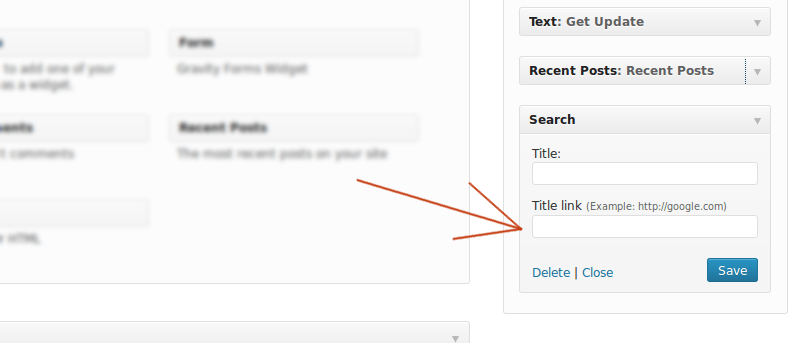
Do you use numerous widgets on your WordPress blog? Have you ever wished that you could add WordPress Widget Titles? If so, you’re in luck thanks to a WordPress plugin called Widget Title Links.
I am sure that you have backed up confidential data in your computer, but if you are running your business on WordPress, did you remember to back up your files and database as well?
Is your WordPress blog running a little slow? Sometimes all you need to do is give it a quick cleaning and optimize the database. Just like with your computer and Web browsers, your WordPress database gets filled with unneeded files like drafts, revisions, and spam comments. Luckily, removing them is a piece of cake.
Are you constantly checking your Google Analytics data and looking for an easier way to keep up with it? If so, here is how you can access your Google Analytics data in your WordPress dashboard.
If you are running a WordPress site, it is important to beef up the security of your site and prevent hackers from entering and wreak havoc. Here is how to protect your WordPress blog with two factor authentication.
In WordPress, if you have used plenty of plugins, you will surely come across a few that require you to put a shortcode in the post (like [shortcode_1]) for it to work. Using shortcode may be a good way to add functionality to your site, but when you deactivate the plugin, the shortcode in your content don’t get removed and it will appear in the frontend in its unprocessed form. Here are some ways to remove unused shortcode from your site.
If you run a blog, you might want to insert some ads in your article to generate some income. In WordPress (self-hosted), you can easily add ads to the sidebar, but adding ads to the content, especially in-between the content, can be difficult. In this article, we show you a simple way where you can easily insert ad (or any other stuff) in-between your content, without any plugin.