
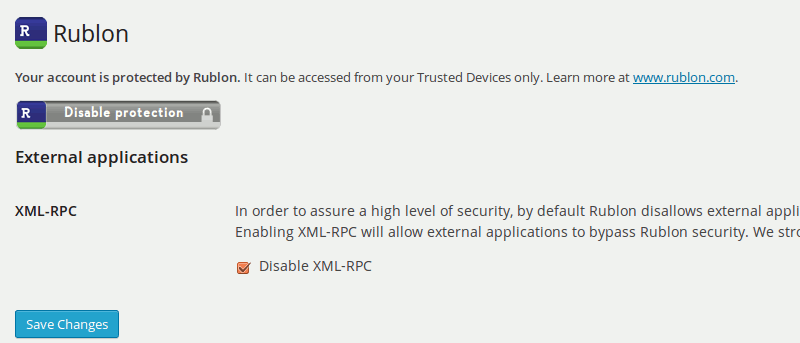

We have shown you various ways to set up two-factor authentication in WordPress. You can either use Google Authenticator or Duo Two Factor Authentication. If those are not good enough for you, you might want to try out Rublon – a plugin that implements two-factor authentication in WordPress, without you having to do the additional authentication step.
How Rublon works is by restricting your login to your personal computer, particularly your browser. After you have added your PC to the list of “Trusted Devices,” you will only be able to log in to your WordPress Dashboard from your PC. Login from other PCs or remote location will not be validated, even with the correct username and password.
Installation of Rublon
There are two parts to setting up Rublon for your WordPress site.
First part: Setting up Rublon on your mobile phone
The first part requires you to install its app on your mobile phone. It is available for Android, iOS, Windows Phone and Blackberry.
Once installed on your mobile device, you have to setup an account (just your email address will do) with Rublon. This allows you to manage your list of Trusted Devices remotely.
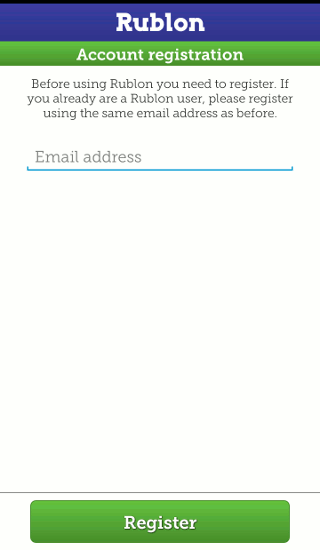
After you have entered your email address, it will bring you to the QR scanner for you to scan the QR code. That’s all for now.
Second part: Setting up Rublon on your WordPress site
For the second part, you need to install the Rublon plugin on your WordPress site.
Next, proceed to the Rublon Settings page, and you can see a “Protect Your Account” image.
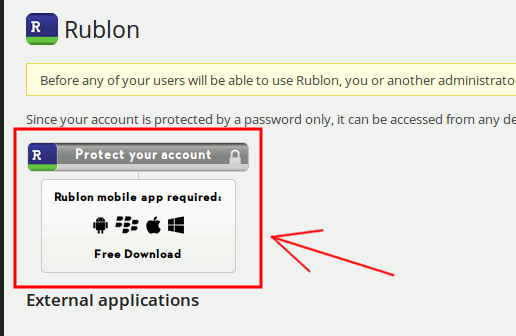
Click on it. It will bring you to the Rublon site with a QR code.
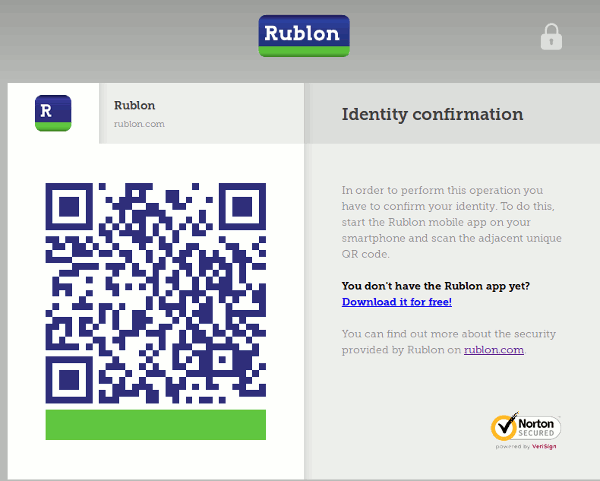
Now, use the Rublon app on your mobile phone to scan the QR code. This will add your current computer and browser to the “Trusted Devices” list.
That’s it. All login attempts from computers not in the Trusted Devices list will not be successful, even if the username and password is correct.
One thing to note is that for a site with multiple users, all of them have to authenticate with Rublon for this to work on their account.
Managing your trusted devices
To manage your list of trusted devices, you just have to open the Rublon mobile app and tap on the “Trusted Devices” button. It will then show you a list of the devices added to your account. From here, you can remove the entry that is no longer in use. For example, if you have added a computer from the Internet cafe while you were travelling, you can remove it from the list after you are done with your work.
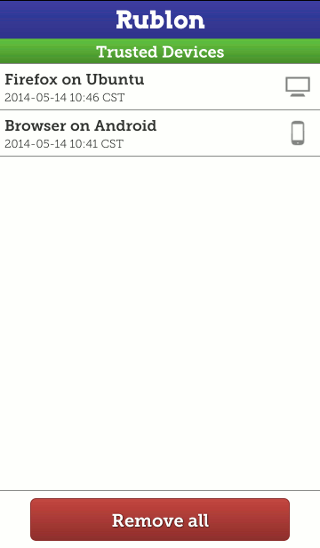
One caveat to the Rublon app is that it is browser dependent. This means that if you authenticate it with Firefox on your machine, you won’t be able to access it with Chrome on your machine unless you add it to the trusted device list. For those who have several browsers in your machine, this is going to be a hassle.
Do you think this is a useful app that can help you improve your site’s security? Let us know in the comments.