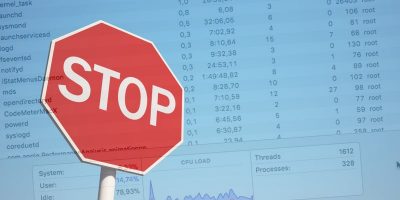
Linux offers a number of tools for examining your running processes. Here are some of the best terminal tools for you to better manage processes in Linux.
While there are many Inventive games that pushed the boundaries of what’s possible for puzzle games, there were no n-curses-based Rubik’s Cube for the Unix console, until now.
Most of the search commands only read plain text files and not PDFs. To search PDF files from the terminal, you can use pdfgrep. Learn about pdfgrep here.
You can record a terminal session with any screen recording program, but Showterm for Linux makes it very easy to record and embed on a site. Here’s how it works.
When you have a folder full of files, it can be difficult to find the exact file count. Learn how you can count the number of files in a directory in Linux.
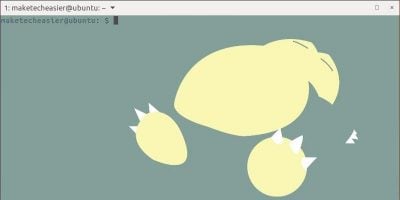
Here’s how to customize your Tilix terminal in Ubuntu with 493 unique Pokemon skins. Choose your favorite, or set it to display new Pokemon on every launch.
If you’re coming to Windows from macOS or Linux, you might miss the powerful shell. Learn how you can install zsh and Oh My Zsh and get a shell running in Windows 10.
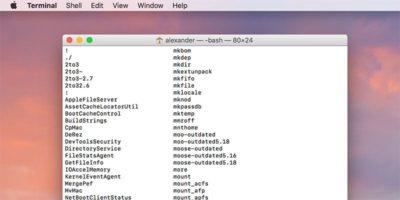
macOS comes with a bewildering array of commands that you can use in the Terminal. If you are looking for a command, here’s how you can quickly find out all the terminal commands on Mac.
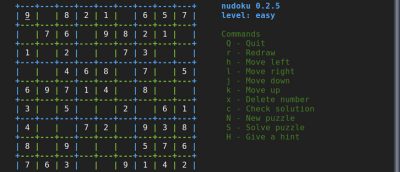
Linux geeks & system admins may prefer to play games in the terminal where they spend most of their time. Here are 6 of the best terminal-based CLI games for Linux.
The clear command or CTRL+L can be used to shift Terminal output upward, but what if you want to totally clear the terminal screen? That’s where the reset command comes into play.