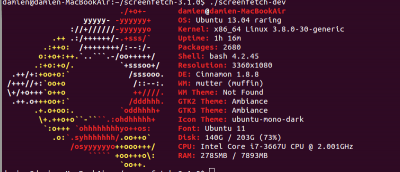
Have you ever wanted to find out more information about your Linux system, but are not sure where you can obtain those information? With ScreenFetch, you will be able to view such system information in terminal.
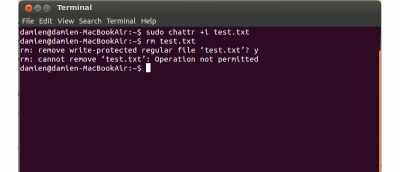
There are times when you want to lock up files and prevent other people from making changes to them. Here is one simple, but useful command that you can use in Linux.
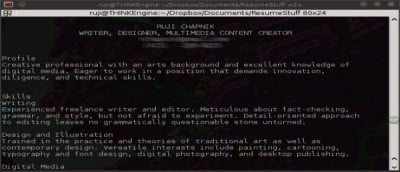
If you are a frequent terminal user, you may come across situations where you need to debug the code or copy the output of a script for future reference. Here is one way that you can use to record terminal session in Ubuntu to obtain the log file of all the input commands you have entered and their outputs .
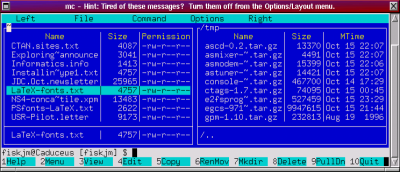
For Linux users, knowing how to get around on the command line is an essential skill. But there are times where you might not remember a command or you actually need to edit a file. The Midnight Commander is an excellent tool to manage your files in the terminal.
Evilwm is a stacking, or floating, window manager for the X desktop. It is known for being almost obscenely minimalistic, boasting only 1-pixel borders for application windows and using no panels, launchers, or menus.
The Terminal may seems like a scary place for many Mac users, but do you know that you can play games in your Terminal too? Other than Tetris, there is also Ping Pong, Snake and even lesser-known games like Doctor. If you are keen, here is how you can start playing the games in your Mac’s terminal.
Airdrop allows you to send a file over to another Mac that is in the same WiFi network. However, not all Macs support Airdrop, especially those without the latest updates. Even those with the latest updates may not work out if not under a WiFi network. This doesn’t mean you have to miss out. Here, we will go over how to use Airdrop in both situations.
IRC is great, but it can be easily affected by your Internet connection. If you’re not afraid of the command line, you can keep your IRC connection going almost as long as you like.