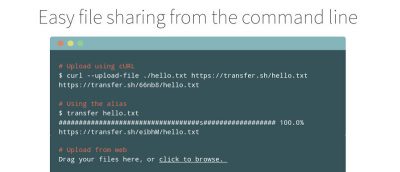
Transferring files is nothing new. However, Transfer.sh is an exciting tool that lets you do so via the terminal. It works on any system that has bash and curl.
While the secure empty trash option is gone in OS X El Capitan, there is still a way to do it if needed. Here’s how to empty the trash securely on your Mac using a Terminal command.
Ntop is an open-source and very useful network-monitoring tool that displays a list of hosts that are currently using the network and reports information. Here’s how to install and configure it.
In order to ensure the integrity of downloaded files, some websites give you a checksum to compare to. If you’re on a Mac, you can use Terminal to check a file’s checksum. Here’s how.
The power chime is a feature in the new Macbook. Using Terminal you can get the chime to sound when you plug in your Mac to your power outlet. Here’s how.
Using Terminal to change the DNS servers has its advantages. It’s also very useful when troubleshooting. Here is how you can easily do that on your Mac.
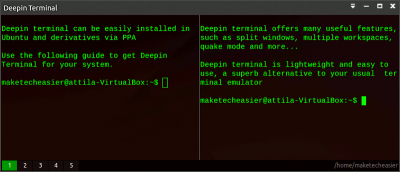
Deepin Terminal is a python-based terminal emulator with many useful features you often can’t find in default Terminal. Here’s how to install it in Ubuntu.
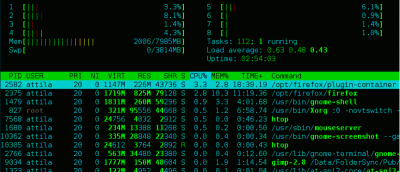
htop is a terminal-based system monitoring app that presents data of various system processes & resource consumption. Here’s all you need to know about it.
Are you on Fedora 22 and puzzled that after you install you can’t log in or do anything? This is a simple issue with Wayland GDM. Here’s how to fix it.
The following five user-friendly terminal based applications in this article are proof that the terminal can be intuitive, easy to use & even fun at times.
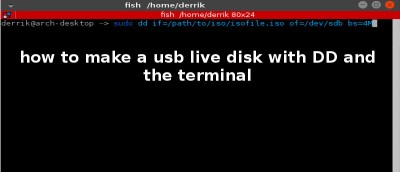
While there are plenty of graphical tools for you to create a Linux USB live disk, nothing beats the command line for its easiness. Here’s how to do it.