SDCV is a dictionary utility you can run on your Linux Terminal. Learn how you can install a dictionary on Linux Terminal and look up words with commands.
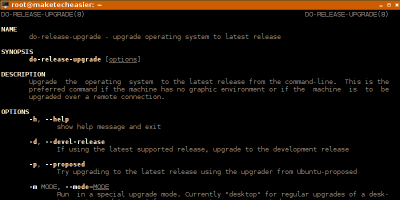
It is easy to upgrade your Ubuntu to a new release, either with a graphical interface or via the terminal. Here’s how to upgrade Ubuntu from the command line.
There are numerous ways to spruce up the XFCE terminal. For those who want to tweak their terminal, here are five great XFCE terminal themes to check out.
The default Terminal app on macOS works just fine, but it’s far from the only option available. Here are some of the best alternative terminal apps for Mac.
Knowing when a file was used, accessed or changed can help to detect unauthorized access. Here is how you can find out when a file was accessed or modified in Linux.
Sometimes you need to pack multiple files and/or directories into a single file. These are some tar commands you can use to archive and compress your files.
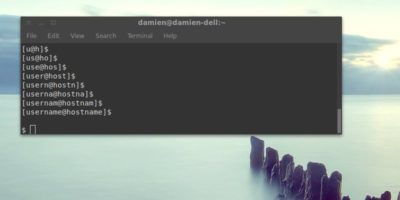
The terminal prompt in Linux shows your username and hostname by default. This will show you how to remove your username and make changes to the prompt.
The terminal is a very powerful tool, and it can be a fun place to be, too. Here are some fun Linux commands you can run in terminal and make it interesting.
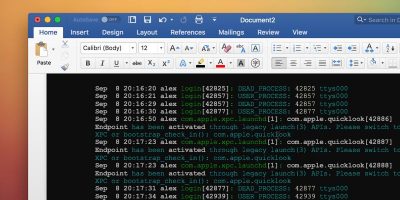
You need a special tool to add Terminal code in Word with the correct colorization. Learn how you can properly add colored Terminal code to Microsoft Word.
The Terminal is an essential tool for Linux users. It is also a boring tool. It would be so much more personal to add a custom wallpaper to the Terminal.
Hostnames are an important piece of the Linux networking puzzle. They let you easily access Linux systems across a network with a name instead of an IP.
The ping command is very useful to check if a site/device is online or not. You can also analyze the speed of your computer and the site you’re trying to contact. Here is how to use it.
Solarized turns your Linux terminals and applications into works of art with a simple 16-color palette. It can reduce eye strain associated with staring at a computer monitor for extended periods of time.
Netctl makes it easy to use Systemd-like commands to enable and disable network profiles. Here is how to use Netctl to create wired and wireless profiles and manipulate them to start manually or at boot.