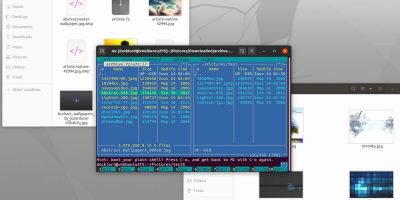
It is easy to manage compressed files in the desktop but not in your server. Here is how you can easily handle compressed files with Midnight Commander.
Have you ever wanted to search the Web while typing away on the command line? There are a few ways for you to search the Web from Terminal. Check them out!
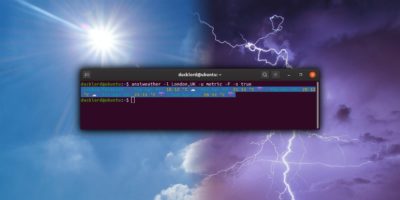
AnsiWeather is a shell script designed to display the current weather conditions in the terminal. Here’s how to use it to check weather from the terminal.
Do you know that Linux has its very own command-line spellcheck utility to check your writing in the Terminal? Here’s how to use aspell to spellcheck in Linux.
There are a few ways to find and locate files from the terminal in Linux. find, locate, which and whereis are some of the commonly used commands to do so.
Tilix works as a great terminal alternative for your Linux PC. Let’s see how you can use it to turn your terminal into a modern and efficient workspace.
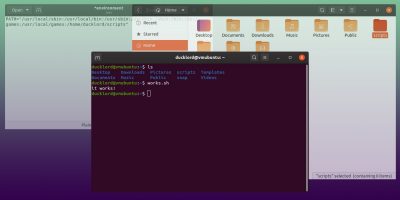
Have you notice how Linux commands are located in different folders but accessible everywhere? Here is how to make your scripts executable everywhere too.
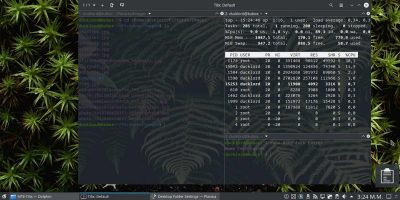
Setting the terminal as a transparent wallpaper is a great way to use the terminal and enjoy your wallpaper at the same time. Here’s how to do it in Kubuntu.
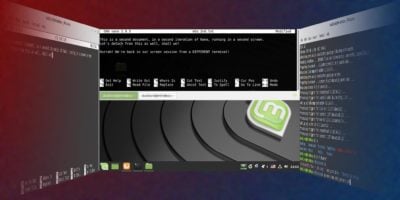
Screen makes multitasking in the terminal simple. With it, you can run many tools in parallel, each in their session, and detach and reattach to it at will.
Switching to Linux can be intimidating, but learning the command line can be very useful. Here are some useful Linux commands new users should pick up.
Guake is a dropdown terminal emulator for Linux. Let’s see why it’s worth it to invest some time to install, configure and use Guake on your Linux computer.
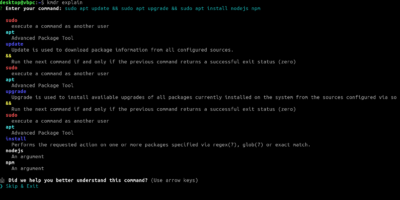
Learning how to use the terminal can improve your Linux knowledge. If you’re struggling with Linux commands, you can use the Kmdr tool to explain them.