If you’re experiencing slow speeds on your Android TV, with videos taking forever to buffer and games not loading properly, it’s often a TV cache issue.
When a webpage is not loading well, clearing the browser cache can help. You’ll learn in this tutorial how to clear the cache in the Microsoft Edge browser.
The browser cache stores web resources and allows webpages to load faster on subsequent visits. Learn how to increase the browser cache size to store more data.
Your iPhone or iPad contains many different kinds of cache, and they can affect the performance of the device. Learn how you can clear the cache in iPhone or iPad.
Windows 10’s Delivery Optimization feature lets you transfer updates to and from other PCs on your network. Here’s how you can manage the delivery optimization cache.
Most system caches do not require regular clearing, but the Quick Look cache on macOS can leak previews of files from encrypted disks and need regular purging.
Have you ever tried to access a website only to get the error “Service is Unavailable?” Here are some ways for you to access a web page when it is down.
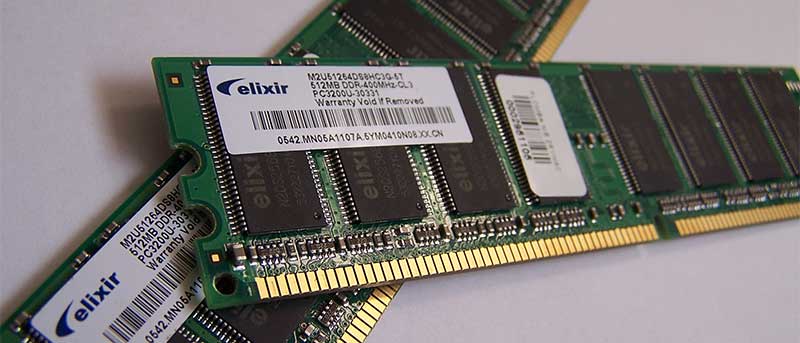
Sometimes the easiest way to speed up your Mac is by clearing the cache and RAM contents. Best of all, you can use the purge command to do so. Here’s how.
Windows icon cache speeds up the appearance of icons on your computer. Sometimes the cache can get corrupted. Here’s how to repair a broken icon cache.