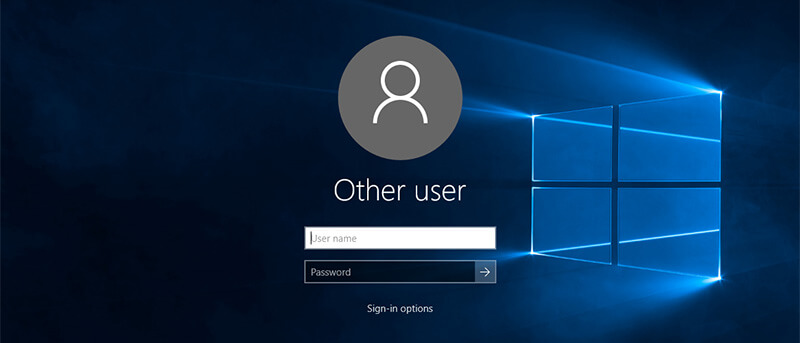
When you log in or lock Windows, you’ll see your account details. Don’t like this? Want to hide all user details from the login screen? Here’s how to do it.
Fruit Juice is a battery management app that sits silently in the menubar while analyzing your battery to help extend your Macbook’s bettery life. Here’s how it works.
No one likes to have a machine that isn’t working, whether it be a desktop computer, a mobile phone, a tablet, or a gaming system. Do you fix your own electronics or send them out?
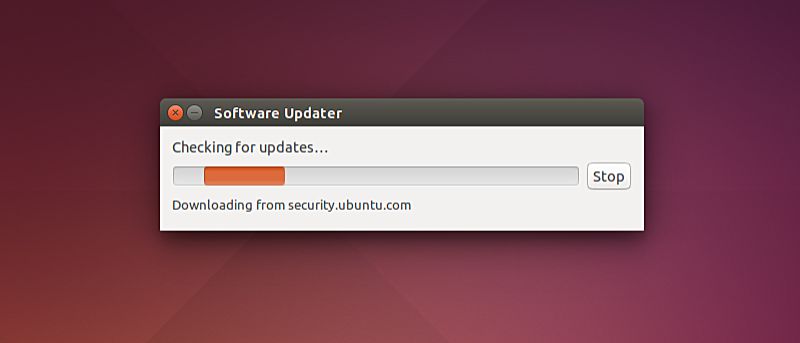
Want to disable automatic updates on Ubuntu to limit Internet bandwidth, stick to a particular version of a software or OS kernel, or another reason? Here’s how to do it.
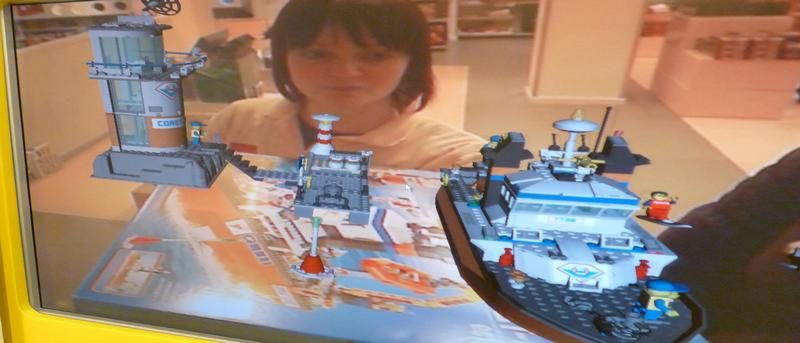
Augmented reality has the upper-hand right now over virtual reality, but one question remains, how do these two technologies differ? Let’s discuss here.
Some Mac machines do not have an optical drive. If you have a PC desktop or laptop, you can easily access optical drives over your network. Here’s how.
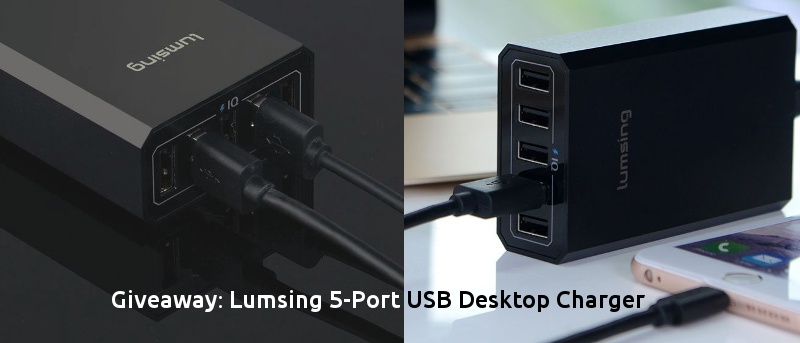
Need a compact USB desktop charger that is great at home and on-the-go? Check out Lumsing’s charger with intelligent control chipset and fast charge technology.
Behind Chrome’s minimalist design, it hides hundreds of features – even some you may not know about. Let’s check out some of those little-known Chrome features.
In El Capitan you can find where the cursor is by shaking your fingers on the trackpad to make the cursor get bigger. Don’t like this effect? Here’s how to disable it.
If you want to block someone on Instagram but still want to keep your account public, here is how you can block anyone without changing the privacy settings.
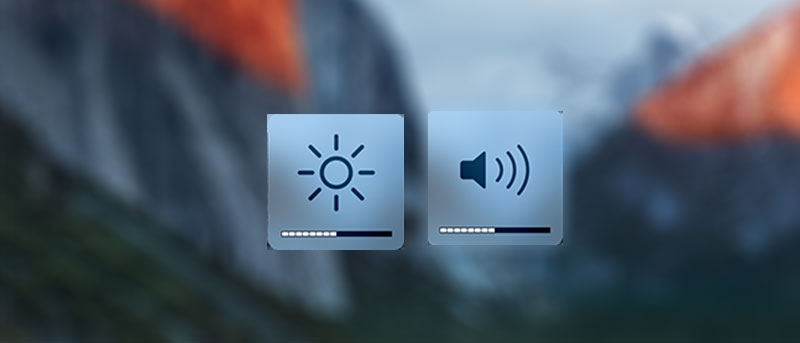
There’s now a way to change both volume and brightness on your Mac in smaller increments. The trick allows you to change levels in as small as 25% of the default bar.
If you’re a Chrome user, a must-have extension is Emoji Keyboard. This free extension is available for Mac, Windows, and Linux and gives you instant access to 1,619 emojis in nine different categories.
Did you know there’s a way to automatically hide the menu bar on your Mac so that you don’t see it unless you move your cursor near it? Here’s how it’s done.