Not all great smartphones are expensive. The Leagoo Elite 5 is a mobile device that has unique and extensive features yet is light on your wallet. Check it out.
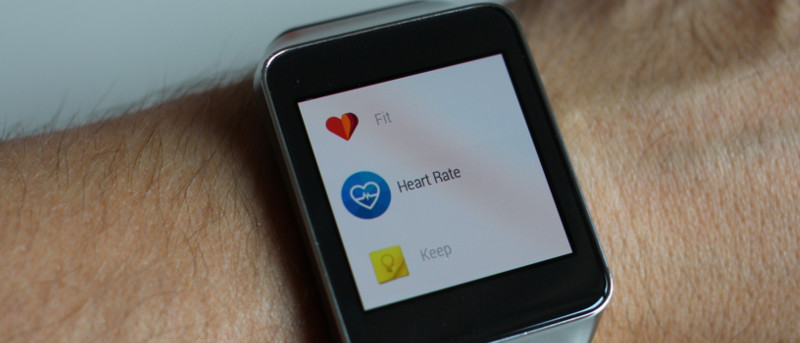
Google retains health information from your Google Fit device. If you don’t like this or want to use it elsewhere, here’s how to export your Google Fit data.
When you create a shortcut in Windows, a small arrow icon is displayed on top. Don’t like that default arrow icon? Here’s how to customize or remove it.
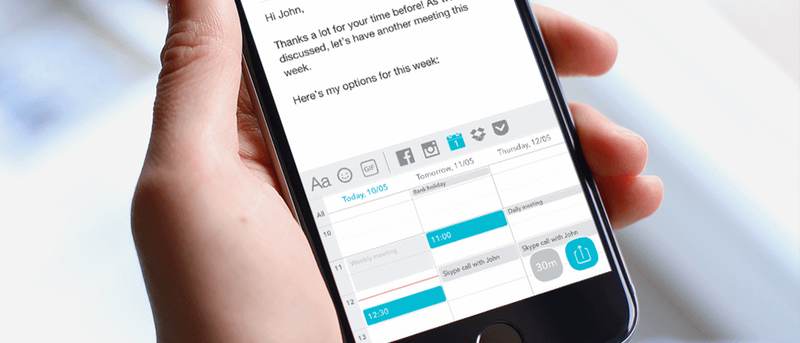
ThingThing is a mobile keyboard app that lets you quickly share files. It can access your cloud files, animated GIFs, & images from Facebook and Instagram.
Are you a Google Now user but tired of the constant notifications? This post will show you how to completely turn off all Google Now notifications for good.
Facebook now lets you use a 7-second video as your profile pic. All you need is an Android or iOS device. Let’s bring your Facebook profile picture to life!
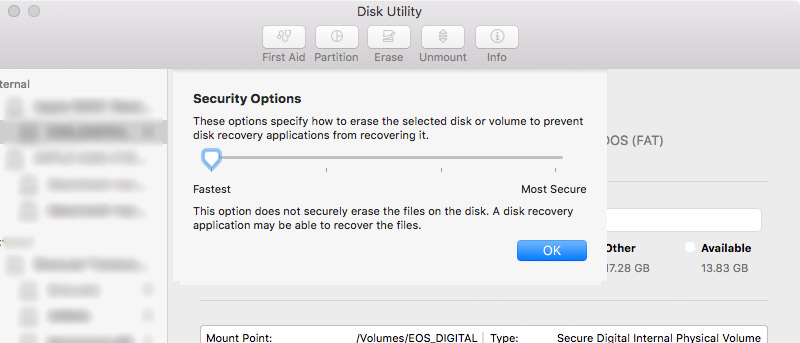
If you want to make sure that your sensitive documents and files are completely removed from your Mac, here are a couple of ways to securely delete them.
By default, you cannot delete all of the photos on your iPhone at once. This tutorial will show you how to delete photos on your iPhone using your Mac.
Did you know the Ease of Access Center in Windows lets you set an alert for all the Lock keys on your keyboard – including the Caps Lock key? Here’s how it works.
Social networks are forcing you to download more than just one app to access all the functions. How do you feel about social networks forcing you to download more apps?
Having too many tabs open at one time in your browser can be very hard to manage, among other things. Here are some ways to manage tabs in Safari on Mac.
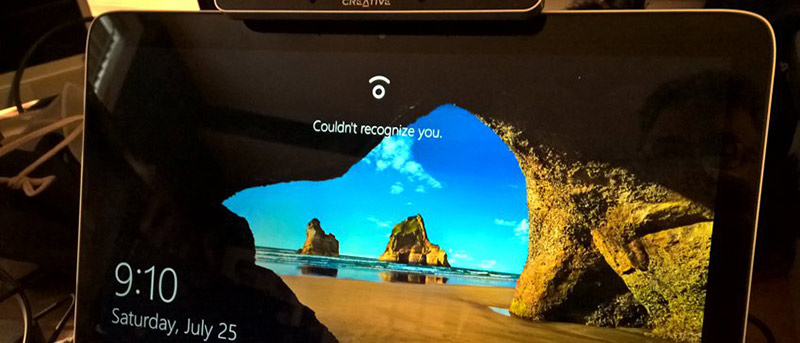
Windows 10 has a feature called Enhanced Anti-Spoofing that acts as a countermeasure for any unauthorised access via spoofing. Here’s how to enable it.
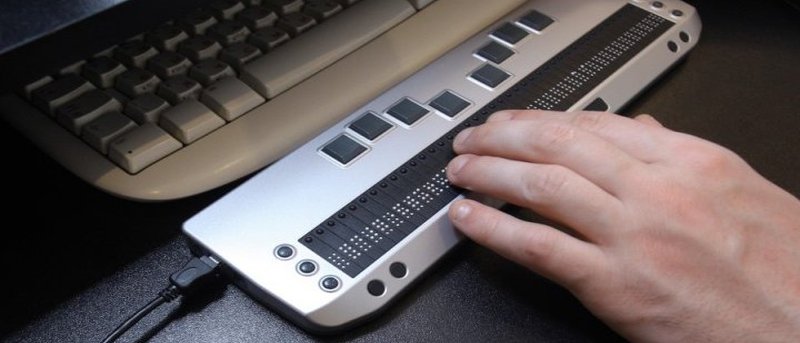
Everyone deserves a chance to browse the Web. Here are three free tools for visually-impaired and blind people to enhance their web browsing experience.
Did you know your photos give out personal info about you and your location? Luckily it’s easy to fix; here’s how to remove the metadata from your photos.
In the past there have been security issues with Android. With Android N they’re trying to combat these issues from the start. Just how secure will it be? Let’s find out.