Tired of Google Chrome running in the background and using up resources, even after you exit the browser? Here’s how to stop background apps in Chrome.
Want to disable or remove the shutdown button from the Windows 10 login screen to prevent other users from shutting down your PC? Here’s how to do that.
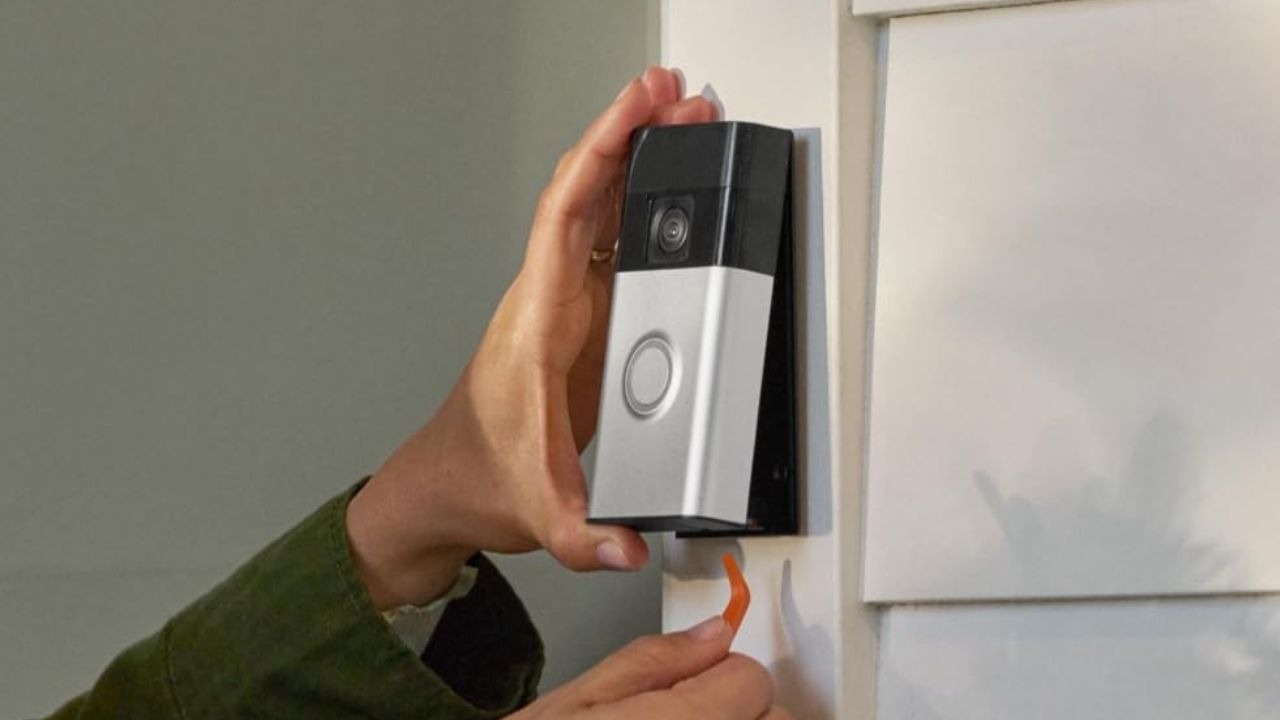
If you’re interested in smart gadgets you might want to secure your home with smart security gadgets. Here are 4 smart security gadgets to secure your home.
If you’re looking to open the Gmail website whenever you click on email links in various browsers on your Mac, here’s how to set the Gmail website as the default mail app.
Ever encountered the ‘Unable to lock (/var/lib/dpkg/)’ error on Ubuntu? Here are all the aspects related to this error and how to safely get rid of it.
Are you a fan of Emojis? There are dozens of Android Emoji keyboards available that allow you to express yourself in a fun and more visual way. Check them out.
Previously Google had two instant messaging apps, but now they have added three more to the mix. Do Google’s array of instant messaging apps serve any purpose?
There are multiple ways to convert a DOCX file to a PDF file on your Mac. However, this is one the most convenient and fastest ways because it only requires right-clicking on a Word file.
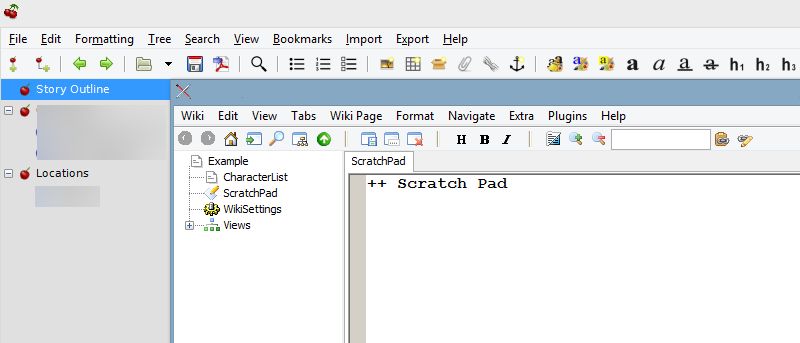
We’ve already outlined three of the best direct replacements for Notepad in a previous article. However, if you are looking for more options, here are some text editors that deviate from Notepad’s fundamental design.
Quitter is a Mac app that helps you automatically quit the apps that have been open for some time but are not used to help free up resources. Here’s how it works.
Glance Plus is and Android app that shows some basic information on a black screen when you wave your hand over or cover the proximity sensor. Here’s how it works.
You can’t schedule emails in the Mac Mail app natively, but with a little trick and an Automator script, scheduling emails is a snap. Here’s how it’s done.
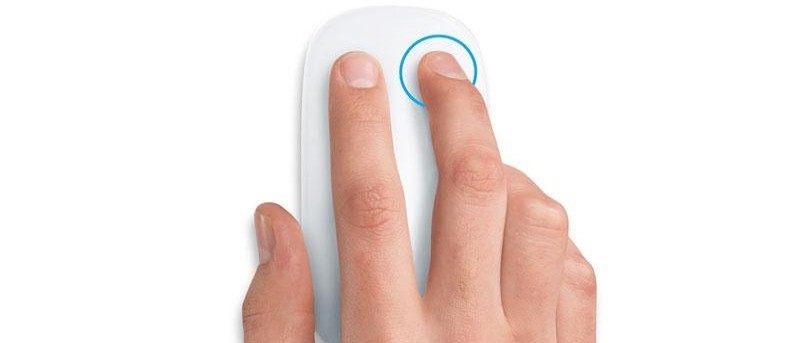
Some site owners choose to disable right click to help protect their content, but it is also inconvenient. Here’s how to re-enable right click on websites.
AutoPlay in Windows enables you to configure how an external device or drive behaves when you plug it in. Here’s how to set Autoplay defaults in Windows 10.
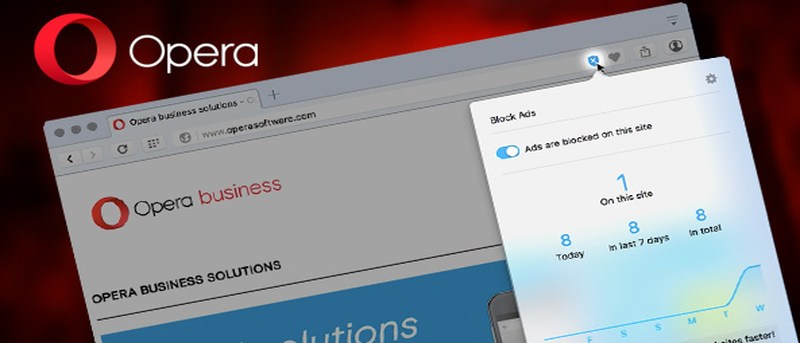
Have you heard about the Opera browser’s new built-in ad blocker? Let’s take a look at it and see if it’s a good replacement for your current ad blocker.

![Possible Reasons and Potential Solutions for 'Unable to Lock (/var/lib/dpkg/)' Error [Ubuntu]](https://maketecheasier.com/wp-content/uploads/2016/05/admin-dir-error-featured.jpg?width=400&height=225&aspect_ratio=16:9)



![Access Your Display's Basic Information without Touching Your Phone [Android]](https://maketecheasier.com/wp-content/uploads/2016/05/Glance_First_featured.jpg?width=400&height=225&aspect_ratio=16:9)