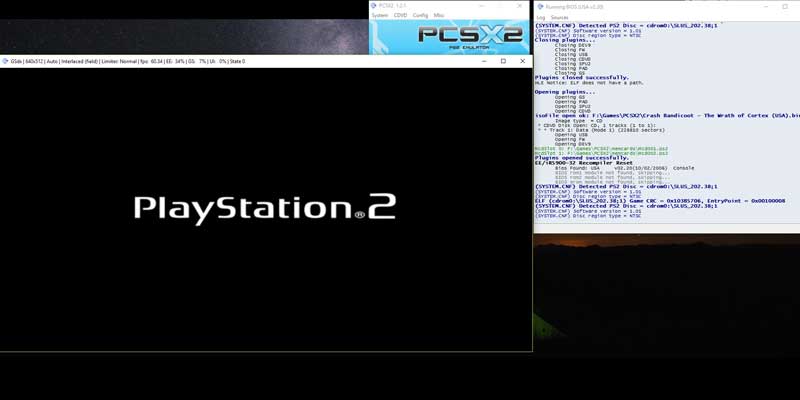
PlayStation Now launched on the PC, letting Windows users play hundreds of PS games on their rigs. Here we have the answers to some of the biggest questions about it.
Here’s a list of items that have been recalled due to being too dangerous, some you may not have heard about, some are well known, such as the Samsung Galaxy Note 7.
One way to loop videos on YouTube is to click Play after the video ends. This is laborious. Here are 3 ways to automate the looping of videos on YouTube.
If you are a web owner, one of the ways to attract a reader’s attention is to use moving, typewriter-like texts. WordPress users can achieve this typing effect with Typed Js.
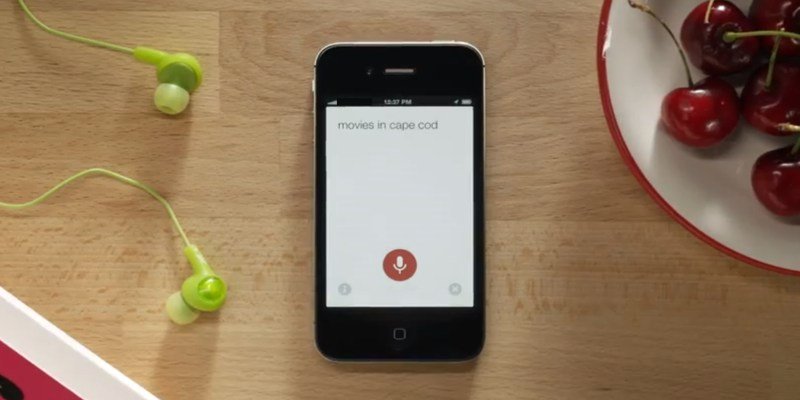
If you are not aware, Google does record the voice searches you make on your phone. Here is how you can delete your Google Voice Search history and disable voice search.
LibreOffice may have seen huge improvements in recent releases, but its initial startup experience still leaves a lot to be desired. Here are some practical steps to speed up LibreOffice.
You might have came across a gigantic hiberfil.sys file in your PC and wondered if you could delete it. Let’s find out what is it and how you can handle it.
You cannot use markdown in WordPress, as it doesn’t come with native markdown support. Luckily there are plugins you can use to add markdown functionality to WordPress.
The Linux kernel has supported the Xbox One controller officially, but setting it up is not as easy. Here is how to set up an Xbox One controller in Ubuntu.
The promise of game emulators is so seductive that it’s easy to bury your head in the sand regarding their legality. Here’s everything you need to know.
Do you enjoy listening to media on your phone or tablet before you sleep? If so, perhaps you’d like the idea of a music sleep timer. Learn how to set up a music sleep timer on Android.
Governments are notorious for their inability to catch up to the latest advancements in technology. Here are four outdated systems in the IT infrastructures that are still around.
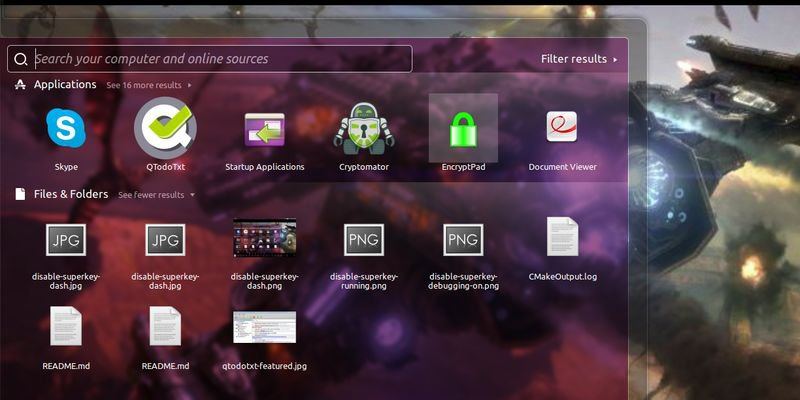
One way to prevent the accidental pressing of the Super key is to disable Super key when in full screen mode. Here is a simple script to do so in Ubuntu.