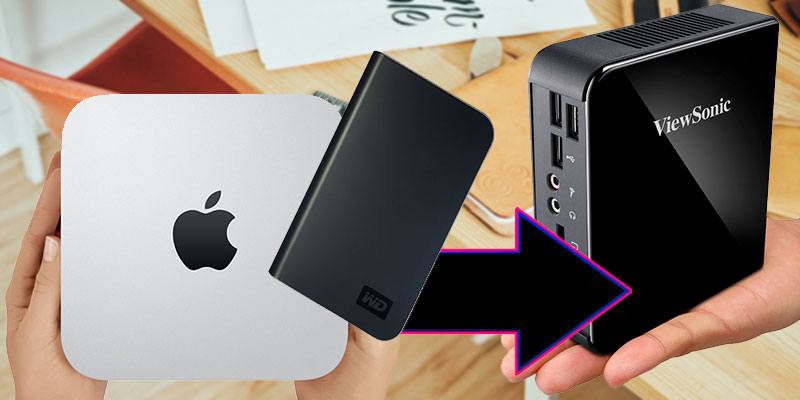
Cloning your Windows 10 boot drive to a new hard drive is not as easy as it might seem. Here is how you can create a bootable clone of a Windows 10 drive.
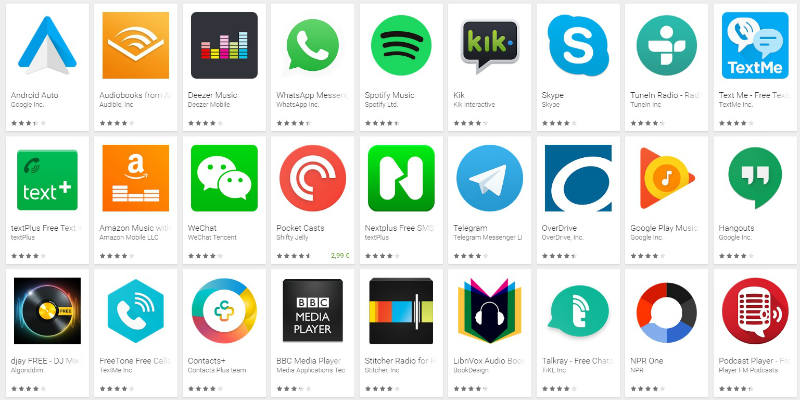
Plenty of Google Chrome apps require an Internet connection to be truly useful. Here are 10 great offline apps for Chrome you can use to improve your productivity.
Can image files like JPEGs or PNG spread viruses? We tend to believe not, but here’s an incident on how images are used to infect computers through social media. Let’s find out!
Sometimes Google might not return the results you want. Fortunately, you can use Google’s advanced search features to be a little more direct with Google and obtain better search results.
Don’t you really hate it when you can’t find a program in the App menu? Check out this list of Linux application launchers to help you find and open programs quickly.
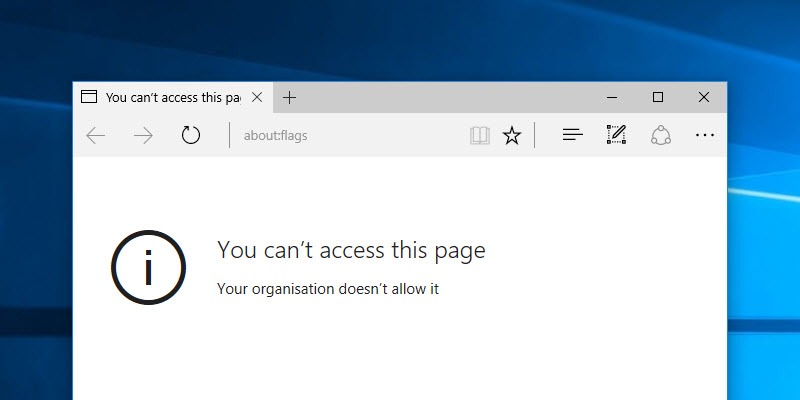
Like Chrome, Microsoft Edge also comes with an “about:flags” page for users to enable developmental options. Here is how you can block users from accessing this page.
Google Chrome is probably one of the most used app on your Android phone, but how well do you know its features? Here are 5 tricks that will make Chrome usage more enjoyable and efficient.
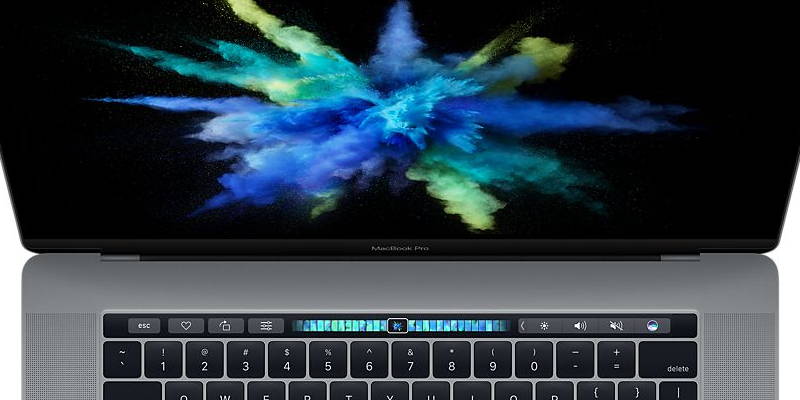
You don’t have to wait until your new MacBook comes to take the Touch Bar for a spin. Here are 2 different ways to get Touch Bar working on your old MacBook.
Which products that you have been reading about and seeing on TV are you’re hoping to see when you open up your gifts? What tech gifts are you looking to receive this year?
The iPhone 7 has new features that make the process of using the phone a bit more involved. Here are 5 tips for iPhone 7 to help you get the most out of your new device!
Some hard drives are marketed as “made for Mac” which many would think means it’s not usable in Windows. This guide will show you how to format and use a “Made for Mac” hard disk on a Windows PC.
Much has been said in recent weeks regarding the fake news that is published, specifically at Facebook. What do you think will happen with fake news in the future?
There are millions of WordPress plugins. How do you choose the best one for your site? This guide shows you the things you should do to evaluate the usefulness of a plugin.
Google Inbox is Google’s new take on email management. It comes with plenty of hidden tips and tricks. Here are some of them you can use to improve your productivity.
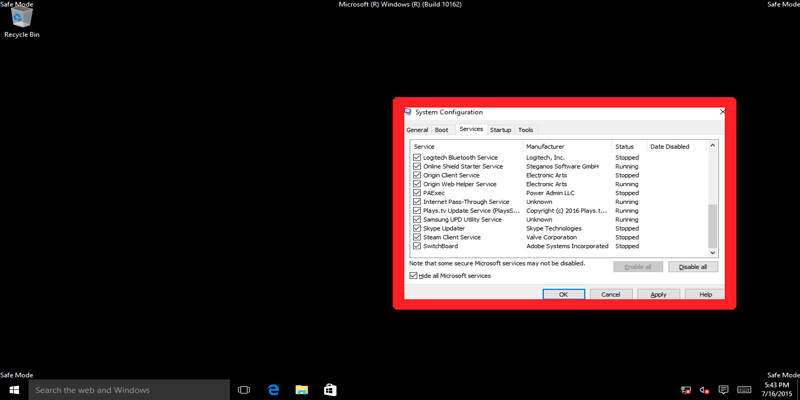
Windows Safe Mode and Clean Boot are not the same. Here we examine Safe Mode vs. Clean Boot, look at the differences, and learn how to use them effectively.