With email spamming so prevalent, you can protect yourself by dodging the most prevalent method: email harvesting. Learn what email harvesting is and how to protect yourself.
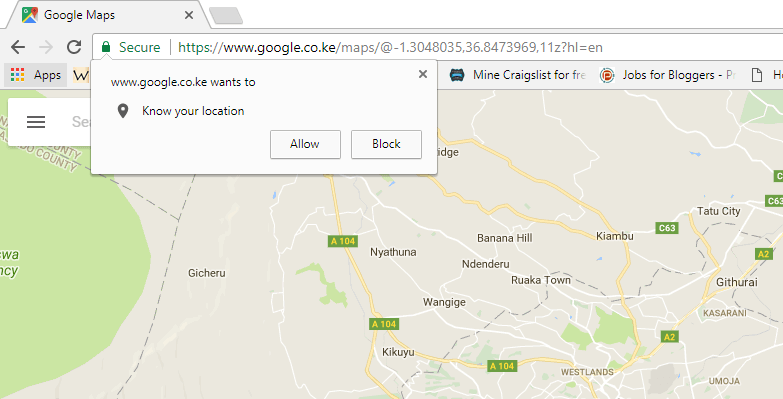
It can be annoying when every website you visit asks for your location. Follow these steps to stop websites from asking your location in various browsers.
A new technology in Windows 10 can track your eye movements and allow you to navigate the PC. Is this eye tracking feature really useful or just a gimmick? Let’s find out.
Are you looking to make some money from your WordPress site? Here are some of the best WordPress advertising plugins you can use to add ads to your site.
If you are setting up a WordPress site for your clients, you will want to make WordPress easier to use and avoid user errors. Here are some tips for that.
With the repeal of the Internet Privacy rules, there are several pieces of data that your ISP can obtain from you. Here’s what your ISP knows about you, and why you should be bothered.
While there are plenty of features in Apple Music, some of them are out of plain view. Here are a few Apple Music tips and tricks that you probably are not aware of.
The new “Set Aside” feature in Microsoft Edge allows you to declutter your browser. Learn how to set tabs aside in the Edge browser to improve your productivity.
You probably don’t use Internet Explorer 11 in your computer. You cannot uninstall it, but you can turn off Internet Explorer in Windows 10. Find out how.
It can be frustrating when legit emails get stuck in the Spam folder. Here are some steps you can follow to stop legitimate email from being flagged as spam.
Microsoft Edge allows users to easily share web content via social media, email, and other apps. Learn how you can easily share web content using Microsoft Edge.