There are times when you need a quick tool to blur out or censor some part of an image. Here are some useful tools that allow you to blur images online.
Getting rid of the event invite spam in Google Calendar, and preventing it from returning, can be tricky, so we’ll take you through the whole process here.
Malware developers are hard at work disguising their payloads as educational material. A majority of the pirated textbooks online contain malware within.
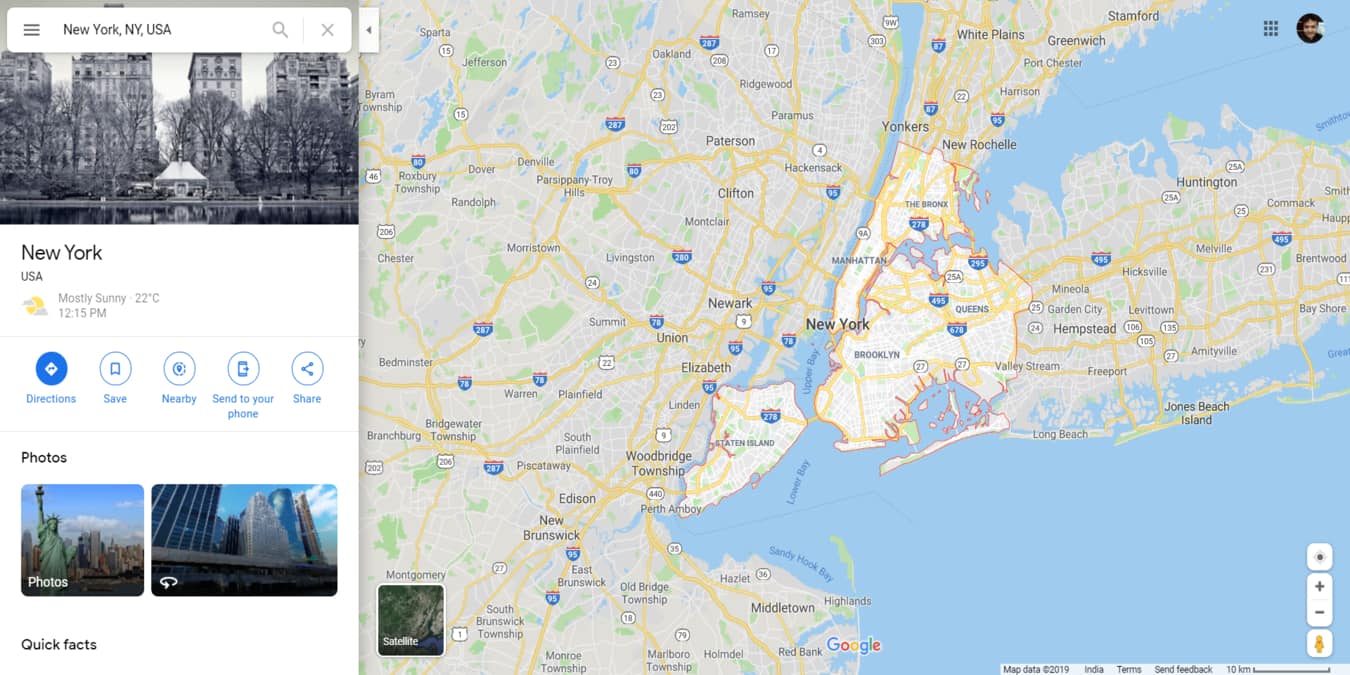
Google has been adding a lot of useful features to Google Maps. Here are 8 ways you can fully utilize Google Maps to give you a better travel experience.
For a while it looked like OpenOffice was doomed, but it seems to have bounced back, with a big update triggering people to take an interest again. In this article we compare the two office suites to figure out which one wins.
Do you need a website but don’t have the web design skills to create one? Here are our recommendations for the best drag-and-drop website builders you can use.
Whether you want to choose a CCTV surveillance camera for your home or office, this easy three-step guide will help you pick the right one for your needs.
You may have heard the term IPv6 but don’t know what it means. IPv6 is important to the Internet, especially if you have a website. Learn what IPv6 is here.
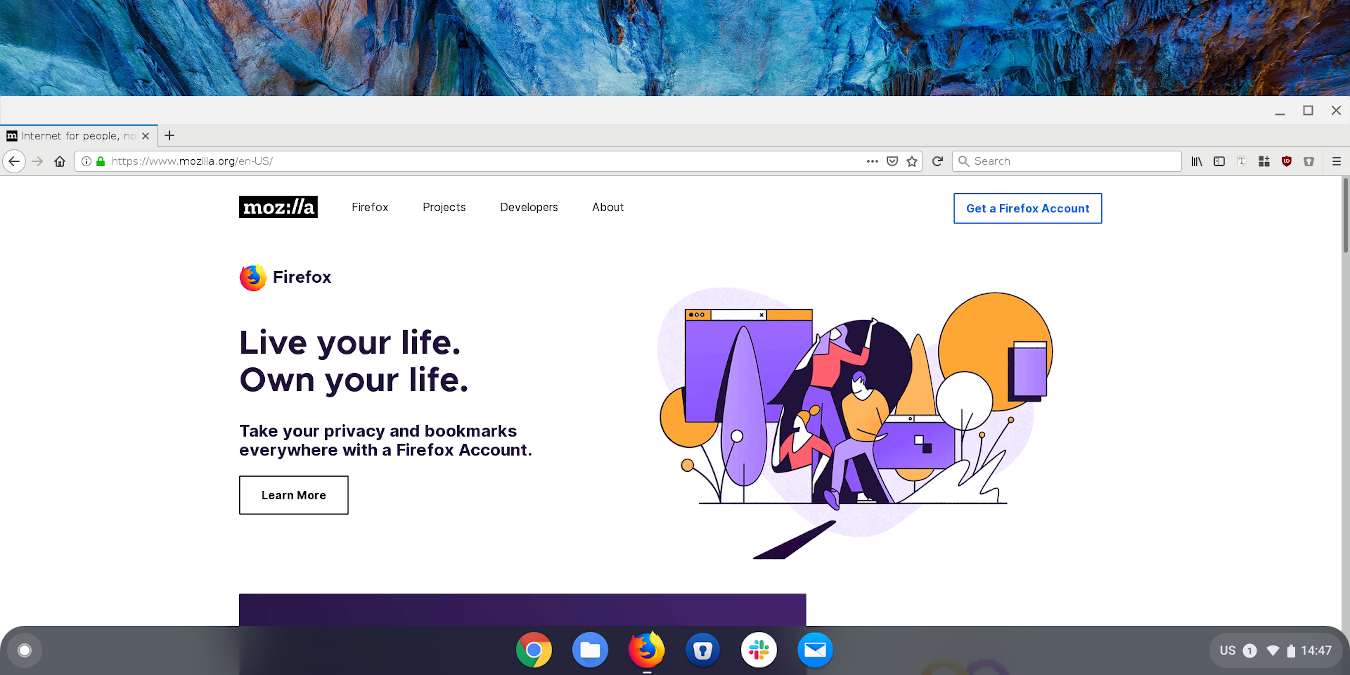
Chromebook runs Google Chrome browser by default. If you are not a fan of Google Chrome, here is how you can install Firefox on Chromebook as your default browser.
While your browser comes with a default home page, you can easily set it to your favorite site. Here’s how you can set a custom homepage on various browsers.
Atom is an eminently customizable app. These add-ons can replace your to-do list manager, note-taking app, and maybe even your favorite mind-mapping app.
Malware distributors can hide their attack by making a direct copy of a popular website, such as a VPN site, and provide a download with hidden malware.