If online security and privacy are important to you, as it should be, this handpicked list of such specialized security-centric browsers will come in handy.
Have you ever wanted to have a web-based operating system – one that you can access anywhere on any computer right from your web browser? If so, check out OS.js
Following in YouTube’s steps, Facebook recently announced that it has stopped using Flash entirely for videos across the entire social network. It’s time to explain why Flash is being dumped in favor of HTML5.
Many websites require viewers to have an account to use certain features. If you intend to view content without making an account, here’s how to do so using disposable accounts.
There have been many changes to the Microsoft Edge Web browser since it first arrived on the scene. Here’s why it’s now a solid browser worth another look.
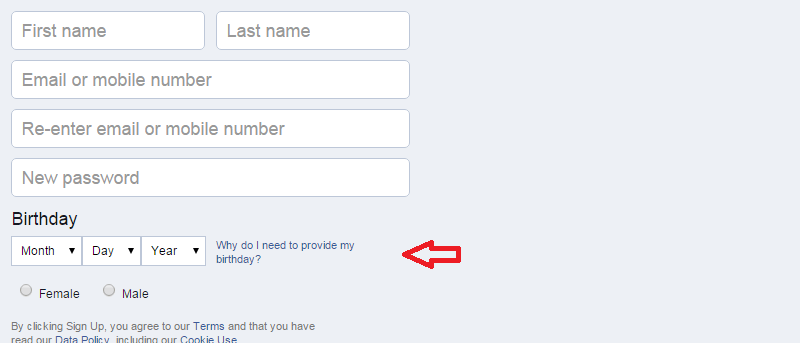
Since 2006, Facebook has established a minimum age of 13 for the use of its services. Do you think that setting a minimum age like this is wise? Let’s discuss.
Tired of hearing about the Kardashians, Jenner, and MIley Cyrus? Wish you could block everything related to them? Thanks to these Google Chrome extensions, you can.
The Secure Hash Algorithm (SHA) has been an instrumental tool in the fight against hackers. While SHA-1 has been the standard, it’s now being abandoned for SHA-2. Here’s why.
You can improve the speed and performance of WordPress by making regular cleanups of your database. Here are some plugins to clean up the WordPress database.
Looking to speed up the loading time of your articles? Here are some image optimization tips for WordPress to help give your visitors a better experience.
Facebook’s Live Streaming Service is an immersive and authentic way to connect with the public figures you care about in real-time. Here’s what you need to know about it.
Generally all online quizzes look the same; however, some might appear as apps that require certain permissions on Facebook for you to proceed. This presents significant privacy concerns. Here’s how to protect yourself.
All work and no play can get a bit boring. Following up on our practical joke extensions article, here we’ll be sharing some tech-oriented parody videos that you’ll hopefully find amusing.
One way to protect your website from spam and bots is to add Captcha. Here are some of the best Captcha plugins for WordPress that you should check out.
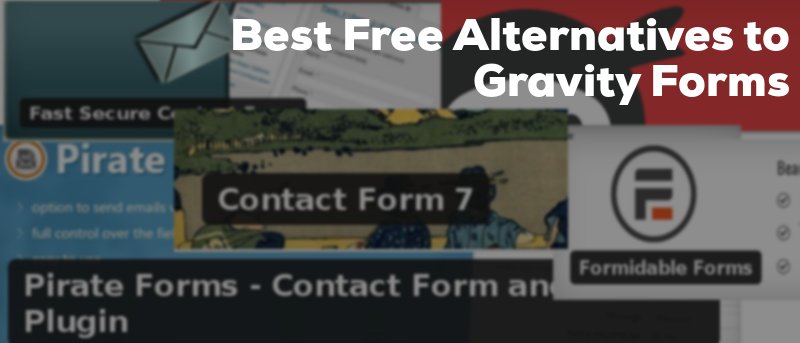
Gravity Forms is one of the highly regarded premium WordPress plugins for adding any type of form to your website. However, it’s a bit expensive. If you are looking for free alternatives, read on!
If you’re familiar with the Genesis theme for WordPress, you know that it has a bare bones look. Luckily there are many great plugins to enhance and customize it.