


Every once in a while we find ourselves in a place where we cannot access a website due to reasons like regional blocking, ISP restrictions, government restrictions, limitations imposed by the network administrators, etc. To bypass all those limitations and restrictions, we typically use VPNs. The good thing about VPN services is that they encrypt all the connections and make our Internet experience secure and private.
Traditionally, to use a VPN, you need to install a client-side application on your system so that the VPN service can encrypt all the incoming and outgoing connections system wide. But if you just want to encrypt browser connections, then using the browser extensions makes a lot of sense. With that in mind, here are some of the best VPN extensions for Chrome.
TunnelBear VPN
TunnelBear VPN is one of the most popular VPN services that provides a fast, reliable, secure and private browsing experience. The good thing about TunnelBear is that you can choose the VPN server location from more than fifteen different countries. To start using the TunnelBear VPN, just install the extension, sign up for a free account and you are good to go.
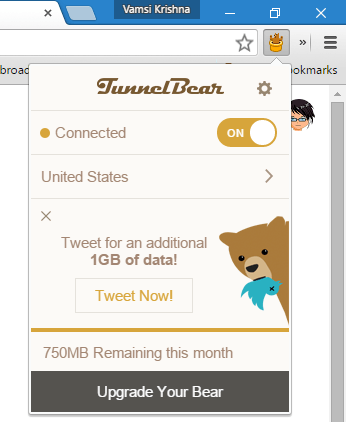
All the free accounts are limited to 750MB of free data per month. If you want to you can get an extra 1GB every month by simply tweeting (social payment) about TunnelBear.
HotSpot Shield
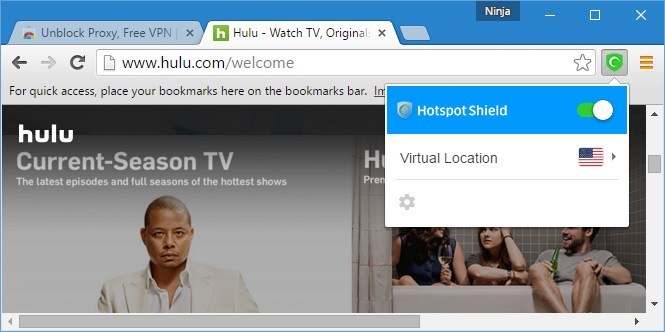
HotSpot Shield is yet another free VPN service which provides both free and paid services. The good things about this Chrome extension are that there is no need to sign up, no limit on data and it is completely ad-free. However, the free version only lets you connect to servers located in the US, Canada, France, Netherlands, and Denmark. To use the HotSpot Shield VPN, all you have to do is install the extension and toggle the button.
Hola VPN
Hola VPN is also a free VPN service with no restrictions on bandwidth or speed, and it even allows you to choose any virtual location from a list of more than fifteen different countries. However, the workings of Hola VPN are a bit different than other VPNs on this list. Unlike others, Hola acts as a peer-to-peer service which simply means that your traffic is routed through other users, and other users’ traffic is routed through your system.
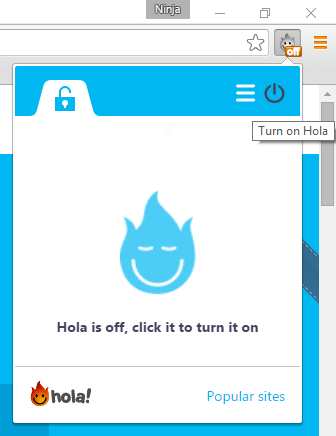
As a free user you cannot disable this peer-like behavior. If you don’t want to act as a peer to other users, then you need to choose their paid plans. If you don’t mind acting as a peer, then do give Hola VPN a try.
Touch VPN
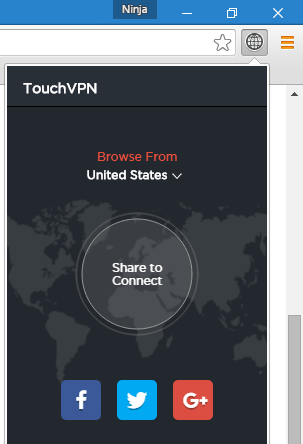
Touch VPN is yet another free VPN extension with no limits or restrictions on bandwidth. As a free user you can choose between four different countries, namely the US, Canada, France and Denmark. Though there are no limitations on bandwidth, the speed of your connection is completely dependent on how many active users are on the server.
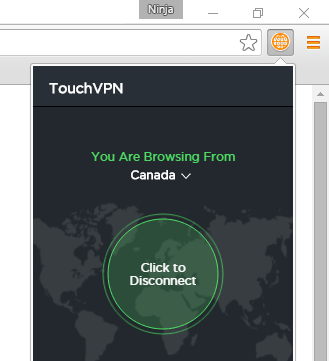
Though you can choose any country from the list, you need to make a social payment if you want to connect to US-based servers.
ZenMate VPN
ZenMate VPN extension offers reliable VPN service free of charge with no limits on bandwidth and speed. Using ZenMate VPN is really easy. All you have to do is install the extension and toggle the button. However, you need to sign up to the ZenMate service in order to use it.
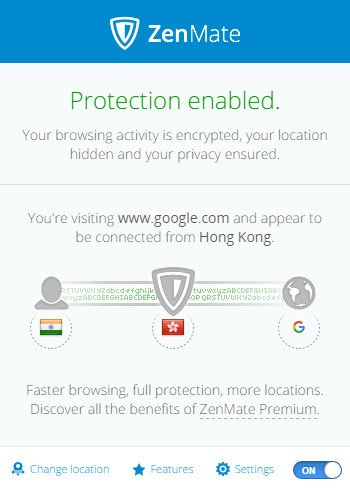
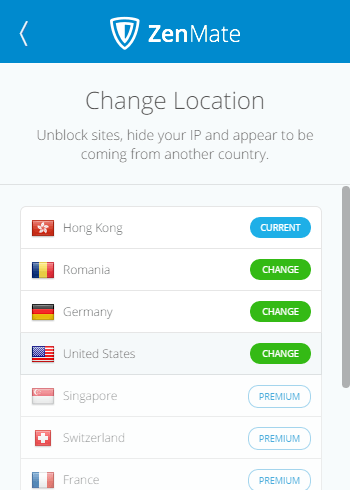
Moreover, all free users are limited in terms of server location choice. If you want to connect to other locations, then you need to sign up for their premium service.
Do give the above-listed VPNs a try and see if they meet your needs. Comment below sharing your thoughts and experiences about the above VPN extensions for Chrome.