Passkeys are showing up across apps and websites, promising a future without passwords, and making a lot of people wonder if their password manager is still worth paying for. The reality is, however, not as pretty and seamless as some might imagine.
By Oluwatokiloba Folami – Mar 26, 2026
Confused about browser vs password manager tools? We break down convenience, control, and flexibility to help you choose the right option.
By Henderson Jayden Harper – Feb 9, 2026
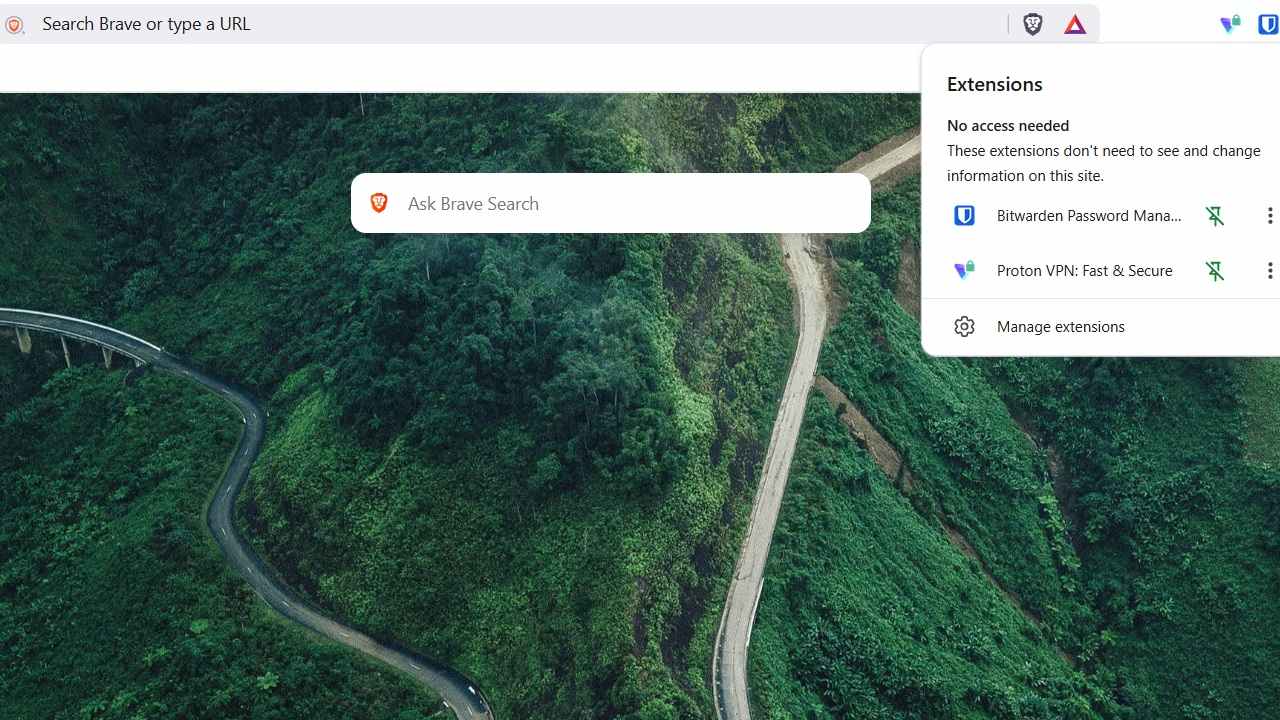
I strongly believe Brave + ProtonVPN + Bitwarden offers the best privacy combo the average PC user can realistically achieve today.
By Sayak Boral – Dec 9, 2025
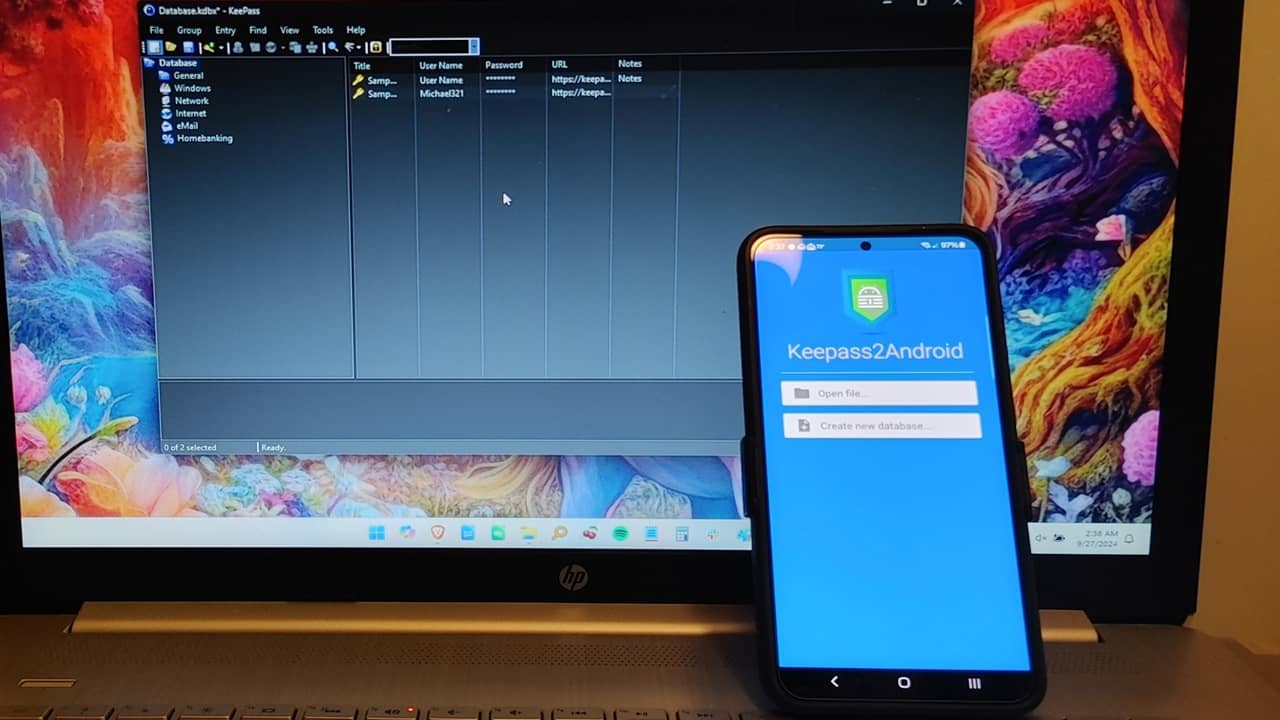
Now you can use the KeePass password manager on both your desktop and Android devices.
By Crystal Crowder – Dec 5, 2025
If you want to have full control of your passwords, use these methods to securely save passwords offline.
By Karrar Haider – Sep 25, 2025
A new DOM-based clickjacking technique can trick some password managers into autofilling credentials into fake forms.
By Karrar Haider – Sep 2, 2025
If you’re using passwords managers to only store passwords, you’re missing out.
By Crystal Crowder – Jul 31, 2025
Resetting your passwords is an obvious move here, but how do you keep infostealers at bay going forward?
By Karrar Haider – Jun 25, 2025
Storing passwords in a notes app may seem convenient, but it’s a bad idea that puts your data at risk. Learn the best way to store your passwords.
By David Morelo – Mar 2, 2025
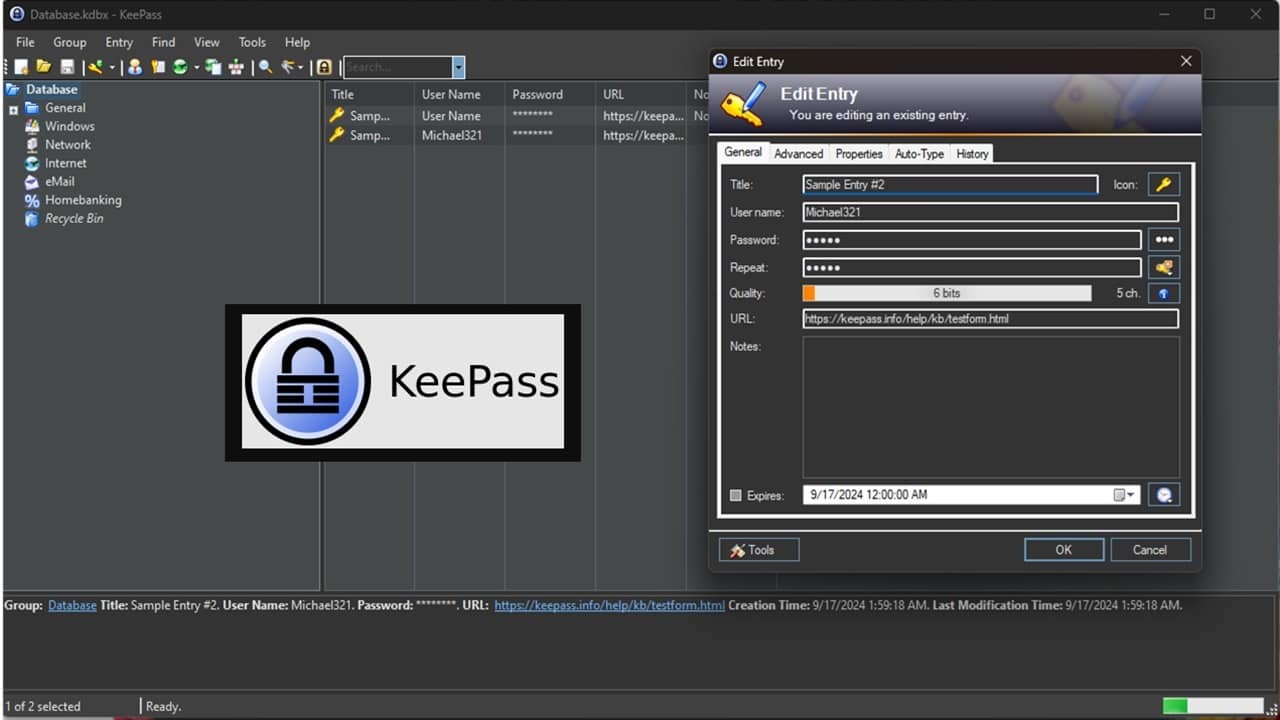
Hate trying to remember all your passwords, but don’t want to use cloud-based solutions? See why I prefer KeePass Password Manager.
By Crystal Crowder – Sep 23, 2024
Want to check, edit, or delete saved passwords in Edge? Learn how to view and manage passwords in Edge on PC, iPhone, and Android.
By Mehvish Mushtaq – Oct 14, 2023
KeePass is a powerful and highly flexible open source password manager. Learn how you can link it to Firefox and Chrome in Ubuntu Linux.
By Ramces Red – Sep 8, 2023
Samsung Wallet is a universal app that carries all your personal essentials on a single Android phone. Let’s learn how to use Samsung Wallet.
By Sayak Boral – Jun 1, 2023
The Windows Credential Manager is a built-in tool that allows you to store your passwords to various accounts and more.
By Maxwell Timothy – Apr 29, 2023
If you need a simple password manager for Linux, try out Password Store.
By Ramces Red – Mar 30, 2022
Stop double guessing if you have entered the correct password.
By Sayak Boral – Mar 10, 2022
Gone are the days where you have to write down your passwords on a paper. Check out the best password managers here.
By David Joz – Feb 17, 2022
You can now use your iCloud Keychain passwords on Windows.
By Kris Wouk – Jan 12, 2022
We no longer have to write down all our passwords in a log. This article takes a look at some of the best password managers for Linux.
By John Wachira – Aug 17, 2021
There’s an easy way to view saved passwords in Safari on your Mac – as well as edit and share them. Here’s how that can be done.
By Isaac Norman – May 12, 2021
Next >
Affiliate Disclosure: Make Tech Easier may earn commission on products purchased through our links, which supports the work we do for our readers.