Android has a virtual memory function just like pagefile or swap in PCs, but it’s disabled by default. When should you actually turn it on?
By Karrar Haider – Mar 28, 2026
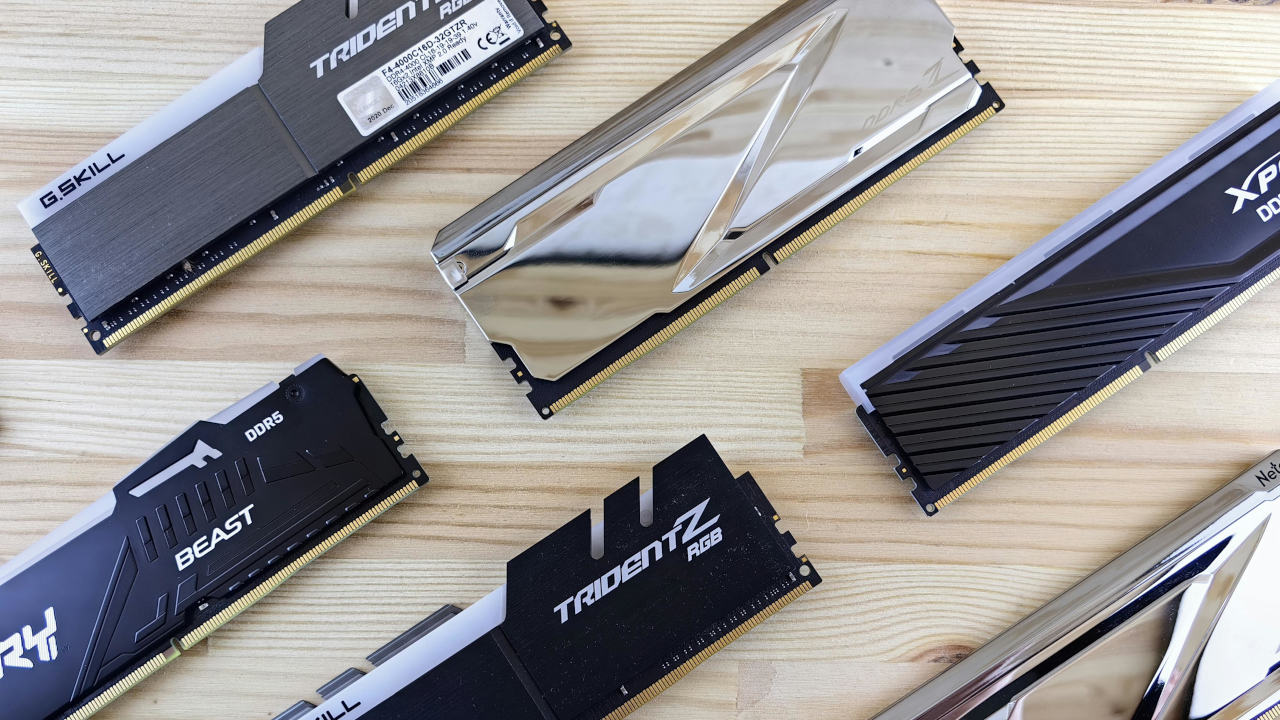
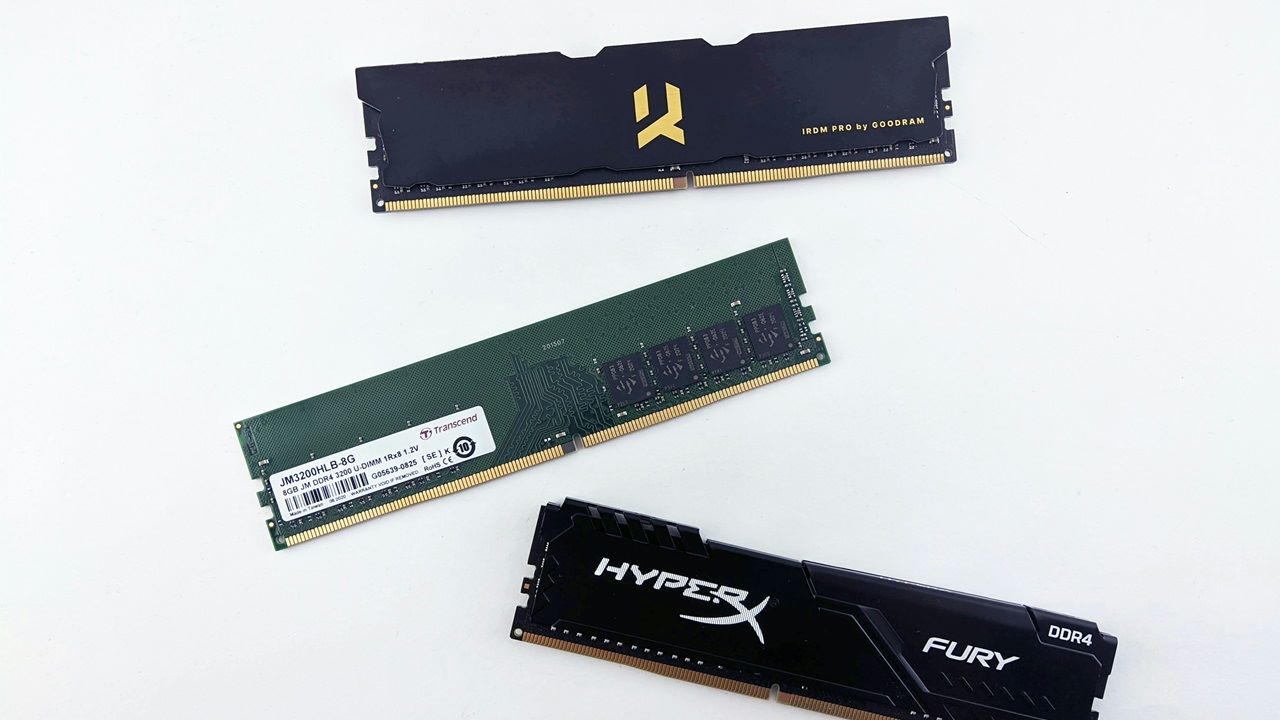
There are multiple factors to take into consideration when buying RAM: type of RAM, RAM capacity, and RAM Frequency.
By Christopher Harper – Dec 2, 2025
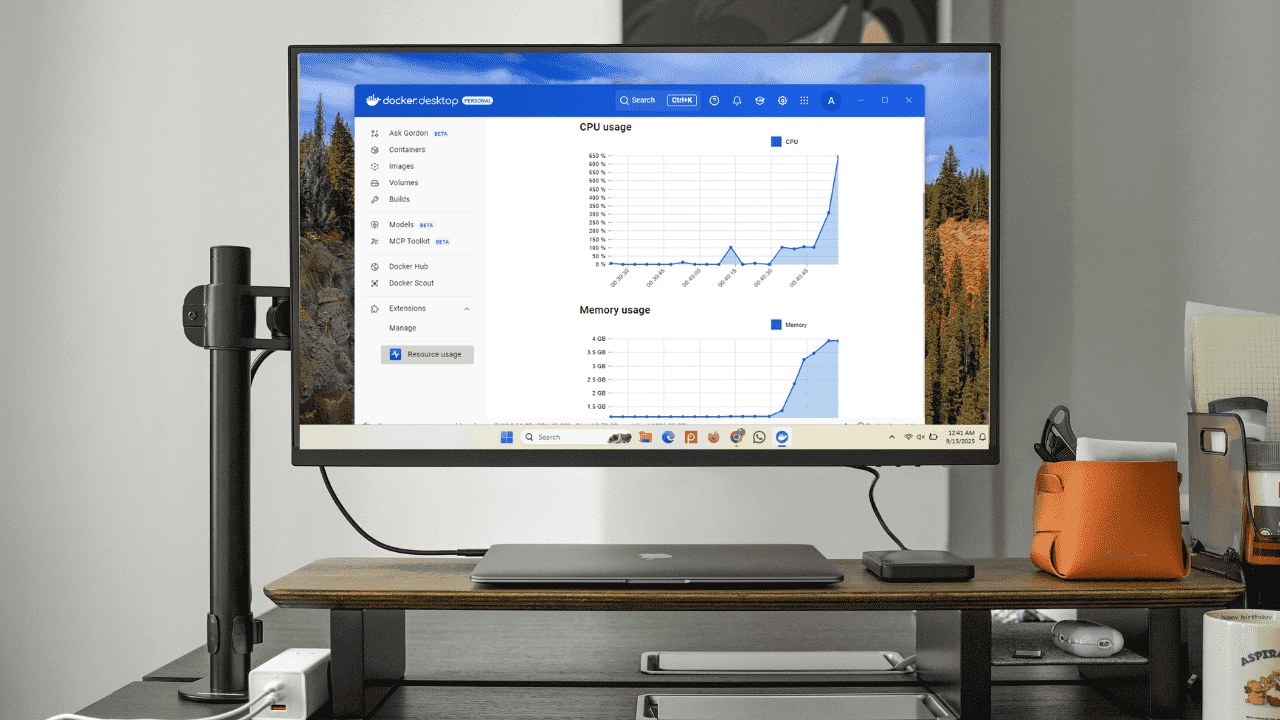
Being able to monitor the CPU and memory usage in Docker Desktop gives you a better understanding of how your containers perform, and how they affect your system’s performance.
By Anees Asghar – Sep 15, 2025
What’s causing performance issues on your PC? Windows has a few in-built tools to help you find the answer.
By Crystal Crowder – May 27, 2024
Does dual channel RAM improve your PC performance? This guide lists the performance benefits of dual-channel RAM.
By Sayak Boral – Apr 19, 2024
This tutorial shows how to check your RAM type in Windows to help with RAM upgrades and performance assessment.
By Sayak Boral – Apr 16, 2024
Do you know how to enable dual-channel RAM on your laptop or PC? This guide walks through all the steps, including hardware and installation.
By Sayak Boral – Apr 11, 2024
Find out how to test RAM performance on a Windows device using its built-in tools as well as external assessment tools.
By Sayak Boral – Apr 1, 2024
What is dual-channel RAM, and how does it differ from single-channel RAM? This guide explains everything you need to know.
By Sayak Boral – Mar 26, 2024
Blue screen and other system errors may be linked to bad memory. Fortunately, you can check RAM health on Windows using these free tools.
By Tanveer Singh – Jan 9, 2024
If you want your gaming PC to remain high-end even for 2024’s most demanding games, here are the best gaming PC parts to upgrade to.
By Tanveer Singh – Dec 13, 2023
Wondering what Memory Compression is on your PC? This guide shows everything you need to know about Memory Compression and why it matters.
By Princess Angolluan – Nov 2, 2023
Choosing the best RAM for gaming PCs is tough, thanks to new standards, latencies, and platforms. Simplify your decision with this list.
By Tanveer Singh – Oct 4, 2023
DDR5 is the new kid on the block, promising blazing fast speeds and more capacity. Are you considering DDR4 vs. DDR5? Should you upgrade?
By Tanveer Singh – Apr 3, 2023
Have you noticed the SysMain process in your Task Manager? Learn what this Windows service does and whether it’s safe to disable it.
By Sayak Boral – Feb 4, 2023
View large files effortlessly!
By Brandon Li – Oct 11, 2022
Did Wmpnetwk.exe constantly cause high CPU usage in your Windows device? Here’s how to fix it.
By Sayak Boral – Feb 21, 2022
If you are still using a slow traditional HDD for your PC, you can now use Intel Optane to speed things up. Find out what Intel Optane is.
By John Perkins – Dec 1, 2020
In Linux, you will probably find a swap partition alongside the main Linux partitions. What is this swap partition and is it really necessary?
By Mike Tee – Aug 22, 2020
Adding more memory is the best way to boost your computer performance. This tutorial covers the most important criteria to take note of when upgrading your RAM.
By Sayak Boral – Jun 10, 2020
Next >
Affiliate Disclosure: Make Tech Easier may earn commission on products purchased through our links, which supports the work we do for our readers.