Installing Software in Ubuntu with Eve Installer

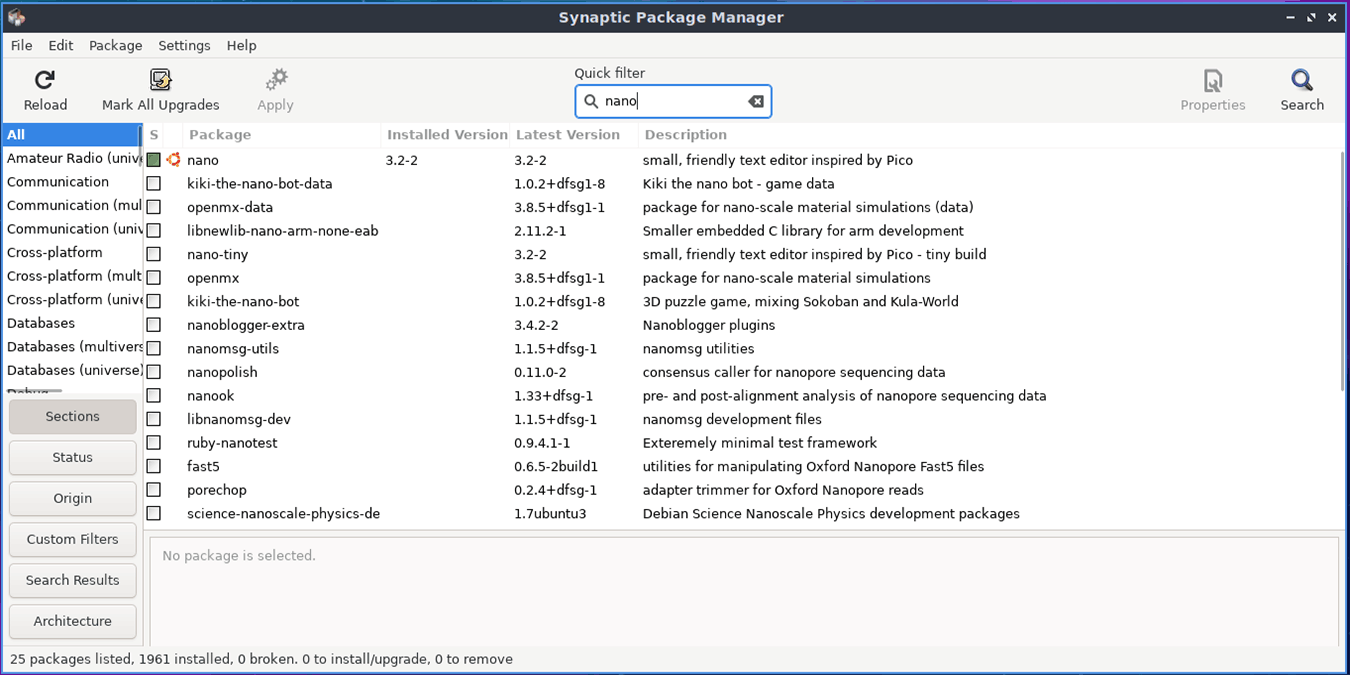
Eve InstallerIf you use Ubuntu, or one of the many Linux distributions derived from Ubuntu, you’re probably familiar with at least a couple of ways to install software. You might use apt-get from the command line. Or, you might use Synaptic Package Manager. More and more people are using Ubuntu Software Center and some use a third-party tool called Ubuntu Tweak (which we looked at a while back).

Another entry in the installer sweepstakes is Eve Installer. Unlike other installers for Ubuntu, Eve Installer is fairly simple and fairly barebones. It’s billed as a download manager that lets you install the main programs needed for the proper functioning of our Linux system.

Eve Installer won’t appeal to many hardcore users, but anyone else should find it useful.

Let’s take a look at how to use Eve Installer.
[Read more...]

Tweeting From The Linux Desktop With Turpial

Turpial I use Twitter quite a lot. For the longest time, I used Web-based Twitter clients, clients for my smartphone, or browser extensions to interact with my Twitter account. Why? The desktop clients for Linux left me feeling cold. They either did too much or too little, and just weren’t satisfying overall.

One client that does come close to being everything that I need is Turpial. Written in Python, Turpial is fast and easy to use. And it does just enough – it doesn’t pack too many features, but it’s not bare bones either.

Let’s take a look at how to tweet using Turpial.
[Read more...]

How to Convert Videos in Linux with Arista

Video killed the radio star Converting videos on the Linux desktop isn’t exactly difficult, but it can be tricky. There aren’t all that many conversion tools out there, and some of them aren’t all that easy to use.

Take, for example, ffmpeg. It’s pretty much the top of the heap when it comes to video and audio conversion. But it’s a command line tool that requires you to remember a number of options. Even WinFF, a graphical front end for ffmpeg, isn’t all that user friendly.

But what can you do if you want to convert a video to, say, upload to a video sharing site or to fit on to a mobile device? And do it quickly and easily? Give Arista a look.
[Read more...]

How to Recover Data and Partitions for Free with TestDisk

testdisk-smallSometimes in the world of free software, you have to make the best of what’s available. Sometimes what’s available isn’t all that great. When I suddenly lost some critical data as a result of a corrupted drive, I thought I’d have to shell out some potentially serious cash for a high-quality recovery utility. In my research to find the right program, I came across mention of TestDisk, an amazingly handy free utility which has saved me from the loss of a lot of data (not to mention a rather angry spouse). It’s a command line tool so there’s no fancy GUI, but the menu-driven interface makes the recovery process quite simple, and it can handle FAT, NTFS, ext2-4, and more.
[Read more...]

How to Quickly Convert Audio Files with Gnac [Linux]

Gnac If you’re like most people, you probably have more than a couple of audio files on your computer. And they’re probably in a few different formats. Like what? Like MP3, MP4, WAV, FLAC, or even Ogg.

And maybe you want to covert to those files to another format – say MP3 to Ogg. There’s no lack of audio converters for the Linux desktop, but if you’re looking for one that’s small, simple, and fast, then look no further than Gnac.
[Read more...]

4 Great Sources of Information About Linux and Open Source

MTE_linux_information If you’re new to Linux and free/Open Source software, or even if you’re a more seasoned user, then you’re often looking for more information. Not just documentation, but also useful tips and tricks.

The team here at Make Tech Easier works hard to provide as much quality information as we can. But we can’t write about everything (though we’re trying!).

So, what are some other sources of the information that you’re looking for? Lets take a look at a few of the better ones out there.
[Read more...]

How To Manipulate PDFs with PDF Chain [Linux]

A chain, but no PDF There comes a time when every serious Linux user needs to do something more than read a PDF file. That something could be combining several PDFs into one file, splitting a file into individual pages, or pulling an attachment out of a PDF.

Windows users have it easy. If they’re willing to part with a few hundred dollars, they can use Adobe Acrobat for all of their PDF manipulation needs. On Linux, there’s no one tool that does everything that Acrobat does. The closest is pdftk, a powerful command tool that’s like a Swiss Army Knife for working with PDFs.

pdftk’s strength, and weakness, is that it’s a command line utility. There’s nothing wrong with the command line, but if you only use pdftk once in a while then you’ll probably struggle to remember the commands that you need. Looking at the documentation for pdftk will just slow you down.

So why not go GUI instead, and use PDF Chain?
[Read more...]

Quick And Dirty Scanning On The Linux Desktop

A scanner Even though we’re supposed to be in the digital age, it’s amazing how much paper and printed matter we still have to deal with. Contracts, receipts, photos, forms. It’s hard to count how many trees have been sacrificed to print those kinds of things.

If you want to try to go paperless, one way to do it is by scanning all of your important documents and archiving them. That can be easier said than done sometimes, though.

Linux has a number of scanning tools, but many of them are big, bulky, or simply don’t work. If your needs are simple or if you need to scan something quickly and with a minimum of fuss and features, you can’t go wrong with Simple Scan and gscan2pdf.
[Read more...]

Open Source File Syncing And Collaboration With Sparkleshare

sparkleshare-iconWhenever software development or any other type of project requires collaboration, the process of exchanging files, saving them, revising, and re-uploading can be tedious. Because of this, developers have created revisioning control systems. These systems have even been used for documentation in collaborative tools like wikis. Sparkleshare is an extension of these collaboration tools that provides a simple and easy-to-use interface: your own file manager.

Once setup, users can connect to the Sparkleshare server and edit/add/create files that are shared with collaborators, who can then do the same. Sparkleshare also has the potential of being used for simple cloud file storage like Dropbox or SpiderOak. The major difference is that Sparkleshare is free and open source, and you can install it on your own server.
[Read more...]

5 More Intriguing KDE Apps

KDE plain logoEver so often, I take a stroll over to KDE-Apps.org and look at some of the fantastic creations people from the KDE community develop. There are a wide range of apps in nearly every category, but I have selected 5 that stand out and would be very useful additions to my desktop and hopefully yours too. All of these apps are either new or have been recently updated within the past few months.
[Read more...]