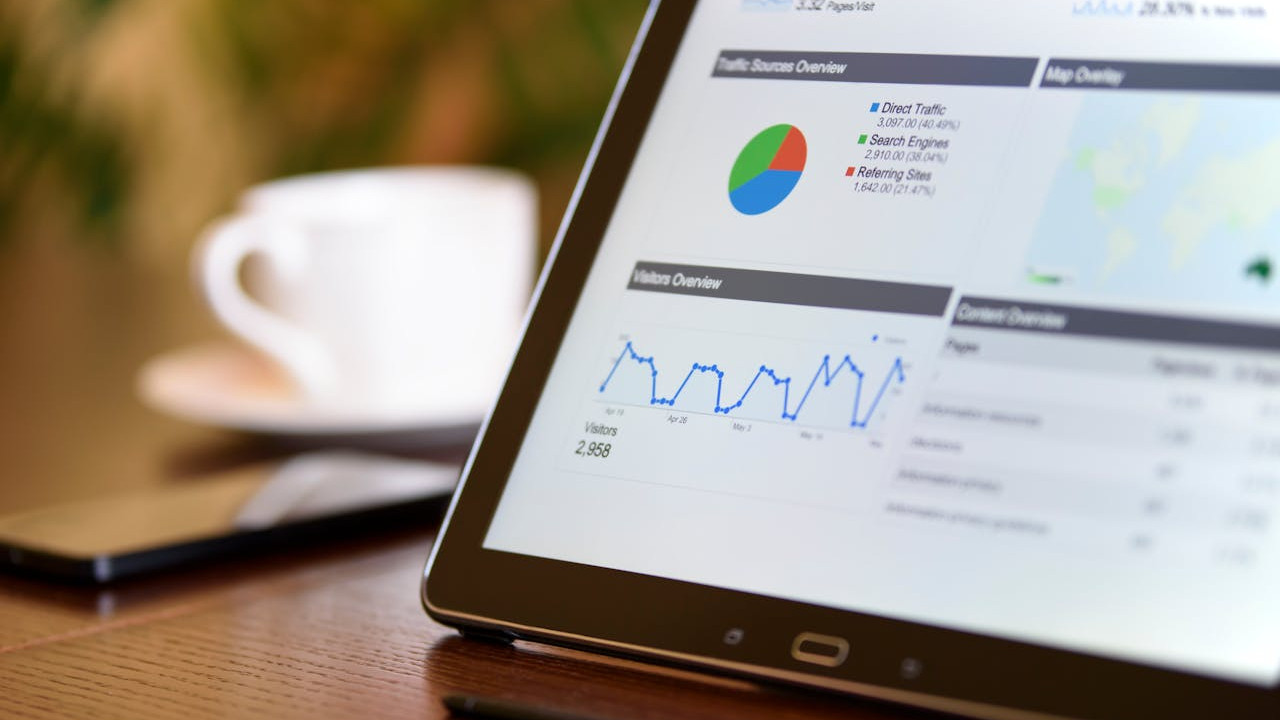
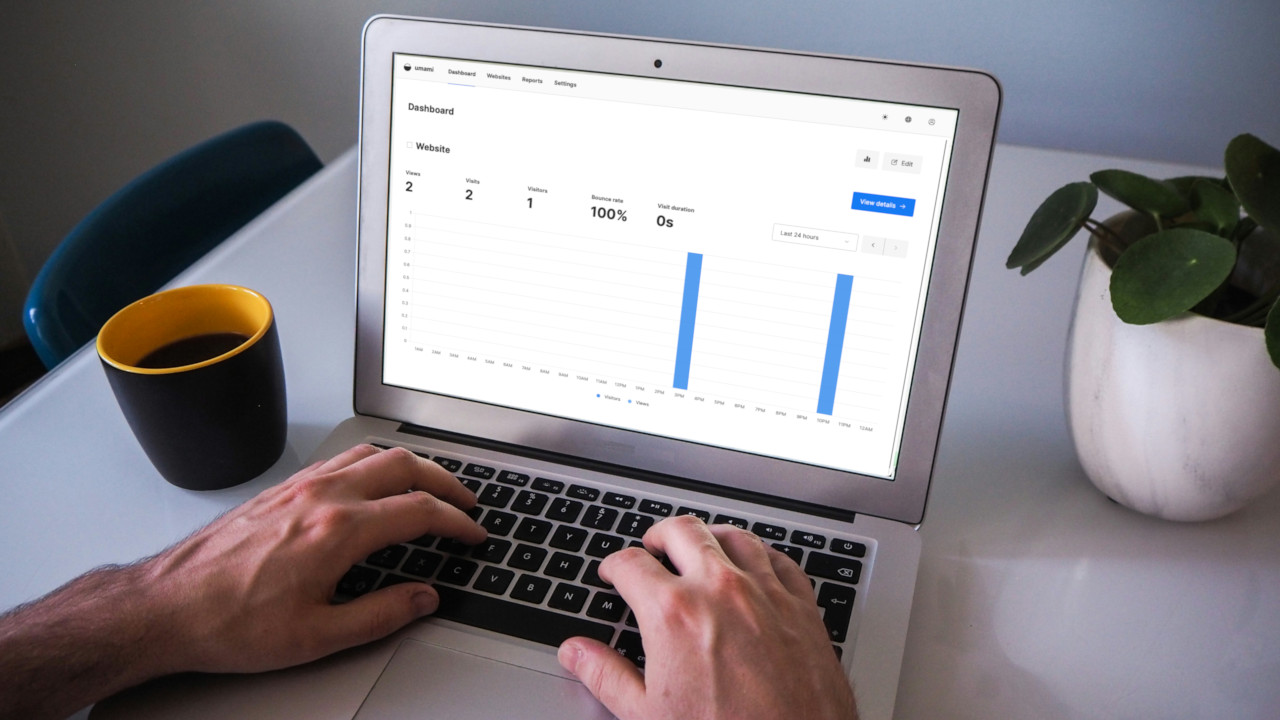
If you run a website, you’ve almost certainly heard of Google analytics. Many of you probably use it quite happily, but some of you might have wondered what other website statistic services exist. I’ve been using Statcounter for a few years now, and continue to do so quite happily. Their website can be found here.
[Read more...]
StatCounter: A Strong Google Analytics Alternative
Piwik Is A Great Alternative To Google Analytics, Tracks Real Time Traffic For Your Sites
Google Analytics is good. It allows you to track your website traffic, free for up to 5 million pageviews a month, and you get a thorough report on almost every single detail of your audience. Piwik is another website analytics software that is as powerful as Google Analytics and serve as a great alternative. What makes it stand out from the rest is its price (it is free to use) and the real time analytics report.
Unlike most analytics tracking software that runs on their own server, Piwik is an open source software that requires you to install on your own server. If you have a web hosting plan, most likely you already have a server on hand to install Piwik. However, if you have a busy site running on your server and don’t wish to add extra overhead, then Piwik might not be for you.
[Read more...]
How to Add Google Analytics’s Site Speed Tracking Feature to Your WordPress Site
Google has recently added a new feature into its Analytics software, enabling you to track your website loading speed now. If you are not aware, in its attempt to make the web faster, Google has launched a series of tools to help webmasters improve their site speed. There is the Google Instant where users can find what they want even before they finished typing; Instant Preview to enable users to preview the site from the search result, Page Speed Chrome extension that runs performance tests based on a set of best practices known to reduce page load time and now the Site Speed Report.
[Read more...]
How to Manage Multiple Google Analytics Accounts from Desktop
If you are a blogger or a webmaster, you must be using Google analytics to get detailed data about your blog. Undisputedly, It’s the best free web analytics software out there and provides you with valuable information about how your site is performing in search engines and which sites are sending you traffic etc.
If you want to check your Google analytics data from desktop, then here is a very good Adobe Air app called Trakkboard. It let’s you check Google analytics data of different website accounts from your desktop. You do not have to keep your browser open all the time and be logged in at Google Analytics anymore.
[Read more...]
For all of you who have implemented the social sharing buttons on your blog/website, don’t you wish that you can track the traffic generated from the clicks of these buttons? You can’t do that in the past, but with the new