
Newelle turns your Linux GNOME desktop into a smart assistant with AI chat, voice commands, mini apps, and document search.
By Anees Asghar – Mar 19, 2026
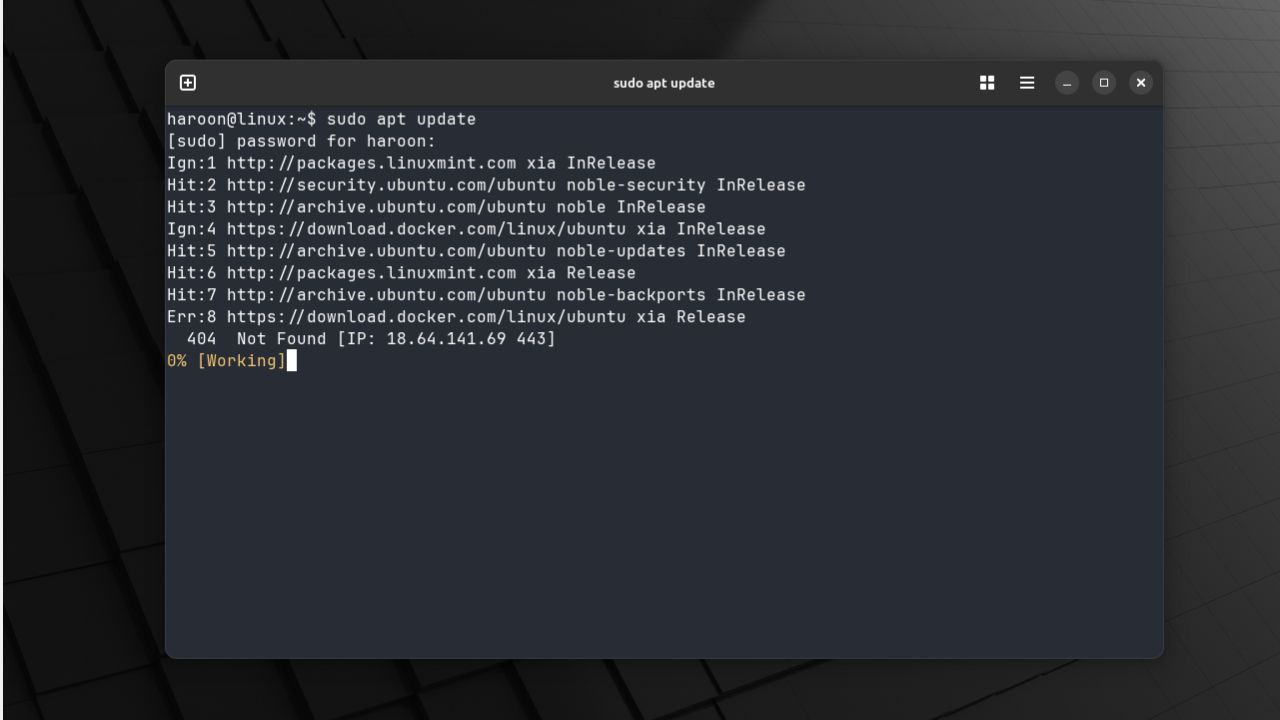
Ghostty promises speed, native integration, and a feature set that feels refreshing compared to older terminals.
By Haroon Javed – Sep 1, 2025
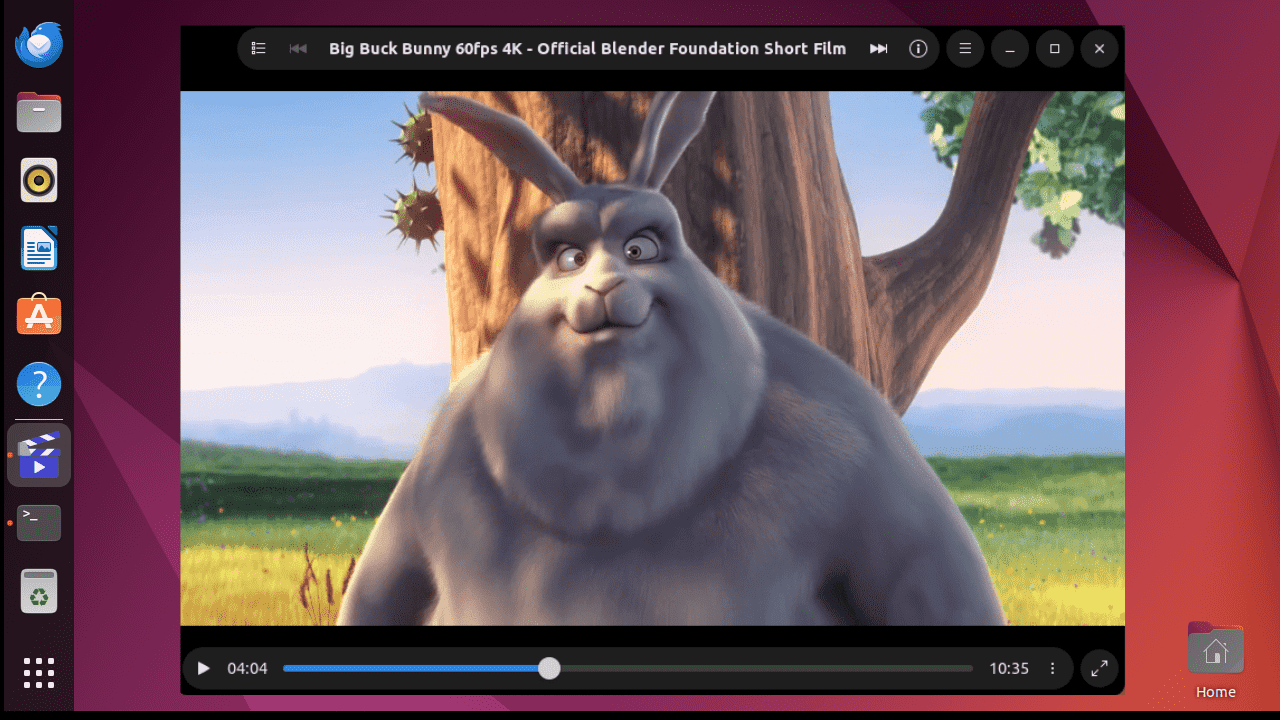
Clapper is a modern, sleek-looking, open-source media player with an adaptive UI to complement your GNOME system. Let’s explore its features.
By Nimrah Chaudhry – Jun 10, 2024
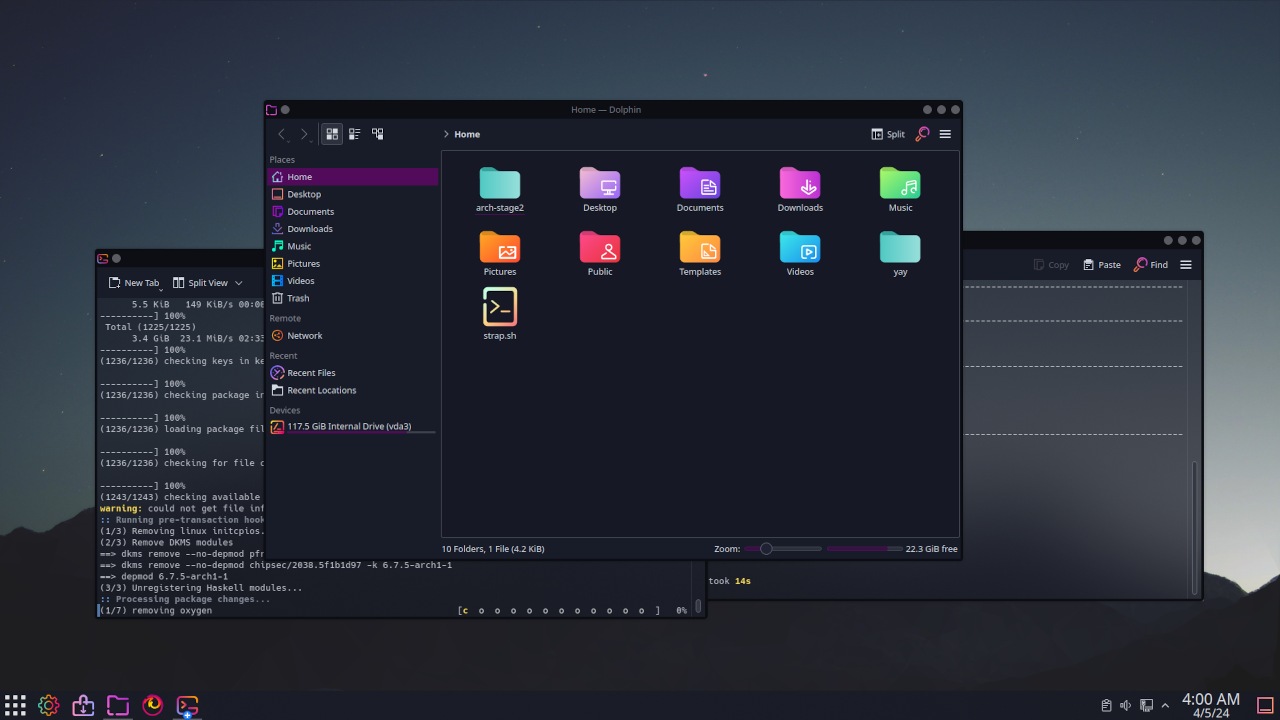
Improve your productivity by changing your Desktop’s behavior.
By Miguel Leiva-Gomez – Apr 5, 2024
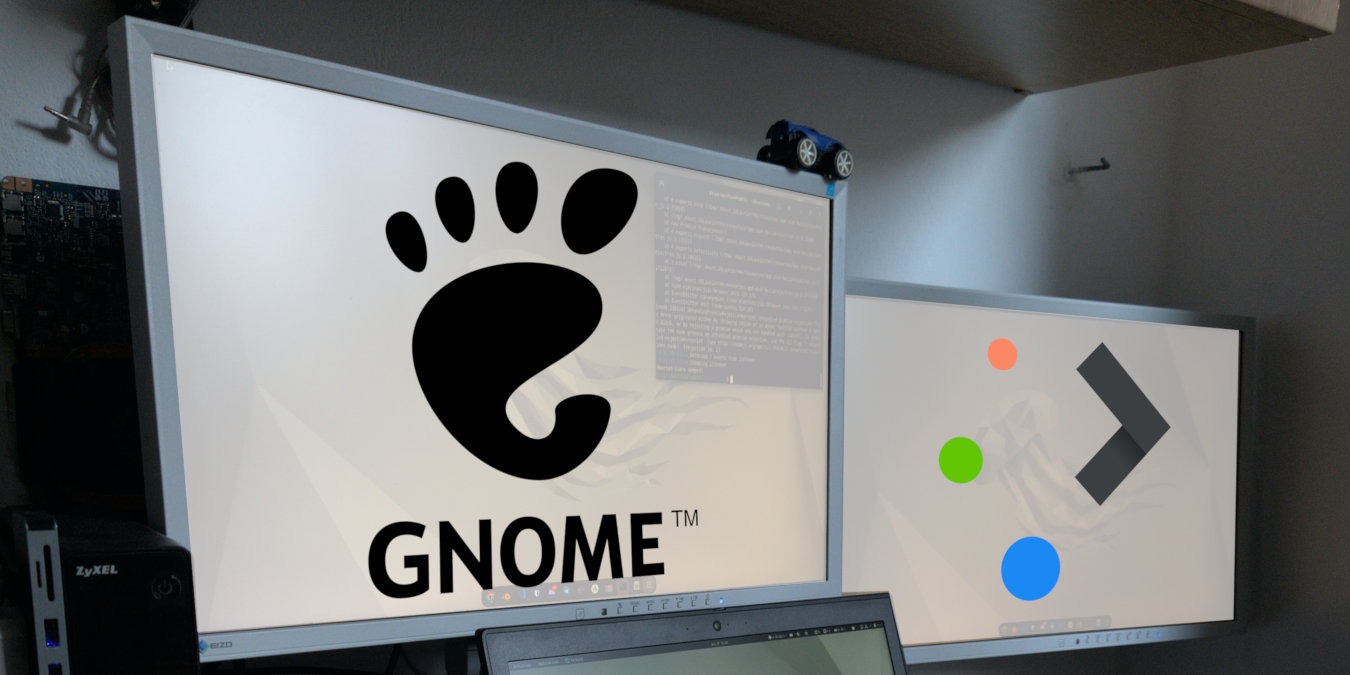
KDE vs Gnome are two of the most popular environments in Linux today. Learn what makes them special and find which one is the best for you.
By Ramces Red – Dec 18, 2023
ISO, BIN and CUE files are popular digital formats for optical discs. Learn how to mount an ISO file in Linux and convert BIN and CUE today.
By Ramces Red – Sep 29, 2023
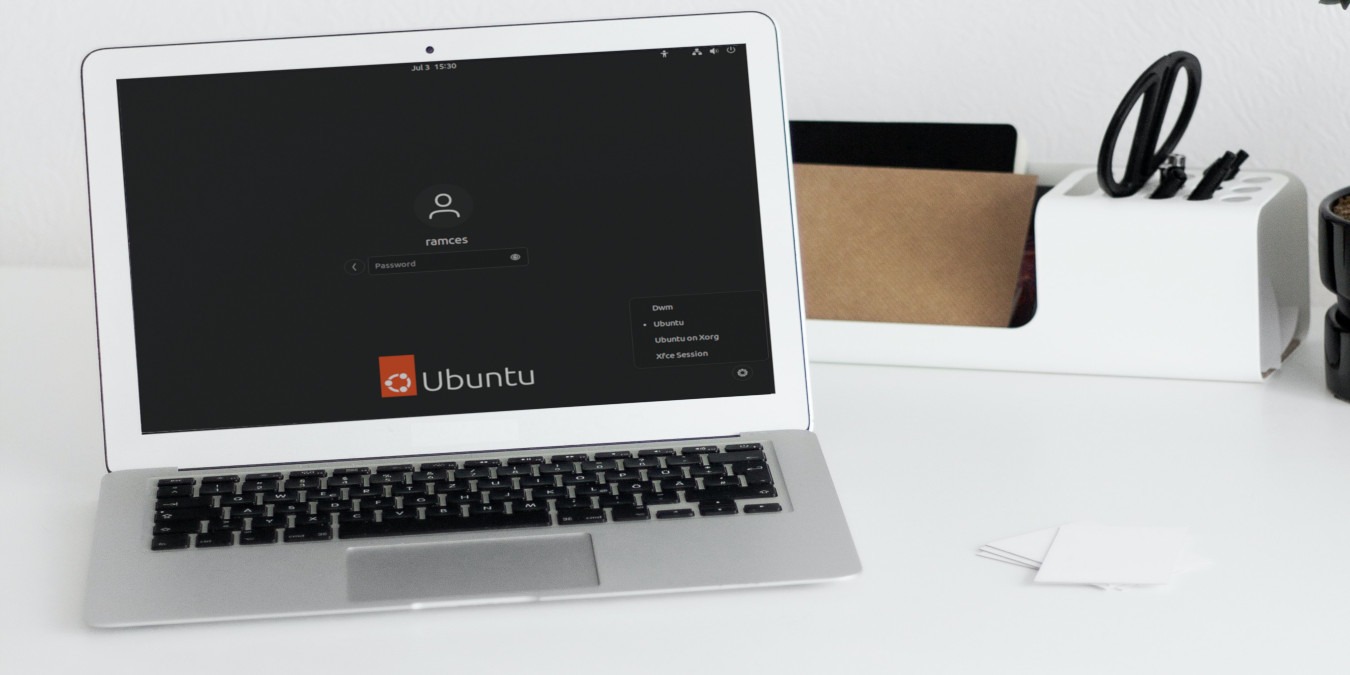
GDM is the default graphical session manager for the GNOME 3 desktop. Learn how you can load your own desktop environment inside it today.
By Ramces Red – Jul 4, 2023
GNOME is not only beautiful but also highly extensible. Learn some of the best GNOME Shell extensions to improve your desktop.
By Ramces Red – May 22, 2023

Here’s what to do if your Linux system freezes unexpectedly.
By Ramces Red – Sep 9, 2022
Customize Ubuntu to look the you want it to.
By Ramces Red – Sep 3, 2022
Not all LInux distros come with Bluetooth set up from the start.
By Ramces Red – Aug 15, 2022
There are several ways to manage your keyboard shortcuts in Linux. Here is how you can assign or remap keyboard shortcuts in Gnome and KDE.
By Odysseas Kourafalos – Feb 9, 2021
Gnome shell provides an easy way for you to access your Google files in the desktop. Here’s how to integrate your Google account into GNOME Shell.
By John Perkins – Jan 14, 2021
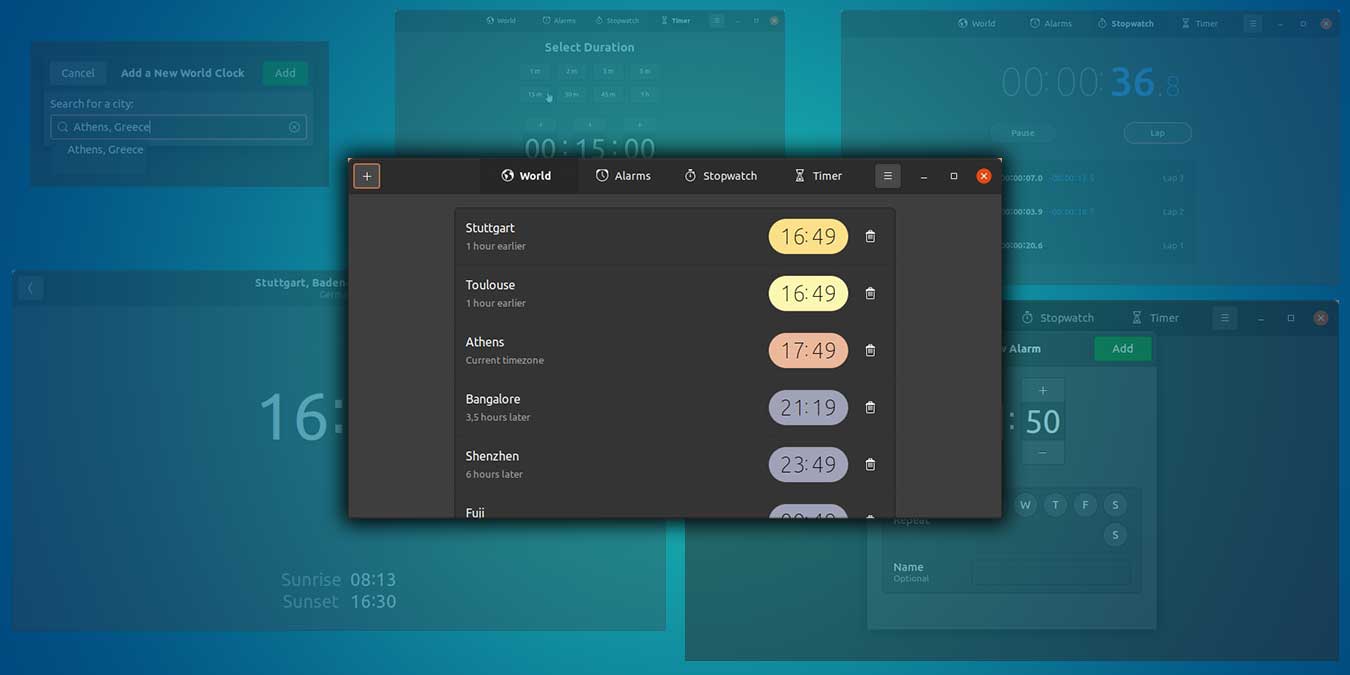
Do you always check the time difference when scheduling meetings with your colleagues? Learn how you can add multiple timezones in Ubuntu.
By Odysseas Kourafalos – Dec 31, 2020
Many people hate the way Gnome creates and destroys its workspaces. Here we show you how to disable automatic workspaces in Gnome.
By John Perkins – Dec 15, 2020

If you are using Linux, you have used Gnome Shell before. This GNOME Shell review goes through the pros and cons of GNOME and who is it for.
By John Perkins – Nov 27, 2020
Gnome has a night light feature that you can easily turn on. Here’s how to configure the color temperature of Gnome night light.
By John Perkins – Nov 16, 2020
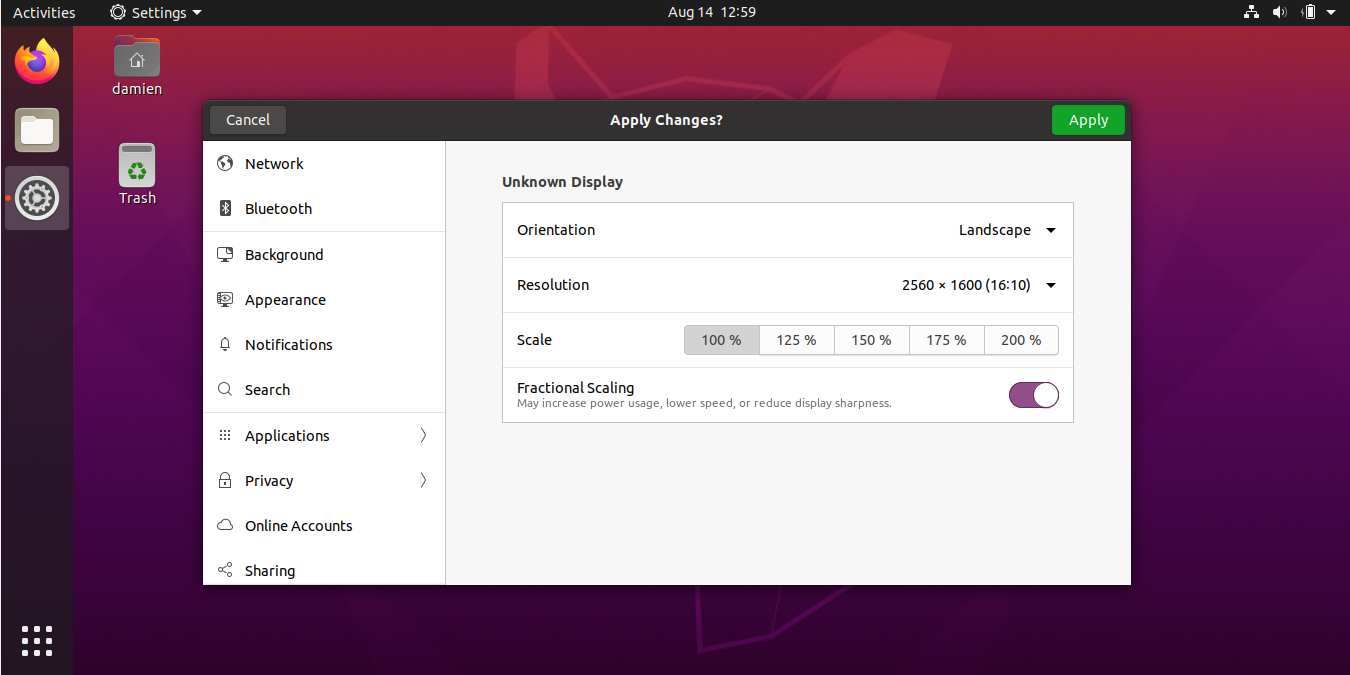
HiDPI screens have been a sore spot for Linux users for a long time. Learn how you can enable fractional scaling in Ubuntu 20.04.
By Damien Oh – Aug 14, 2020
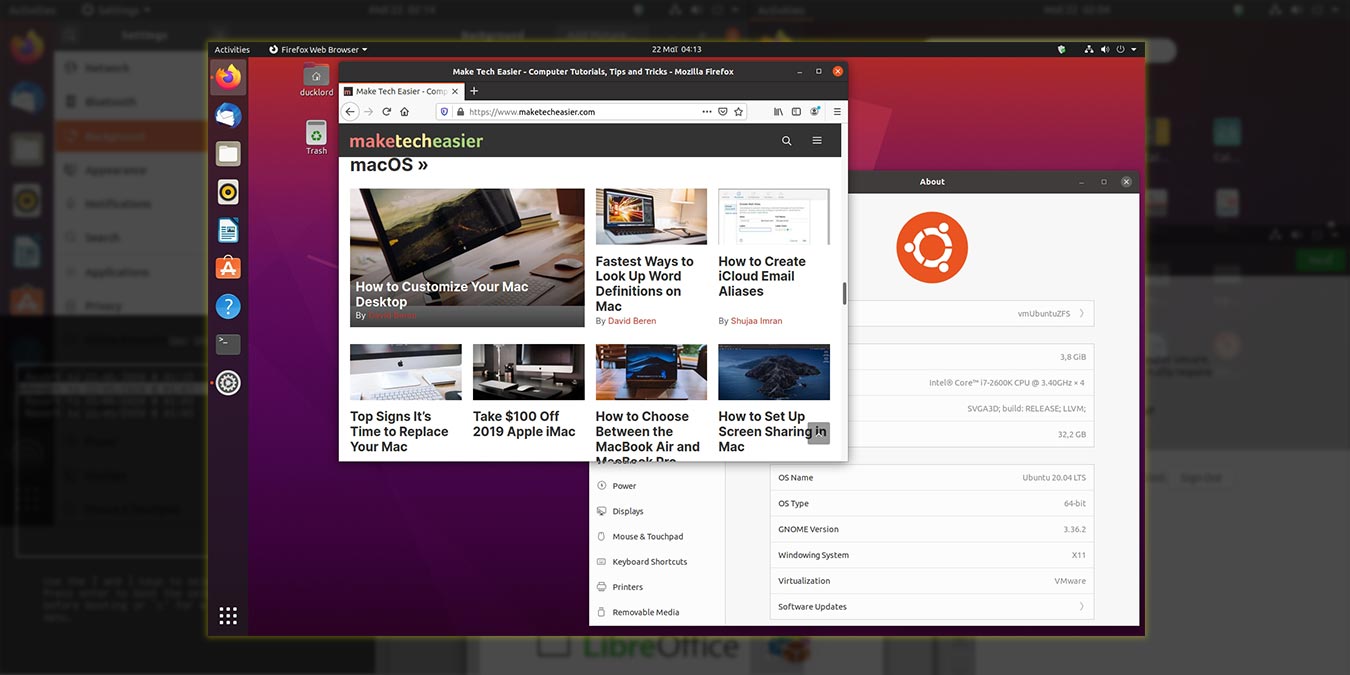
Ubuntu released its latest long-term support version 20.04 Focal Fossa. Has it improved over its previous version? Read our Ubuntu 20.04 review here.
By Odysseas Kourafalos – May 28, 2020
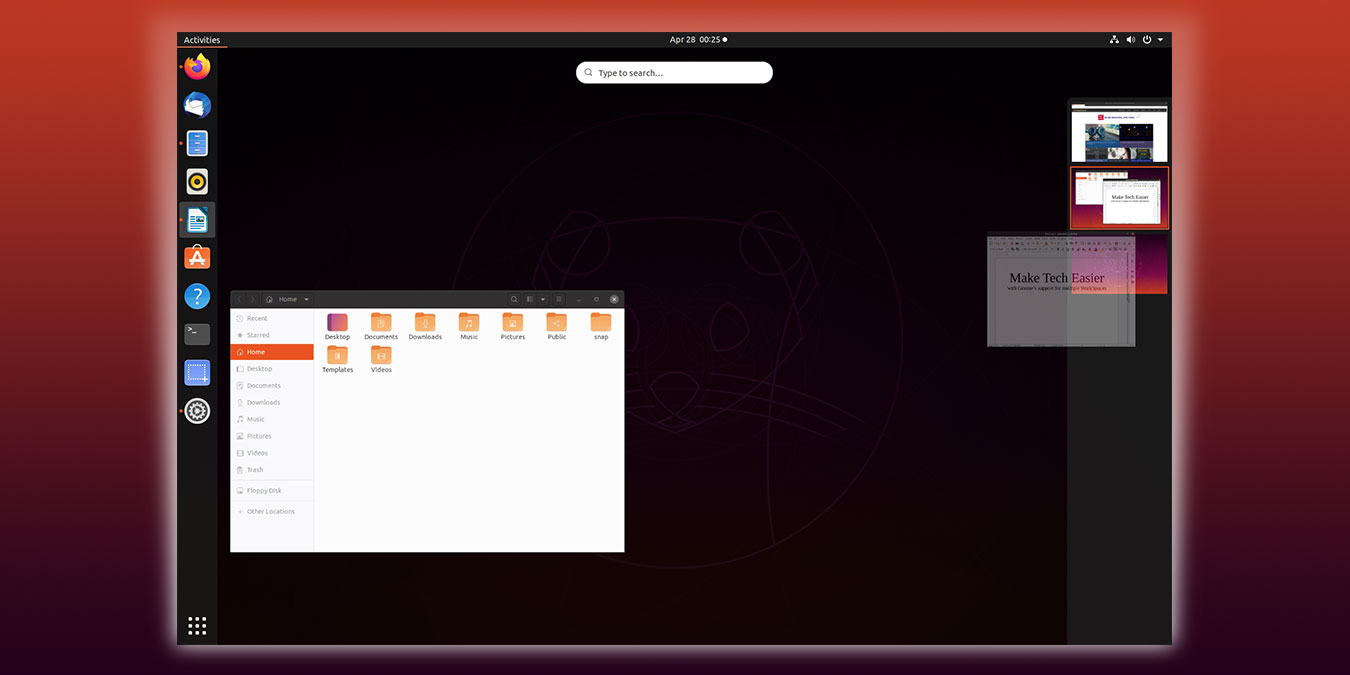
Gnome3 doesn’t make it easy for you to manage your workspaces. Let’s see how you can work with multiple workspaces in Gnome.
By Odysseas Kourafalos – May 24, 2020
Affiliate Disclosure: Make Tech Easier may earn commission on products purchased through our links, which supports the work we do for our readers.





