Did you know that your screen’s brightness is based on candlelight? A nit of screen brightness refers to how much candlelight is crammed into each square meter of your screen. Choosing how many nits you need depends mainly on how you plan to use your device, such as indoors, outdoors, or both.
What Is a Nit?
A nit is how luminance is measured, which is just how much light a screen emits in a specific unit of area. A single nit equals one candela per square meter. If calling a nit a candle seems confusing, you’re not alone. Let’s make it a little easier to understand.
Imagine you have a candle inside a cube with a total surface area measuring one meter by one meter (about the size of a bath towel or 20 iPads that have somehow been made into a cube). The total amount of light coming out of that candle at its source is about “one candela.”

All the light hitting the walls of the cube equals “one nit,” which leads to the unit of one candela per square meter. Add more candles and you get more candelas of luminosity – or more nits.
The idea behind a nit is to measure not just how bright a screen is, but how much light it throws toward your eyes, or how you perceive the brightness.
All you need to remember is:
- Nit – light from a single candle within a square meter space, also equivalent to one candela
- Candela – the same as a single candle
- More nits equal more brightness per square meter of your screen
- Screen size and nits aren’t related
Screen Size Doesn’t Determine Nits
Because this is a per-square-meter measure, screen size and nits aren’t related. Movie theater screens, which are exclusively used in dark environments, are usually around 50 nits, while smartphones, which get a lot of outdoor use, tend to be at least 300 to 400 nits brightness.
That big screen TV you just bought could actually have fewer nits than your new smartphone. But since you probably won’t be using your TV outside or in a super bright environment, it doesn’t need as many nits.

A theater projector probably emits more total light (measured in lumens) than any smartphone, but a phone packs more light into a smaller space. That’s why using a phone during a movie is so taboo: with at least ten times the candela per square meter than the screen, it’s basically a magnesium flare in a dark theater.
How Do Nits Compare to Lumens?
One more thing to remember is that a nit and a lumen aren’t the same thing. Lumens focus on light emitted in all directions, not just projected toward your eye. For instance, flashlights, light bulbs, and projectors measure light in lumens. One nit does equal around 3.4 lumens, though.
You’ll often hear the term “lumens” far more than “nits.” That’s why so many people see the word and immediately ask their favorite voice assistant, “What is a nit?”
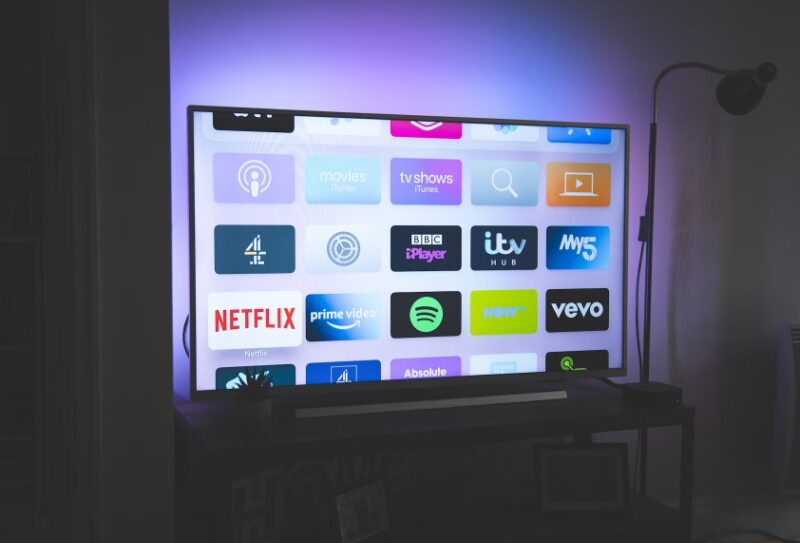
Lumens measure the overall intensity of a light source. For example, the total illumination caused by your TV screen could be measured in lumens. The total brightness on the screen itself would be measured in nits. It’s a little confusing, but think of nits as the surface area measurement, while lumens account for the total illumination.
Why Nits Matter for Your Screen and Eyes
You may still feel like lumens are the better measurement, but if you try to use a projector on an ultra sunny day, the light itself is bright, but it’s difficult to see what’s projected.
Now, let’s switch to a smartphone. Sure, the flashlight on it is essentially useful in the sun, but the display itself hopefully has enough nits to make it easy to see even in super bright environments.
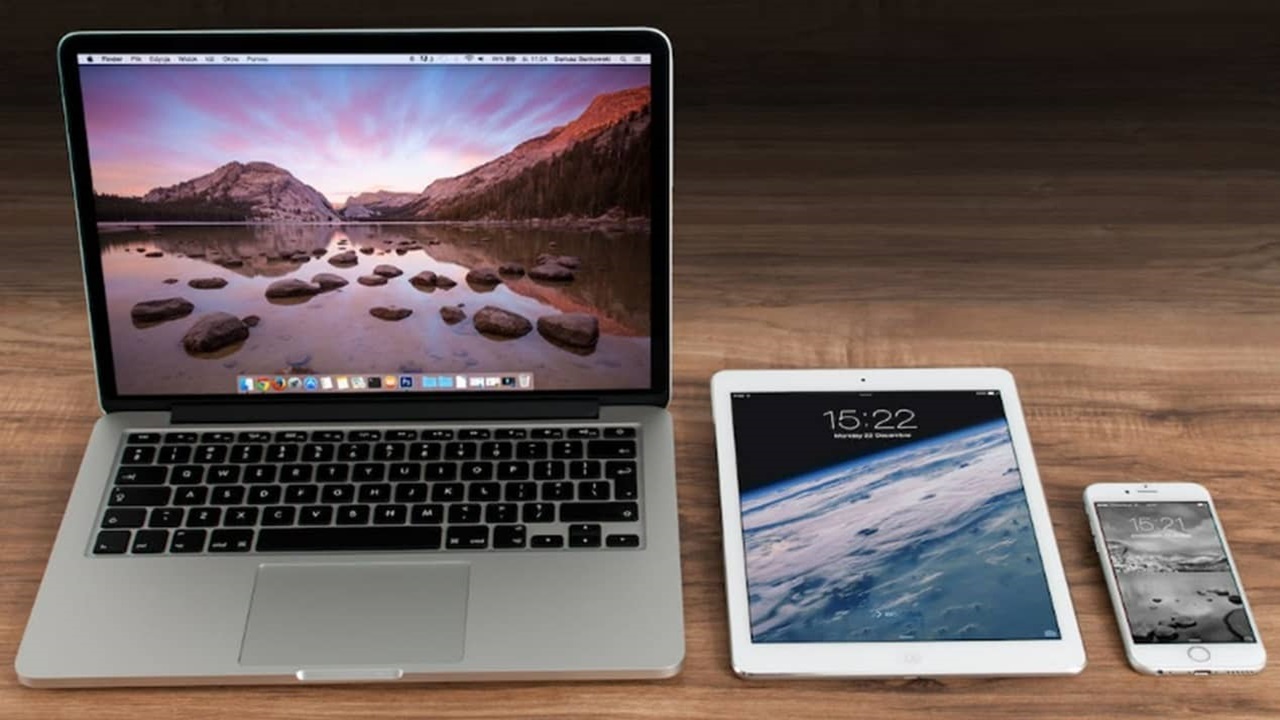
More nits are ideal for brighter areas. That’s why smartphones, tablets, and even laptops typically have more nits than indoor TVs and desktop computer screens. You don’t need nearly as much brightness to see a screen in a dark room as you do in a bright one.
You also need to consider nits in terms of your eye and device health. That cheap screen with 200 nits is definitely going to have you squinting and dealing with a headache later if you try to use it outside or under fluorescent office lights. Of course, if the screen’s too bright, it hurts your eyes just as much, but at least you can dim the brightness on devices with higher nits.
As far as your devices, more nits means more brightness. This may tempt you to set the brightness as high as it’ll go. However, if the brightness is too high, all those nits could result in overheating and reduce your device’s life span.
If you’re considering an HDR (high dynamic range) screen, more nits is vital for better performance. This adds more brightness to highlights to make the colors pop more.
How Many Nits Do I Need?
We usually only use candles for ambient lighting and during power outages, so saying a single nit is the same as a single candle stuffed into a square meter box probably doesn’t mean that much to you.
To make it simple, more nits is usually better, especially if all other features on devices are equal. It all comes down to what the device is and how you plan to use it.
If you see a device saying it offers “one nit minimum brightness,” this means it can dim to an extremely low brightness for ultra dim environments. This is perfect for reading on your phone or tablet at night or endlessly scrolling instead of going to bed. It’s easier on your eyes and your battery.
Nits Based on Type of Environment
The most important thing to think about is how you’ll use the device.
- Strictly indoors, low-light settings: 200 to 300 nits
- Brighter indoor rooms: minimum of 500 nits, though 700 or more is best
- Outdoors in shady areas: at least 400 nits
- Outdoors in sunnier areas: minimum of 800, though over 1,000 nits is ideal
Smartphones/tablets: 200 to 1000+ nits
Think of how often you pull out your smartphone when you’re outside. Your smartphone definitely needs more nits. Technically, a device starts counting as “sunlight-readable” when it hits at least 1,000 nits, but very few mobile displays can go that high.
Opt for at least 400 to 500 nits for average use, though some smartphones are now sporting 2,000 nits or more to support HDR content. Just remember that sliding your brightness higher does consume more battery life.
Laptops/monitors: 200 to 600+ nits
Laptops and PCs are mostly used indoors, so they don’t need to be as bright. 200 nits is on the low end but still usable, while above 400 is above average. Not many computer displays go above 500 or 600 nits, and you probably won’t need to use the full brightness on one of those very often.
Gaming monitors may try to lure you into paying more by advertising higher nits, but remember, you’ll typically play in a darker room, so they’re not necessary.
Again, though, you can’t go wrong getting more nits if you have the option to. Just remember, HDR content requires more nits (1,000+) for the best results.
If you’re considering saving money by buying a used laptop, older laptops typically fall in the lower nits range.
TVs: 200 to 2000+ nits
Older TVs typically fall in the ~100-nit range, but most modern non-HDR displays fall in the 200 to 500 range. This is all most people need with a standard TV.
HDR TV works best with high nit counts and generally requires a minimum of 500, with many models aiming for at least 700. Higher-end HDRs can be 2000 nits or more.
With 4K and 8K TVs, you’re looking at anywhere from 4,000 to 10,000 nits, though you’re still limited based on the content you’re viewing.
Frequently Asked Questions
Is it worth paying more for more nits?
Usually, no. Having a screen capable of a brighter screen is important, but you’ll only need that max brightness if you’re outdoors in bright sun or under ultra-bright fluorescent lights. Opting for a slightly lower nit number to save money is perfectly okay.
Why does some content seem faded or too bright on my screen?
If you’re trying to watch content that’s formatted for screens that support higher nits, such as trying to watch 4K content on a non-HDR screen, your screen may not be able to show the content as intended. This results in peaks of brightness that seem washed out. Some screens try to make adjustments to even things out, but this isn’t always the case.
It’s similar to trying to view old content on newer screens and having to deal with pixel scaling.
Will more nits help me see my screen better?
Yes and no. More nits give you the option of seeing your screen better in brighter environments. But when your screen is too bright overall, it’s difficult to see in normal and dim lights. Having more nits is nice, but remember to adjust your screen’s brightness so that it’s comfortable for your eyes. But the overall resolution, font size, and general display settings (contrast, hue, saturation), also factor in to how well you see your screen.