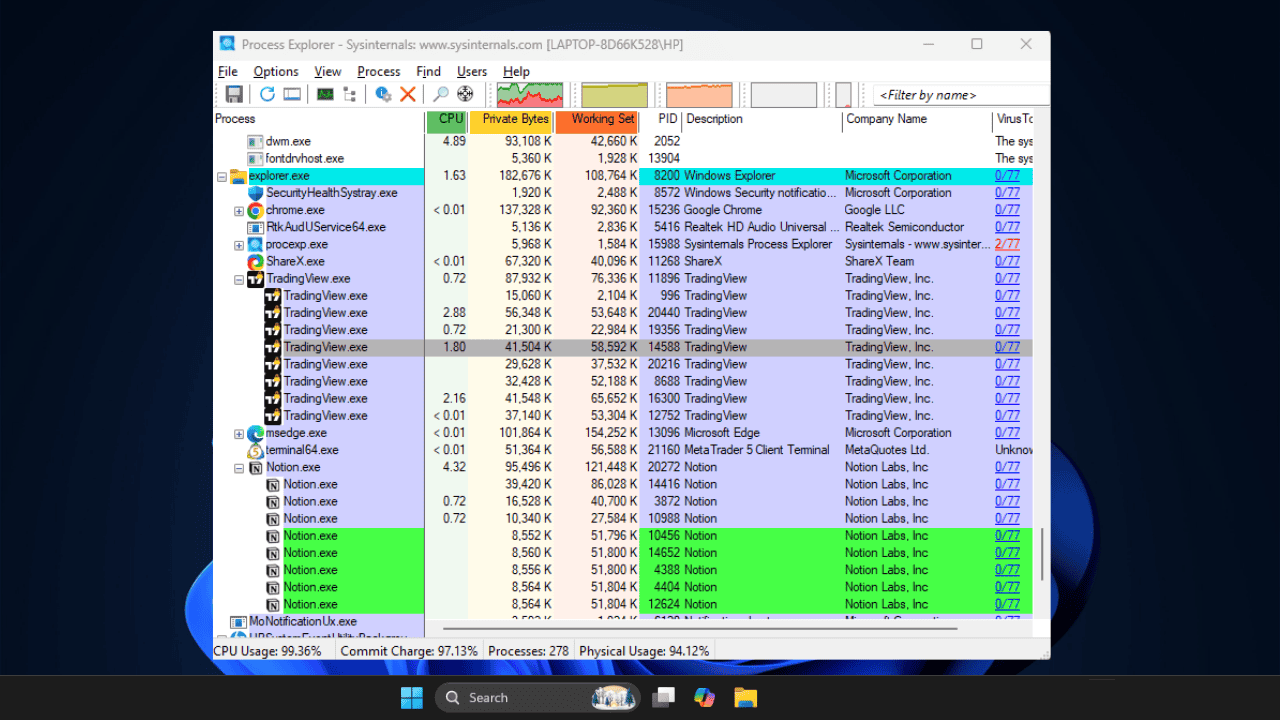
Stop guessing why your PC lagged. This Task Manager alternative logs three days of performance history to catch spikes that usually vanish.
By Karrar Haider – Mar 19, 2026
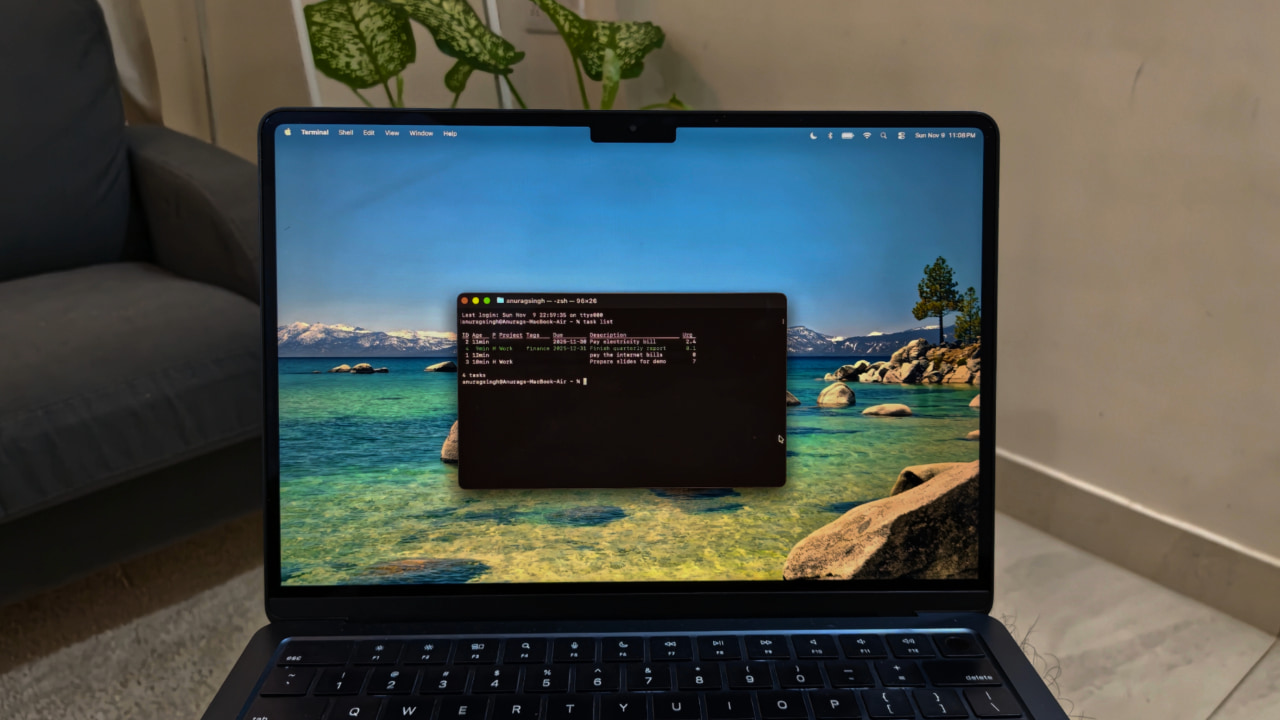
Taskwarrior brings speed, simplicity, and full control to task management right from your terminal.
By Anurag – Nov 19, 2025
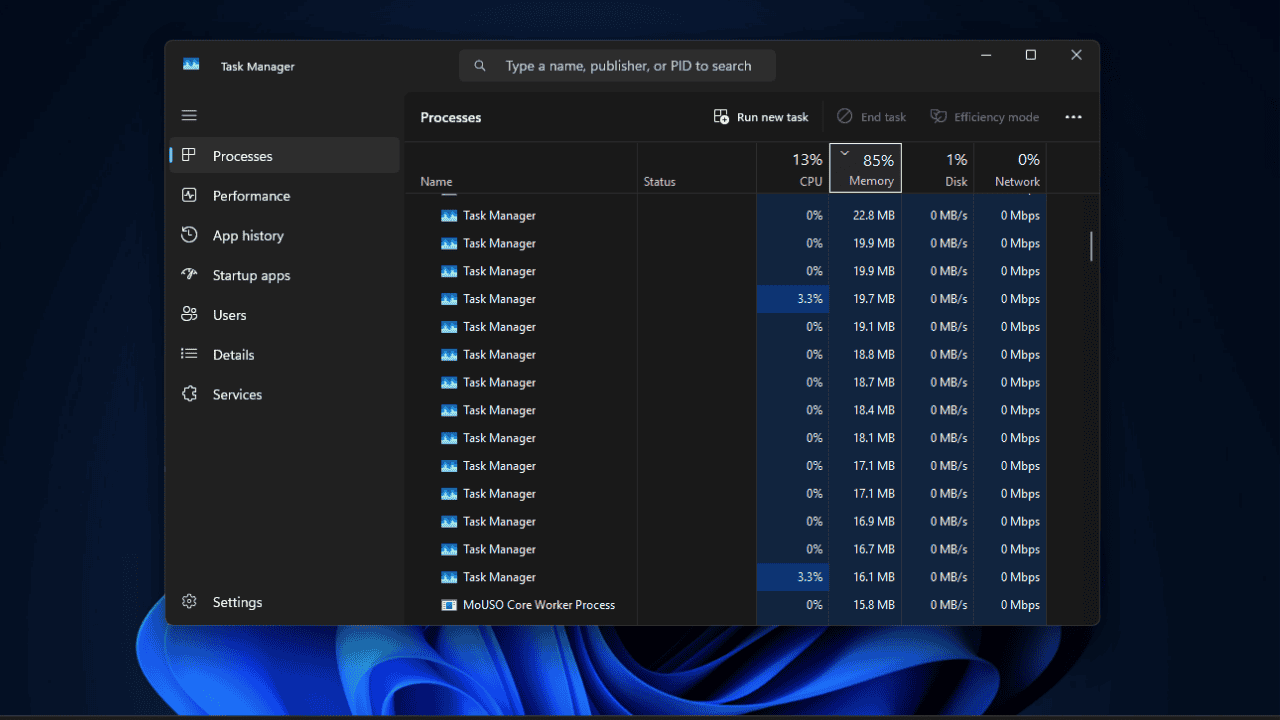

Explore all the alternative ways of opening up Device Manager in Windows.
By Sayak Boral – Jul 18, 2025

Windows offers built-in tools for you to monitor your usage patterns.
By Sayak Boral – May 17, 2025

Emergency Restart is a hidden Windows feature many users haven’t heard of, and it can come in handy at times.
By Karrar Haider – May 14, 2025

Don’t panic if your PC suddenly slows down. Activate these hidden Task Manager columns to easily find the cause and troubleshoot your Windows PC.
By Karrar Haider – Oct 29, 2024
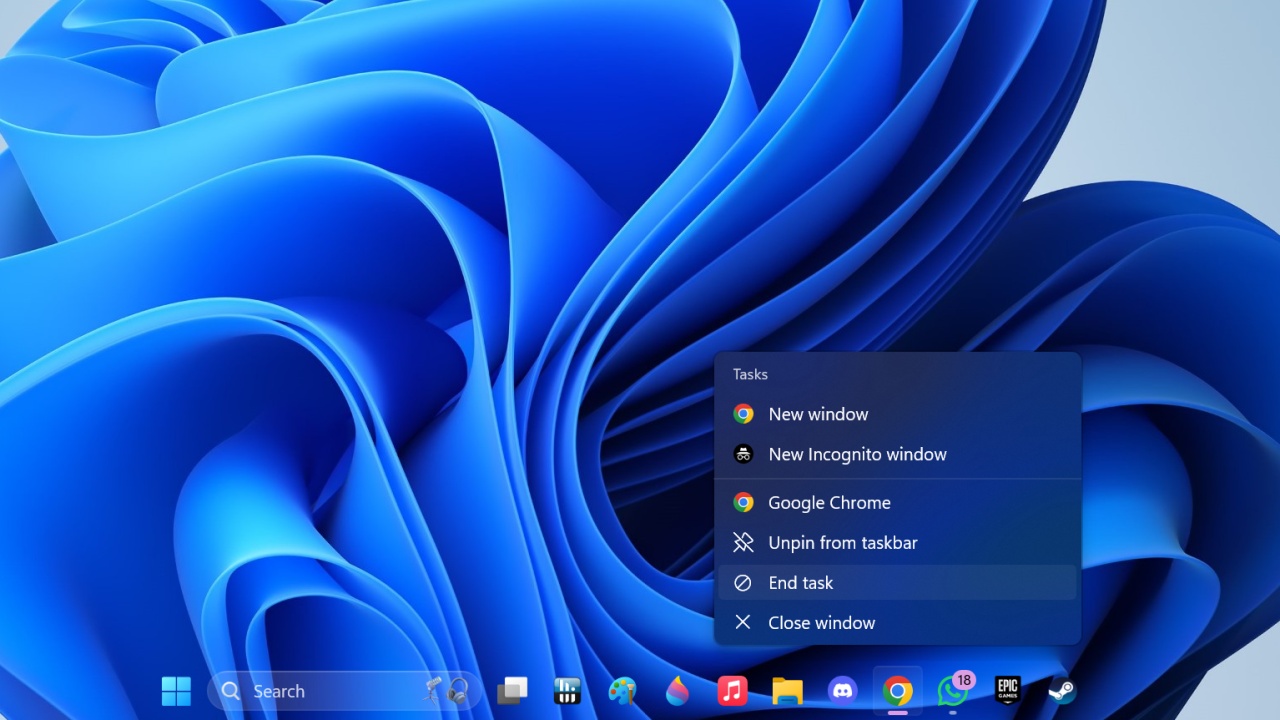
Windows 11’s hidden feature allows users to hit End Task on running apps through the taskbar itself. Here’s how you can enable it.
By Samarveer Singh – Oct 7, 2024
Having trouble with Windows? Restarting File Explorer can solve the problem. Learn how to restart File Explorer using different methods.
By Karrar Haider – Jul 30, 2024
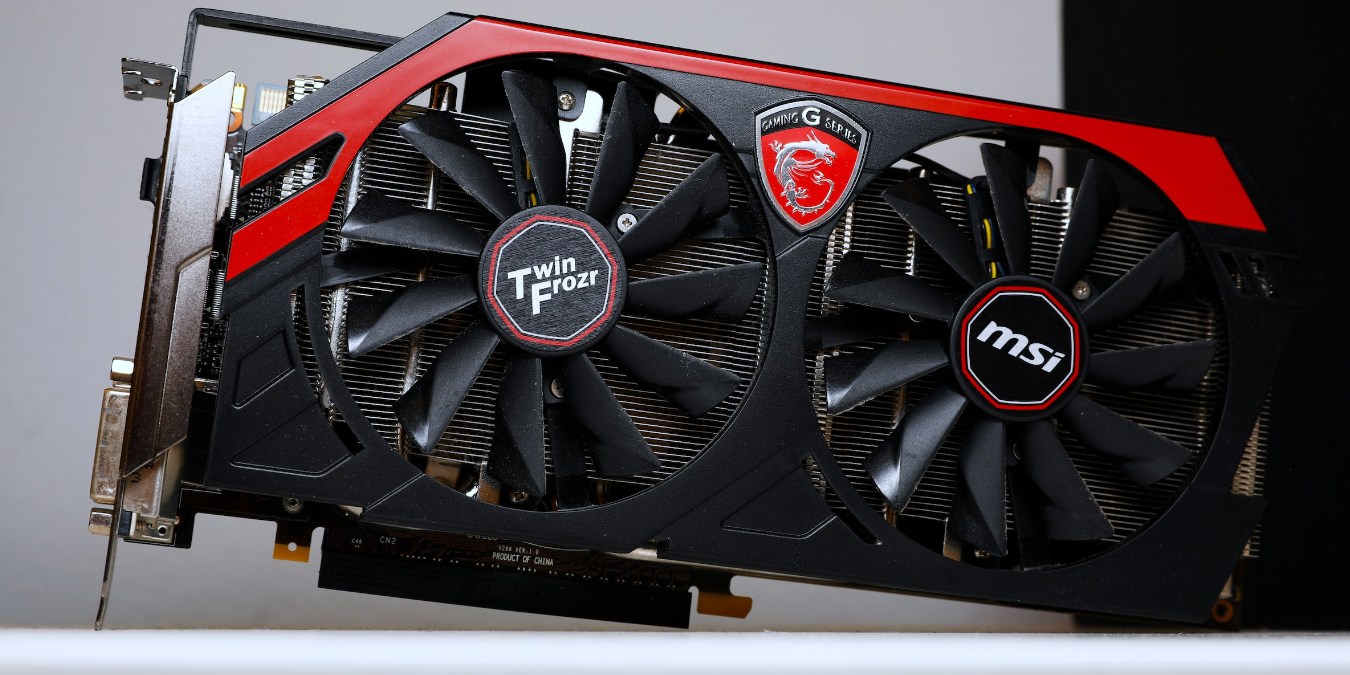
If you’re curious or worried about how much stress your GPU is under, learn how to check GPU usage on Windows.
By Tanveer Singh – Nov 7, 2023

Worried that someone will take a sneak peek at your PC while you’re away on a quick break. Learn how to lock a Windows computer.
By Meenatchi Nagasubramanian – Sep 8, 2023
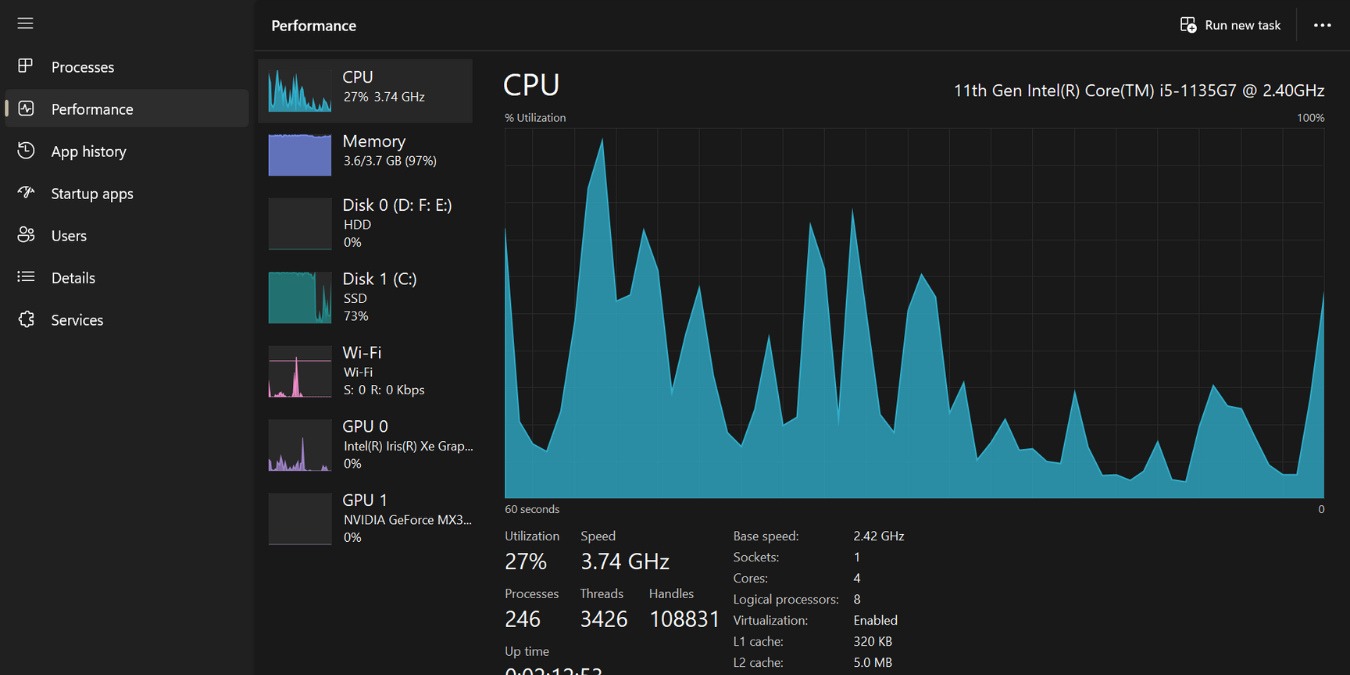
Noticed Shell Infrastructure Host high CPU usage? Here’s how you Learn how to troubleshoot and get your computer back to its optimal speed.
By Princess Angolluan – Aug 30, 2023
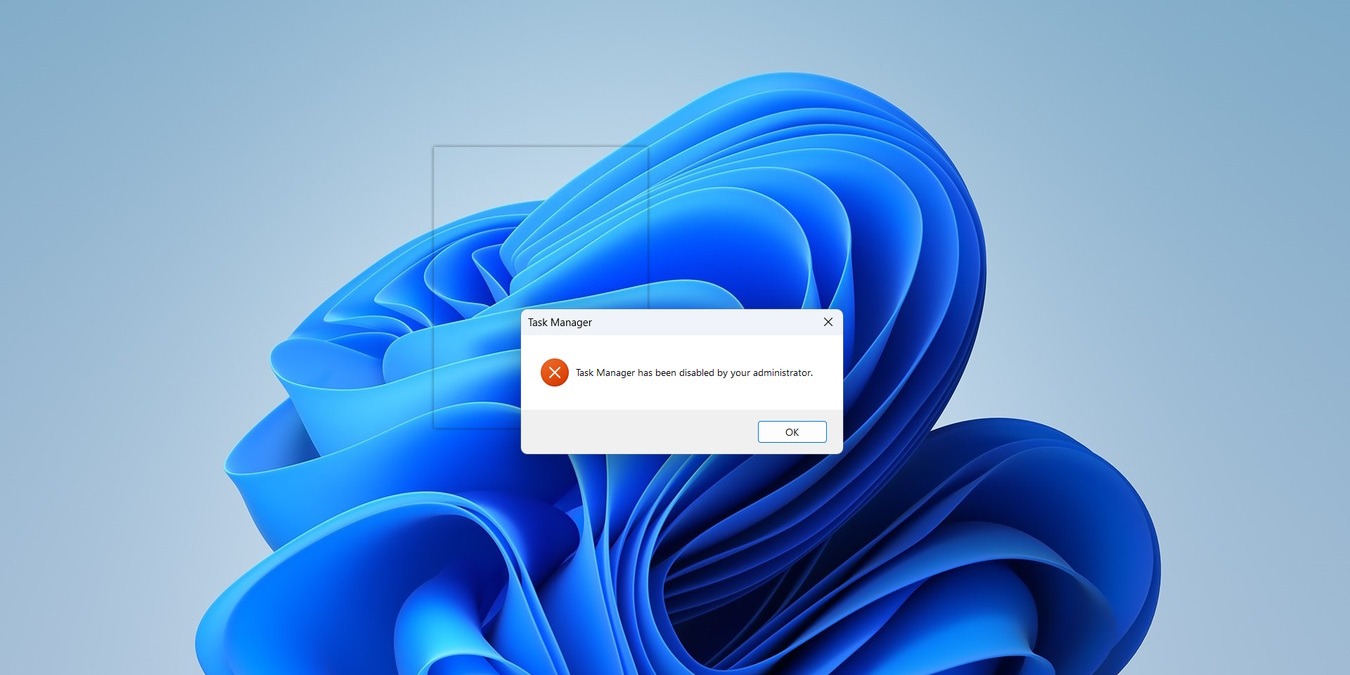
Seeing the “Task Manager has been disabled by your administrator” message when trying to open Task Manager? Learn what to do about it.
By Chifundo Kasiya – Jun 12, 2023

Sometimes, the Windows Start menu search won’t show apps like it should. Check out these fixes if your Start menu search stopped working.
By Farhad Pashaei – May 31, 2023

The Chrome Task Manager is so useful that it’s surprising more people don’t know it exists. Learn how to open it and what to use it for.
By Sydney Butler – Apr 19, 2023

Alt+F4 is the go-to shortcut for quitting programs, but what if it doesn’t work? This guide shows you some other ways to force quit programs.
By Terenz Jomar Dela Cruz – Mar 3, 2023

Can’t rename a file or folder in Windows? This tutorial offers solutions to fix this frustrating Windows error that pops up.
By Farhad Pashaei – Feb 16, 2023

Opt for the method that is most convenient for you!
By Digvijay Kumar – Nov 2, 2022
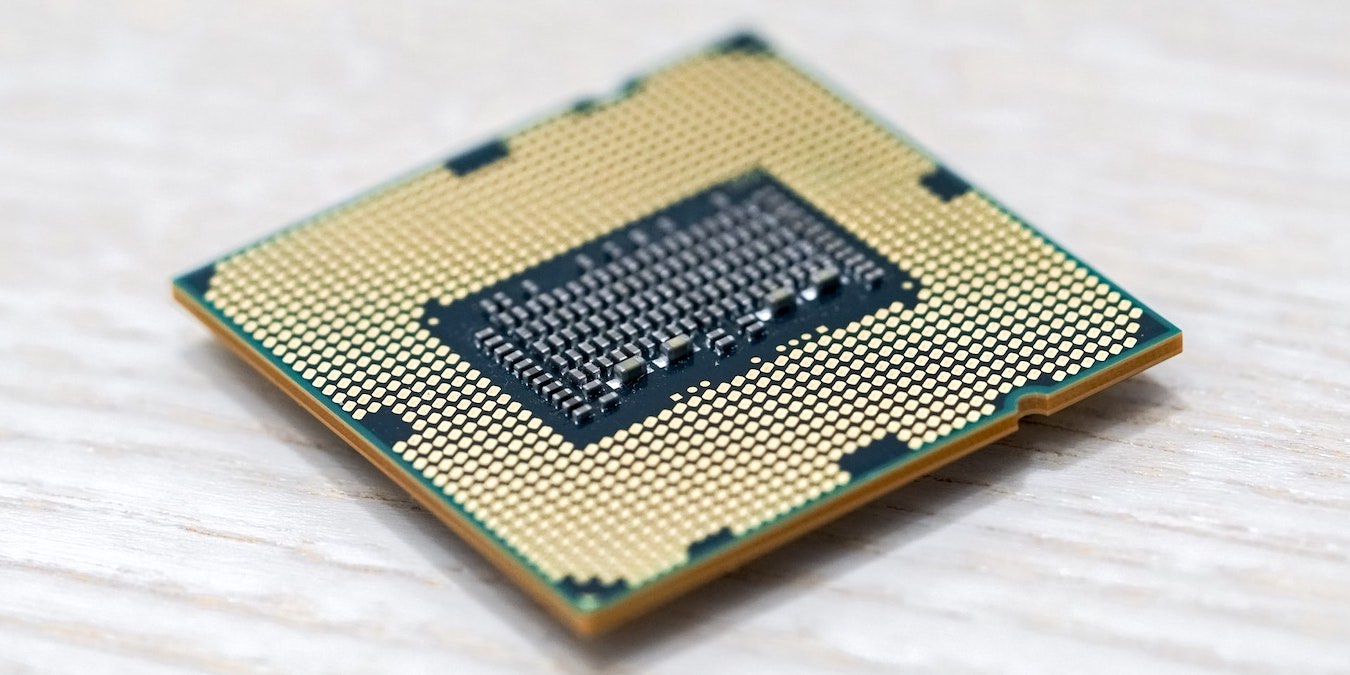
What do Windows updates have to do with high CPU usage?
By Ojash Yadav – May 24, 2022
Affiliate Disclosure: Make Tech Easier may earn commission on products purchased through our links, which supports the work we do for our readers.