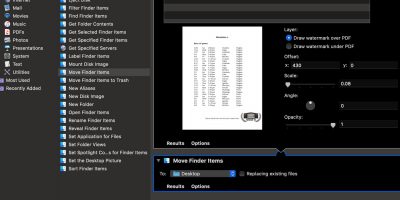
The option to watermark PDF files is not present by default in Quick Actions. Learn how you can create your own Quick Actions to add a watermark to a PDF file.
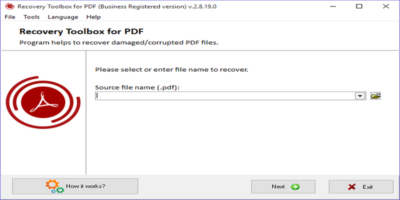
Just like any other file format, PDF is also susceptible to data corruption. Recovery Toolbox for PDF can repair and recover data from a damaged PDF File.
If you are selling PDF files online, you don’t want anyone to be able to steal your hard work and claim it for their own. This will show how you can easily secure your PDF files to protect your intellectual property.
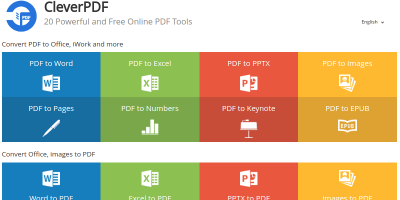
Need to convert or edit a PDF file? CleverPDF does it all from conversions to encrypting and decrypting to combining and splitting to watermarking and more!
It can be confusing why people choose to share PDF files with others instead of the editable .DOCX format. Here are some of the benefits and drawbacks of using the PDF format.
Creating feature-rich PDF documents can be quite tricky. Here’s how to use iSkysoft PDF Editor to transform your PDF creation at the click of a button.
If you want to save a website for offline reference, saving it as a PDF file is the best way to go. Here are the various ways to convert websites to PDF in Chrome.
Are you unable to retain formatting from Google Docs? Here’s how you can retain formatting from Google Docs when you export your document to another file type.
You might think you need Adobe software to manipulate PDFs, but MacOS’s Preview is much more powerful than it seems. Check out some of its hidden features that might save you trip into Acrobat.
There are multiple ways to convert a DOCX file to a PDF file on your Mac. However, this is one the most convenient and fastest ways because it only requires right-clicking on a Word file.
Looking for a way to extract embedded images from pdf files in Ubuntu? PDFImages is a tool that makes image extraction from PDF files a cakewalk. Check it out.
If you deal with PDFs on a regular basis, you may need an easy way to convert Markdown, HTML or Rich Text to a PDF. These 5 websites can do that for you.
Adobe Reader is arguably the best PDF reader on the market. If you have multiple devices and want to access your PDF files anywhere, here’s how to do that.