

If you work in an office environment, or really do any kind of work at all, you deal with PDFs. Even lifestyle entrepreneurs building startups from a beach in Thailand have to deal with PDFs, and it’s not pretty. You don’t want to install Adobe Acrobat Pro Supreme XXVI or use MS Word to create a formatted PDF. Not when you can do it easily online.
I write in Markdown and frequently need to export documents to PDF. Most Markdown editors have this feature. But doing this on the Web when you don’t have a Markdown editor is not easy. I’ll also be talking about websites where you can paste in HTML code or a web address and have that converted to PDF. And lastly, a plain old text/Word/Office file.
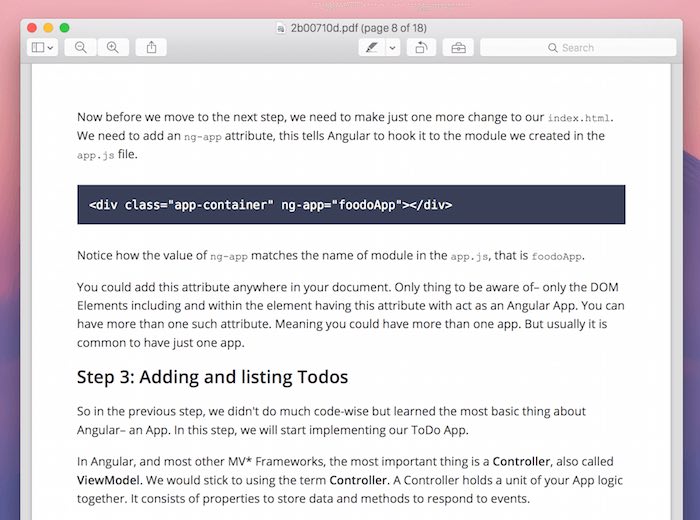
Oddly enough, Markdown documents convert to PDF very nicely. Everything from code blocks to inline formatting is sharp. Take a look at the example below.
1. Markdown to PDF
Markdown to PDF is the simplest way to convert a local Markdown file to a cleanly stylized PDF (the website supports “.txt” and “.rtf” as well). Just go to the website, drag in the file or select it from the file browser, and in a couple of seconds the file will be ready to download.
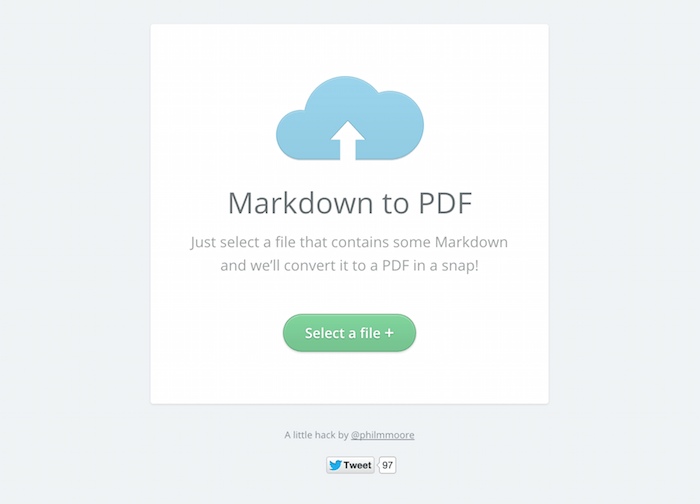
For my testing I used a tutorial filled with code blocks, inline code and basic formatting features. The final PDF turned out really well.
2. Dillinger
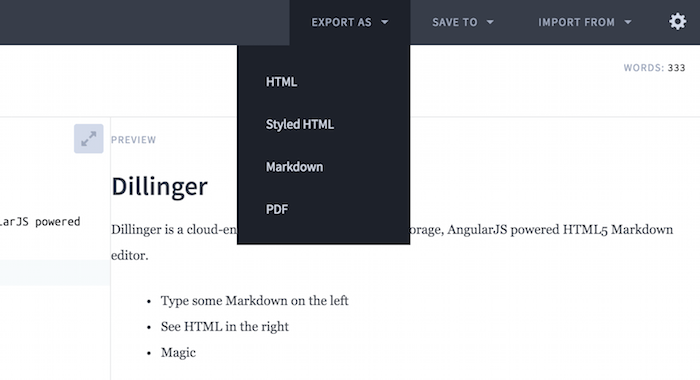
Dillinger is an online Markdown editor. One of the great ones. The “Live Preview” feature is useful when you’re writing something long. And Dillinger has a handy export feature that makes it easy to copy the Markdown as HTML or just plain text. Dillinger’s PDF export option is beneath the “Export As” button.
Dillinger is a great option for anyone who wants to quickly write something in Markdown and wants it exported to PDF immediately and wants to do it all on the Web – without worrying about a native app. Dillinger’s PDF font style is Serif-based and is not as sharp or modern as “Markdown to PDFs.”
3. HTML to PDF
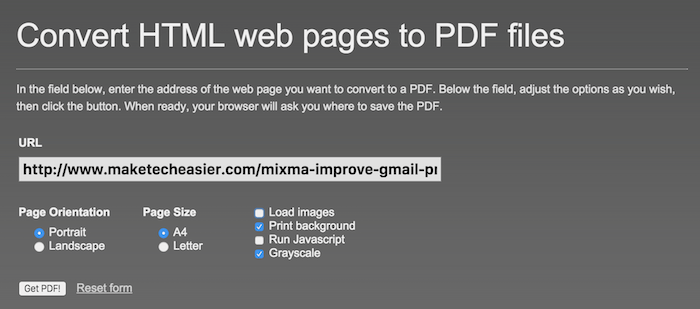
HTML to PDF is a simple website where you enter a web page address and can download the generated PDF. The great thing about the website is the plethora of features. You can select between portrait and landscape mode, A4 or Letter page size, and can even do things like disable images or Javascript, background or turn the page grayscale (to save some ink if you’re planning on printing it out later).
4. PDFcrowd
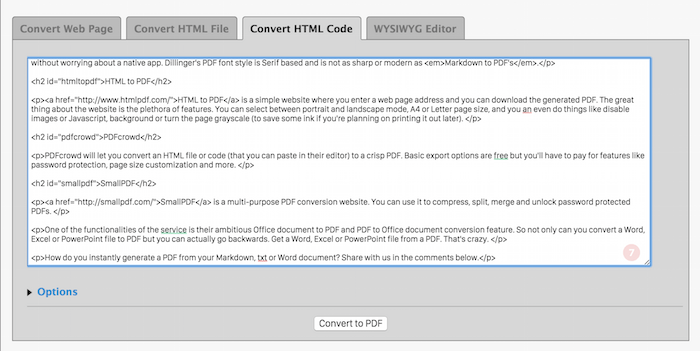
PDFcrowd will let you convert an HTML file or code (that you can paste in their editor) to a crisp PDF. Basic export options are free, but you’ll have to pay for features like password protection, page size customization and more.
5. SmallPDF
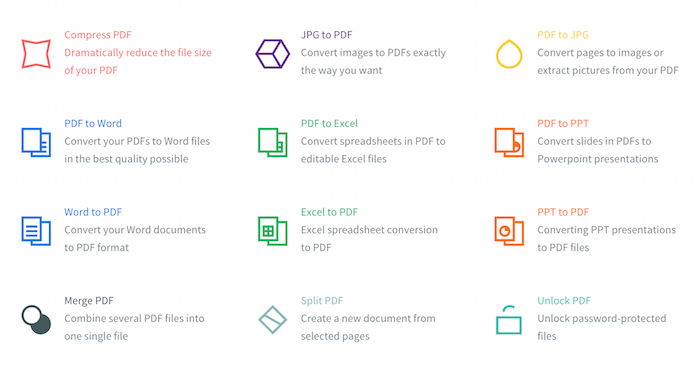
SmallPDF is a multi-purpose PDF conversion website. You can use it to compress, split, merge and unlock password protected PDFs.
One of the functionalities of the website is their ambitious Office document to PDF and PDF to Office document conversion feature. So not only can you convert a Word, Excel or PowerPoint file to PDF but you can actually go backwards. Get a Word, Excel or PowerPoint file from a PDF. That’s crazy.
How do you instantly generate a PDF from your Markdown, .txt or Word document? Share with us in the comments below.