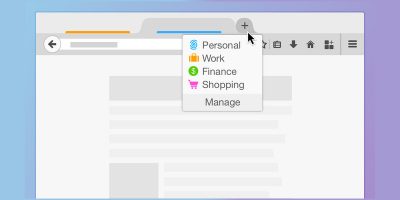
Starting with Firefox 73, the site-specific browser feature is added as a core part of the browser. Here’s how you can enable site-specific browser in Firefox.
Is your Firefox browser stuttering, freezing, crashing, or eating up gigabytes of RAM? Here’s how to troubleshoot your Firefox when issues start showing up.
One way to keep your favorite sites within easy access is to pin them to your desktop. Learn how to pin websites to the Windows desktop, taskbar or the Start Menu.
Chromebook runs Google Chrome browser by default. If you are not a fan of Google Chrome, here is how you can install Firefox on Chromebook as your default browser.
Mozilla’s implementation of DNS over HTTPS makes it one of the “Internet Villains.” Here we will explain what DNS over HTTPS is and why you should use it.
Since most browsers are free to use, how do they make money and survive? Here we examine a few popular browsers and their unique approaches to revenue.
Not all Firefox forks are created equal. Some are as equally capable as Firefox while others are outdated. Go through this checklist before you start using a Firefox fork browser.
Mozilla solve the problem of not being able to share larger files by launching Firefox Send, a free, encrypted file-transfer service that allows you to share large files via a browser.
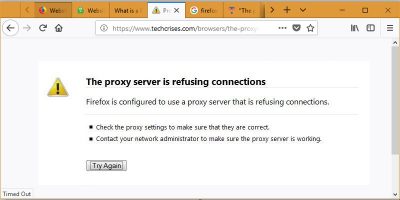
When using Firefox you might experience an error where the Firefox proxy server refuses connections to a webpage. Here’s how to fix the Firefox proxy server connection refusal error.
Changing a browser’s user agent allows you to test your site for different browser. Here is how you can change the user agent in Chrome, Firefox and MS Edge.
You can easily lose all your open tabs when your browser crashes. Luckily, both Firefox and Chrome have options for you to properly manage your sessions.
Windows 10’s new Timeline feature is great, but it only works for Microsoft Edge. This article shows how to make the Timeline feature work on Firefox and Chrome.