One way to encrypt your files is via the public/private key. Let’s take a look at the public key encryption concept to understand how it can protect you.
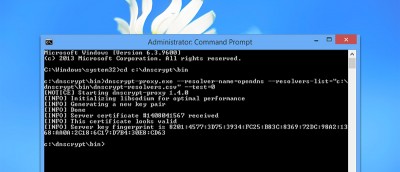
If you are concerned about your DNS traffic being sent in plain text and available for everyone to see, you can now encrypt DNS traffic in Ubuntu with DNSCrypt.
What if I tell you that your encrypted data may already be cracked by the hackers? Here are some examples why encryption is not as safe as you may believe.
Things just don’t work the way they should in the Internet. Here are some things you should know about the OpenSSL “Heartbleed” bug and how it affects you.
There are several archive formats and each comes with its own pros and cons. Find out more about the compression, encryption and each archive format and see which one is most suitable for you.
Linux has several different command line tools that can encrypt and decrypt files using a password supplied by the user. Let’s take a detail look at some of them.
Encfs is particularly useful for encrypting files that you want to store in the cloud. Using encfs in Linux and Windows is pretty straightforward as there are installers for both platforms. However, for Mac OS X, installing encfs is not as easy as it should be. Here is how you can install and use encfs in Mac OS X.
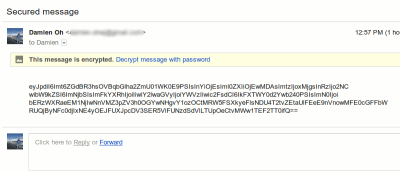
To protect your privacy and prevent others from viewing your emails, it is best to encrypt them so only the intended recipients can view them. Here is how you can send encrypted emails in Thunderbird.
Google Drive offers a lot of features for users, but some of the basics have always been missing, such as password protection. Here is how you can password protect a spreadsheet in Google Drive.