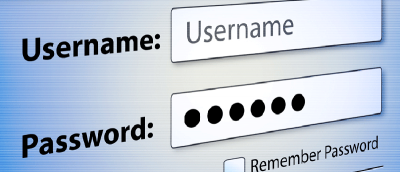
Want to temporarily see your password as you type it in the password field? Try installing a Firefox add-on called Show Password Field for convenience.
Did you know that you can change the appearance of every single website you visit? Stylish is a powerful add-on for Firefox that lets you modify websites.
If you often have to share a computer, you may wish to automatically clear data when you quit the browser. Here’s how you can do that in Chrome & Firefox.
To prevent third-party cookies from tracking your online activity, you can disable third-party cookies in Firefox and Chrome. Here’s how you can do it.
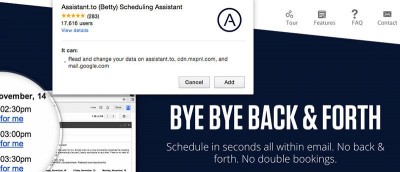
There are many productivity apps that can help us become more efficient. The following apps make use of Google services and are particularly handy as Chrome apps. Check them out.
Google Chrome comes with a nifty tool that allows you to test how your website render in various mobile device. Here is how you can use the device mode in Chrome.
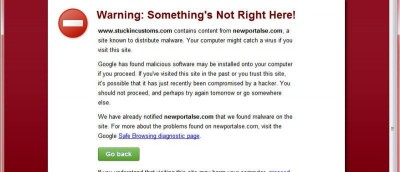
While surfing the web, you probably have come across error codes like 404, 502, etc. Here are some of the most common browser errors that you should know.
Otter browser is an ambitious project to keep version 12.x of the Opera browser user interface alive. Let’s check it out and see if it is a good browser alternative.
Sometimes, you are not able to install old extensions as they are not compatible with your current version of Firefox. Here is how you can force compatibility and make them run.
If you are a Youtube enthusiasts, as well as a Chrome user, here are some of the best Chrome extensions for YouTube to improve your video watching experience.