Phone screenshots are harmless, right? For hackers, those screenshots could be the keys to accessing accounts or private information you’d rather no one else know about. Stay a bit safer by never saving these screenshots on your phone.
1. Passwords and Usernames
You can’t do much of anything online without having to set up yet another username and password. To make life easier, you take a quick screenshot with the password visible. Even if you plan to enter it into a password manager later, you still forget to delete it off your phone.
Never keep any screenshot containing passwords and/or usernames. Instead, enter your login details in your favorite password manager, like KeePass or Bitwarden, immediately.
With malware like SparkKitty greedily pulling details from photos, you need to consider all your screenshots are publicly accessible.
2. Tracking Details
A simple tracking number might seem innocent enough, but if someone enters it online, they may be able to see your address, phone number, when your package is arriving, and even what you ordered.
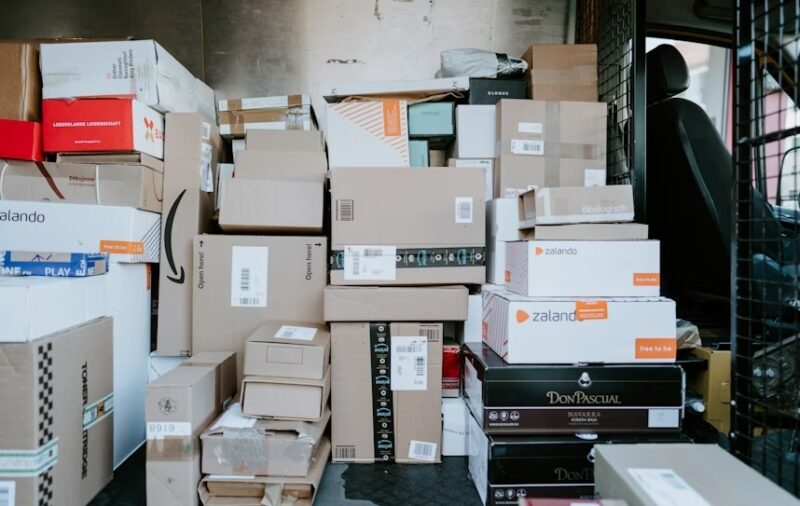
Someone local could track your package and pick it up before you even realize it’s been delivered.
3. Online Tickets, Boarding Passes, and Booking Confirmations
I’m guilty of this one. You take phone screenshots of your online tickets, boarding passes, booking confirmations, and more just in case you lose Internet access at the worst possible moment.
Yet, the barcodes and QR codes on those screenshots don’t just work for you. If hackers grab those screenshots, they can easily take your place. Suddenly, that expensive concert ticket has already been used or that hotel room you booked already has someone else in it. For bookings, you’re also telling hackers when you won’t be home.
Consider using a digital wallet instead. There are a variety of options for Android. Or stick with one of the three major options of Google, Apple, or Samsung to store tickets, IDs, passports, passes, passwords, and credit cards.
4. Private Emails, Texts, or Other Messages
The key word here is “private.” Usually, when you screenshot emails, texts, or messages from various messaging apps, this includes real or usernames, email addresses, phone numbers, and possibly other personally identifying information.
Now, imagine sending a private joke to a co-worker about another co-worker. If someone saved this as a screenshot and hacker got access and posted it publicly, you could both lose your job. Or, maybe you’re having conversations that should definitely only be seen by you and the recipient.
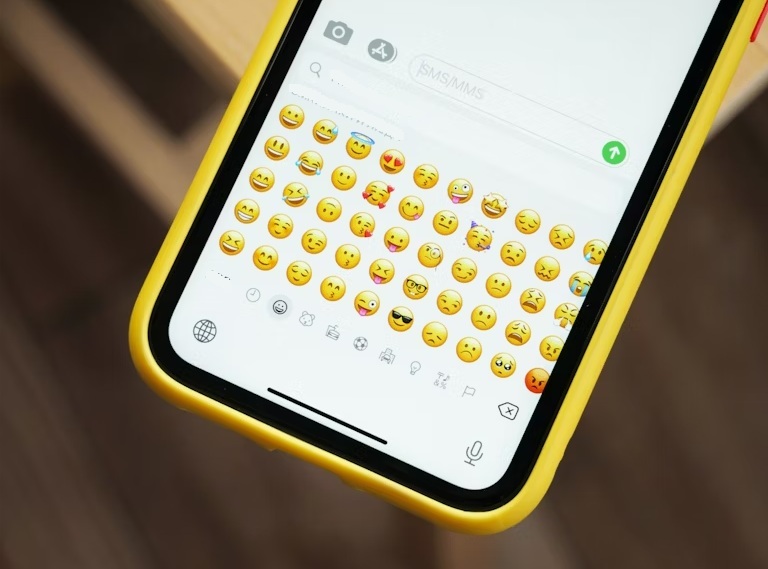
Protect your privacy by using email and messaging apps that prioritize your privacy. And, if you want to save something, leave it in your email or message app. Or, back it up to an external USB drive or hard drive. While it’s not ideal to backup private details to the cloud, you can encrypt files before uploading them.
5. Any Type of ID
Would you hand over your driver’s license or passport to any random stranger? I’d hope not. The amount of personal information stored on an ID is enough for a hacker to steal your identity. That’s why you never take phone screenshots of any ID. This includes any work IDs.
Instead, store them securely in your favorite digital wallet, such as Google Wallet. Just make sure your wallet is secured. For optimal security, use a biometric login.
6. Medical Details
Did you take a screenshot of your test results, insurance card, prescription details, or any other medical information? Delete it. Now. It’s far too easy for hackers to grab your name, social security number, phone number, email address, insurance ID, and more just from those simple phone screenshots.
Often, your doctor or insurance provider offers secure storage for this information. You just have to create an account to access it. Trust me, it’s better to have to log in to an app versus having your entire identity stolen to save a few seconds.
7. Financial Documents
I couldn’t believe it when a close friend had taken a screenshot of their tax return. Instead of downloading a PDF and storing it somewhere safe, they had it for the whole world to see right in their phone’s gallery.
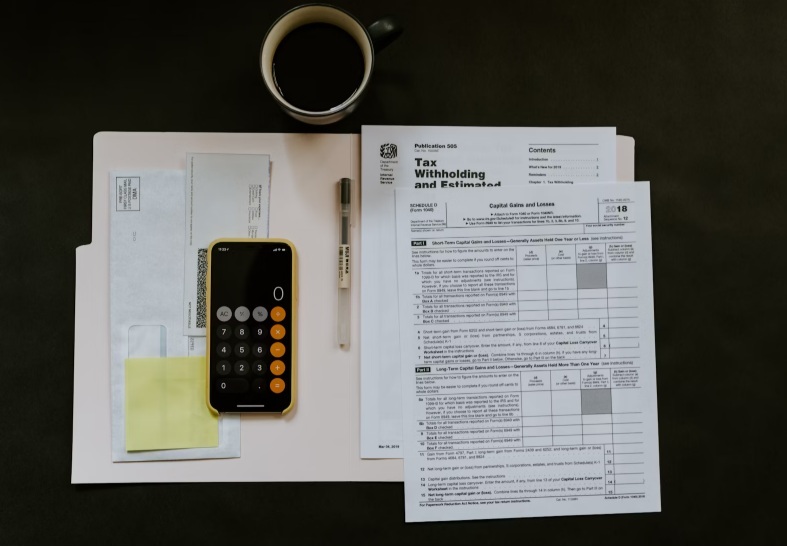
They’re not alone, though. Many people take screenshots of bank and credit card statements, account numbers, balances, and more. As you’ve probably guessed by now, hackers love this information. Just knowing your email and where you bank is sometimes enough for them to get into your account.
Leave all your financial documents and details safely in your accounts and out of your screenshots. If you download anything, store them off your phone on an external drive.
This is why many financial apps don’t allow screenshots, even though there are ways around it.
8. Confidential Documents and Information
Did you screenshot project details for work? Maybe your lawyer sent you details about your case. A screenshot could easily ruin your life. Confidential information that leaks from your job or a client could cause you to lose your job and even deal with a massive lawsuit.
Or, if you’re getting information from a lawyer about a will or court case, personal details are everywhere. Hackers would love to know all the fine details so they can take advantage.
If it’s not something you’d happily post online for everyone to see and use, don’t take phone screenshots. If you absolutely need a screenshot of something, edit it to get rid of any personally identifying information. One more thing to remember is to not only delete these phone screenshots from your device, but from any cloud backups too.