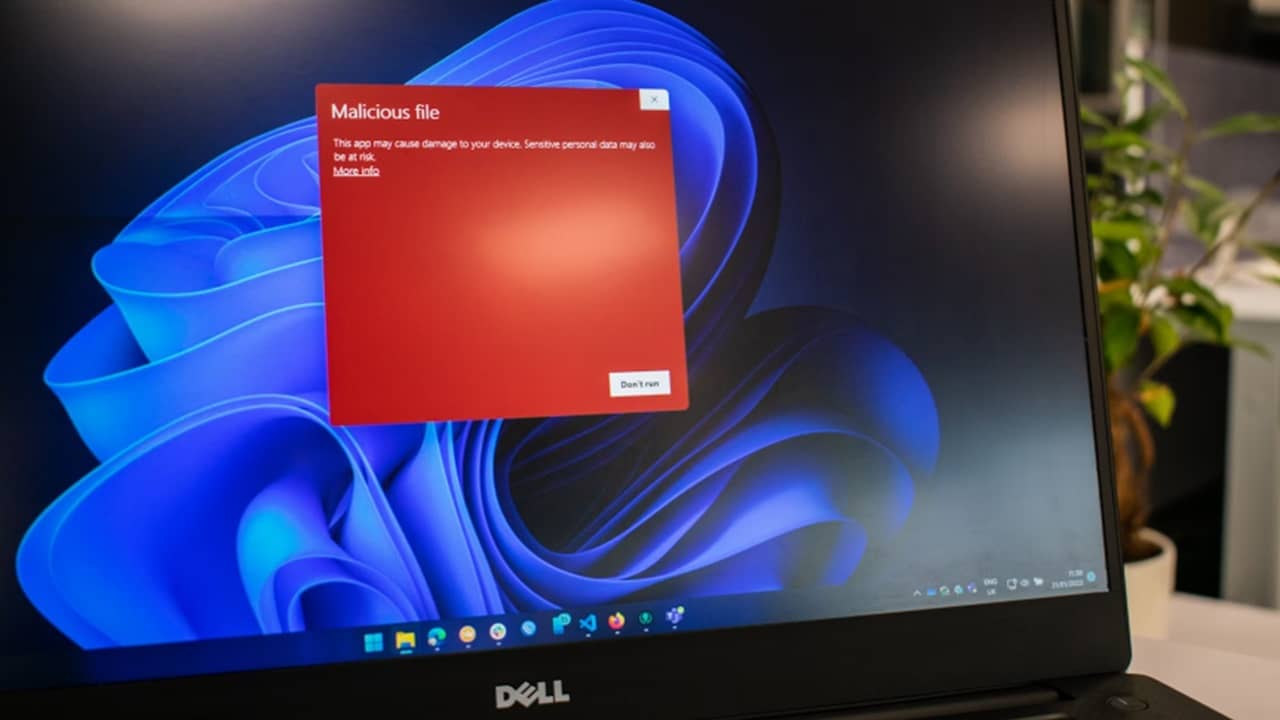
Having autofill turned on in your browser isn’t just convenient for you. It’s a goldmine for hackers too, especially with the PXA Stealer malware that’s targeting all that sensitive data stored in your favorite browser. There are several ways to protect yourself.
PXA Stealer Poses as Innocent Apps and Documents
This isn’t unusual for malware. By hiding in plain sight, it’s easier to fool users into downloading and installing it. At the time of writing, the group of Vietnamese hackers has already stolen over 200,000 passwords worldwide and gained access to over 4,000 IPs.
Their main target is your browser’s autofill data. For many users, it’s full of passwords, addresses, credit card numbers, and more.
Of course, you’re not going to just get PXA Stealer just by browsing online. Instead, you have to install or download something. In this case, the cybercriminals are focusing mainly on a free PDF tool and Microsoft Word 2013 files in email attachments.
Once you install the PDF tool or open the Word file, you get more than you bargained for. The malware installs and may even grab more malware remotely stored on Dropbox accounts.
Avoid Haihaisoft PDF Reader
Free PDF readers are great, but be careful about what and where you download. Especially when you have the free Adobe Acrobat Reader and most major browsers open PDF files, along with numerous other well-known PDF readers. While PXA Stealer currently targets Windows, macOS users also have a variety of PDF readers to choose from without falling for malware-ridden alternatives.
The hackers use phishing sites to lead you to the free Haihaisoft PDF Reader. It’s even a signed download, which is usually considered safe. But, once you download and try to install it, you get malware instead.
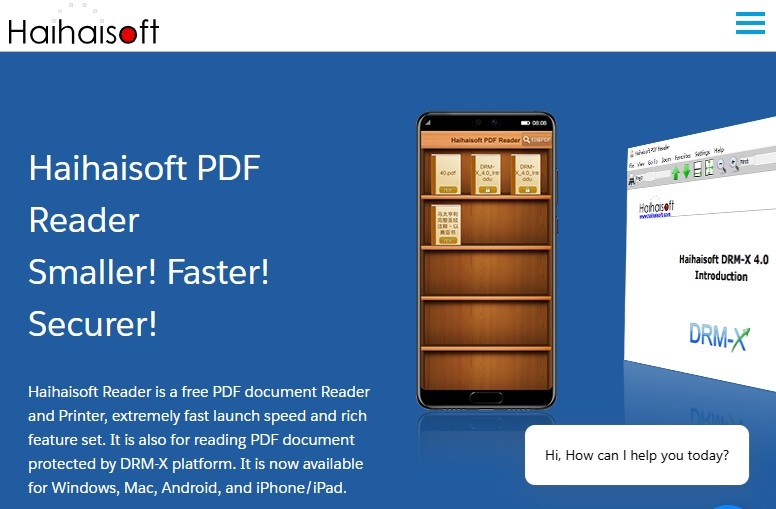
Technically, this PDF reader is real and legitimate, but it’s become a target for malicious activity for years. If you do choose to download it, make sure you visit Haihaisoft directly. Don’t go to any other site. And, check the download link via VirusTotal first.
My advice is to always research any app/software/tool before you install it. Avoid clicking links to sites from random emails or pop-ups. Most importantly, always download from the official site versus a third-party site.
Skip Microsoft Word Attachments
I know, it’s so tempting to click the little attachment link to see what’s in that completely unexpected Microsoft Word attachment. Don’t do it. It won’t end well.
Phishing emails are getting more sophisticated and often sound like they’re from trusted companies, co-workers, friends, and family. The problem is, once you open that attachment, you don’t get a second chance to verify if it’s real or malicious. The damage is done and you’re left trying to remove the malware and change all your passwords.
Since PXA Stealer’s other favorite infection method is a Word attachment in a .ZIP file, take extra care if you see one.
When you try to unzip the file, you get an error message. It might seem innocent enough, but that’s just hiding the malware installing in the background.
Always think twice before downloading any attachments. This week it’s a Word doc. Next week, it could be a PDF file, a spreadsheet, or even a plain text file. If you’re not completely sure, delete it.
Avoid Storing Sensitive Information in Your Browser
When you enable autofill in your browser, you increase your risk of hackers stealing your data. The reason is simple. A phishing site looks legitimate and only has you fill in a few pieces of information for a newsletter, such as your name and email. What you don’t see are the hidden fields grabbing everything else your browser has stored.
With PXA Stealer, the malware grabs any autofill data you use, including passwords, cryptocurrency wallet details, credit cards, and more. It can gobble up all your browser cookies using a DLL that bypasses your browser’s encryption safeguards.
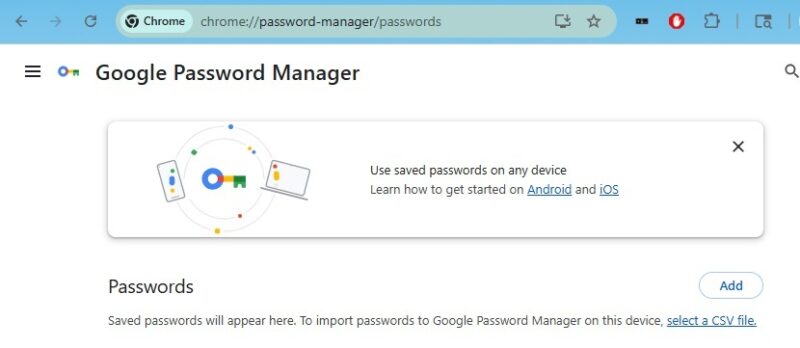
Browsers don’t have the best security when it comes to storing personal information. It’s best to rely on your own memory or a third-party password manager. With a password manager, you have to unlock your data first.
Of course, if you’re a malware victim, it may still pick up any autofill data from your password manager.
Tips to Avoid PXA Stealer
Accidents happen. You click a link without thinking, or download an attachment that seems legit. Even that awesome looking app (PDF reader in this case) seems perfect for your needs.
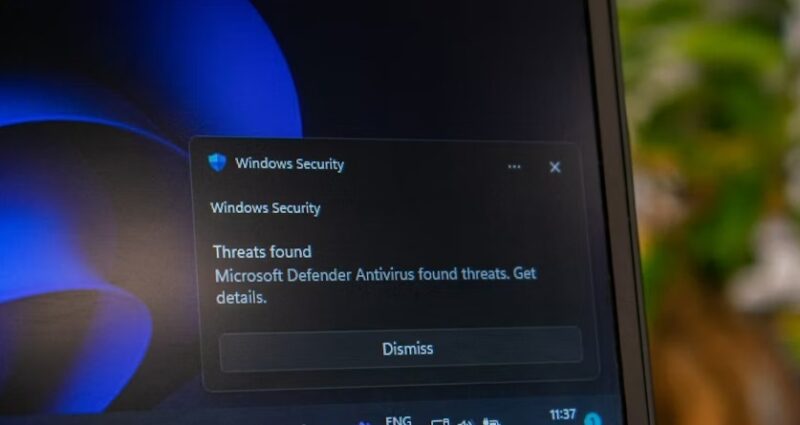
The best ways to avoid PXA Stealer are:
- Verify links in your emails before clicking (hover over to see where they lead)
- Visit official sites directly to download software or only click links on trusted sites
- Check download links and sites via VirusTotal
- Never download an attachment you’re not expecting
- Scan all downloaded files and attachments with your antivirus and/or antimalware app
Remember, it’s not just Windows users that get targeted. Every operating system is at risk. For instance, Android users were targeted by the Godfather malware. And, WhatsApp users always have to stay diligent to avoid scams and malware.








