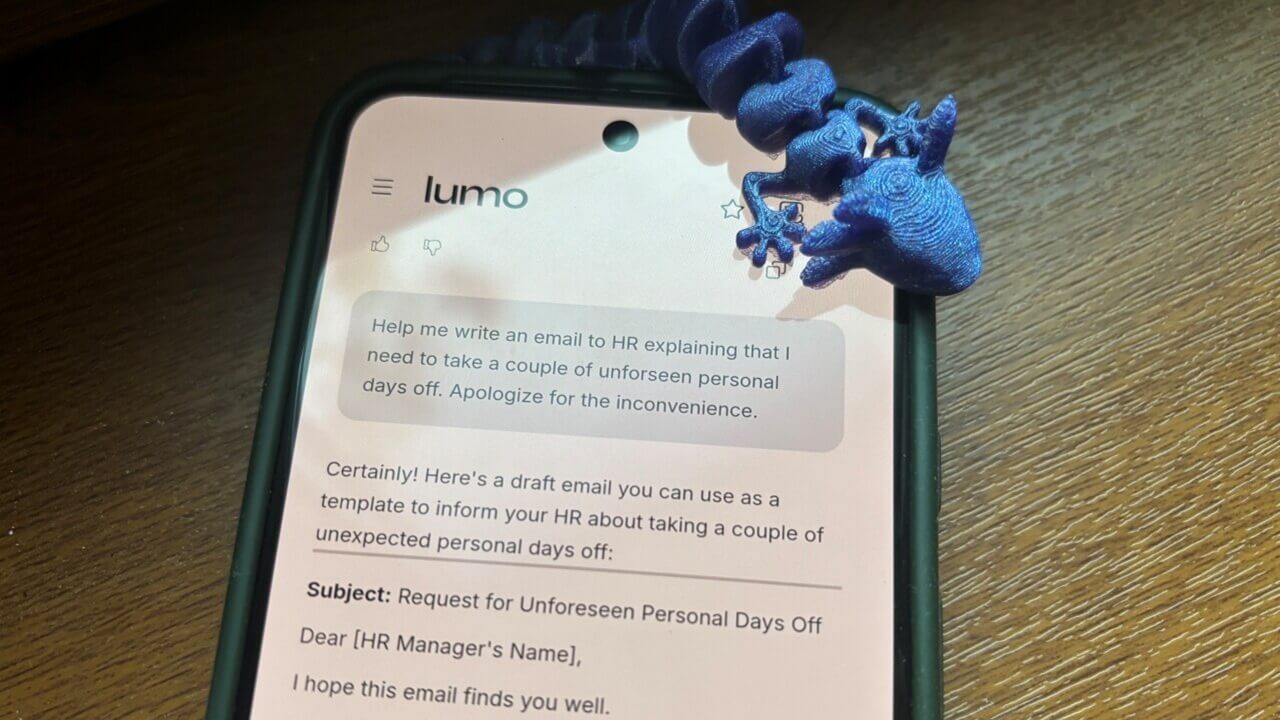
As AI becomes increasingly embedded in our lives, a troubling trend is emerging: its increased demand for access to personal data. If that doesn’t sit right with you, you’re not overreacting. Proton understands this concern and has recently introduced Lumo, a new chatbot designed with privacy at its core. Let’s take a look at what makes it different and how to try it out.
Good to know: here’s how to install and configure the Proton Mail desktop app on Linux.
Getting to Know Proton Lumo
The Swiss company Proton, best known for its privacy-first tools like Proton Mail and Proton VPN, is bringing its strict privacy principles to AI. With the launch of Lumo, Proton aims to offer an AI chatbot that can provide assistance without keeping tabs on users or storing their personal data.
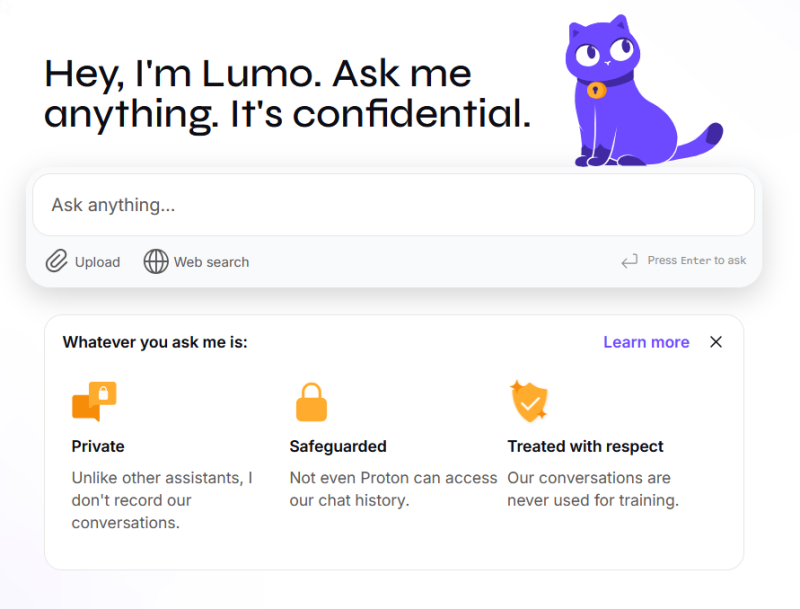
To that end, Lumo relies on open-source large language models (LLMs), including Mistral’s Nemo, Mistral Small 3, Nvidia’s OpenHands 32B, and the Allen Institute of AI’s OLMO 2 32B model, and uses Proton’s open-source encryption to protect sensitive user data. For full transparency, Proton has also published the assistant’s complete source code, so anyone can inspect the source code for vulnerabilities or bugs.
What’s more, by default, Lumo doesn’t search the web and deletes your conversations as soon as you exit the app. Proton doesn’t store these chats on its servers or elsewhere, ensuring your data remains private.
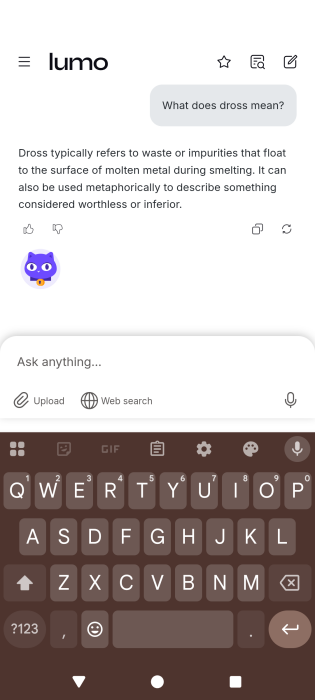
Lumo is available on the web, as well as a mobile app for Android and iOS. An adorable mascot is part of the interface, adding a friendly and engaging element to the user experience.
Tip: follow these tips to ensure that your Meta chats remain private.
What Can Lumo Do?
You can use Lumo without an account if that’s easier for you, or you can sign up for a free one. A paid tier is also available at $12.99 per month (you can also opt for a yearly package), which unlocks unlimited daily chats, access to chat history, and access to advanced AI models. The free account also gives you access to chat history (limited) and restricts the number of queries you can make each day, similar to ChatGPT.
Lumo uses zero-access encryption to protect said chat history, meaning it’s visible only to you. No external apps or services have access, not even Proton itself.
Now you’re probably wondering what Lumo can do. Below you’ll find some of the tasks that Proton’s AI chatbot can help you with:
- Answer questions
- Summarize text
- Draft emails
- Assist with coding
- Translations
- Search the web (users have to enable this option manually)
- Provide tech support
- Upload files for analysis (integration with Proton’s cloud storage solution, Proton Drive is available)
Note: you can also speak out these requests, not just type them out
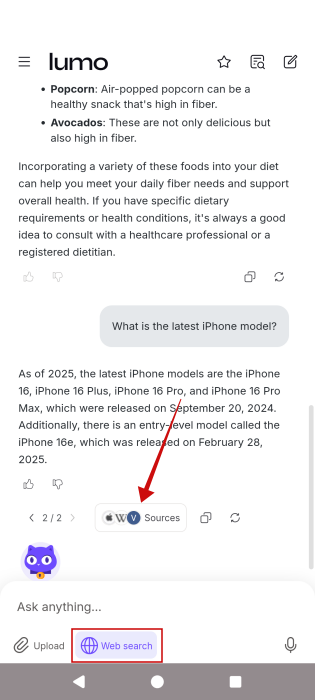
Proton notes that Lumo is using privacy-focused search engines to deliver the results, but it doesn’t mention which exactly. At the same time, we’re assured that uploaded files aren’t stored on Proton’s servers.
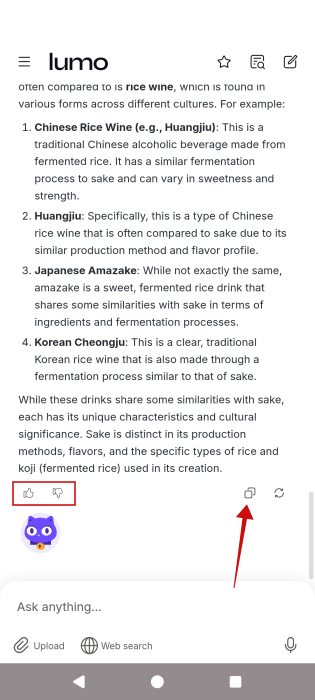
Once Lumo generates an answer, you can easily press the Copy button to share it with others. You can also rate the response, and Lumo will take note of the replies you found helpful.
According to Proton, none of your conversations or inputs are used to train its Lumo AI chatbot. That said, the company has not shared specifics about the training methods.
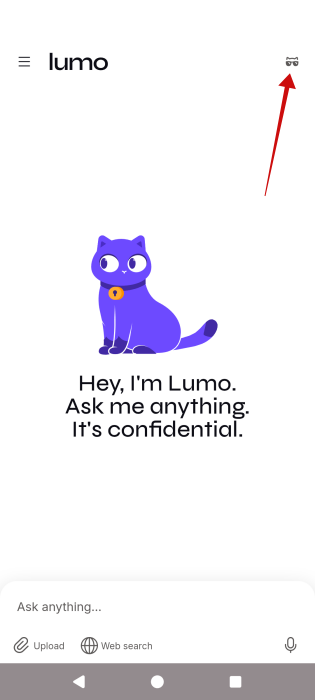
Lumo includes a Ghost Mode, which you can activate by clicking the tiny kitty icon with sunglasses in the top-left corner. This is a useful feature if you’re logged in but want to keep certain searches out of your history.
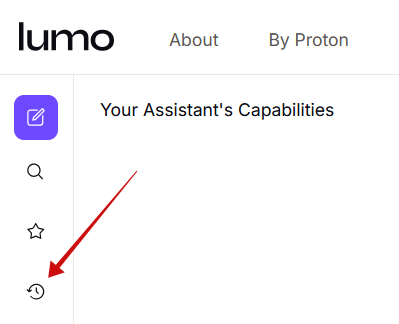
Alternatively, if you wish to view your chat history, you can do so by tapping the History icon on the left side menu on the web.
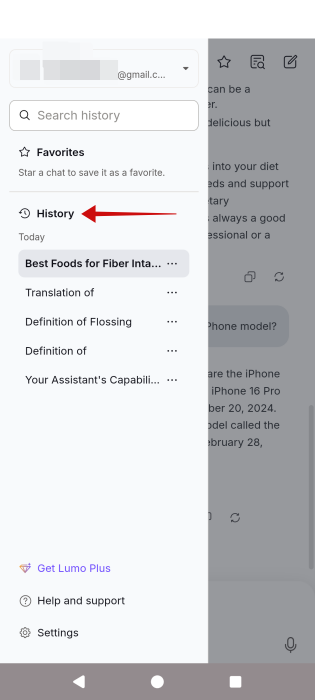
On mobile, tap the hamburger menu in the upper left corner to view the History.
Lumo launches at a time when concerns around AI and privacy are growing. Backed by Proton’s established reputation for security and data protection, this chatbot aims to offer a safer way to use AI. However, as a new product, Lumo currently lacks some of the advanced features found in more mature AI chatbots. For instance, it can’t generate Ghibli-style images for you like ChatGPT, nor can it generate videos based on prompts like Gemini.