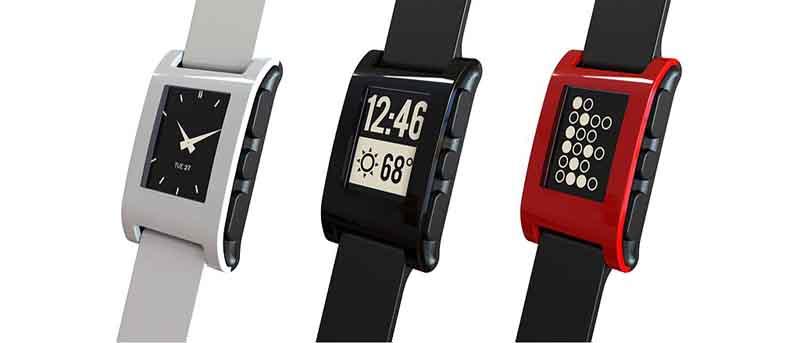
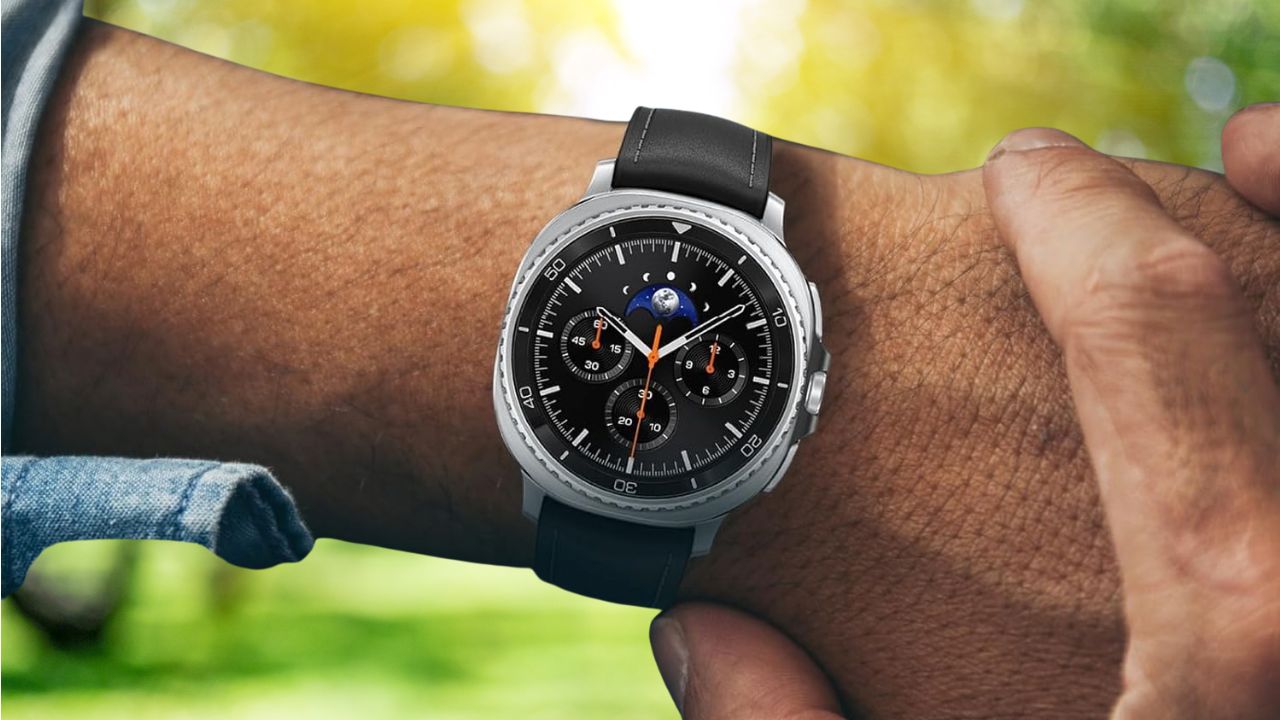
In order to know which smartwatch is best suited for your technology needs, we’ve reviewed Pebble Time and Apple Watch in terms of price, design, battery life & functionality.
Did you know that you can save on your data plan or play a hidden game when you’re offline? Find out how to improve your Chrome for Android experience.
In order to keep your phone or tablet up and running in a way that does not require electricity, consider one of these five eco-friendly charging devices.
Late in January 2015, Microsoft’s system chief said in an announcement that Windows 10 will come as a free upgrade. What’s with this change? Let’s find out.
One of the best security practices is to rename the Administrator account to deter attackers. Here’s how to rename the Administrator account in Windows.
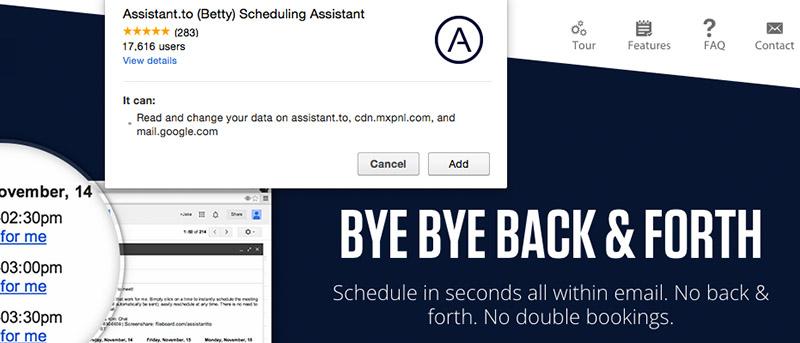
You can have hassle-free meetings & Skype calls with the smart scheduling Chrome extension, Assistant.to. Find out the features that caught our attention.
Have you ever received a cryptic error message while browsing Google Play? Here are eight of the most common Google Play store errors and their solutions.
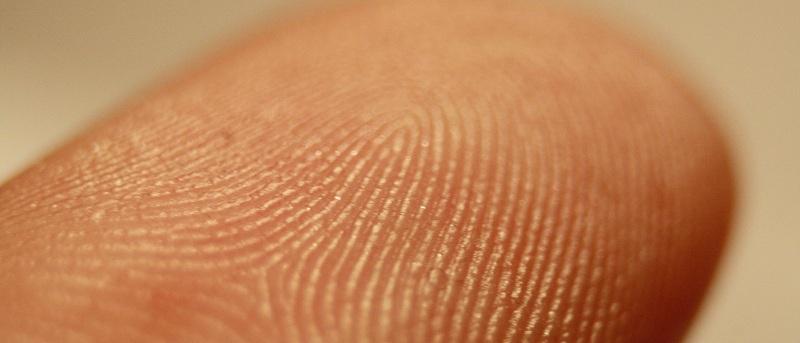
Using your fingerprint or retina to authorize yourself into an account has been around for a long time., but will it become the future of online banking? Let’s find out.
Power Toggles is an Android app that lets you put shortcuts for various system settings on your homescreen; it’s a huge time-saver. Read all about it here.
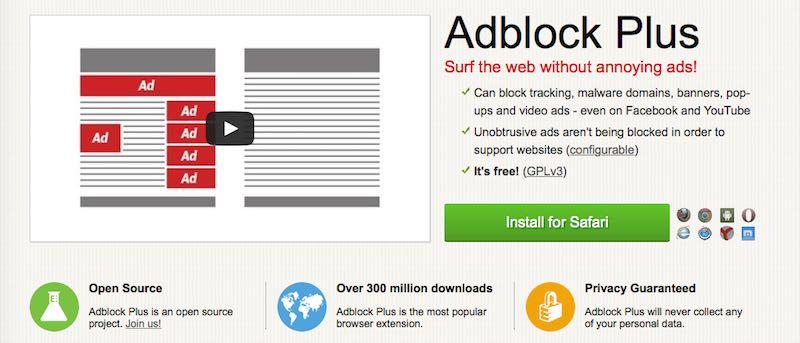
There isn’t anyone who uses the Internet regularly who hasn’t been bothered by ads. No one wants to go through the extra steps of adblocking, but is it a necessary evil?
Want to temporarily see your password as you type it in the password field? Try installing a Firefox add-on called Show Password Field for convenience.