I’ve been using Google TV for a while now, and if there’s one thing I’ve learned, it’s that most smart TVs are nothing more than a row of streaming apps, irrelevant recommendations, and a sluggish interface. The hardware is usually fine, but the software feels restricted, slow, and locked down. But I didn’t give in to that experience. With a handful of open-source apps, I’ve managed to turn my smart TV into something actually useful. These apps let me run my own media server, stream live TV the way I want, transfer files easily, and more. If any of that sounds appealing, these seven open-source apps are worth your time.
Good to know: How to Clear Your Android TV Cache (and Why It’s Important)
Note: These apps can either be found in the Smart TV’s app store, or can be sideloaded.
1. Kodi
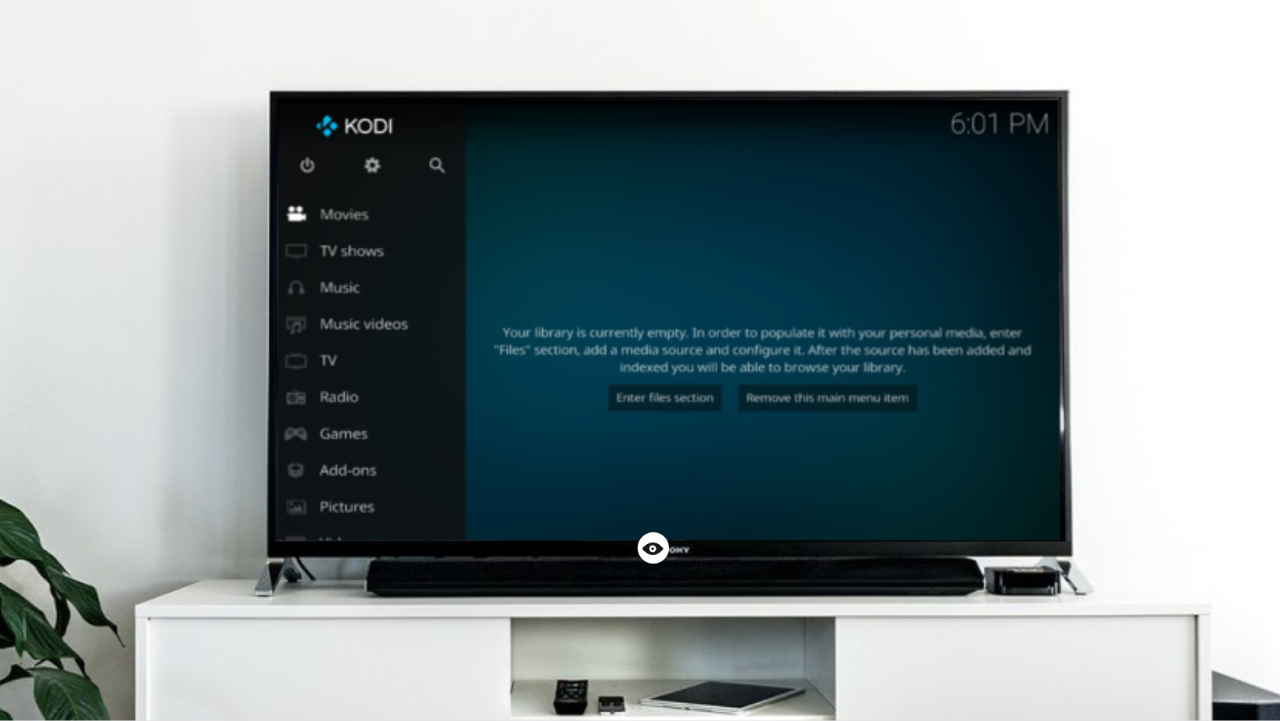
Kodi is a free, open-source media center that turns your TV into a hub for all your digital media. It features a 10-foot interface that works perfectly on a TV with a remote. It does not include content by default, but instead lets you organize and play your own media, such as videos, music, and photos, and extend functionality with add-ons.
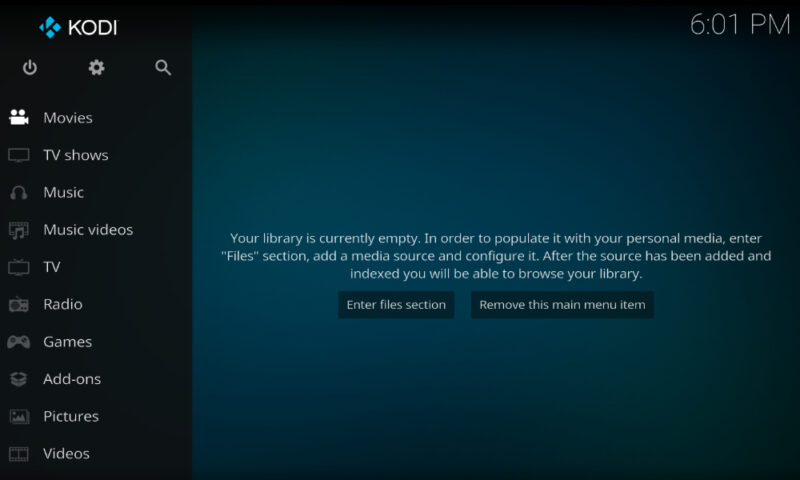
Kodi supports almost all popular audio and video formats, whether your files are on a USB drive, SD card, or a network server. Built for network playback, it can stream media from anywhere in your home or directly from the internet using nearly any protocol. Once you point Kodi to your media folders, it scans them and automatically creates a polished library with posters, descriptions, and fan artwork.
Through its add-on system, Kodi can connect to online services and content sources. You can install add-ons to watch YouTube, listen to podcasts, check the weather, enable live TV and PVR features, or even turn it into a gaming arcade machine.
2. Jellyfin
Similar to Kodi, Jellyfin is an open-source media server and client system, but with better features. It is, in fact, built as a community-driven alternative to Plex or Emby. You set up a server on a PC, NAS, or even an Android device to host your movies, TV shows, music, and photos. The Jellyfin Android TV app then connects to that server and streams your content on the big screen with an interface that feels similar to a premium streaming service. It is completely free, with no ads or tracking.
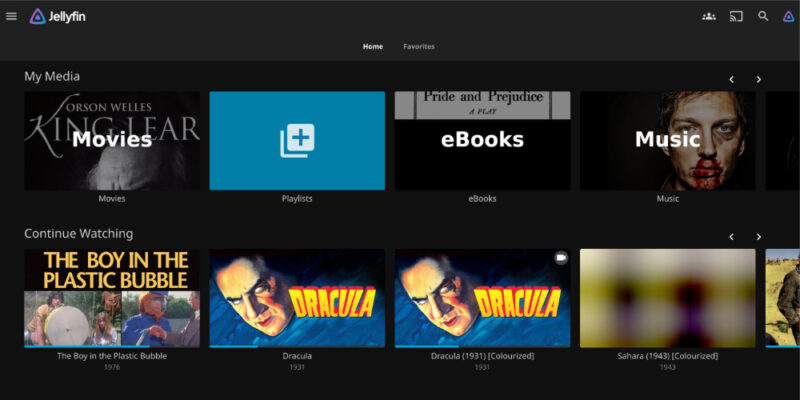
Jellyfin lets you browse and play all the content from your server on your TV. It supports movies, TV series with proper season and episode organization, music libraries, photos, and more. Everything appears with cover art, descriptions, and subtitles if they are available, giving your personal library the feel of a streaming platform.
If your Jellyfin server is configured with a TV tuner or an IPTV source, you can watch live TV and recorded shows through the Jellyfin app.
3. NextPVR
NextPVR is a great option for cord-cutters who still want a traditional TV viewing experience on their own terms. It is a personal video recorder system that works as an open and free alternative to DVRs like TiVo.
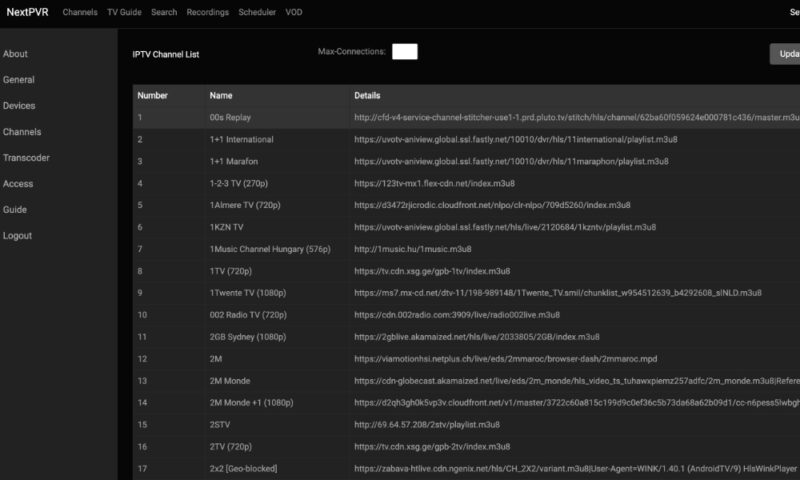
You run a NextPVR server on a computer running Windows, Linux, or macOS that has access to a TV tuner, whether it is an antenna or cable tuner, or a compatible network tuner device. The NextPVR Android TV app acts as the client, allowing your Android TV to stream live television from that server, view program guides, and schedule or play recordings.
NextPVR offers all the features you would expect from a TV system. You can watch live TV and bring up an on-screen TV Guide to check what is currently airing or what is coming up next. The interface is remote-friendly and feels similar to a standard cable or satellite guide, which makes it easy for everyone in the house to use. You can schedule recordings of your favorite shows, either as one-time recordings or as a repeating series, and then watch them later on your TV whenever you want.
4. LocalSend
LocalSend is an open-source file transfer app that lets you send files between devices on your local network. It works like AirDrop or Nearby Share, but is completely cross-platform and private.
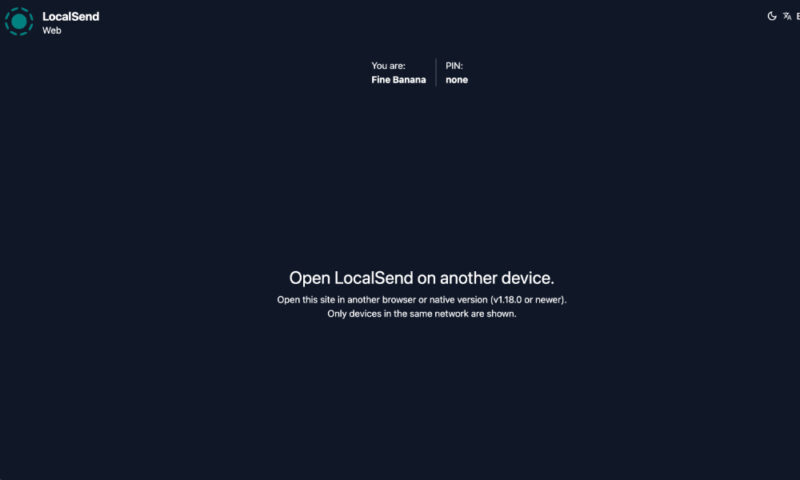
With LocalSend on your TV, you can wirelessly receive or send files from your phone, PC, or any device that also has LocalSend installed. I find it very useful for sending videos, APKs, photos, and even documents from my phone to the TV.
Transfers are fast and private, and communication is encrypted over HTTPS. The app is available on Android, iOS, Windows, macOS, and Linux, so any device on the same Wi-Fi can share files with your TV.
5. DTVFree Web Browser
DTVFree is an open-source web browser built specifically for Android TV, Google TV, and Fire TV devices. It is designed for remote control navigation and offers a smoother browsing experience compared to desktop-style browsers that are hard to use on a TV. It lets you open websites, read articles, stream from web pages, and perform quick searches directly on your TV without needing a phone or PC.
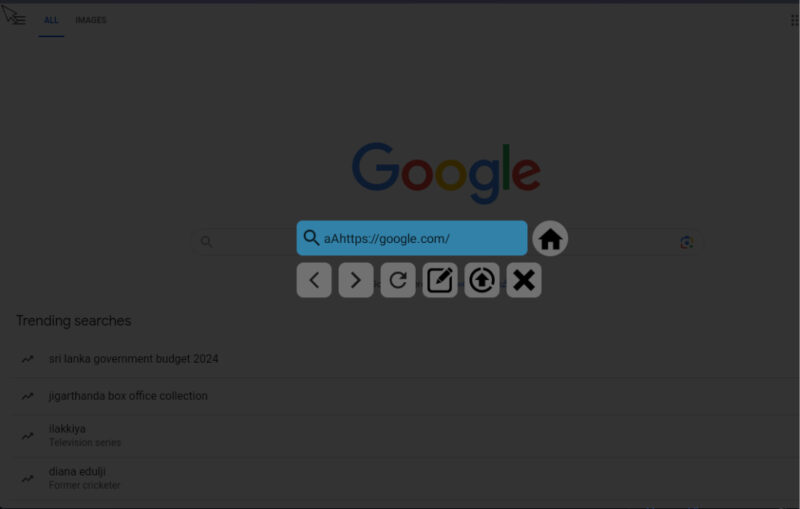
DTVFree features a TV-friendly interface that works with the D-pad on your remote. It includes a virtual cursor that you can toggle for websites that require precise clicking or scrolling. It also supports voice search using the built-in Android TV voice system, making it easy to enter long queries without typing.
6. TVHeadend
TVHeadend is an open-source TV streaming server and DVR similar to NextPVR. It runs on a separate machine, such as a Linux PC, NAS, or Raspberry Pi. TVHeadend takes input from antenna tuners, satellite receivers, or IPTV streams and makes those channels available over your home network.
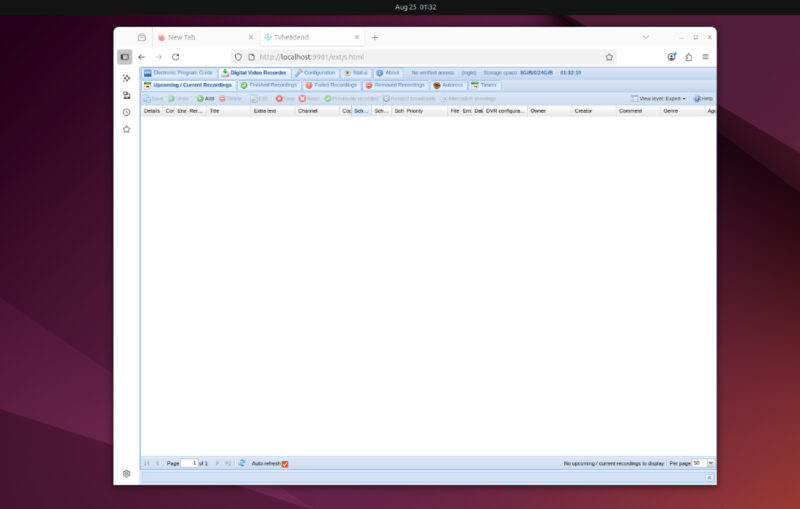
Your TV can then connect to TVHeadend using apps like Kodi, TiviMate, or Live Channels to watch live TV with full DVR control. It essentially acts like your own private cable backend that feeds channels to any TV or device in the house.
Once configured, TVHeadend lets your TV browse and stream live channels, view an electronic program guide, and schedule recordings just like a commercial DVR. You can pause or rewind live TV if timeshifting is enabled on the server. Recordings are stored on the server and can be played back from the same TV interface.
A major advantage is that TVHeadend can merge multiple sources. You can combine antenna channels, satellite feeds, and IPTV streams into one unified channel list, complete with channel logos and guide data. On the TV side, you just see one clean list of channels, regardless of where they are coming from.
7. VLC
You are probably already using VLC on your PC or phone, but you can also install it on your TV to play local files. The well-known media player plays almost any video or audio format, and the Android TV version brings the same flexibility to your TV.
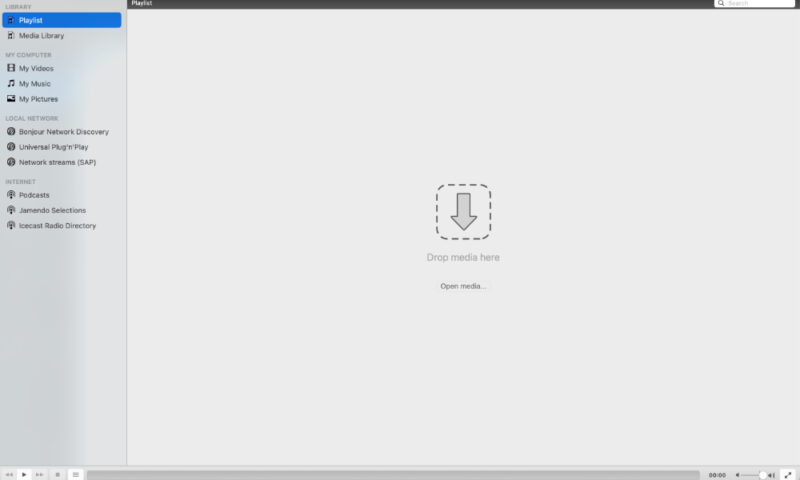
VLC supports a wide range of formats and codecs, including MKV, MP4, AVI, AC3, high-bitrate 4K videos, and older formats. It also handles subtitles, multiple audio tracks, and even DVD or Blu-ray folders and ISO images. On your TV, it presents a clean interface with separate sections for video, audio, and browsing storage.
It can also play media from network shares like SMB or NFS, DLNA/UPnP servers, or direct stream URLs. You can paste an IPTV link or access files from a NAS without needing a separate streaming app. VLC remembers playback positions and offers playback controls like speed adjustment, background audio playback, and an equalizer. There are also many more things you can do with VLC.
Open-source apps give you control over your data and let you decide what you want in a service. You can take this even further, from both a privacy and control standpoint, by self-hosting these apps. If you’re not sure where to start, here are some of our favorite self-hosted apps to try. And if you’re tired of the ads and cluttered interface on your TV, switching to Projectivy Launcher might be a good idea.