It would be very hard to not notice that artificial intelligence is everywhere in the digital world. You can use AI to create images, draft emails, help you write a blog post, etc. It can also help you reach Inbox Zero much more quickly. Gemini is now providing summary cards for each email – for some users. But there are still a few ways you can get AI summaries in your Gmail, even if you don’t have access to this Gemini feature.
Getting Gemini Summary Cards
Google announced that it is rolling out a feature that will allow you to have Gemini create summary cards for your emails. This time-saving feature could help you clear out that inbox in no time.
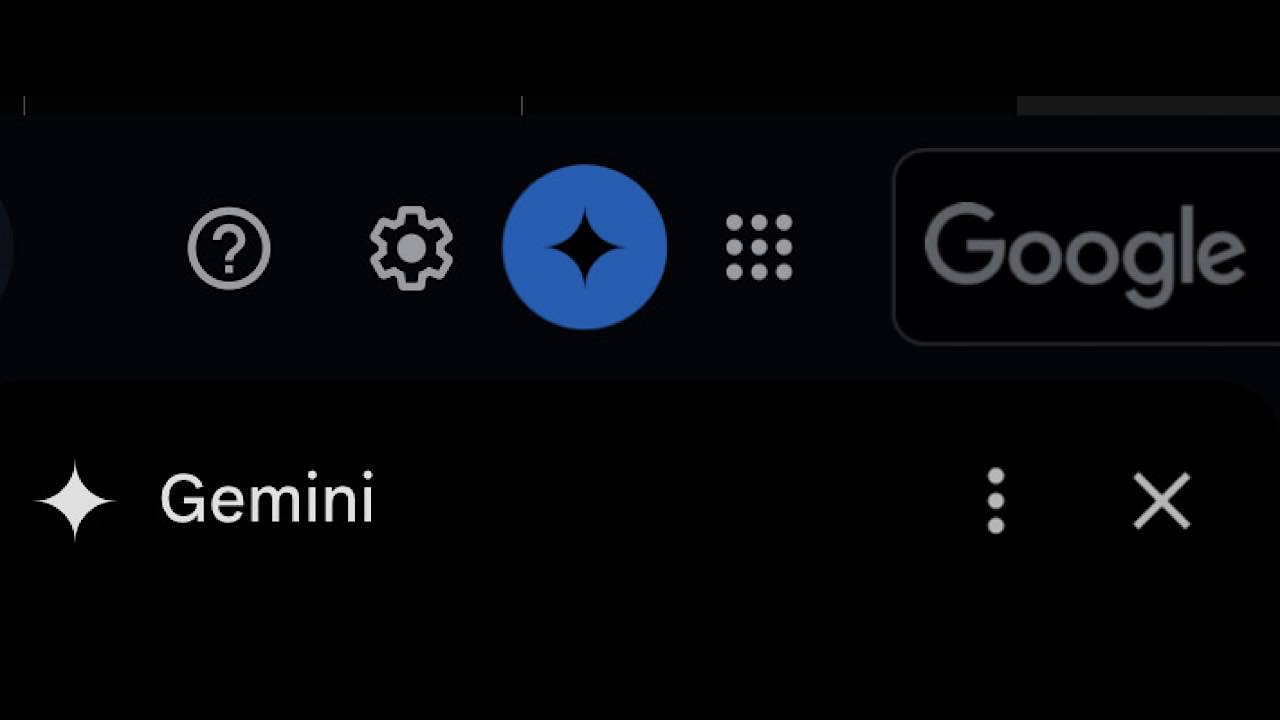
Open either the Gmail app or Gmail in your browser, open an email, and you will have a summary. If you don’t see a summary but would like one, there is an AI button at the top of each email that allows you to click it to see a summary.
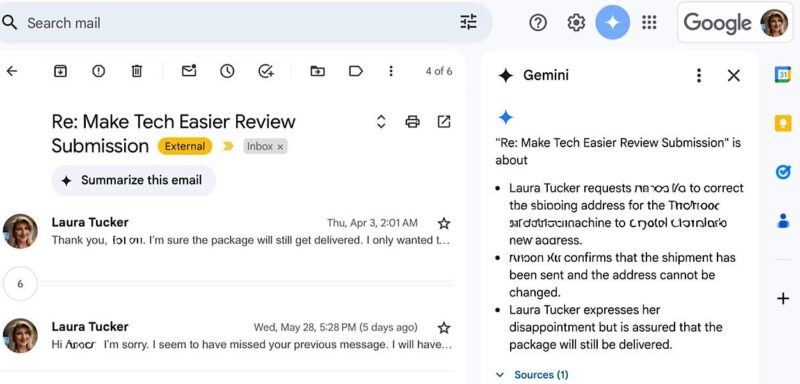
Likewise, you can turn the summaries option off if you do not want to see them.
Be aware of two things: for one, not every message can be summarized. For instance, if you have a message that only has images, there is nothing to summarize. Additionally, you have to have a Google Workspace or Google One AI Premium subscription. Admittedly, this is very limiting.
How to Get AI Summaries Without Gemini
If you don’t have a Google Workspace or Google One AI Premium subscription, you can still get AI summaries, even without Gemini. In fact, you can get summaries for any email account, not just Gmail, and on either mobile or desktop.
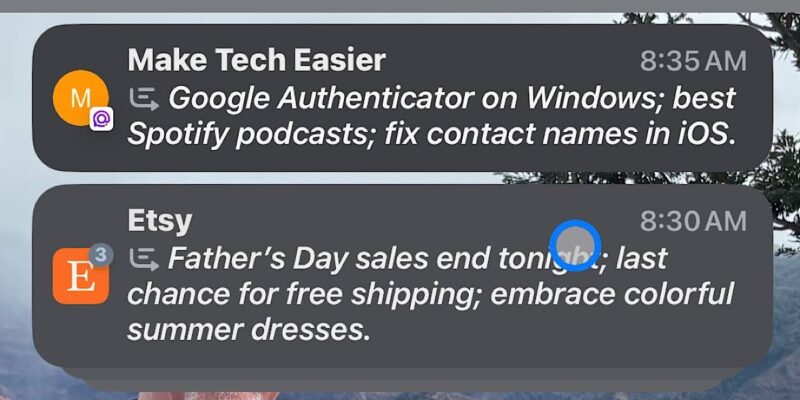
All you need is a mail service that provides the AI summary service. For instance, on my iPad and iPhone, I received notifications with summaries of the incoming emails that it decides are important. It does the same in my list of emails in the Mail app. These are options I chose in Settings.
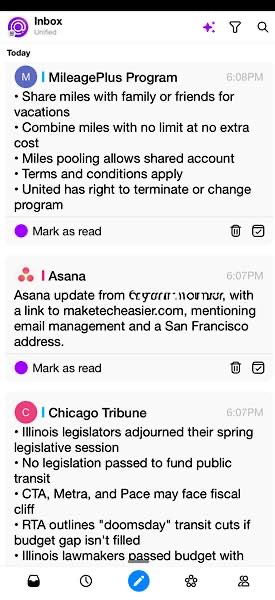
But the summaries I like better are in my third-party app, Spike. It provides much better summaries than Apple. It provides summaries that are more like what you would see from Gemini in Gmail.
Just as with Gmail, there is an AI button at the top that I click on and off. This allows me to see summaries only when I want them. It’s very time-saving to me. These summaries, I feel, are pretty spot on, summing up what was said, not just in the incoming message, but the entire email thread.
AI Email Summaries in Windows and Teams
There are plenty of other ways to get AI summaries in your Gmail. It seems like many services are providing this as a service. If you work in a team, you can use Hiver, a customer service platform. You can use your email to plan, collaborate, schedule, etc. All through email. Helping you out even more are AI summaries.
If you’re using Windows, you can summarize your emails with Copilot in Outlook. With this option, you can even summarize a file, such as a PDF or Word doc. Just as there is with iOS, there are a number of options for Android as well. Spike is available on Windows and Android too.
There are plenty of options, no matter your OS or device. AI is just in its toddler stage – it’s still growing by leaps and bounds. It’s the new way to create – either via words or images. Gemini brings other AI features to Gmail as well, such as smart replies and searching for information.
Learn how to enable AI actions in File Explorer and about AI chatbots you can try for free.