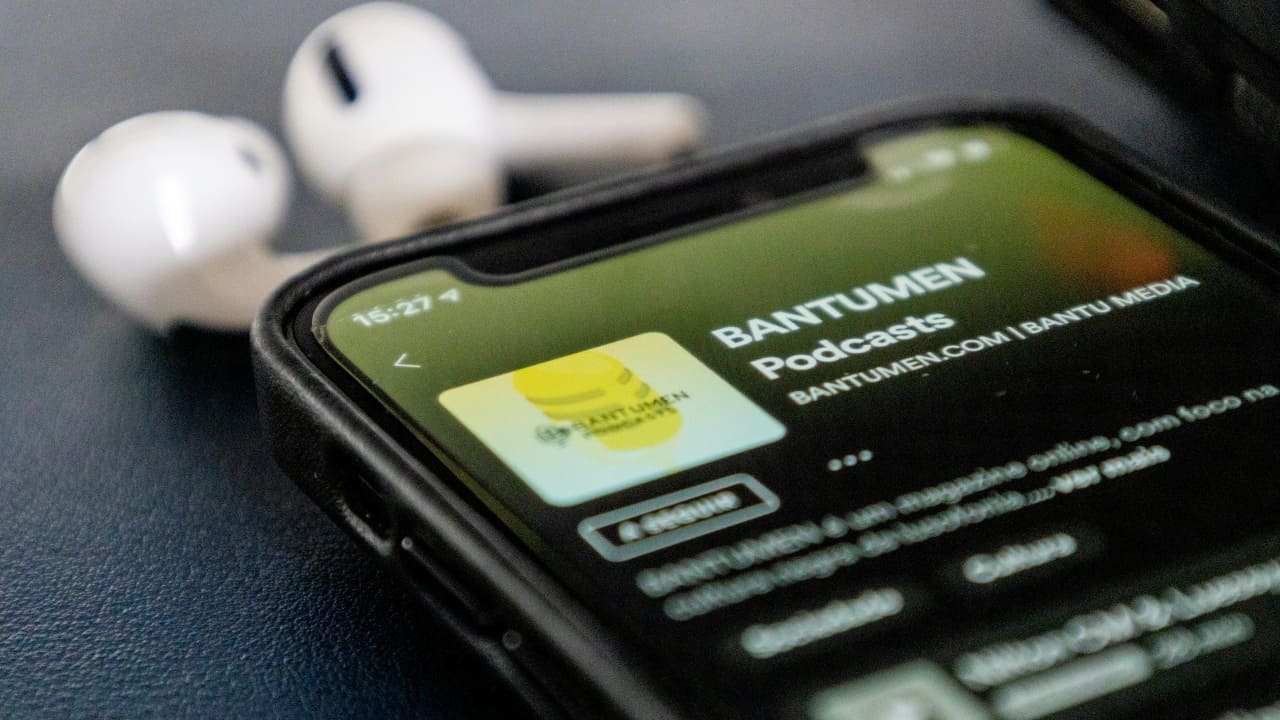
If you need another reason to make Spotify your primary podcast app, here is it. With its latest update, the app now includes a dedicated podcast feed designed to simplify discovery. Here’s how you can start making the most of Spotify’s newest podcast features.
Good to know: if you’re looking for new music to try, get acquainted with Spotify’s AI Playlist.
Unlock Spotify’s New Podcast Features
Spotify is upgrading its podcast game with new features designed to help you discover great podcasts. These features are currently rolling out in the mobile apps for premium and free users alike.
You’ll need to update your Spotify app before checking whether you can see these new options. Navigate to your Google Play Store or App Store. Search for Spotify and see if there’s an Update button underneath. If there’s one, tap it to update the app to the latest version.
Now, open the Spotify app on your device and switch to Podcasts at the top.
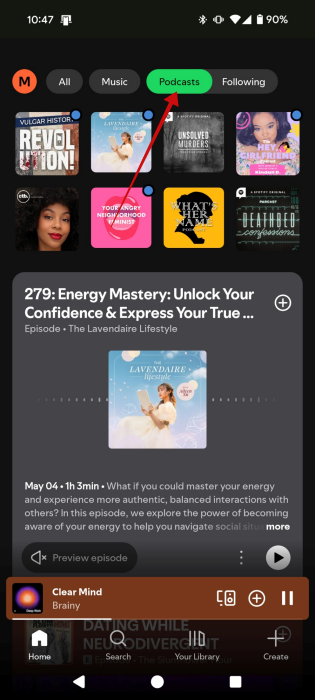
You’ll notice that as you do that, a new Following option will appear. Tap on it to view updates from the podcasts you already follow. Here you can browse through the latest episodes of your favorite podcasts, ensuring you will never miss a new addition. It’s especially handy.
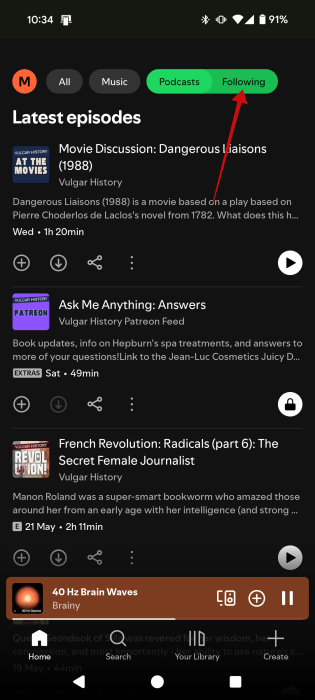
Note: if you can’t see the Following tab yet, it means that the update hasn’t reached your device. In which case, you’ll need to wait a while. Make sure you check the app store for any new updates on Spotify. It shouldn’t be long until you can tap into the new Podcast features.
Related: learn how to create a podcast playlist in Spotify.
Discover New Podcasts on Spotify
Before, I relied on searching for keywords to find new podcasts on the topics I was interested in. But with the new update, I can discover new podcasts just by browsing the Podcast tab.
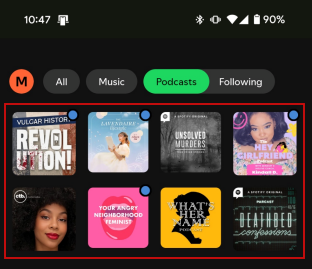
At the top, you’ll see all the podcasts we’ve been listening to lately. But if you need something new to listen to, start browsing below.
Check the Explore episodes for you section, which shows you podcasts similar to your shows, or based on recent listening.
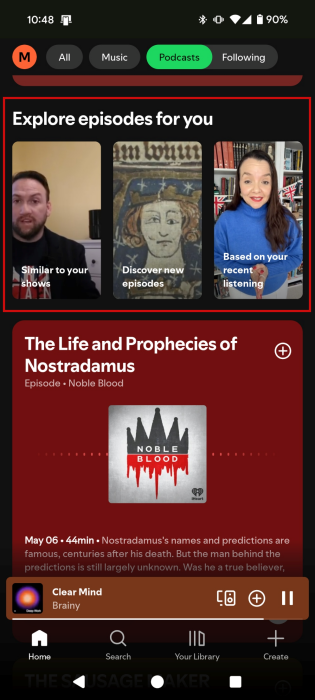
If you tap on one of the options, you’ll get a TikTok-like feed featuring podcast previews. Swipe up to move on to the next one.
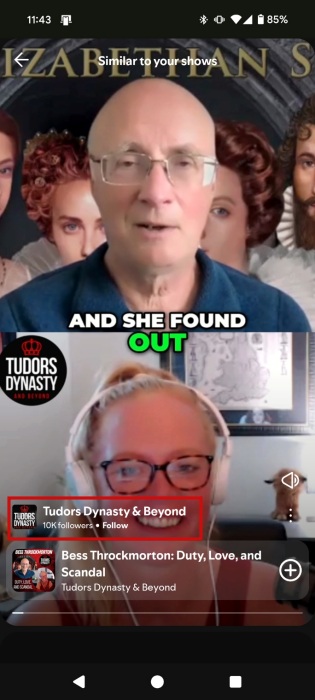
Tap on the name of the podcast below to go to the podcast page.
If you’re a big fan of a certain podcast and you want to discover similar podcasts, you’re in luck, because Spotify shows you specific suggestions for each of your favorites.
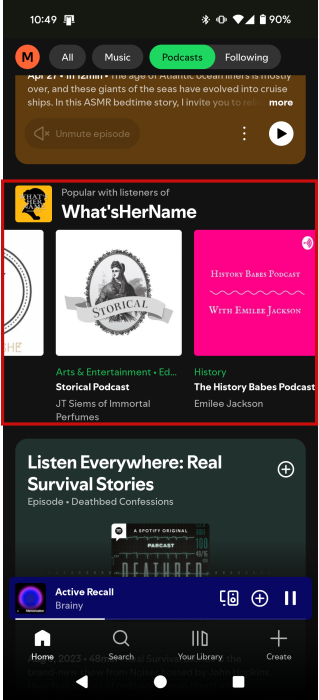
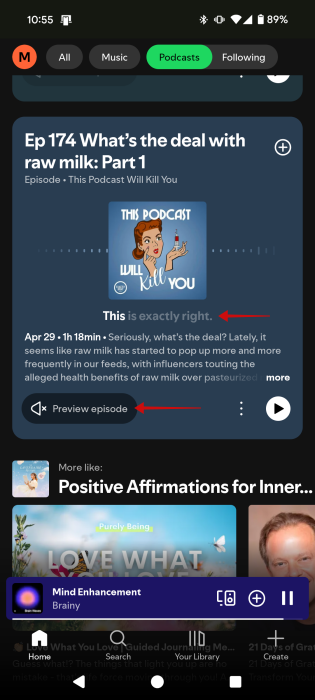
Spotify also highlights certain episodes it thinks you might enjoy in the main Podcasts feed. With the new update, there’s a Preview option which allows you to get an idea of what the podcast is all about, without actually having to start listening to it. Even better, the preview includes captions, allowing you to get a feel of the podcast, even when you can’t listen right away.
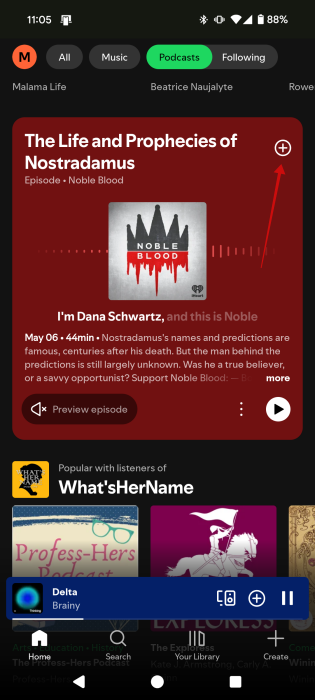
If you stumble upon something that seems appealing, simply press press on the + button on the episode card to add it to Your Episodes.
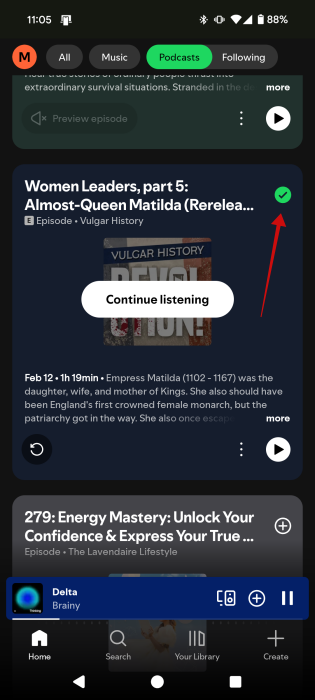
The + will turn into a checkmark icon. Press it again.
This will add the episode to a different playlist. Tap Done.
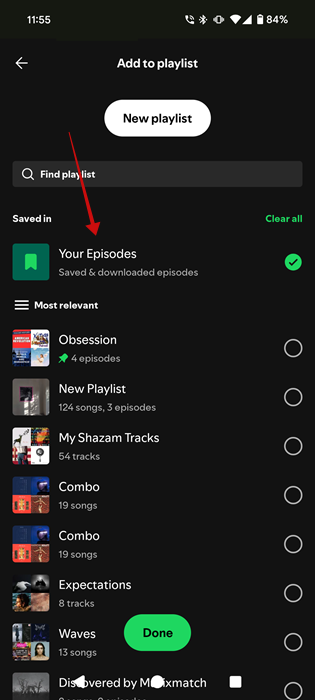
To find Your Episodes in Spotify, switch to Your Library at the bottom.
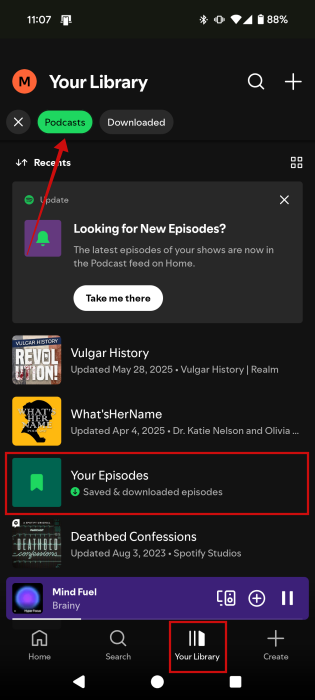
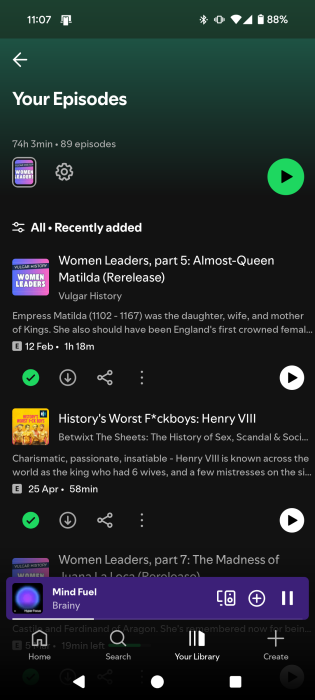
Tap on Podcasts at the top and select Your Episodes.
The podcast episode you’ve just added should be waiting for you there.
Tip: here’s how to share a song or a playlist on Spotify.
Access Podcast Transcripts and More
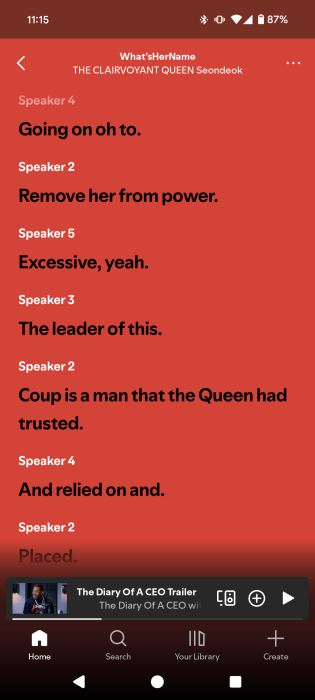
Can’t listen to a podcast right now, but you’re super curious about what they’re saying? Spotify lets you access transcripts.
Open the episode you’re targeting and swipe at the bottom. Select Episode transcript.
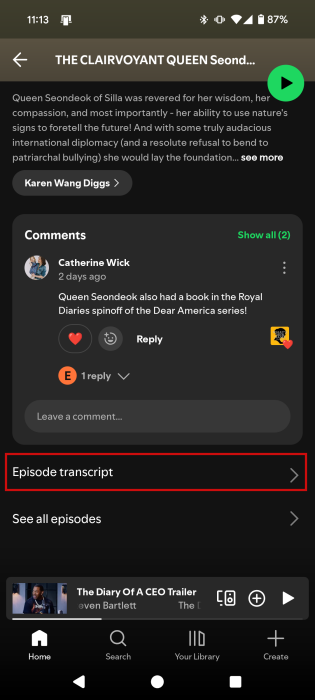
You can now read what the speakers are saying.
With the new update, Spotify also makes it easier to access songs or books that were mentioned or used in a particular podcast episode. You should find this info on the podcast episode page right underneath Comments (currently we’re not getting this feature.)
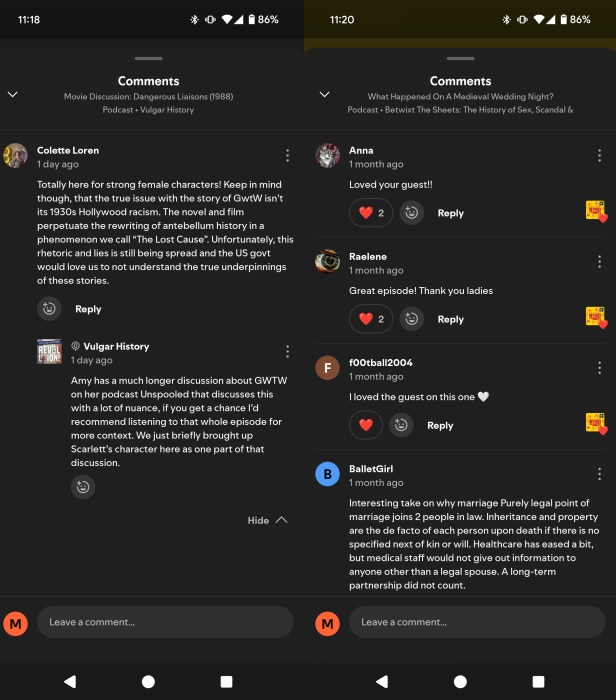
Speaking of comments, in a move to encourage more meaningful interaction, Spotify rolled out threaded discussions and emoji reactions within the app.
Spotify has been on a roll lately, adding all kinds of new features. For instance, learn how to interact with AI DJ and gain access to better music. The music streaming app has also updated its music controls.