Learn how you can add the “I’m Feeling Lucky” feature to the Chrome omnibox to search and direct to the first ranking for your search.
By Robert Zak – Jan 19, 2021
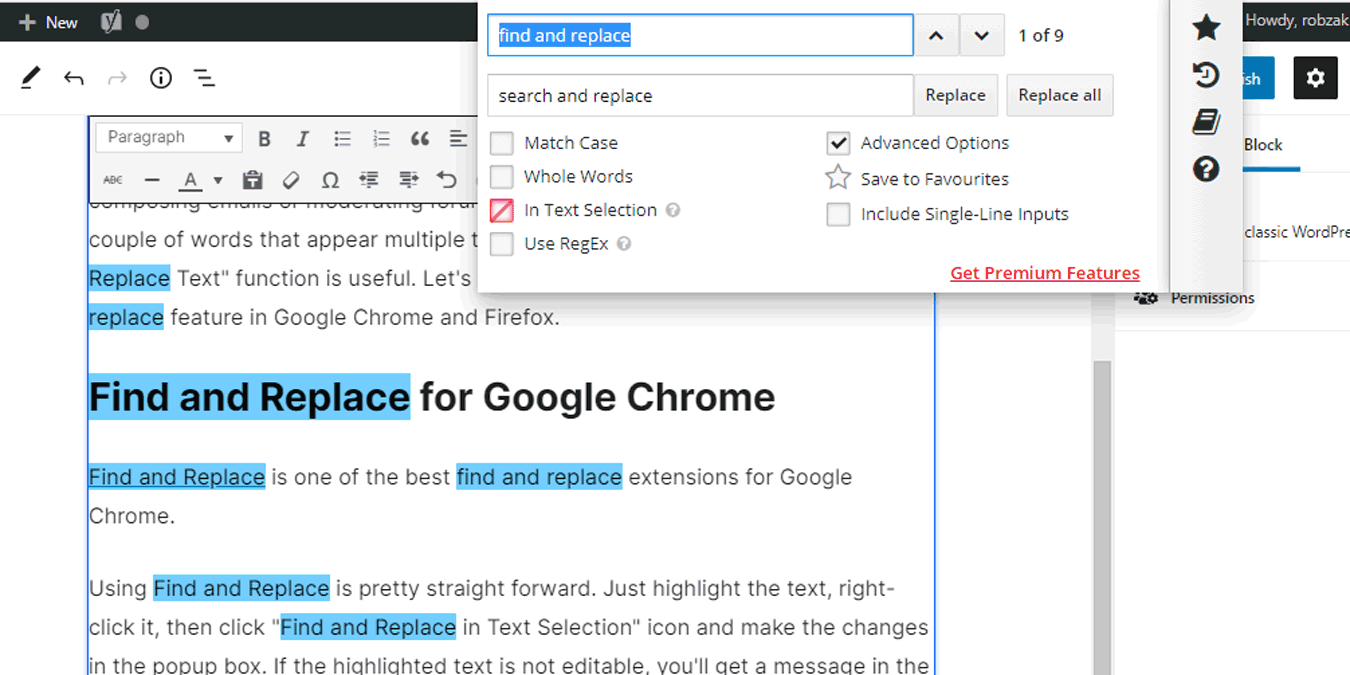
Most browsers don’t come with a “Find and Replace Text” function. Here’s how you can add the find-and-replace feature in Chrome and Firefox.
By Mike Tee – Jan 16, 2021
Are you starting to see too many targeted ads? Find out which companies are tracking you online and how to stop them.
By Jessica Thornsby – Jan 13, 2021
Does your life seem to revolve around waiting for Amazon deliveries? Make use of Amazon day to receive all deliveries on the same day.
By Jessica Thornsby – Jan 7, 2021
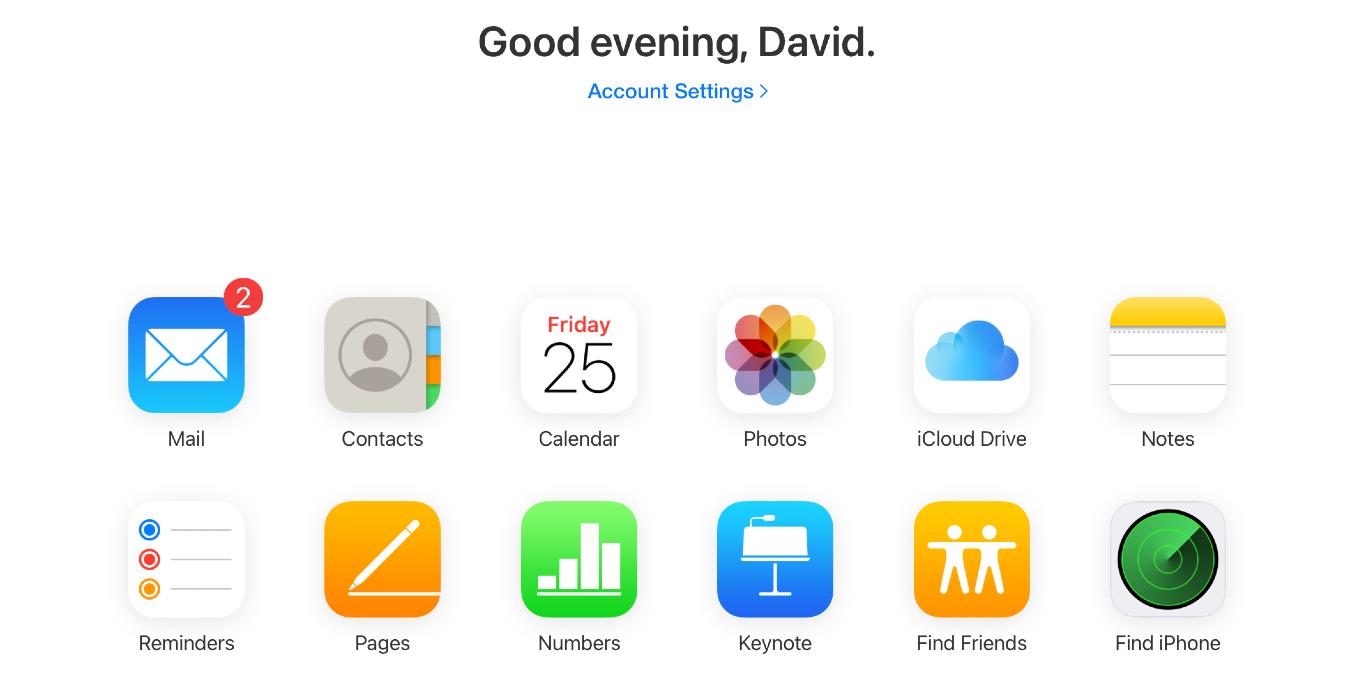
Before you start using iCloud, you need to log in to it. Find out how you can log into iCloud from different OS and devices.
By David Joz – Jan 4, 2021
Worried about online privacy? Find out how to automatically delete your browsing history across Safari, Google Chrome, and Mozilla Firefox!
By Jessica Thornsby – Jan 4, 2021
We often encounter websites which automatically play videos without your permission. Learn how you can mute a tab in any web browser.
By Sayak Boral – Jan 3, 2021
You know backups are necessary, but which option is best for you? See which option is best in the local backups vs. cloud backups battle.
By Crystal Crowder – Dec 29, 2020
Coding is a skill that the modern world practically demands children learn. Learn how to teach your children to code while in lockdown!
By Tom Rankin – Dec 26, 2020
Here we show you the easiest ways to run sidebar search for Google, Bing, YouTube, Wikipedia, and Twitter, on Firefox, Chrome and Edge.
By Sayak Boral – Dec 16, 2020
If your kids can’t visit Santa in person, do the next best thing. Find out how your kids can video chat with Santa, even on Christmas Eve.
By Crystal Crowder – Dec 12, 2020
Amazon Sidewalk is a Wi-Fi network that you share with your neighbors, and it’s enabled by default. Learn how to opt out of Amazon Sidewalk
By Ryan Lynch – Dec 9, 2020
Microsoft has released a free Zoom alternative called “Meet Now,” which supports up to 50 users. Here’s how you can get started using Meet Now.
By Sayak Boral – Dec 8, 2020
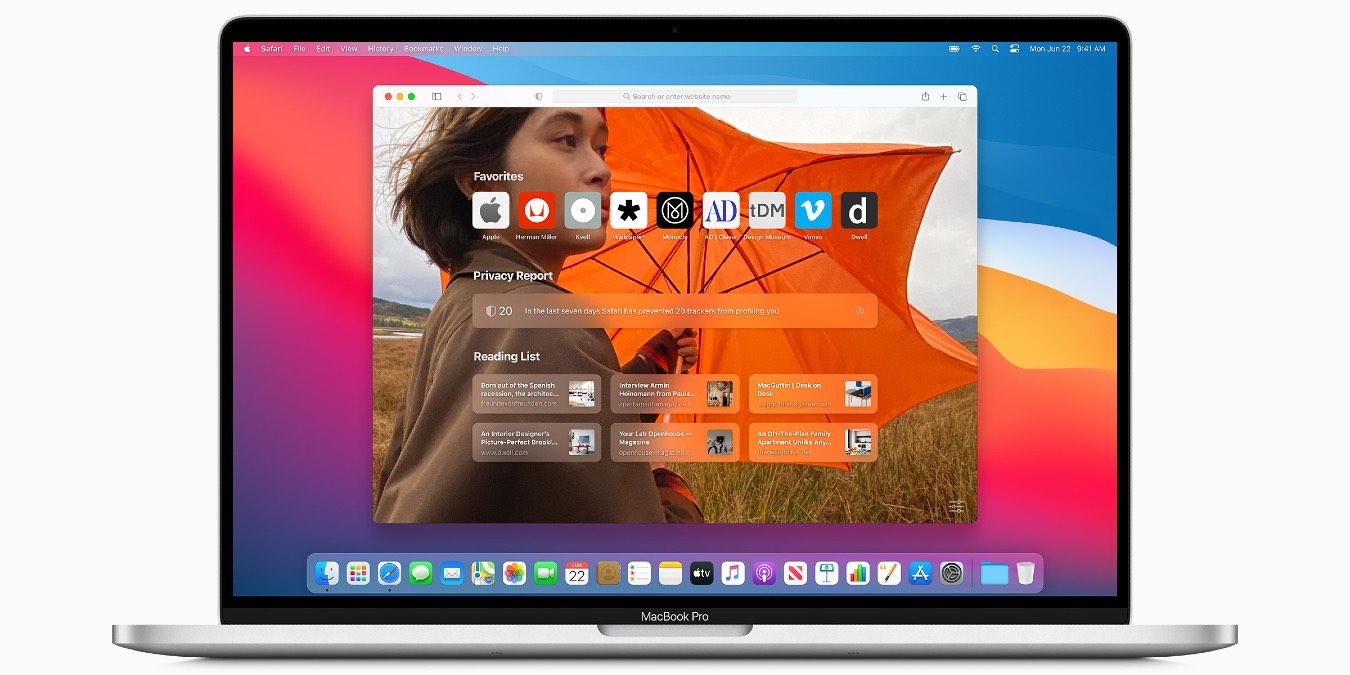
The release of Safari 14 on macOS Big Sur put an emphasis on privacy and speed. Let’s take a look at some of the best features of Safari 14.
By David Joz – Dec 5, 2020
Are you a YouTuber, concerned about YouTube’s ever-changing rules and regulations? Find out how you can dowload your own YouTube videos.
By Jessica Thornsby – Dec 4, 2020
If you’re looking for an easy way to create QR codes instantly in Google Chrome, here’s how to do it on both your desktop and mobile.
By Alexandra Arici – Dec 2, 2020
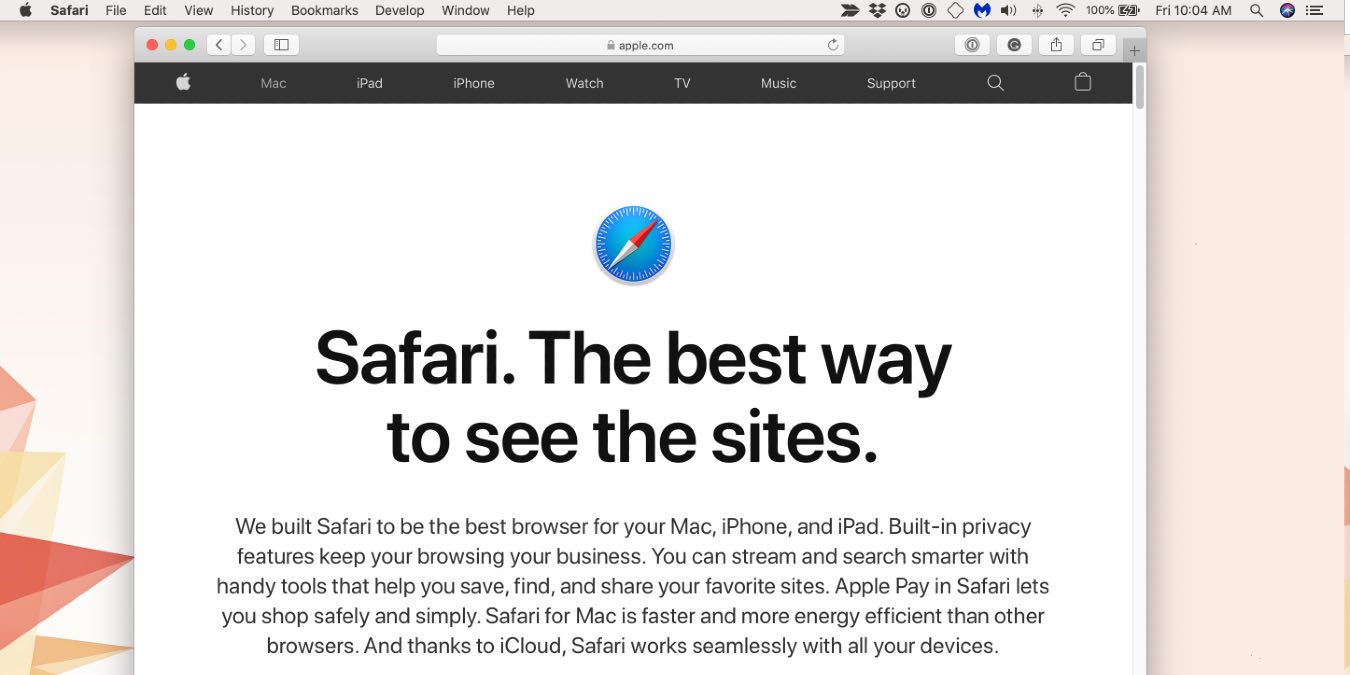
Since Safari 12, most of the browser’s extensions have been available via the macOS App Store. Here are the best Safari extensions you should use in 2020.
By David Joz – Nov 28, 2020
Here we show you a few things to take note of when you switch from Chrome to Vivaldi. Many of the steps work fine with other browsers, too.
By Mike Tee – Nov 22, 2020
If you have a Google voice account, you can use it for food delivery services. This way, you won’t be bothered by all the annoying messages.
By Ruben Circelli – Nov 21, 2020
All the tech giants have plenty of information on you. Find out how to download your personal data from Google, Facebook, Apple, and more.
By Jessica Thornsby – Nov 18, 2020
Pagination
Affiliate Disclosure: Make Tech Easier may earn commission on products purchased through our links, which supports the work we do for our readers.