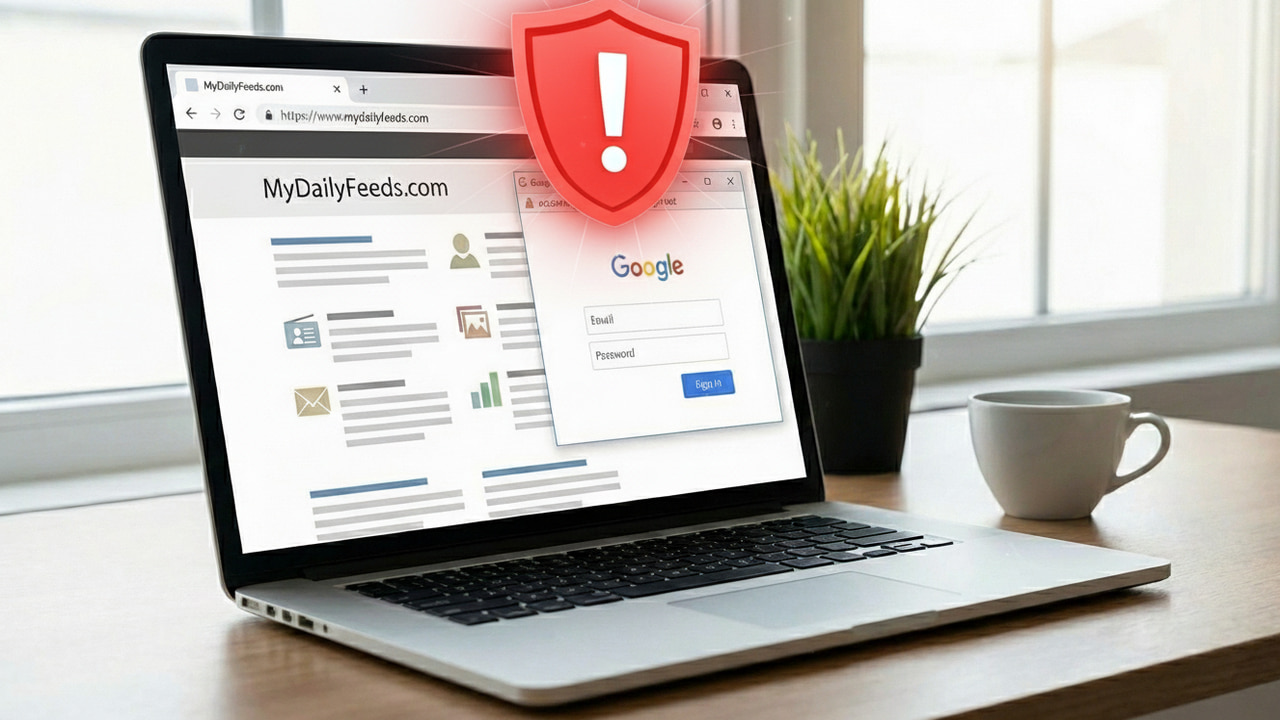
The biggest weakness of phishing attacks is that they can’t use the real website’s URL. However, a browser-in-the-browser (BitB) attack can cleverly circumvent this weakness, making it one of the most dangerous phishing attacks. Let’s learn how this attack works and what you can do to stay safe.
What is Browser-in-the-Browser Attack
As the name suggests, a browser-in-the-browser attack creates another fake browser window in a regular window. The fake window uses HTML/CSS to create a fake address bar, window elements, and any necessary buttons. The fake address bar can show the exact URL (like accounts.google.com), earning the user’s trust. If you log in through that page, your credentials get compromised.
This attack is mostly used to intercept third-party social login attempts, specifically the pop-up method. The pop-up child window is easier to fake, and the malicious page doesn’t need to move away from focus. However, it can be used to fake a full browser as well, by opening the window in full-screen mode with fake browser elements.
While this attack was originally a proof of concept, it was quickly picked up by hackers and used on a mass scale, including targeting gamers via Steam. Recently, it has become part of a popular phishing-as-a-service (Phaas) kit, Sneaky2FA. This means BitB attacks will become much more common now that anyone can easily buy and deploy it.
Even though it’s difficult to detect it at a glance, there are still some ways to protect yourself against it. Follow the methods below to ensure you don’t fall for a BitB attack.
Common Signs of a BitB attack
While the fake browser window might be very convincing, there are still some signs that you can look out for:
- The sign-in window immediately opens as soon as you click. A real sign-in window takes some time to fully open.
- A real secondary window has opening animations (unless visual effects are disabled) that a BitB attack will lack.
- On Windows, a real secondary window will change the browser icon in the taskbar to stacked visuals. A BitB attack won’t create a real secondary window.

- The fake window may not have a shadow, unlike a real one. The shadow gives an effect that the window is on top of the screen, which is distinguishable when absent.
Apart from these signs, a less sophisticated BitB attack can also have incorrect window elements, fonts, or buttons.
Interact With the Window Elements
BitB attack heavily depends on the user trusting what they see at a glance and providing credentials. It’s actually very easy to detect a BitB attack if the user interacts with the elements. If you are suspicious, you can interact in the following ways to confirm:
- Click the window and try to drag it out of the browser window. A fake window will not be able to move.
- Clicking on the address bar won’t allow you to enter text. Right-clicking will also not open the special context menu of the address bar.
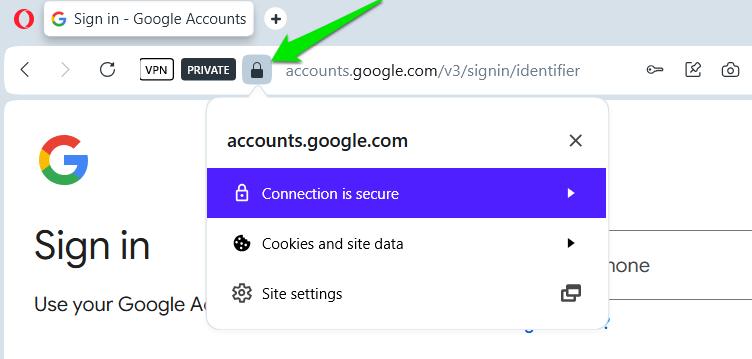
- You can click the padlock icon to see if it reveals more details. A fake browser window won’t show anything.
- If you click on the original window, the focus should change to it from the pop-up window. If focus doesn’t change, it’s fake.
Avoid the Popup Sign-in Method
Popup sign-in method is an outdated method; it often relies on third-party cookies (now phasing out), and it’s vulnerable to BitB and man-in-the-middle attacks. Companies have moved to the redirect method now, which is much more secure. However, the pop-up method is still used by websites that don’t want users to refresh the current page, like Pinterest.
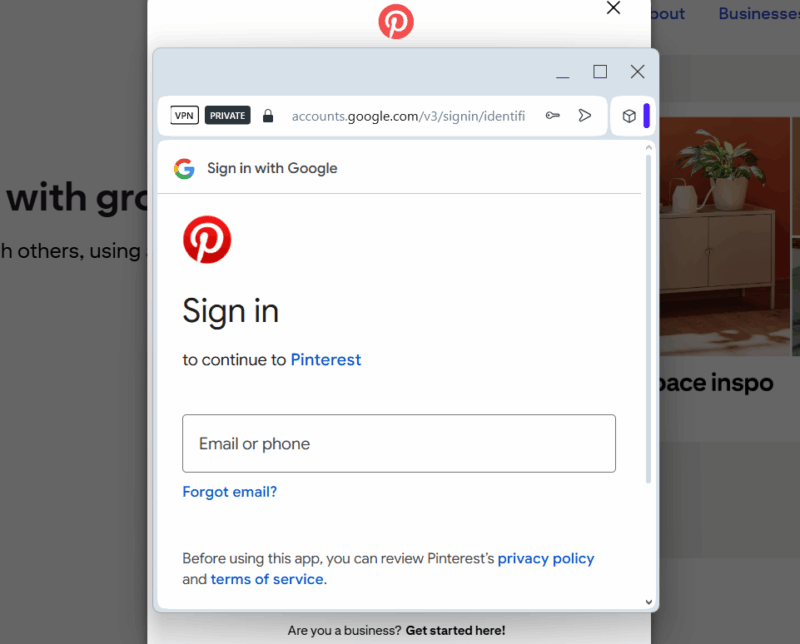
To avoid privacy and security issues associated with the pop-up method, it’s best not to use the third-party sign-in option on a website that uses the pop-up method. If not, at least fully investigate the pop-up before proceeding.
Use Autofill Function for Login Details
The autofill function of browsers or password managers is not only convenient but also more secure. The autofill function only works on the official sign-in page of a website, so it automatically avoids most types of phishing attempts, including BitB.
For best security, you should use a dedicated password manager to autofill passwords, like KeePass. You can also use the browser’s built-in autofill function if you want, but it’s a bit less secure for password storage.
Use Phishing-Resistant Authentication Methods
Using two-factor authentication is a strong deterrent to all phishing attacks, but sophisticated phishing attacks like BitB can trick some 2FA methods as well. For example, OTP-based 2FA methods can be intercepted by BitB to quickly log in as you enter details.
You should use a 2FA method like hardware security keys or use passwordless login using a passkey. Even prompt-based 2FA methods are resistant to phishing attacks like BitB.
While a secondary fake sign-in window is a common BitB attack tactic, it can also be used to fully take over the user’s screen, similar to a scareware attack. So always click the address bar to confirm whenever you are redirected to enter details anywhere.








