How To Run Multiple X Sessions Without Virtualization

X.org logoOne of the best things about a Linux system is its flexibility. Even though I’ve been a heavy Linux user for years, I still come across features in the OS a related applications that surprise me. A while back I learned to run multiple desktop environments at the same time, using nothing but the features of the software already built in to my distribution, and it’s been very useful for me. It may not sound like much, but it can be VERY useful to be able to run Gnome, KDE, Window Maker, and any other desktops all at the same time. You can flip from Gnome to Window Maker in seconds without having to log out or stop applications or use any kind of virtualization software. X already has everything you need.

How to use SSH X-forwarding to Run Remote Apps

200x-orgThere are times when it is just quicker, easier or even necessary to use a graphical application, and there are also times when you might be away from the computer that has your crucial applications installed. Whatever the scenario, Linux and other operating systems running an X server have the ability to forward a graphical application through SSH. Following a few simple steps, you can run a remote application in all of its full graphical glory.

How To Setup Dual Monitors With XRandR

xrandr-screens-scaled

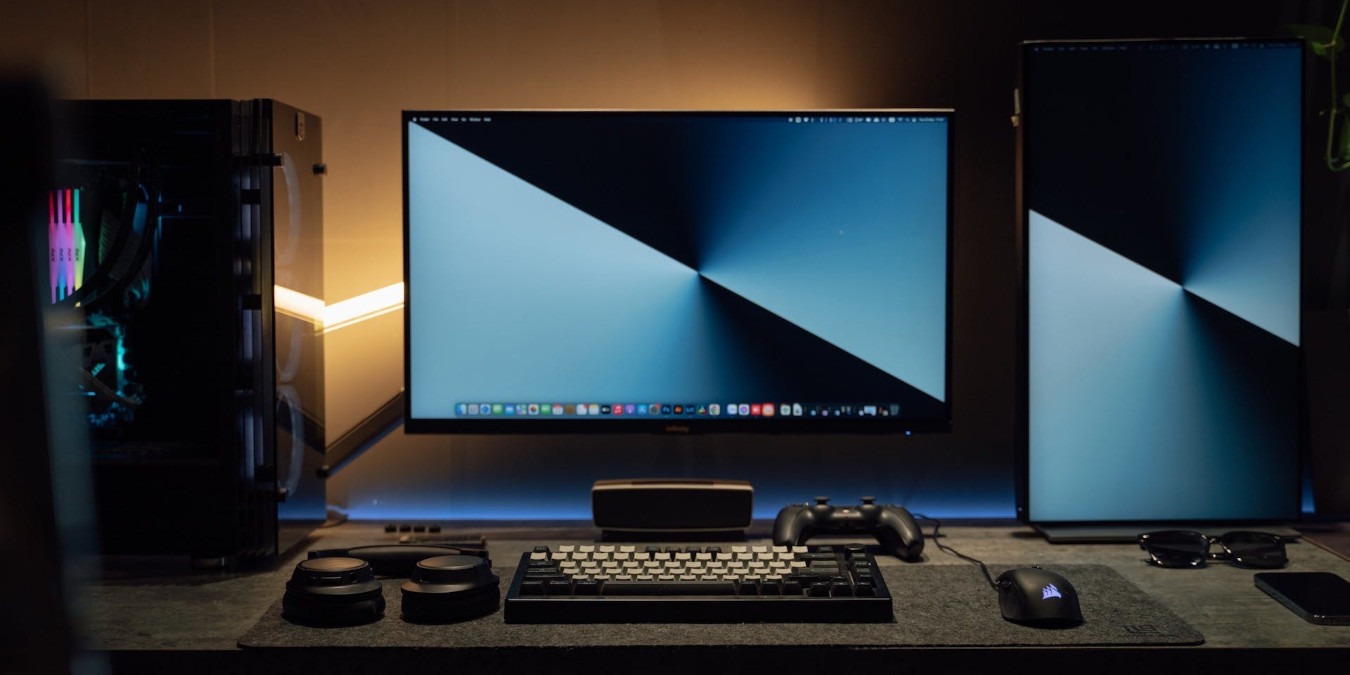
Dual monitor setup in Linux has never been easier. While methods such as the xinerama extension sometimes drive people insane, using RandR (Resize and Rotate) is quick and painless. This will allow you to use both monitors as one big screen instead of two identical ones (cloning). Follow these simple steps to get started.

Note: This HOWTO assumes that you are using the opensource drivers for your video card (ATI or Intel). Nvidia and AMD proprietary drivers come with their dual screen components.

How To Create A Great Window Maker Desktop

Window Maker/GNUstep LogoIf you’ve never used Window Maker on your Linux desktop, you’re missing out. I’ve dabbled in nearly every window manager/desktop environment out there, and while all have their pros and cons, I always go back to Window Maker.

It’s elegant, functional, flexible, and FAST!  For those who like screenshots, this link is a Google Image search for Window Maker.

Window Maker was originally developed as a clone of the NeXTstep desktop, an ancestor of OSX.  NeXTstep was considered one of the most productive and innovative desktop environments of its time, and Window Maker has extended this legacy to modern hardware and software platforms.

Enough with the history, let’s get down to business.  For starters, you’ll want to get Window Maker installed.  Depending on your choice of Linux distribution, these first few steps can vary somewhat.  For the sake of this article, I’ll assume you’re running Ubuntu or another Debian derivative.

1